Written by: Doug Camplejohn, CEO & Co-Founder, Coffee | Last updated: July 16, 2026
Key Takeaways for Automating Your HubSpot Knowledge Base
- Manual ticket triage and stale knowledge-base articles cap deflection rates. Coffee Companion App adds intelligent automation on HubSpot Service Hub to close that gap.
- The six-step automation sequence connects via API, auto-logs activity, drafts AI articles, routes human review, powers workflow routing, and measures results.
- Prerequisites include HubSpot Service Hub access, custom ticket properties, email and calendar connectivity, workflow permissions, and baseline metrics captured before implementation.
- Thirty-day validation typically shows gains in deflection rate, resolution time, cost per ticket, and draft-to-publish rate when the full sequence runs consistently.
- See Coffee’s pricing and start your implementation. The six-step sequence described here is available on all plans.
Readiness Checklist for HubSpot, Email, and Workflow Access
Confirm these prerequisites before you run the six-step sequence so Coffee can connect cleanly and capture reliable data.
- HubSpot Service Hub: Knowledge Base and Workflows features must be available. Pitfall: Subscription tier affects which knowledge base API endpoints you can use.
- Custom ticket properties configured: At minimum, create properties for
kb_candidate(boolean),resolution_summary(multi-line text), anddeflection_source(dropdown). Pitfall: Missing custom properties push Coffee to default fields and create data collisions. - Google Workspace or Microsoft 365 connected: Coffee uses OAuth to your email and calendar environment to auto-log unstructured activity. Pitfall: Shared service accounts without calendar delegation create incomplete activity logs.
- HubSpot workflow permissions: The installing user needs the “Edit workflows” permission in HubSpot. Pitfall: Read-only admin roles cannot save the branching logic configured in Step 4.
- SSO reviewed: If your HubSpot portal uses SSO for the Help Center, confirm that the identity provider allows API-level write access for service accounts. Pitfall: SSO-enforced portals that block API tokens prevent Coffee from publishing articles programmatically.
- Baseline metrics captured: Pull recent ticket volume, average resolution time, and current deflection rate. These figures anchor the validation table in Step 6.
Step 1: Connect Coffee to HubSpot with the Knowledge Base API
Start by connecting Coffee to HubSpot so the agent can read tickets and publish knowledge-base drafts. Navigate to coffee.ai/connect and select HubSpot as your CRM. Coffee uses OAuth 2.0 with these required scopes: tickets, knowledge_base.articles.write, knowledge_base.articles.read, contacts, and timeline. Grant these scopes under your HubSpot private app settings, then paste the access token into Coffee’s integration panel.
If your portal enforces SSO for the Help Center, you need a service-account API token in HubSpot that bypasses the IdP redirect. This token supports programmatic article publishing and keeps agent login credentials separate. Once the token is configured, confirm the connection is live by checking Coffee’s dashboard for a green “HubSpot: Active” status and verifying that your existing Knowledge Base category tree appears.
The readiness signal for Step 2 is simple. Coffee must read at least one existing Knowledge Base article and write a test draft to a private category without a 403 error.
Step 2: Auto-Log Ticket Activity, Emails, and Call Transcripts
After the connection is live, Coffee’s agent scans your Google Workspace or Microsoft 365 environment and your HubSpot inbox integrations. Every inbound email, outbound reply, and call transcript tied to an open or resolved ticket is captured and written back to the matching HubSpot ticket record as a structured timeline activity.
Use these decision points for data capture:
- If the email thread matches a HubSpot contact record, Coffee logs the activity directly to that contact and the associated ticket.
- If no contact match exists, Coffee creates a stub contact, flags it for agent review, and logs the activity to a holding queue.
- If a call transcript is available from Zoom, Teams, or Google Meet via Coffee’s meeting bot, Coffee chunks the transcript, strips PII per KCS sanitization standards, and appends it to the ticket timeline.
These decision points ensure that every customer interaction, whether email, call, or unmatched contact, is captured and structured in HubSpot. The outcome metric for this step is 100% activity logging within 24 hours of connection, because incomplete logs create blind spots that block Coffee from identifying knowledge-base candidates in Step 3. IDC 2024 data shows agents save an average of 1.8 hours per day on ticket intake, classification, and knowledge search when AI handles these tasks, and complete activity logging supplies the raw material for that automation.
Step 3: Turn Solved Tickets into HubSpot Knowledge-Base Articles
Coffee monitors the kb_candidate property on every ticket so agents can flag reusable resolutions. When a ticket moves to “Closed” and kb_candidate = true, Coffee’s agent triggers an article-generation workflow. The agent uses a structured prompt that outputs five components: article title in customer search language, a one-paragraph problem description, numbered resolution steps, related issue types, and internal tags for HubSpot category assignment.
Before Coffee creates the draft, it sanitizes the source ticket by removing PII, account-specific credentials, SLA timestamps, and internal agent notes. This step aligns with NIST guidance on protecting personally identifiable information in ticket-to-article workflows and keeps published content safe.
Coffee publishes the draft to a private “Review” category in HubSpot and posts it to a designated Slack channel with a review SLA. Drafts that sit past the SLA trigger an automated Slack reminder and then escalate to the support lead. Writing a knowledge base article manually takes 20 to 45 minutes. Coffee cuts that work to under two minutes of agent review time per draft.
The target outcome is a higher draft-to-publish rate that matches recommended benchmarks for AI-assisted ticket-to-article pipelines. Teams that keep Help Centers current usually see stronger ticket deflection than teams with outdated content.
Step 4: Build Workflow Branching for Routing and Knowledge Gaps
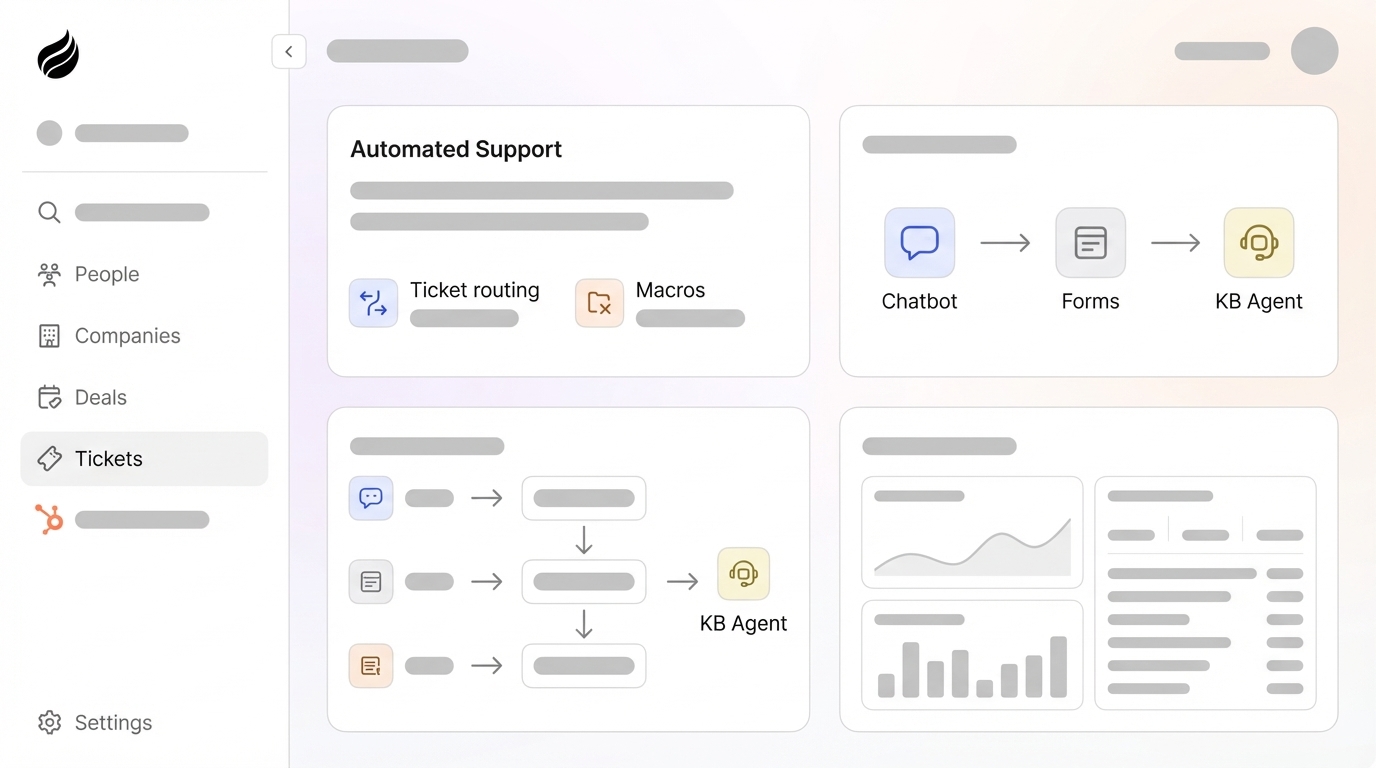
Use HubSpot Workflows to route tickets and surface gaps in your knowledge base. Create a ticket-based workflow with this trigger: Ticket is created AND ticket subject contains [keyword list]. Coffee fills the keyword list from the top 20 resolved ticket categories identified during the 90-day audit in your readiness phase.
Configure three branches that cover self-service, escalation, and gaps:
- Self-service branch: If a matching Knowledge Base article exists with a confidence score above Coffee’s threshold, send the customer an automated reply with the article link and set ticket status to “Pending customer.” No agent involvement is required.
- Escalation branch: If no matching article exists or confidence falls below the threshold, assign the ticket to the correct agent queue based on category and set
kb_candidate = trueso Step 3 can generate a draft later. - Knowledge-gap detection branch: If three or more tickets in a seven-day window share the same unresolved category, Coffee flags a knowledge gap, creates a HubSpot task for the support lead, and queues a draft article stub for SME completion.
Coffee writes routing decisions back to HubSpot as timeline events so you keep a full audit trail. Forrester’s 2025 CX automation study found that AI-powered routing reduced average handle time by 23% because tickets reached the right agent on the first attempt. The target outcome for this step is zero manual triage for tickets that match the configured keyword list.
Validation: Measure Deflection, Resolution Time, and Draft Quality
At the 30-day mark, run validation checks against your baseline metrics so you can confirm that Coffee is improving deflection and efficiency. The table below shows typical improvement ranges across four key performance indicators. Use these benchmarks to judge whether your implementation is tracking toward the gains that justify continued investment.
| Metric | Before Automation (Baseline) | After 30 Days with Coffee | Benchmark Source |
|---|---|---|---|
| Tier-1 ticket deflection rate | Below the 25-30% range for well-maintained centers (teams with stale Help Center) | Often improved with AI-enhanced KB with CRM integration | Zendesk Benchmark 2025; Forrester Self-Service Maturity 2025 |
| Average ticket resolution time | Typically between 6 and 10 minutes (human agents) | Can be as low as a few minutes (AI-resolved tickets) | Zendesk CX Trends 2026; Salesforce State of Service 2026 |
| Cost per resolved ticket | ranges from $6.00 to $13.50 (human-assisted channel) | Typically between $0.50 and $2.00 (AI-handled tickets) | Gartner 2025; Forrester 2025 |
| KB draft-to-publish rate | Low (no automated drafting) | Often 25% or higher in first month | Lowcode Agency ticket-to-article pipeline benchmarks |
Track user-adoption signals alongside these metrics so you can catch issues early. Focus on the percentage of agents using the kb_candidate tag on ticket close, Slack review-queue response rate within the five-day SLA, and the ratio of knowledge-gap tasks completed versus created. Gartner research finds that 67% of AI deployments fall below their projected deflection targets in the first six months, with knowledge base quality cited as the top blocker. These adoption signals act as leading indicators of whether your KB quality is on track.
Start your 30-day validation period with Coffee and track these four metrics against your own baseline.
Scaling Coffee for Starter, Growing, and Mature Teams
Once the 30-day validation period ends, expand Coffee’s scope in stages that match your team size and ticket volume.
- Starter (1–3 agents, under 500 tickets/month): Limit Coffee’s keyword list to one high-volume ticket category and keep the footprint focused. Manually review the first five article drafts before you enable auto-publish. Target a 10–20% deflection improvement within 60 days for covered categories, consistent with Lowcode Agency’s 60-day pipeline benchmarks.
- Growing (4–15 agents, 500–3,000 tickets/month): Expand the keyword list to the top 10 ticket categories and turn on Coffee’s knowledge-gap detection branch. Add a second Slack review channel segmented by category so specialists can review drafts faster. Target the mid-market deflection range established in the validation table above.
- Mature (15+ agents, 3,000+ tickets/month): Integrate Coffee with order management or billing systems to reach the 50%+ deflection range. Adding CRM and order-management integrations typically adds 20–30 percentage points to deflection quality compared with KB-only systems. Enable Coffee’s agentic escalation detection to reduce customer churn, based on Harvard Business Review 2025 findings that AI-powered escalation detection reduced customer churn by 18–22%.
Frequently Asked Questions About Coffee and HubSpot
How long does initial setup take?
Most HubSpot Service Hub teams complete the OAuth connection, custom property configuration, and first workflow branch within a few business days. The first AI-generated article draft usually appears within a few days of connection, once Coffee has processed the first batch of qualifying resolved tickets. Full deflection results require the complete six-step sequence to run for several weeks with a consistently staffed human review queue.
What security and compliance standards does Coffee meet?
Coffee is SOC 2 Type 2 and GDPR compliant. Data from HubSpot, Google Workspace, or Microsoft 365 never trains public AI models. Coffee sanitizes all ticket content used for article generation to remove PII, account-specific credentials, and internal agent notes before any draft is created. API tokens used for HubSpot Knowledge Base write access are encrypted and scoped to the minimum required permissions.
How does automation performance change as ticket volume grows?
Deflection rates usually improve as ticket volume increases because Coffee’s agent has more resolved tickets to learn from. Higher volume gives Coffee better data for generating article drafts and tuning routing confidence thresholds. Teams in the growing tier, with 500–3,000 tickets per month, often see deflection stabilize between 38–45% by Day 30 and continue improving through Month 3 as the knowledge base fills coverage gaps. Mature teams above 3,000 tickets per month that add billing or order-system integrations to Coffee’s data sources can reach 50%+ deflection, consistent with the CRM-plus-order-system integration tier documented in 2026 benchmark data.
Can the system handle HubSpot knowledge base SSO considerations?
Coffee’s HubSpot Knowledge Base API integration uses a dedicated service-account private app token that operates independently of your portal’s SSO configuration. Coffee can publish articles programmatically even when your Help Center requires SSO for human agent logins. If your IdP enforces IP allowlisting on API calls, add Coffee’s outbound IP ranges to your allowlist, using the values in Coffee’s onboarding documentation. SSO for end-user Help Center access remains unchanged and continues to function as configured in HubSpot.
Conclusion: Move from Manual Triage to Repeatable Deflection
This sequence gives HubSpot admins, RevOps leads, and support managers a repeatable, agent-led path from manual ticket triage to higher ticket deflection. Coffee Companion App supplies the automation layer that HubSpot Service Hub does not include natively: automatic activity logging from emails and call transcripts, AI-generated knowledge-base drafts from resolved tickets, and workflow branching that removes manual routing for qualifying ticket categories while preserving your existing CRM and team processes.
View Coffee’s pricing and request a demo to implement this six-step sequence in your HubSpot environment.