Written by: Doug Camplejohn, CEO & Co-Founder, Coffee
Key Takeaways
- Website visitor identification connects tracking pixels to CRMs so you can turn anonymous B2B traffic into named, enriched contacts ready for follow-up.
- Coffee runs the full identification workflow inside a single agent, which replaces multiple tools while still meeting consent requirements.
- Realistic company-level match rates range from 30–65% and person-level rates from 5–15%, and Coffee adds persona-matched Suggested Leads for targeted outreach.
- Integration requires a JavaScript pixel, ICP filters, and Slack or webhook connections so high-value visitors route to sales in real time.
- Turn anonymous website traffic into named, enriched pipeline today with Coffee.
Connect Coffee Visitor Identification to Your CRM
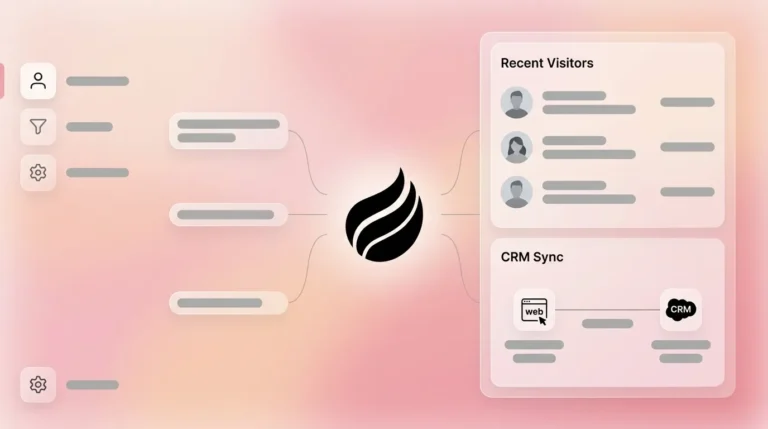
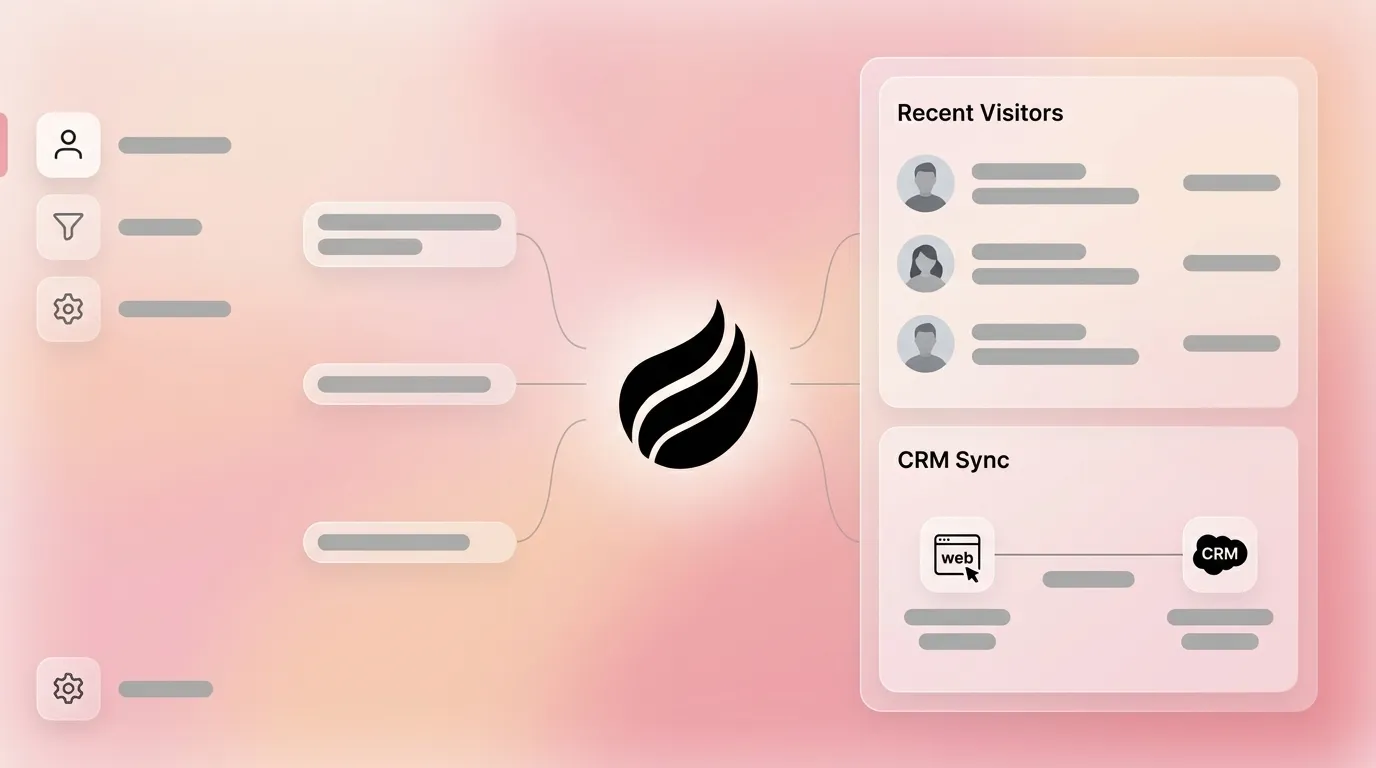
98% of B2B website visitors leave without filling out a form, so every anonymous session can represent missed pipeline. A standard architecture to close that gap follows a linear path. A JavaScript pixel fires on page load, captures IP address, cookie identifiers, and device signals, then forwards a structured payload to an identification engine. That engine matches the visitor against IP-to-company databases and identity graphs, appends firmographic and contact enrichment, and pushes the result to your CRM or alert channel through a webhook.
Inside Coffee, this entire path lives within a single agent, which removes the need to chain together separate tracking, enrichment, and routing tools. To begin, drop the Coffee pixel into your site's <head> tag:
<script> (function(c,o,f,f2,e,e2){ c['CoffeePixel']=e2;c[e2]=c[e2]||function(){ (c[e2].q=c[e2].q||[]).push(arguments)}; var s=o.createElement(f),t=o.getElementsByTagName(f)[0]; s.async=1;s.src=f2;t.parentNode.insertBefore(s,t); })(window,document,'script','https://pixel.coffee.ai/v1/track.js','cp','coffeePixel'); coffeePixel('init', 'YOUR_PIXEL_ID'); coffeePixel('track', 'PageView'); </script>Coffee verifies installation automatically and starts identifying visitors right away. The agent then infers name, title, email, LinkedIn profile, company, pages visited, time on site, and visit recency. You do not need to configure these fields manually.
5-Step Integration Checklist
- Generate your Coffee pixel ID from the Visitor Identification settings panel.
- Paste the pixel script into the
<head>tag of every page, or deploy it through Google Tag Manager. - Confirm pixel fire in Coffee's verification dashboard within 60 seconds of a test visit.
- Set your ICP filters such as industry, employee count, and funding stage to suppress non-target traffic from alerts.
- Connect your Slack workspace or webhook endpoint so you receive real-time routing notifications.
Ready to turn anonymous traffic into pipeline? Start identifying visitors with Coffee today.
Consent Requirements for Visitor Tracking and Identification
Under GDPR, IP addresses, cookie IDs, and device fingerprints qualify as personal data if they can identify or be linked to an individual, including pseudonymized data. GDPR requires opt-in consent before most tracking cookies fire, and it applies to any business worldwide that processes data from EU residents, regardless of company size or revenue.
CCPA defines personal information broadly to include IP addresses and browsing history that can be linked to a California resident, and this includes B2B traffic. California's 2026 CCPA regulations prohibit dark-pattern consent interfaces, so asymmetrical button sizes, “Ask Me Later” without a clear decline option, and countdown timers all fail compliance. California now also requires privacy risk assessments before starting processing that presents significant risk, which includes automated decision-making technology used in visitor identification workflows.
Organization-level identification via reverse IP lookup is generally GDPR-compliant because it identifies companies rather than individuals. Person-level identification, which resolves a named contact, carries higher regulatory exposure and requires a clear legal basis.
Consent Compliance Checklist
- Deploy a cookie banner that requires an affirmative click to accept. Closing the banner does not count as consent under 2026 CCPA guidance.
- Once a visitor opts in, honor Global Privacy Control (GPC) signals and display real-time confirmation that opt-out requests were processed.
- Ensure the opt-out path requires equal or fewer steps than the original opt-in flow.
- Maintain a data inventory and vendor list that covers your pixel provider and enrichment partners.
- Conduct a privacy risk assessment if your workflow uses automated decision-making to route or score visitors.
Coffee is SOC 2 Type 2 and GDPR compliant, and visitor data is never used to train public models. Beyond compliance, the distinction between company-level and person-level identification shapes both your achievable accuracy and your legal exposure.
Company-Level vs Person-Level Identification and Match Rates
The distinction between company-level and person-level identification determines both the accuracy and the legal complexity of your program. Realistic company-level match rates for B2B website visitor identification typically fall between 30–65% of total B2B traffic, while person-level match rates realistically land at 5–15%. Vendors that claim person-level match rates above 40% usually blend company and person metrics. Warmly reports person-level identification rates of 15% (typical) or 5–20% (real production benchmarks) on B2B traffic.
Remote work has reduced pure IP-based match rates because home connections resolve to consumer ISPs instead of corporate IP ranges. Many knowledge workers browse from home networks, so identity graphs and first-party cookie matching now play a critical role alongside IP lookup.
Coffee addresses this gap with Suggested Leads. Company-level tools surface an account name, and person-level tools often return a raw list of employees. Coffee's agent cross-references the visiting company against your defined buyer persona and surfaces two or three specific contacts, with LinkedIn profiles pre-loaded, who are most likely to be decision-makers. This shifts the workflow from simple identification to targeted outreach without leaving the agent.
Slack Alerts and Webhook Routing for High-Intent Visitors
A complete automated sales workflow using visitor identification consists of five steps: pixel identification, enrichment, ICP scoring, CRM record creation with ownership routing, and Slack alerts for high-value visitors. Coffee executes all five steps inside the agent.
When a visitor that matches your ICP triggers the pixel, Coffee sends a webhook payload to your configured endpoint:
{ "event": "visitor_identified", "timestamp": "2026-06-03T14:22:11Z", "visitor": { "name": "Sarah Chen", "title": "VP of Sales", "email": "s.chen@acmecorp.com", "linkedin": "https://linkedin.com/in/sarahchen", "company": "Acme Corp", "industry": "B2B SaaS", "employees": 120, "funding_stage": "Series B" }, "session": { "pages_viewed": ["/pricing", "/integrations"], "time_on_site_seconds": 214, "visit_type": "returning" }, "suggested_leads": [ {"name": "Sarah Chen", "title": "VP of Sales"}, {"name": "James Park", "title": "Head of RevOps"} ], "icp_score": 91 }RB2B delivers Slack alerts in under 5 minutes for US traffic, and Coffee matches that cadence while adding persona-matched Suggested Leads directly inside the notification. The rep receives a single Slack message that includes the visitor's identity, pages viewed, ICP score, and one-click options to add the contact to Coffee, send a LinkedIn connection request, or enroll the contact in an outbound sequence.
Route your first identified visitor in minutes by installing the Coffee pixel now.
How Coffee Compares to RB2B, Warmly, and Leadfeeder
The table below isolates four dimensions that decide whether visitor identification creates pipeline or only creates data. These dimensions are identification accuracy, actionability, Suggested Leads coverage, and native CRM agent integration. Identification accuracy determines how many visitors you can name. Actionability controls how quickly your team can reach them. Suggested Leads coverage shows whether you surface the right contact, not just any contact. Native CRM integration determines whether enriched records write automatically or require manual export. All figures are drawn from published vendor and independent research.
| Metric | Coffee | RB2B | Warmly | Leadfeeder |
|---|---|---|---|---|
| Identification accuracy | Person-level with identity graph + IP; realistic person-level 5–15%, company-level 30–65% | Person-level via LinkedIn matching for US traffic, no published independent match-rate figure | 15% (typical) or 5–20% (real production benchmarks) person-level on B2B traffic via waterfall across 20+ providers | 10–40% company-level via reverse IP, 5–20% person-level |
| Actionability | One-click LinkedIn outreach, email, or sequence enrollment inside the agent, plus real-time Slack and webhook routing | Real-time Slack alerts with LinkedIn profile and verified email, manual CRM entry required | AI signal orchestration with real-time chat engagement and automated CRM or Slack sequences | Bidirectional CRM sync with Salesforce, HubSpot, and Pipedrive, plus Slack and email alerts |
| Suggested Leads (persona-matched) | Yes, the agent surfaces 2–3 named contacts that match your buyer persona from the visiting company | No, surfaces the individual visitor only, not persona-matched alternatives | No, surfaces a visitor list without persona-matched ranking | No, company-level identification where contact surfacing requires manual filter setup |
| Native CRM agent integration | Yes, standalone CRM or Companion App for Salesforce and HubSpot, and the agent writes enriched records automatically | No, pushes to Slack or Teams while CRM sync requires a separate workflow | No, integrates with CRMs via sequences but operates as a separate platform | No, CRM sync is available but Leadfeeder remains a standalone tool outside the CRM |
RB2B, Warmly, and Leadfeeder each solve part of the identification problem. None closes the full loop from pixel fire to enriched CRM record with persona-matched Suggested Leads inside a single agent. Coffee closes that loop.
Pipeline Impact and Complete Integration Checklist
For a B2B company with 1,000 unique monthly B2B visitors, a 30% company-level match rate yields 300 identified companies. After ICP filtering and a 17% meeting rate on outreach, this produces roughly 5 meetings and $37,500 in monthly pipeline at a $30,000 average deal size and 25% win rate, against tool costs of $500–$2,000. 35–50% of B2B sales go to the vendor that responds first when a buying signal fires, per a Google and Corporate Executive Board white paper, so routing speed directly affects how much of that pipeline you actually capture.
Coffee's agent also saves several hours per rep per week on data entry by auto-creating and enriching contact and company records from visitor identification events. At a typical fully loaded rep cost, that time savings represents recovered selling capacity before the first deal closes, which compounds alongside the direct pipeline impact.
Complete 5-Step Integration Checklist
- Install the pixel. Deploy Coffee's tracking script through the
<head>tag or Tag Manager and verify installation in the dashboard. - Define your ICP filters. Set industry, company size, funding stage, and geography so non-target traffic does not trigger alerts or CRM writes.
- Configure Suggested Leads. Input your buyer persona, including title, seniority, and function, so the agent surfaces the right contacts from each visiting account.
- Connect routing channels. Link Slack and configure webhook endpoints for real-time alerts, then set ICP score thresholds such as 80 or higher to gate notifications.
- Activate CRM sync. For Salesforce or HubSpot users, authenticate the Coffee Companion App so enriched visitor records write directly to your system of record without manual entry.
Frequently Asked Questions
What is the difference between company-level and person-level website visitor identification?
Company-level identification uses reverse IP lookup to match a visitor's network address to a corporate IP range, which returns the organization name, industry, and firmographic data. It does not identify the specific individual browsing. Person-level identification goes further by cross-referencing IP data with cookie graphs, identity databases, and email-matching signals to resolve a named contact. Company-level identification is generally GDPR-compliant because it targets organizations rather than individuals. Person-level identification carries higher regulatory exposure and requires a clear legal basis under GDPR and CCPA. As noted earlier, company-level match rates typically fall between 30–65% and person-level rates between 5–15%. Coffee performs both and adds a third layer, Suggested Leads, which uses your buyer persona to recommend specific contacts inside a visiting company who are most likely to be decision-makers, even when that individual was not the one who visited.
How does Coffee's Suggested Leads feature differ from what RB2B and Warmly provide?
RB2B identifies the individual visitor and pushes their LinkedIn profile and email to a Slack alert. Warmly applies a waterfall of data providers to improve match rates and can trigger automated chat or CRM sequences. Both focus on surfacing who visited. Coffee's Suggested Leads feature addresses a different problem, because the person who browses your pricing page often is not the economic buyer. Coffee's agent cross-references the visiting company against your defined buyer persona, including title, seniority, and function, and surfaces two or three named contacts inside that company who match your ICP, with LinkedIn profiles ready for outreach. A visit from an engineer at a target account can still surface the VP of Sales and Head of RevOps as recommended outreach targets, which closes the gap between identification and actual pipeline creation.
Is Coffee's visitor identification compliant with GDPR and CCPA?
Yes. Coffee is SOC 2 Type 2 and GDPR compliant, and visitor data is never used to train public models. For GDPR compliance, Coffee's company-level identification via IP lookup targets organizations rather than individuals, which does not require individual consent under most interpretations. For person-level identification, Coffee operates within the consent framework you establish on your site. Under 2026 CCPA regulations, businesses must deploy compliant cookie banners that require affirmative consent, honor Global Privacy Control signals in real time, and conduct privacy risk assessments for automated decision-making workflows. Coffee's implementation guidance covers each of these requirements, and the agent's enrichment pipeline only uses data collected under your site's consent framework.
Can Coffee's visitor identification work alongside an existing Salesforce or HubSpot instance?
Yes. Coffee operates in two modes: as a standalone CRM for teams that want a modern system of record, and as a Companion App that layers the Coffee agent on top of an existing Salesforce or HubSpot installation. In Companion App mode, visitor identification events trigger the agent to create or update contact and company records directly inside Salesforce or HubSpot, with all enrichment pre-filled. Ownership assignment, field mapping, and required-field compliance all respect your existing CRM configuration. RevOps teams do not need to rebuild their system of record or run a parallel database, because Coffee writes clean, enriched visitor data into the CRM they already use and removes the fragmented workflow created by standalone visitor identification tools that require manual export and import steps.
What ROI should a B2B RevOps team realistically expect from website visitor identification integration?
ROI depends on monthly B2B traffic volume, average deal size, win rate, and current SDR capacity. A practical framework uses your monthly unique B2B visitor count, then applies a realistic company-level match rate to get identified accounts. You then filter by ICP fit, which typically represents 10–15% of identified accounts, and apply a realistic meeting-booking rate of 15–20% on outreach to those accounts. At a $30,000 average deal size and 25% win rate, even modest traffic volumes generate meaningful incremental pipeline against tool costs that typically run $500–$2,000 per month. Beyond pipeline, Coffee's agent removes several hours per rep per week of manual data entry associated with logging visitor follow-up activities, enriching contact records, and updating CRM fields, which creates recovered capacity that compounds across the full sales team every week.