
Written by: Doug Camplejohn, CEO & Co-Founder, Coffee | Last updated: July 8, 2026
Key Takeaways for Small Sales Teams
- HubSpot and traditional CRMs stack high seat costs with hidden add-on fees that strain budgets for 5–10 person teams.
- Reps lose 5.5–11.5 hours weekly to manual data entry, and Coffee’s autonomous agent removes that work entirely.
- Coffee delivers the lowest 12-month TCO by bundling enrichment, call recording, pipeline intelligence, and visitor identification into one per-seat price.
- Setup takes minutes instead of weeks. Connect Google Workspace or Microsoft 365 and the agent immediately populates contacts, companies, and activity history.
- Teams ready to reclaim selling time can get started with Coffee today.
2026 Side-by-Side Pricing and Hidden Costs
| Vendor | 2026 Seat Pricing (billed annually) | Hidden-Cost Warnings |
|---|---|---|
| Pipedrive | $14/user/month (Lite) | Add-ons for email sync, reporting, and LeadBooster push costs higher, with no native AI data entry. |
| Bigin by Zoho | $7/user/month for the Express plan | Limited automation, with upgrades to Zoho CRM required as the team grows. |
| Zoho CRM | $14/user/month (Standard) | Advanced automation and AI features sit in higher tiers, and the learning curve is steep. |
| Nutshell | $13/user/month (Starter) | Automation requires Pro at $35/user/month, and there is no autonomous data capture. |
| Attio | Starts around $29/user/month (Plus) | Modern UI with a passive database architecture that still depends on manual data entry. |
| Coffee | Seat-based, with agent labor included, see current pricing | No hidden enrichment, recording, or forecasting add-ons, because all are included in the agent. |
Best-Fit Scenarios for Each CRM
Pipedrive. Pipedrive suits sales-focused teams that want visual pipelines and can tolerate manual data entry and add-on management. It works for leaders who value a familiar CRM layout and do not need autonomous AI support.
Bigin by Zoho. Bigin fits solo founders and very early-stage teams that want a low entry price and simple workflows. Teams should expect to upgrade into Zoho CRM as processes mature and automation needs increase.
Zoho CRM. Zoho CRM serves budget-conscious teams that need a broad feature set and can invest time in configuration. It favors organizations with someone willing to own admin work and manage the learning curve.
Nutshell. Nutshell works for small teams that want straightforward contact management and basic pipelines. Teams that later need deeper automation or AI will likely add more tools or switch platforms.
Attio. Attio appeals to relationship-driven teams that want a modern interface and flexible data views. It still relies on users to keep records current, which preserves the data-entry workload.
Coffee. Coffee fits teams that want zero manual data entry and the lowest realistic TCO. It suits leaders who want an autonomous agent handling enrichment, meetings, and pipeline intelligence from day one.
Setup and Onboarding Effort for Small Teams
Small businesses with straightforward sales processes typically complete full CRM onboarding in two to six weeks. Budgets need to cover 4–8 hours of training per user, data migration tools costing $500–$5,000, and consultant fees that can reach $50,000 for complex deployments. Rushed implementations that skip data cleansing and training frequently result in fragile automations and eventual full rebuilds.
Coffee’s agent-led setup bypasses this effort. After connecting Google Workspace or Microsoft 365, the Coffee Agent scans emails and calendars to auto-create contacts, companies, and activity logs. Teams avoid manual custom field configuration, data migration scripts, and long training cycles before the pipeline becomes useful.
Get started with Coffee and remove onboarding overhead from day one.
Automatic Contact and Activity Capture With Coffee
Sales representatives spend roughly 25% of their workweek, about 10–11 hours, on manual CRM data entry, and 37% of sales reps admit to fabricating CRM data when facing too many required fields. Pipedrive, Zoho, and Nutshell reduce some friction through email sync, yet they still require reps to create contacts, log calls, and update deal stages by hand.
Coffee is the only platform in this comparison that removes human data entry entirely. The Coffee Agent auto-creates contacts and companies from email and calendar signals, enriches records with job titles, funding data, and LinkedIn profiles via licensed data partners, and logs last and next activity autonomously. No field stays blank because a rep forgot to update it.

Meeting Prep, Recording, and Follow-Up Automation
Beyond contact and activity capture, the meeting lifecycle creates another major data-entry burden for sales teams. Agentic AI automates the meeting-notes-to-CRM pipeline that sales teams chronically neglect by listening to calls or reading transcripts, capturing actions, drafting follow-up communications, updating opportunity records, and flagging deals at risk based on signal patterns. Pipedrive and Zoho offer basic call logging, and some plans include third-party integrations with tools like Fathom or Gong, which add separate subscription costs and manual stitching.

Coffee’s agent handles the full meeting lifecycle natively:
- A Today page briefs reps on attendees, roles, and past context before each call.
- An AI meeting bot joins Zoom, Teams, or Google Meet to record and transcribe.
- After the call, the agent generates summaries, identifies next steps, and drafts follow-up emails in Gmail for one-click review and send.
- Notes are structured automatically according to BANT, MEDDIC, or SPICED frameworks.
The result matches the 30–60% reduction in sales admin time that AI-driven automation delivers, which translates to 8–12 recovered selling hours per rep each week.

Pipeline Intelligence Without Manual Exports
CRM data entry and pipeline updates account for 6.8 hours of that weekly burden. Most CRMs, including Pipedrive and Zoho at their standard tiers, require managers to export CSVs or purchase add-ons to compare pipeline snapshots week over week.
Coffee’s Pipeline Compare feature runs on a native data warehouse that captures every deal state change automatically. It visualizes week-over-week movement, highlights progressed deals, flags stalled opportunities, and surfaces new additions, all without spreadsheets or manual exports. Pipeline reviews shift from interrogation sessions into focused strategic discussions.
Website Visitor Identification Built Into Coffee
Pipedrive, Zoho, and Nutshell do not include website visitor identification at their standard price points. Standalone tools like RB2B and Warmly surface either company-level data or undifferentiated people lists, which require a separate subscription and manual follow-up workflows.
Coffee includes visitor identification inside the product. A single tracking pixel identifies anonymous visitors by name, title, email, and LinkedIn profile. Coffee’s Suggested Leads feature goes further. Instead of returning a raw list of everyone at a visiting company, the agent cross-references your buyer persona and recommends the two or three specific individuals most worth contacting, with LinkedIn profiles surfaced for instant outbound, all inside the platform.

12-Month Total Cost of Ownership for a 7-Person Team
Seat pricing represents only one line item. A realistic 12-month TCO for a 7-person team must include enrichment tools, call recording, forecasting add-ons, onboarding services, and the cost of rep time spent on data entry.
The 25% time burden discussed earlier translates to $25,000 in misallocated annual compensation for each $100,000 rep. For a 7-person team, that equals $175,000 in wasted salary each year before a single software invoice is paid.
Traditional CRM platforms at $14–$19/user/month add $1,176–$1,596 in annual seat fees for 7 users, then layer on:
- Data enrichment tools (Apollo, ZoomInfo): $3,000–$15,000 per year
- Call recording and transcription (Gong, Fathom): $1,200–$7,000 per year
- Onboarding and migration: $500–$5,000 one-time
- Ongoing rep time on data entry: $175,000 or more in misallocated compensation
Coffee’s seat-based pricing bundles enrichment, recording, transcription, pipeline intelligence, and visitor identification into a single per-seat fee with no add-ons. The agent’s labor is unlimited and included. For a 5–10 person team, Coffee delivers the lowest realistic TCO of any solution in this comparison.
See Coffee’s pricing and estimate your team’s TCO savings.
Best-Fit Use Cases for Coffee
Early-stage teams still on spreadsheets. Coffee’s Standalone CRM is purpose-built for 1–20 person teams that have outgrown Notion or Google Sheets but find Pipedrive or HubSpot to be expensive manual chores. Unlike those platforms, which require weeks of configuration and ongoing manual updates, Coffee’s agent handles setup and data population from day one, removing both implementation work and the ongoing data-entry tax.
Growing teams needing AI without Salesforce complexity. Teams that want pipeline intelligence and meeting automation without a six-figure implementation project sit at the core of Coffee Standalone’s audience. By 2028, 60% of B2B sales work is projected to be executed with AI assistance, and Coffee positions small teams to operate at that standard today.
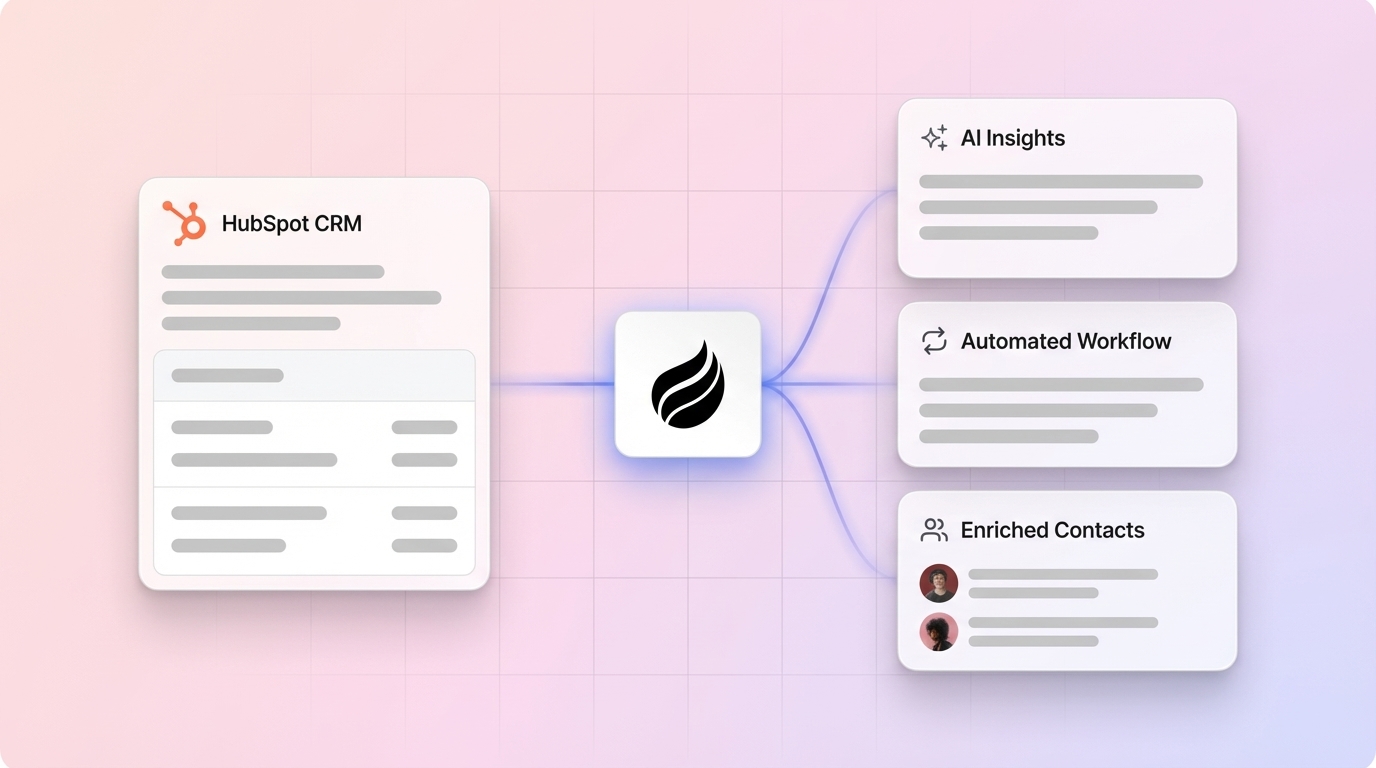
Teams already on HubSpot or Salesforce wanting an agent layer. Coffee’s Companion App deploys the agent on top of an existing HubSpot or Salesforce instance. The agent handles data entry, enrichment, and meeting automation while writing clean data back to the system of record, which improves adoption and data quality without a platform migration.
Scaling Past 15 Reps With an Autonomous Agent
Traditional CRMs require dedicated RevOps or admin resources to maintain data hygiene as headcount grows. CRM data decays at a notable rate each year without automated maintenance, so a 15-person team without an agent generates thousands of stale or fabricated records annually.
Coffee’s agent scales without adding administrative overhead. Because data entry is handled autonomously, adding seats does not increase the manual maintenance burden at the same rate. The agent’s enrichment, logging, and pipeline tracking functions operate the same way for 5 users or 50.
Key Risks to Weigh Before Choosing a CRM
Every platform in this comparison carries specific risks that buyers should evaluate honestly:
- Hidden maintenance work. Platforms marketed as simple often require significant admin effort to maintain custom fields, automation rules, and integration health as the team evolves.
- Incomplete automation. Partial automation, where the CRM syncs email but still requires manual call logging, preserves most of the data-entry burden while adding subscription cost.
- Integration gaps. Coffee currently integrates with third-party tools via Zapier, with deeper native integrations on the roadmap. Teams with complex existing stacks should verify compatibility before committing.
- Overbuying. Zoho CRM’s full feature set and HubSpot’s Professional tier include capabilities that a 5-person team will not use for years, while still charging for them monthly.
Decision Checklist for Choosing a HubSpot Alternative
Use the following criteria to match your team’s situation to the right platform:
- Budget. If annual seat cost plus add-ons exceeds $300 per user per year, compare that figure to Coffee’s bundled pricing before signing.
- Data entry tolerance. If reps already skip CRM updates, a traditional platform will not fix adoption. An autonomous agent is required.
- Tech stack. Confirm Google Workspace or Microsoft 365 compatibility, since Coffee connects to both natively.
- Meeting volume. Teams running five or more sales calls per week per rep recover the most value from Coffee’s automated briefing and follow-up features.
- Existing CRM investment. Teams committed to Salesforce or HubSpot should evaluate Coffee’s Companion App before planning a migration.
- Growth trajectory. Teams expecting to cross 15 reps within 18 months should choose a platform whose TCO does not spike at that threshold.
Frequently Asked Questions
How long does it take to implement Coffee compared to a traditional CRM?
Coffee’s agent-led setup begins working immediately after connecting Google Workspace or Microsoft 365. Teams avoid manual data migration steps, custom field configuration sessions, and multi-week training programs. Traditional CRMs like HubSpot or Pipedrive typically require two to four weeks for a small team to reach full functionality, with extra time and cost when migrating from a legacy system. Coffee removes that ramp by letting the agent populate contacts, companies, and activity history from existing email and calendar data as soon as authentication completes.
How difficult is it to migrate existing CRM data to Coffee?
For teams moving from spreadsheets or lightweight tools, Coffee’s agent creates contacts and companies automatically from connected email and calendar data, which removes the need for manual CSV imports. Teams migrating from Salesforce or HubSpot can use Coffee’s Companion App model instead of migrating at all. In that setup, the agent layers on top of the existing system of record, enriching and updating it without a platform switch. For teams that want a full migration, Coffee’s onboarding support assists with the process.
Is Coffee secure enough for a sales team handling sensitive prospect data?
Coffee is SOC 2 Type 2 and GDPR compliant, and customer data is not used to train public AI models. For teams in heavily regulated industries such as healthcare or finance that require multi-year security reviews or custom compliance frameworks, Coffee is not the recommended fit. For most U.S. B2B sales teams, Coffee’s security posture meets or exceeds the standards of the traditional CRM platforms it replaces.
How does Coffee’s data quality compare to dedicated enrichment tools like ZoomInfo or Apollo?
Coffee’s built-in enrichment, sourced via licensed data partners, provides job titles, funding data, and LinkedIn profiles at a quality level roughly on par with dedicated enrichment tools for most B2B use cases. Because enrichment is included in the per-seat price, teams remove the $3,000–$15,000 annual cost of a separate enrichment subscription. Teams with highly specialized data requirements, such as direct-dial phone numbers at enterprise scale, may still benefit from a dedicated enrichment provider, though Coffee’s roadmap continues to expand data coverage.
Can Coffee work alongside our existing Salesforce or HubSpot instance?
Yes. Coffee’s Companion App is designed for teams committed to Salesforce or HubSpot. A simple authentication allows the Coffee Agent to sync with the existing CRM, enrich records, capture meeting data, and write clean, structured insights back to the system of record. This approach improves adoption and data quality without a platform migration and removes the need for separate tools like Gong for call intelligence or ZoomInfo for enrichment.
Conclusion: Choose a CRM That Actually Saves Selling Time
Pipedrive, Zoho, Nutshell, and Bigin serve small sales teams that accept manual data entry. Each offers a low entry-level price point and a functional pipeline view. They still leave in place the significant weekly time burden on manual CRM data entry mentioned earlier, and none of them remove it.
Coffee is the only solution in this comparison built on an autonomous agent that removes that burden entirely. It delivers the lowest realistic total cost of ownership for a 5–10 person team when enrichment, recording, pipeline intelligence, and visitor identification sit beside seat fees in the calculation. It sets up in minutes rather than weeks and scales past 15 reps without adding administrative overhead.
Get started with Coffee and stop paying reps to be data-entry clerks.


