Key Takeaways for Cutting CRM Busywork
-
Sales reps lose most of their week to admin tasks, and AI-powered CRMs reclaim that time by automating data entry.
-
Audit CRM pain points like manual logging and scattered data across tools before you roll out AI agents.
-
Use AI meeting bots for briefings, transcription, summaries, and follow-ups based on frameworks like BANT or MEDDIC.
-
Replace manual exports and spreadsheet reviews with pipeline intelligence that uses natural language queries and historical tracking.
-
Deploy Coffee as a standalone CRM or as a companion to Salesforce or HubSpot, and start reducing your workload with Coffee today.
Step 1: Audit Your Current CRM Pain Points
Start by diagnosing the administrative burden slowing down your sales team. Sales representatives spend only 35.2% of their time actively selling, with 64.8% lost to administrative tasks and CRM updates. Many teams see scattered customer data across HubSpot, ZoomInfo, and SalesLoft, which forces reps to jump between systems for simple tasks.
Legacy CRMs assume humans will reliably input data, and that assumption rarely holds. Teams then create “shadow CRMs” in spreadsheets and Notion because the official system feels too heavy. Coffee’s agent philosophy flips this pattern by actively pulling information together instead of waiting for manual updates.
Focus your audit on a few concrete areas.
-
Time spent on manual data entry and contact creation
-
Number of tools required for basic sales workflows
-
Frequency of missing or outdated customer information
-
Hours dedicated to post-meeting documentation
Step 2: Automate Data Entry and Enrichment
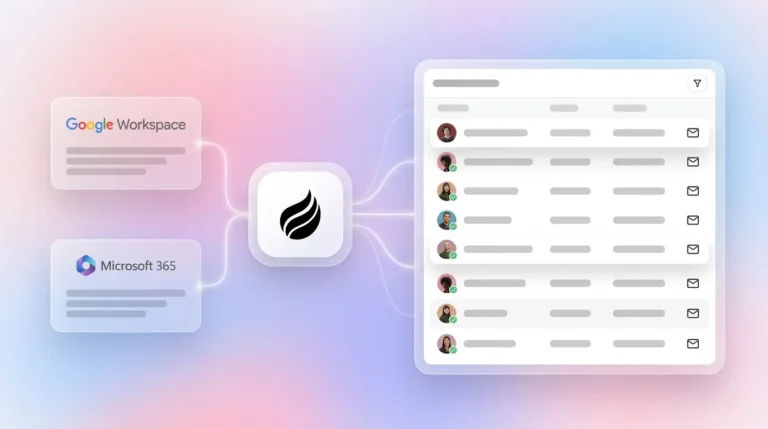
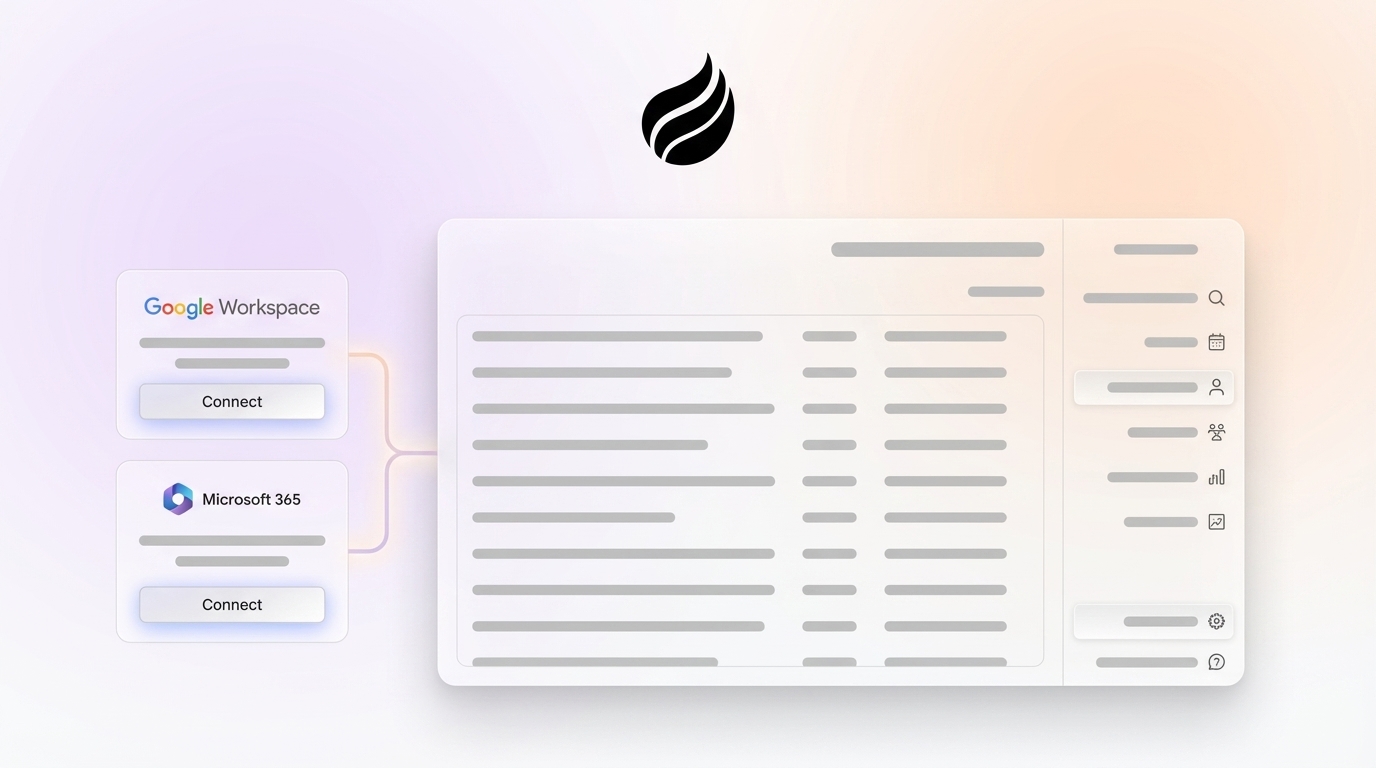
Free up the 8 to 12 hours per week usually lost to manual data entry by connecting your AI CRM agent to Google Workspace or Microsoft 365. This connection creates contacts, companies, and activities automatically while enriching records with job titles, funding details, and LinkedIn profiles.
Coffee handles this automation by:
-
Scanning emails and calendars to populate CRM records automatically
-
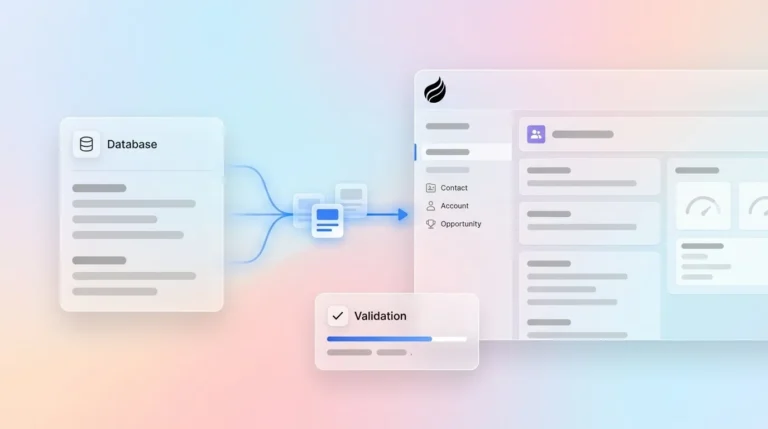
Processing both structured data, such as contact forms, and unstructured data, such as email conversations, using BANT and MEDDIC methodologies
-
Augmenting records with job titles, funding, and LinkedIn profiles through licensed data partners
These capabilities are powerful, yet they can create clutter if you configure them poorly. The most common mistake is adding custom fields that demand constant manual upkeep and slow your team down. Configure your AI agent to capture only the sales context that directly supports deal movement and skip everything else.
Ready to boost your selling time from roughly one-third of the week to more than half? Start automating your data entry and reclaim those 8 to 12 hours.
Step 3: Orchestrate Meetings with AI Assistance
Turn meeting management into a guided, automated workflow instead of a manual chore. AI-powered CRM agents can cut post-call administrative work in half by handling briefings, joining calls, and drafting follow-ups.

Coffee delivers meeting orchestration through:

-
Pre-meeting briefings that prepare representatives with attendee context and interaction history
-
AI meeting bots that join Zoom, Teams, and Google Meet calls for recording and transcription
-
Automated follow-up email drafts in Gmail for quick review and sending
The agent structures notes according to your preferred sales methodology, such as BANT, MEDDIC, or SPICED. It also integrates with tools like Fathom, Gong, and Fireflies through Zapier for additional call recording options.

Step 4: Build Pipeline Intelligence and Tracking
Shift from manual CSV exports and spreadsheet reviews to AI-driven pipeline intelligence that tracks deal movement automatically. Modern AI CRM agents keep full historical context through built-in data warehouses, while many legacy systems lose detail when fields change.
Coffee provides pipeline intelligence by:
-
Visualizing week-over-week pipeline changes through its “Pipeline Compare” feature
-
Highlighting progressed deals, stalled opportunities, and new additions without manual reporting
-
Maintaining complete deal history in a data warehouse for trend analysis
This approach turns pipeline reviews into strategic conversations about how to move deals forward. Managers spend less time asking for status updates and more time coaching on next steps.
Step 5: Deploy List Builder and Lead Prioritization
Streamline prospecting with natural language commands that generate targeted lead lists on demand. Instead of researching prospects across several databases, AI agents can run complex queries such as “Find VPs of Sales in North America at companies with more than $10M in funding that use Salesforce.”

Coffee’s list builder weaves enrichment directly into the prospecting flow. Many teams can skip separate tools like Apollo or ZoomInfo for everyday lead generation because Coffee already enriches and filters prospects inside the same workspace.

Step 6: Integrate Coffee as Standalone CRM or Legacy Companion
Match your deployment model to your current stack and appetite for change. Smaller businesses often gain more from a standalone AI-first CRM, while mid-market teams with Salesforce or HubSpot in place can add AI agents as a companion layer.
Coffee supports both approaches in a single platform:
-
Standalone CRM: Full replacement for legacy systems, ideal for teams of 1 to 20 employees that want modern automation without complex setup
-
Companion app: Intelligent layer on top of existing Salesforce or HubSpot that handles data input while you keep your current system of record
-
Simple authentication that syncs data and writes insights back to your primary CRM so information stays consistent
-
SOC 2 Type 2 compliance that gives security and compliance teams enterprise-grade controls
Transform your CRM from a passive database into an active assistant. Choose your deployment model and see the difference between software that stores data and agents that actually work.
Step 7: Measure ROI and Scale Implementation
Measure the impact of AI CRM automation with metrics that show real workload reduction and productivity gains. Prioritize time savings, behavior change, and revenue impact over vanity numbers.
Key performance indicators should connect efficiency, adoption, and outcomes. Start with direct time savings by tracking the reduction in administrative task time against the baseline from your Step 1 audit.
Then measure the corresponding increase in selling time as a share of each rep’s week. These gains only matter if people use the system, so monitor CRM adoption rates among sales representatives. Finally, check whether extra selling time improves revenue by tracking pipeline velocity and deal progression.
Sales enablement tools save representatives an average of 13 hours per week through automation and efficiency gains. One $10M ARR firm removed spreadsheet-based sales management and reduced Salesforce dependency after rolling out Coffee, and the team gained back hours each week through automated data entry and pipeline intelligence.
Coffee vs. Legacy CRMs: Why AI Agents Win in 2026
The gap between AI agents and legacy CRMs becomes obvious when you compare everyday workflows side by side. This table shows how passive systems keep reps in admin mode while Coffee actively removes busywork from their week.
|
Feature |
Coffee (AI Agent) |
Salesforce/HubSpot (Passive) |
|---|---|---|
|
Data Entry |
Autonomous structured and unstructured processing |
Manual input with heavy time loss |
|
Meeting Management |
AI bot, summaries, automated follow-ups |
Basic AI add-ons, manual documentation |
|
Pipeline Tracking |
Compare the feature and the historical warehouse |
CSV exports with limited historical context |
|
Pricing Model |
Simple seat-based pricing |
Complex metering and add-on costs |
Frequently Asked Questions
What is the best AI CRM for sales teams in 2026?
Coffee stands out as a leading AI CRM agent because it behaves like a proactive assistant instead of a passive database. Unlike legacy systems that rely on manual data entry, Coffee automatically captures, enriches, and organizes customer information while saving sales representatives 8 to 12 hours per week on administrative work.
How does AI CRM integration work with existing HubSpot systems?
Coffee connects to HubSpot through simple authentication, so the AI agent can sync data and write insights back to your current system of record. This companion setup keeps your familiar workflows in place while adding intelligent automation for data entry, meeting management, and pipeline tracking without major disruption.
What makes Coffee a strong AI CRM agent for 2026?
Coffee combines autonomous data processing for both structured and unstructured sales information in one platform. It offers briefings, automated meeting summaries, and natural language pipeline queries while keeping complete historical context in its built-in data warehouse. Passive legacy CRMs rarely match this mix of automation and memory.
How effective is AI CRM automation for eliminating data entry work?
AI CRM automation can remove most manual data entry by importing information from Google Workspace or Microsoft 365, enriching contact records, and logging activities without human effort. Coffee’s agent processes emails, calendar events, and meeting transcripts so CRM records stay accurate while representatives focus on selling.
Can AI agents really reduce manual CRM tasks by 50% or more?
AI agents can reach the workload reductions described in this framework by automating data entry, meeting documentation, pipeline tracking, and follow-up communication. Since sales representatives currently spend the majority of their time on administrative tasks, this shift moves a large share of the week back to prospecting and closing deals.
Conclusion: Put an AI-Powered CRM to Work for Your Team
This seven-step framework gives you a practical path from manual CRM drudgery to AI-powered sales efficiency. By auditing current pain points, automating data entry, orchestrating meetings, building pipeline intelligence, deploying list builders, choosing the right integration model, and measuring ROI, sales teams can cut busywork and turn representatives into strategic sellers.
The 2026 AI agent evolution represents more than a small upgrade. It marks a shift toward simulation-trained agents and multi-agent orchestration systems that will shape competitive advantage in sales operations. Organizations that adopt AI CRM agents now build the foundation for lasting productivity gains and revenue growth.
Stop letting legacy CRMs turn your sales team into data entry clerks. See how Coffee can work for your team and experience an AI agent that supports your sellers instead of slowing them down.