Written by: Doug Camplejohn, CEO & Co-Founder, Coffee | Last updated: July 4, 2026
Key Takeaways for AI-First CRM Buyers
- AI-first CRM integration uses an autonomous agent to capture, structure, and sync customer data across tools in real time. This approach removes manual data entry for lean teams.
- The Coffee Agent automates data enrichment, meeting intelligence, pipeline visualization, visitor identification, and natural-language list building. These capabilities replace several separate tools.
- Native integrations deliver faster and more reliable data sync than third-party middleware like Zapier. This reduction in latency and context-switching matters for SMBs.
- Teams can use Coffee as a Standalone CRM for spreadsheet-based workflows or as a Companion App on Salesforce or HubSpot. Both options improve data quality without complex migration projects.
- See how Coffee’s agent eliminates manual data entry for your team.
How Coffee’s Core Capabilities Replace Multiple Sales Tools
The Coffee Agent replaces several tools that small and mid-sized businesses usually manage separately. It starts with automatic data entry and enrichment, then builds on that foundation for meetings, pipeline reviews, and prospecting.
Automatic data entry and enrichment. The Coffee Agent connects to Google Workspace or Microsoft 365 and scans emails and calendar events to auto-create contacts, companies, and activities. It augments those records with job titles, funding rounds, and LinkedIn profiles via licensed data partners, which removes the need for standalone enrichment tools like Apollo or ZoomInfo. AI tools can help small businesses save time in the sales department by automating lead scoring, follow-up emails, and CRM updates.
Meeting intelligence. Before each call, the agent surfaces a briefing that covers attendee roles, past interactions, and open deal context. After the call, it generates summaries, action items, and draft follow-up emails. These can follow BANT, MEDDIC, or SPICED structures when needed. Coffee launched Custom Meeting Briefings and Summaries in February 2026, allowing users to define exact formats such as high-level executive summaries or granular technical breakdowns.

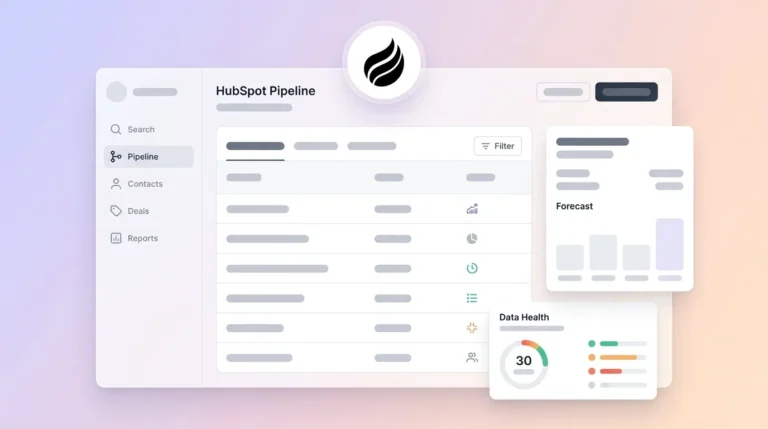
Pipeline Compare. The agent logs every deal change to a built-in data warehouse and then visualizes week-over-week pipeline movement. Sales leaders see progressed deals, stalled opportunities, and new additions without CSV exports or manual review prep. Coffee’s AI search on deals, released in January 2026, answers natural-language questions such as “Which deals are stuck in negotiation?” or “What is closing this month?”
Visitor identification. A single tracking pixel turns anonymous website traffic into named prospects with name, title, email, LinkedIn profile, pages visited, and time on site. Coffee’s Suggested Leads feature then recommends two or three specific individuals inside a visiting company who match the buyer persona. This goes beyond company-level identification offered by many standalone tools.
List Builder. A natural-language command such as “Find me VPs of Sales in North America at companies with $10M+ funding using Salesforce” triggers the agent to build a targeted prospect list. It uses integrated enrichment data and removes the need for a separate prospecting tool.

Explore Coffee’s capabilities and see them in your own stack.
How AI Agents Take Over CRM Data Entry
Legacy CRM data entry assumes that busy sales reps will reliably update records after every interaction. In a system of action AI CRM, call transcription identifies urgency signals, automatically updates deal stage and close date, creates prioritized activities, and adjusts revenue forecasts within minutes, replacing manual logging required in traditional systems of record. Coffee’s agent applies this same logic across email, calendar, and call transcript sources at the same time.
After a discovery call, the agent has already joined the meeting via Zoom, Teams, or Meet, transcribed the conversation, extracted next steps, and drafted a follow-up email in Gmail for the rep to review and send. The CRM record is updated before the rep closes their laptop. Automating admin tasks can increase efficiency. For a 10–25 person team where every hour of selling time is scarce, that impact is material.

Coffee’s Intelligence layer, introduced in February 2026, allows users to define and store deep context on business model, product specifics, ICP, and competitors so the agent produces tailored suggestions and insights rather than generic outputs. This design means the agent’s data entry is not just automatic, it is contextually accurate to the specific business.
Native vs Zapier CRM Integrations for Lean Teams
The way an AI agent connects to your tools determines how quickly and reliably data reaches the CRM. Integration architecture, whether native or through third-party middleware, affects sync speed, maintenance overhead, and data trust.
Third-party integrations such as those built on Zapier live in a separate tool that the customer must manage, often requiring context-switching and feeling like a bolt-on to the main product. For a lean RevOps team without dedicated integration engineers, that overhead compounds quickly.
The technical gap between native and middleware approaches is significant. Third-party middleware platforms such as Zapier, Make, and Workato support complex field transformations but are limited to 5–30 minute sync intervals and become expensive at high volumes due to per-task pricing. A deal stage update that happens at 2:00 PM may not appear in the CRM until 2:30 PM, which distorts pipeline reviews and forecast accuracy.
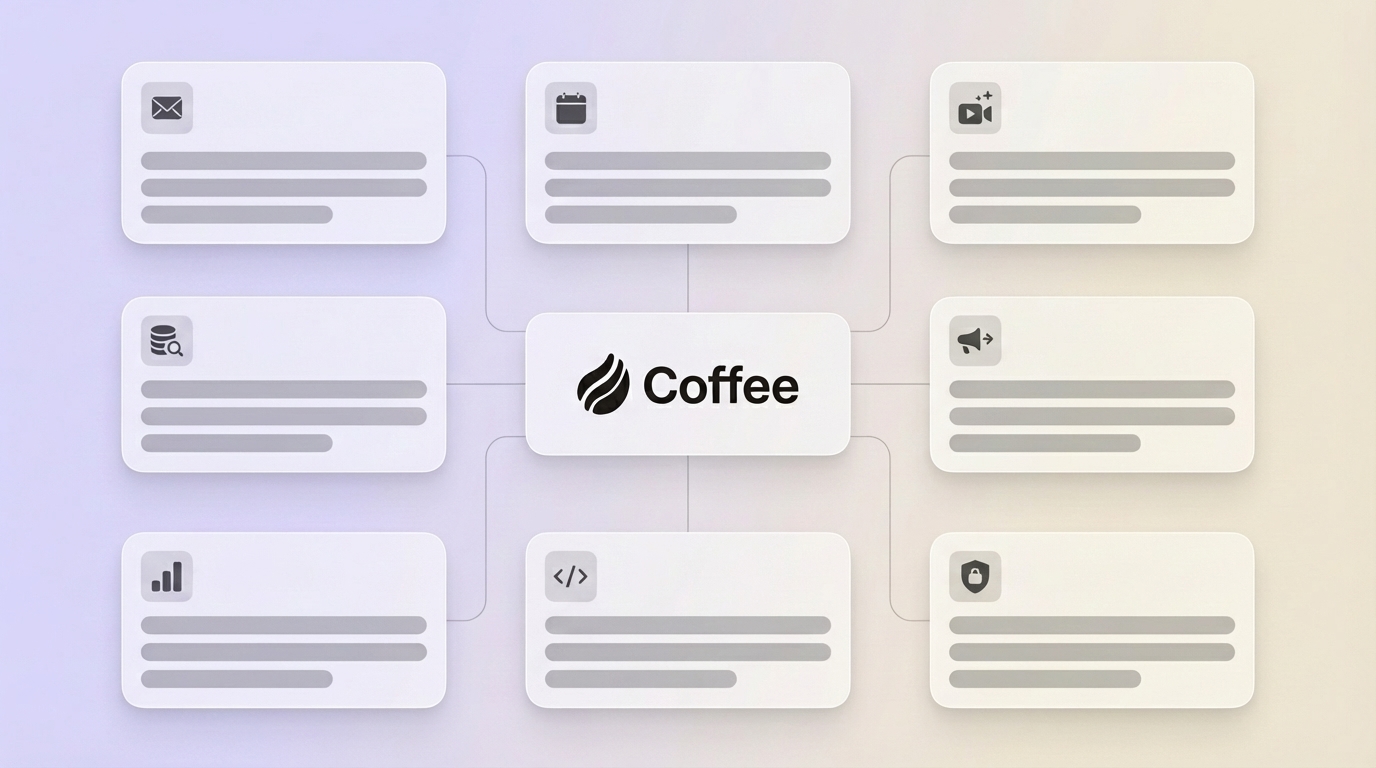
Customers prefer native integrations because they eliminate context-switching, avoid the need to stand up and secure an additional third-party tool, and deliver faster time to value through a few clicks inside the existing product. Coffee currently connects via Zapier for some third-party tools, with deeper native integrations on the roadmap. For core data flows such as email, calendar, Salesforce, HubSpot, and billing systems, Coffee’s agent operates through direct authentication and writes enriched data back to the primary CRM without middleware latency. Coffee’s Stripe integration, launched in January 2026, automatically imports customers and companies, enriches them, and adds paid invoices to deals as Closed Won, and the QuickBooks integration, also launched in February 2026, automatically syncs invoices and payment statuses to provide real-time visibility within the CRM.
Choosing Between Coffee’s Companion App and Standalone CRM
Coffee offers two deployment models, and the right choice depends on existing CRM commitment and team size.
Choose the Standalone CRM if: The team has 1–20 people, currently manages sales in spreadsheets or Notion, and wants an automated system of record without the overhead of configuring Salesforce or HubSpot. Setup is measured in minutes, not months. Adding AI agent layers to existing CRMs like Salesforce requires 3–9 months of implementation and $75,000–$250,000 in consulting fees for customizing objects, building flows, training admins, and integrating email stacks. The Standalone model avoids that entirely.
Choose the Companion App if: The team is 10–25 people, already committed to Salesforce or HubSpot for forecasting, required fields, and quota management, but CRM adoption is low and data quality is poor. A simple authentication deploys the Coffee Agent as an intelligent layer that handles data coming into the system. It auto-logs activities, enriches contacts, and writes meeting summaries back to the primary CRM so the system of record stays accurate without human effort. Coffee’s improved summary templates, released in November 2025, are customizable to match workflows and writable back to Coffee, HubSpot, or Salesforce.
Teams that are evaluating modern CRM alternatives like Clarify or Day.ai should note that neither has the depth of Salesforce and HubSpot integration that Coffee provides. Coffee supports quotas, forecasting, and required fields that enterprise-adjacent SMBs depend on.
Get started with Coffee and choose the deployment model that fits your stack.
Meeting Intelligence and Pipeline Compare for Better Forecasts
Meeting intelligence in an AI-first CRM functions as an agent-orchestrated workflow that starts before the call and ends with updated pipeline records. The Coffee Agent prepares a “Today” page briefing, joins the call, transcribes it, structures the output according to the chosen sales methodology, drafts the follow-up, and updates the deal record without rep input.

Pipeline Compare extends that workflow to forecasting. Because every deal change is captured in a built-in data warehouse, the agent can surface week-over-week movement with full historical context. Legacy CRMs built on relational databases lose historical context when fields are overwritten, while Coffee retains it. The result is a pipeline review that shows current state and trajectory, including which deals progressed, which stalled, and which are new, so pipeline meetings become strategic discussions instead of interrogation sessions.
AI implementation in CRM has the potential to increase leads, reduce costs, and cut call time. For a 10–25 person team, even a fraction of those gains represents a meaningful competitive advantage.
Data Quality, Security, and Implementation Realities for 10–25 Person Teams
Security and compliance. Coffee is SOC 2 Type 2 and GDPR compliant. Customer data is not used to train public models. Governance for AI agents in business intelligence requires least-privilege access with role-based controls to limit data exposure, PII handling policies, encryption in transit and at rest, and masked data in non-production environments. Coffee’s architecture follows these standards.
Data quality as a prerequisite. Surveys of business and technology leaders show that key barriers to broader AI agent adoption include data quality and system integration challenges, regulatory and security concerns, and limited training and enablement. Of these, data quality is the most foundational, because poor data undermines both security controls and user training. Teams will not trust or adopt a system that surfaces inaccurate information. Coffee addresses this root cause directly by ensuring that accurate data enters the system and by reducing the dependency on human discipline.
Implementation timeline. For the Standalone CRM, setup is immediate after connecting Google Workspace or Microsoft 365. For the Companion App on Salesforce or HubSpot, a simple authentication initiates the agent. As noted earlier, legacy implementations can stretch to 3–9 months. Coffee targets the 25–47 day range typical of modern native integrations and often lands on the lower end for most 10–25 person teams. Deployment timelines for platforms with native CRM integration range from 25–47 days.
Ongoing maintenance. Coffee uses seat-based pricing, where human seats are billed and the agent’s labor is included with no metering on LLM usage or automated processes. There are no per-task fees, no Zapier task limits to monitor, and no consulting retainers required to maintain the integration.
SMB Decision Framework: Matching Company Size and Priorities to the Right Model
The choice between Standalone and Companion models depends on three factors. Team size, current CRM state, and the top priority, such as speed to value or preserving existing configurations, guide the decision. The table below maps common SMB profiles to the recommended deployment model.
| Company Profile | Current CRM State | Top Priority | Recommended Coffee Model |
|---|---|---|---|
| 1–15 people, founder-led sales | Spreadsheets or Notion | Eliminate manual entry, move fast | Standalone CRM |
| 10–25 people, early sales team | HubSpot or Pipedrive, low adoption | Improve data quality without migration | Companion App |
| 15–25 people, RevOps function | Salesforce, configured with quotas and forecasting | Trustworthy pipeline intelligence, reduce rep burden | Companion App |
| 10–20 people, evaluating first CRM | No CRM | Modern, agent-driven system of record from day one | Standalone CRM |
Frequently Asked Questions
How long does it take to implement Coffee?
For the Standalone CRM, setup begins immediately after connecting Google Workspace or Microsoft 365, and the agent starts scanning emails and calendars within minutes. For the Companion App on Salesforce or HubSpot, a simple authentication process initiates the agent, and most 10–25 person teams are fully operational within one to two weeks. There is no IT project, no consulting engagement, and no data migration required to get started.
Does Coffee replace our existing Salesforce or HubSpot instance?
Not necessarily. The Companion App model is designed for teams that are committed to Salesforce or HubSpot as their system of record. Coffee deploys as an intelligent layer on top of the existing instance, handling data capture, enrichment, and meeting intelligence, then writing clean records back to the primary CRM. Forecasting configurations, required fields, quota structures, and existing workflows remain intact.
How does Coffee handle data security and privacy?
Coffee is SOC 2 Type 2 and GDPR compliant. Customer data is not used to train public AI models. The agent operates on a least-privilege basis and accesses only the data sources explicitly authorized during setup. For teams in lightly regulated industries, which are the primary audience for Coffee, these certifications satisfy standard vendor security reviews without requiring a multi-month assessment process.
Is Coffee’s enrichment data comparable to ZoomInfo or Apollo?
Coffee’s built-in enrichment, including job titles, funding data, and LinkedIn profiles, is sourced through licensed data partners and is sufficient for the prospecting and qualification needs of most 10–25 person tech companies. Teams that currently pay separately for ZoomInfo or Apollo can consolidate that spend into Coffee’s seat-based pricing, which includes the agent’s enrichment labor at no additional per-record cost.
Can Coffee scale as the team grows beyond 25 people?
Yes. Coffee’s seat-based pricing scales linearly with headcount, and the agent’s architecture, built on a data warehouse rather than a relational database, retains full historical context as deal volume grows. Teams that outgrow the Standalone CRM can migrate to the Companion App model on Salesforce or HubSpot without losing the data history the agent has accumulated.
Conclusion: Putting an AI Agent at the Center of Your CRM
The core problem with legacy CRMs is not the software itself, it is the assumption that humans will reliably maintain it. An AI-first CRM integration replaces that assumption with an autonomous agent that handles data capture, enrichment, meeting intelligence, and pipeline visualization as a continuous background process. The philosophy is straightforward: good data in produces good data out. When the agent is responsible for data coming into the system, the insights and forecasts that come out are trustworthy enough to guide decisions.
For 10–25 person tech companies, the practical choice is between deploying Coffee as a Standalone CRM or as a Companion App on an existing Salesforce or HubSpot instance. In both cases, the agent takes over the work that sales reps currently do manually and removes the 8–12 hours per week of overhead that manual CRM maintenance consumes.
Let Coffee’s agent handle the CRM maintenance your reps are doing manually — get started today.