Key Takeaways
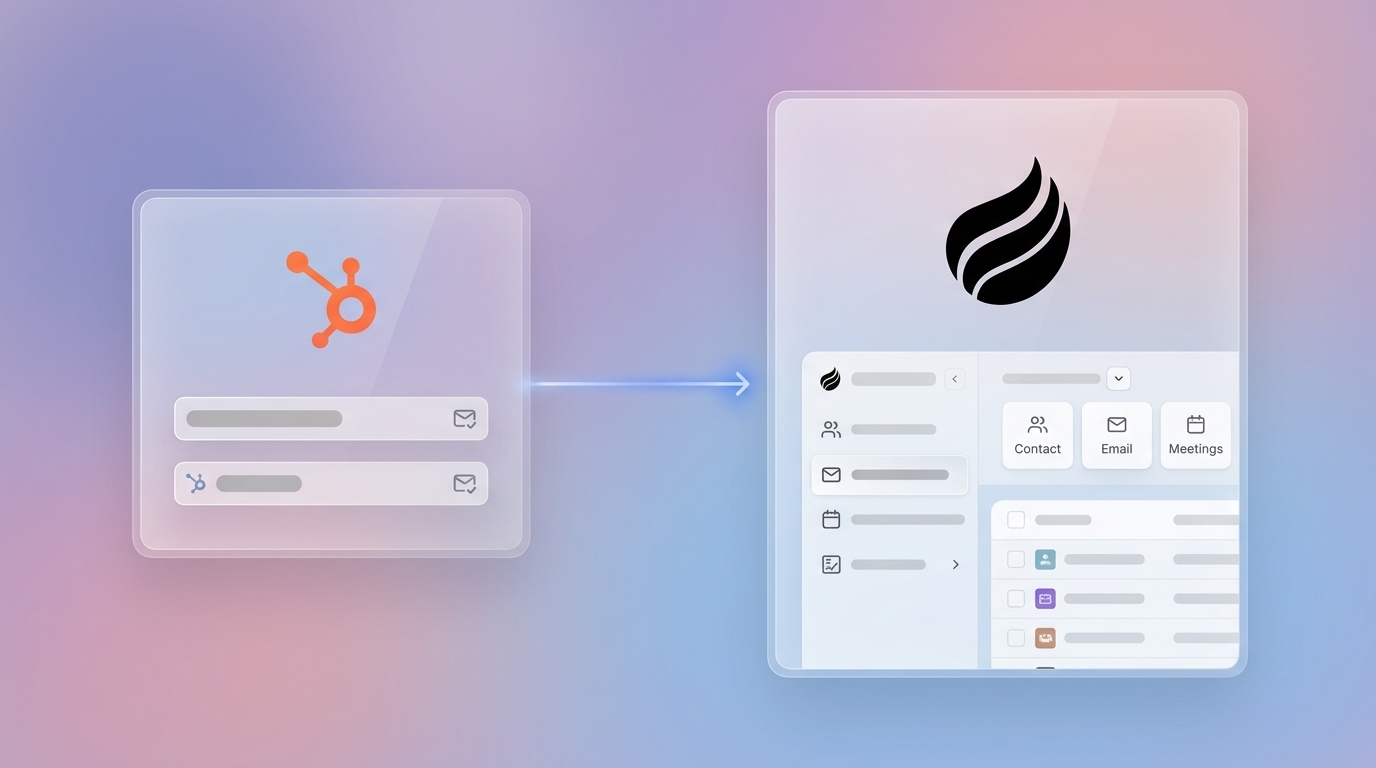
- HubSpot’s contact-based pricing and legacy architecture push growing teams toward modern CRMs like Attio, yet migrations risk data loss and downtime.
- Use a 7-step approach: audit and clean data, export from HubSpot, map fields, import via tools, rebuild workflows, test in parallel, then monitor after go-live.
- Attio provides custom objects, generous record limits, and AI attributes starting at $69 per user per month, but you must recreate workflows and automations manually.
- About 83% of migrations exceed budget or schedule, so success depends on precise field mapping, correct load order, and 30–60 days of structured testing.
- Avoid migration risk with Coffee’s AI agent, which automates CRM data entry and quality as a standalone CRM or HubSpot companion, saving 8–12 hours each week.

Why Teams Leave HubSpot for Attio
HubSpot’s legacy architecture drives up costs for growing businesses. Contact-based pricing scales quickly, and the marketing-first design limits flexibility for modern sales teams. Attio supports custom objects and fields on Pro and Enterprise plans starting from $69 per user per month (billed annually), while HubSpot requires higher tiers for similar capabilities.
Attio’s Pro plan supports up to 1,000,000 contact records, with custom limits on Enterprise, plus powerful APIs and a modern data model for today’s sales workflows. However, 83% of data migration projects exceed budget or schedule because teams underestimate the work involved in rebuilding workflows and integrations.
7-Step HubSpot to Attio Migration Process
Step 1: Audit and Clean HubSpot Data
Start by deciding which data truly deserves a place in Attio. Not all records are worth moving, so focus on active contacts, open deals, and recent notes to avoid legacy clutter that drags down adoption.
The table below highlights the most important fields for each object type and the best practices to follow during your audit.
| Object Type | Key Fields | Best Practices |
|---|---|---|
| Contacts | Email, Name, Phone, Company | Remove unsubscribed contacts |
| Companies | Domain, Name, Industry, Size | Deduplicate by domain |
| Deals | Amount, Stage, Owner, Close Date | Focus on active pipeline |
| Notes | Body, Date, Associated Records | Filter by relevance |
Filter unsubscribed contacts using the property ‘Unsubscribed from all email’ is not equal to ‘True’ so you only move marketable records into Attio.
Step 2: Export HubSpot Data
HubSpot limits record exports to 300 within a rolling 24-hour window and three simultaneous exports, so large databases require careful scheduling.
Export all relevant properties and associations to support a complete transfer. For datasets exceeding 1,000,000 rows, HubSpot may split exports into multiple files inside a ZIP archive, and the process can take several hours.
Step 3: Design Attio Workspace and Map Fields
Define your Attio workspace structure before importing any data. Map HubSpot fields to Attio equivalents, and document where value transformations or conversions are required.
The table below shows common HubSpot to Attio field mappings and notes where you should plan extra transformation work.
| HubSpot Field | Attio Field | Notes |
|---|---|---|
| Lifecycle Stage | Status | Requires value mapping |
| Deal Amount | Value | Currency conversion needed |
| Contact Owner | Assigned User | User ID mapping required |
Load data in this order: companies, contacts, deals, line items, tickets, notes, activities. This sequence preserves associations between records and prevents broken links in Attio.
Step 4: Import Data Using Available Tools
Select an import method that matches your data complexity, internal skills, and budget. The table below compares common options and how they handle key migration tasks.
| Tool | Pros | Cons |
|---|---|---|
| Import2 | Offers a free sample migration to Attio but requires purchase of full migrations based on database size, with CRM pricing starting at $499 for under 50,000 records, handles notes and deals | Limited custom field support |
| Attio Native Importer | Strict deduplication logic, AI Attributes for enrichment | No workflow migration |
| CSV Import | Full control over data format | Manual association mapping |
Attio’s importer handles large CSV files effectively during data migrations and offers enrichment tools to fill missing firmographic or contact details.
Step 5: Migrate Workflows and Integrations
Workflow automation logic does not transfer automatically during CRM data migration and must be rebuilt manually in the new CRM system. Start with a full inventory of existing workflows, then decide which ones still support current processes.
Rebuild essential automations using Attio’s native workflow builder or integration platforms such as Zapier. Attio includes marketing automation with AI-native workflows for go-to-market processes and email outreach sequences, which can replace many legacy HubSpot flows.
Step 6: Test in Parallel Run
Run HubSpot and Attio in parallel for 30–60 days after migration to validate data accuracy and associations. Create a validation checklist that moves from data integrity to automation behavior and finally to user adoption.
- Record counts match between systems for each object type
- Field values transfer correctly for key properties
- Associations remain intact between contacts, companies, and deals
- Workflows trigger as expected in Attio
- User adoption improves steadily during the parallel period
Step 7: Go-Live and Monitor
Most migrations take 1–2 days for data transfer and about a week for workflow setup. Common pitfalls include loading data in the wrong order, which breaks associations, and skipping integration tests before cutover.
Monitor system performance and user adoption closely during the first month. Many CRM migrations span up to 24 weeks from assessment through stabilization, so expect a multi-month journey from planning to full confidence in Attio.
Given this extended timeline and the complexity of the 7-step process, many teams reconsider whether a full migration is the right solution.
Is Attio the Right Move? Why Coffee Beats Migration Hassles
Attio delivers modern architecture but still relies on manual data entry and human upkeep. Coffee’s AI agent offers an alternative by automating data capture and ongoing data quality across your revenue stack.

The comparison below highlights how HubSpot, Attio, and Coffee differ on data entry, AI depth, and pricing structure.
| Feature | HubSpot | Attio | Coffee |
|---|---|---|---|
| Data Entry | Manual | Manual or passive | Agent-automated |
| AI Capabilities | Basic | AI Attributes | Full agent intelligence |
| Pricing Model | $3,600+ per month | $29 per user per month when billed annually | Simple seat-based |
Coffee automatically syncs data from Google Workspace, which removes manual entry and powers meeting orchestration plus pipeline intelligence. As a standalone CRM or HubSpot companion, Coffee saves 8–12 hours per week and avoids migration risk entirely.

Explore Coffee’s pricing to see how automated data quality can replace or complement a traditional CRM migration.
Post-Migration Validation and Success Criteria
After completing the 7-step migration, you need clear criteria to confirm success. A successful migration means zero data loss, intact associations, and no disruption to daily sales and marketing work.
Validate your migration by comparing record counts between HubSpot exports and Attio imports, testing each rebuilt workflow, and monitoring user adoption trends. Even with thorough validation, plan for a 30–60 day stabilization period so teams can surface edge cases and data inconsistencies that only appear during real-world use.
FAQ
How much does HubSpot to Attio migration cost and how long does it take?
End-to-end CRM migration projects can start at $5,000, with most taking 14–24 weeks from assessment through post-launch support. DIY migrations using free tools can reduce direct costs but demand significant internal time and technical expertise.
What are the best HubSpot to Attio migration tools?
Import2 offers a free sample migration to Attio and paid full migrations that start at $499 for databases under 50,000 records, while Attio’s native importer provides advanced deduplication and enrichment. For complex environments, consider specialized migration tools or custom API scripts to control transformations and associations.
How do you migrate data from one CRM to another?
Use a structured process: audit and clean source data, export in suitable formats, map fields between systems, import with your chosen tools, rebuild workflows, test both systems in parallel, and monitor performance after go-live. Each step requires planning and validation to avoid data loss or broken automations.
What are HubSpot export limits in 2026?
HubSpot limits record exports to 300 within a rolling 24-hour window and three simultaneous exports. Large datasets often require multiple export sessions and arrive as ZIP files when they exceed HubSpot’s size thresholds.
Conclusion: Choose Migration or Automation-First CRM
HubSpot to Attio migration demands careful planning, substantial resources, and weeks of execution to prevent data loss and workflow disruption. Even though Attio’s modern architecture and flexible pricing can justify the effort, the migration risks and long timelines may offset those benefits.

Coffee’s AI agent offers an alternative to migration by automating data entry and ongoing data quality in both HubSpot and standalone setups. As a primary CRM or companion layer, Coffee delivers reliable data without the complexity of a full platform switch.
Experience automated CRM data quality without migration headaches and explore Coffee’s plans and features today.