Key Takeaways for Busy Sales Teams
- Sales reps lose 17% of their working hours (nearly a full day per week) to manual CRM data entry. Automated contact tools give that time back for selling.
- Coffee ranks #1 as an AI agent that proactively creates, enriches, and syncs contacts from emails, calendars, and website visitors to HubSpot and Salesforce.
- HubSpot, Zoho, Pipedrive, and Salesforce offer strong integrations but often require more manual work or higher spend than AI-first options.
- Free CRM tiers lack proactive enrichment, which leads to 30% annual contact data decay. AI tools keep your pipeline accurate and current.
- Transform your CRM with Coffee’s autonomous agent. Set up Coffee in under 2 hours and turn on instant automation.
1. Coffee: AI Agent That Handles CRM Contacts for You
Coffee operates as an autonomous AI agent that removes manual contact management from your team’s workload. It proactively captures, enriches, and syncs contact data from Google Workspace, Microsoft 365, emails, and calendars, instead of waiting for reps to type everything in. This proactive engine runs in two ways: as a standalone CRM for growing teams with 1 to 20 employees, or as a companion app that upgrades existing Salesforce and HubSpot setups.

Automatic Contact Creation from Emails and Calendars
Coffee’s agent scans connected email and calendar systems and turns those interactions into CRM records without human input. Every email, meeting, and thread gets logged with the right contact, so activity histories stay complete and reliable. The system also pulls unstructured details from email conversations and meeting transcripts, then converts them into structured CRM fields that traditional tools usually miss.

Companion Integration for HubSpot and Salesforce
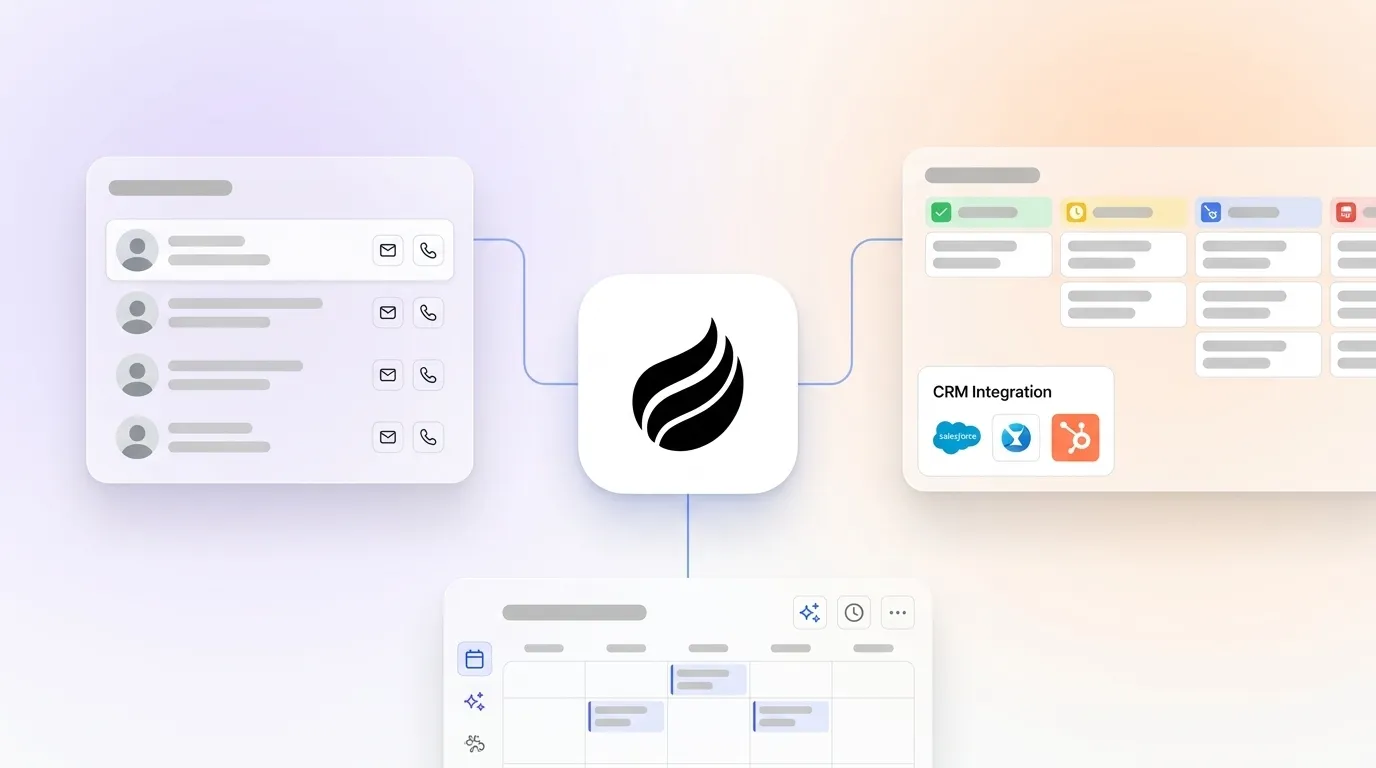
Teams that already rely on HubSpot or Salesforce can keep those platforms as the primary system of record while Coffee handles the data entry. Coffee’s November 2025 updates introduced customizable summary templates writable back to Coffee, HubSpot, or Salesforce, so notes and summaries flow both ways without breaking existing workflows. This approach keeps dashboards and reports intact while removing the manual work behind them.

Visitor Identification Pixel for Anonymous Traffic
Coffee’s visitor identification pixel turns anonymous website traffic into named prospects with LinkedIn profiles, job titles, and contact details. The system surfaces suggested leads that match your buyer personas, which allows reps to start outreach directly from Coffee. This connection between website visits and sales-ready contacts closes a common gap between marketing and sales.

| Plan | Price | Key Features |
|---|---|---|
| Starter | Talk to sales for Starter pricing | Basic automation, email sync |
| Professional | View Professional plan details | Full AI agent, CRM companion |
| Enterprise | Request custom Enterprise quote | Custom workflows, API access |
Pros: Proactive AI agent, flexible standalone or companion model, visitor identification, automated enrichment
Cons: Newer platform, fewer third-party integrations than long-standing CRMs
Coffee solves the core problem of limited CRM data entry automation for field and inside sales teams by running continuously without human oversight. Eliminate manual contact management with Coffee’s AI agent.

2. HubSpot CRM: Unified Platform with Deep Marketplace
HubSpot CRM gives teams a solid contact management base with automatic email logging and timeline tracking. Its main strength comes from a large integration marketplace and a unified experience across marketing, sales, and service. HubSpot’s pricing starts with a free tier, Starter at $15/user/month, Sales Hub Professional at $600/month for 6 seats, and Enterprise at higher tiers.
The platform handles contact lifecycle automation well. Leads that hit score thresholds can route to sales reps and enter personalized sequences automatically. HubSpot’s Breeze AI suite adds predictive lead scoring and workflow suggestions, although the more advanced automation features sit behind paid plans.
Pros: Free tier, broad integrations, single platform across teams
Cons: Costs rise quickly at scale, manual data entry still common, pricing can feel complex
3. Zoho CRM: Budget-Friendly AI for Growing Teams
Zoho CRM delivers strong value through its Zia AI assistant and wide integration ecosystem. Zoho offers a free tier for up to 3 users, Standard at $14/user/month, and Professional plans at affordable rates, which helps budget-conscious teams access AI-enhanced contact management.
Zia AI supports automated lead scoring, sales predictions, and recommendations that refine workflows. Zoho CRM also connects with more than 40 Zoho applications, which creates a unified environment for companies already invested in the Zoho suite.
Pros: Competitive pricing, AI-driven insights, strong Zoho ecosystem integration
Cons: Fewer integrations outside Zoho, interface can feel complex for new users
4. Pipedrive: Contact Management Built Around the Pipeline
Pipedrive focuses on visual pipeline management and offers robust integration options. Pipedrive’s pricing includes Lite at $14/user/month (billed annually), Growth at $39/user/month (billed annually), Premium at $79/user/month, with higher tiers available, and it provides a 14-day trial instead of a free plan.
The AI Sales Assistant reviews pipeline data and suggests next steps and workflow tweaks. Pipedrive’s main strength lies in its 400+ integrations, which support automatic contact detection from emails and enrichment workflows through connected tools.
Pros: Clear pipeline view, large integration library, AI-powered suggestions
Cons: No permanent free tier, limited native enrichment, advanced features often require add-ons
5. Salesforce Native: Enterprise-Grade Contact Platform
Salesforce delivers comprehensive contact management through its core CRM and Einstein AI features. Salesforce offers a Free plan for up to 2 users, Enterprise at $165/user/month, Unlimited at $350/user/month, and Agentforce 1 Edition at $125/user/month.
Einstein Activity Capture logs emails, meetings, and calls to contact records, while Flow Builder supports complex automation flows. The AppExchange marketplace adds more than 3,000 apps that extend Salesforce into almost any sales or service use case.
Pros: Very broad feature set, deep customization, mature API ecosystem
Cons: Higher total cost, complex rollout, steep learning curve for new teams
6. Insightly: Contact Management with Built-In Projects
Insightly combines CRM and project management for service-focused businesses that manage delivery alongside sales. Insightly provides a free tier for 2 users, Plus at $29/user/month, and Professional at $49/user/month, which suits teams that want project and contact data in one place.
Pros: Project management included, reasonable pricing
Cons: Older interface design, limited AI features compared to newer tools
7. monday CRM: Visual Boards for Contacts and Deals
monday CRM uses the monday.com board-based interface to manage contacts and pipelines visually. monday Sales CRM offers Basic at $12 per seat per month when billed annually with a minimum of 3 seats, Standard at $17/seat/month (billed annually), and Pro at €28/seat/month (billed annually) with a minimum of 3 seats.
Pros: Visual layout, strong project links, highly customizable workflows
Cons: Limited built-in marketing tools, often needs third-party apps for advanced use
8. Freshsales: AI-Driven Engagement for Contacts
Freshsales uses Freddy AI for engagement scoring and automated workflows around contacts and deals. Freshsales free tier has no hard limit on total contacts, but search and view results are limited to 100 records at a time, Growth at $9/user/month, Pro at $39/user/month, billed annually, and Enterprise at $59/user/month, billed annually.
Pros: Accessible AI features, responsive customer support
Cons: Limited external enrichment, constraints on the free tier’s contact views
9. Nimble: Social Media Contact Intelligence
Nimble focuses on social media-driven contact enrichment and relationship tracking. Nimble charges a flat $24.90 per seat/user per month for its single Business plan when billed annually, with a strong emphasis on LinkedIn and social profile data.
Pros: Strong social integrations, effective duplicate detection
Cons: Single pricing tier, lighter pipeline management features
10. Close: CRM for Outbound Calling and Email
Close targets outbound sales teams that rely on built-in calling and email tools. Close CRM’s tiers start at $9/month for the Solo plan, Professional at $99 per user per month billed annually ($109 billed monthly), and Enterprise at $139/user/month.
Pros: Native calling and email, strong outbound focus
Cons: Higher pricing at scale, limited enrichment compared to AI-first tools
The following comparison highlights how the top five platforms differ on automation depth, setup effort, and entry-level pricing.
| Tool | Auto-Enrichment | CRM Sync Setup | Starting Price |
|---|---|---|---|
| Coffee | Yes, AI agent | <2 hours | Contact sales |
| HubSpot | Basic included | <2 hours | Free/$15/user/mo |
| Zoho | Zia AI included | <2 hours | Free/$14/user/mo |
| Pipedrive | Add-on required | 2-4 hours | $14/user/mo (billed annually) |
| Salesforce | Einstein included | 4-8 hours | Free/$165/user/mo |
Best Contact Management Software for HubSpot Users
Teams already using HubSpot see the most value from Coffee’s companion app model, which layers automation on top of existing investments. Coffee’s AI agent tackles the data entry and enrichment gaps that often slow HubSpot rollouts while keeping the same interface, reports, and dashboards that teams already know.
Best Contact Management Software for Salesforce Teams
Salesforce users who want less manual data entry can pair Coffee’s companion integration with native Salesforce tools such as Einstein Activity Capture. Coffee’s proactive agent runs continuously, while Salesforce’s built-in automation still relies more on human-triggered actions. The combination gives Salesforce teams richer data with less effort.
Free CRM Tiers Compared to AI Automation
Free contact management tiers from HubSpot, Zoho, and Salesforce cover basic logging and simple workflows but stop short of true automated enrichment. As noted earlier, contact data decays rapidly without active management, which makes automated enrichment essential for accurate pipelines and forecasts.
Coffee’s visitor identification and automated contact creation features move beyond the limits of traditional free CRMs by turning activity into enriched records automatically. Experience AI-driven contact management that keeps working while your team focuses on selling.
Pick the Right Contact Management Software for Your CRM in 2026
The right contact management software for your CRM removes manual data entry while keeping records accurate across every connected platform. Coffee’s AI agent model represents a shift from passive databases to active systems that handle the busywork that used to consume a full day of sales time each week.
Teams that want real automation alongside existing Salesforce or HubSpot instances can use Coffee as an intelligent layer instead of another place to type notes. Turn your contact management into an automated advantage with Coffee and free your reps to spend more time in conversations, not in forms.
FAQ
What is the best free contact management software with CRM integration?
HubSpot CRM offers the most complete free contact management platform with up to 1,000 contacts for up to 2 users, automatic email logging, and a large integration marketplace. Zoho CRM also provides a free tier for up to 3 users with basic automation. Free tiers, however, do not include the proactive enrichment and data management that prevent the 30% annual contact data decay mentioned earlier. Teams that care deeply about data quality usually see better long-term results from AI-powered tools like Coffee.
How does Coffee integrate with HubSpot and Salesforce?
Coffee runs as a companion app that enhances existing HubSpot and Salesforce setups without replacing them. The AI agent connects through secure APIs, creates contacts automatically, enriches records, and writes meeting summaries back into your main CRM. Coffee’s November 2025 updates added customizable summary templates that sync in both directions with HubSpot and Salesforce. Setup typically finishes in under 2 hours with simple authentication, and the agent starts capturing data from connected email and calendar systems right away.
Does AI contact management software replace tools like ZoomInfo?
AI contact management platforms such as Coffee include built-in enrichment that covers most everyday prospecting and account management needs. Coffee’s agent enriches contacts with job titles, company details, and LinkedIn profiles through integrated data partners. Specialized tools like ZoomInfo still offer deeper coverage for certain industries, yet AI agents remove the friction of switching between multiple systems. This integrated approach usually improves adoption and keeps data more consistent than juggling separate enrichment subscriptions.
What is the best contact management software for 2026?
Coffee leads the 2026 contact management landscape as a true AI agent that handles data entry, enrichment, and CRM sync without human effort. Unlike passive databases that wait for manual updates, Coffee continuously captures and structures contact data from emails, calendars, and website visits. Its dual model works as a standalone CRM or as a companion app for Salesforce and HubSpot, which gives modern sales teams flexibility as they grow.
How do CRM contact sync automation tools improve sales productivity?
CRM contact sync automation removes the manual data entry burden highlighted earlier and gives reps that time back for selling. Automated systems maintain data accuracy by capturing every interaction and enriching records in real time, which prevents pipeline errors caused by missing or stale information. This accuracy then supports faster follow-up, because reps are not searching for details, and it improves forecasting, because every activity appears in the system. Teams using automation often report 8 to 12 hours saved per week, higher lead conversion from quicker responses, and 5 to 10 times return on investment within the first year.