
Written by: Doug Camplejohn, CEO & Co-Founder, Coffee
Key Takeaways for Sales and RevOps Leaders
- A customer data platform (CDP) pulls data from many systems and turns fragmented identifiers into unified customer profiles that stay current across tools.
- Identity resolution stitches records from CRMs, websites, email, and other systems into single profiles that update as new signals arrive.
- Traditional CDPs and manual data entry create high overhead and poor data quality, with 90% incomplete contacts and large productivity losses.
- For 10-50 person sales teams, an agent-based approach can unify contact records inside existing CRMs like Salesforce or HubSpot without a separate enterprise platform.
- See how Coffee unifies your contact records without adding another platform to your stack.
What Is a Customer Data Platform for Sales Teams?
A CDP performs four core functions: data collection across online and offline sources, identity resolution that matches fragmented identifiers into a single profile, analytics and enrichment with predictive attributes, and activation that pushes unified segments to downstream systems. Unlike a CRM, which stores data that humans enter manually, a CDP automatically ingests behavioral, transactional, and interaction data from every touchpoint and turns it into profiles that update continuously. The global CDP market is projected to reach USD 58.4 billion by 2033 at a CAGR of 27.8%, driven by demand for AI-ready, real-time data infrastructure.
How CDPs Use Identity Resolution to Unify Contact Records
Identity resolution is the process a CDP uses to stitch fragmented records from many systems into one coherent profile. The five-step process works as follows.
- Ingest: The CDP collects raw data from every connected source, such as CRM, web analytics, email platform, call recordings, mobile app events, and POS systems, into a centralized repository.
- Normalize: Inconsistent formats, field names, and values are standardized. Transformer-based models, similar to Mastercard’s entity resolution engine that tokenizes and normalizes merchant names across transaction data, can automate this step at scale.
- Match (Deterministic): Exact identifiers such as email address, phone number, and loyalty ID link records that belong to the same person with high confidence.
- Match (Probabilistic): Behavioral patterns stitch records where exact identifiers are absent. This step connects anonymous web sessions to known contacts based on device fingerprints, IP ranges, and behavioral signals.
- Persist and Activate: The resolved profile is written back to connected systems, including CRM, marketing automation, and sales tools, so every team works from the same unified record in real time.
CDP vs CRM for Small Sales Teams
A CRM organizes declared data such as names, email addresses, deal stages, and sales notes that are manually entered or provided directly by known contacts. A CDP aggregates behavioral data, technical data, and third-party sources into continuously updated profiles that also include anonymous visitors. The functional distinction is clear: a CRM tells you what happened in a specific relationship, while a CDP tells you who customers are across all interactions and what they are likely to do next.
CRMs have minimal identity resolution capabilities and struggle to capture anonymous web behavior or automatically stitch data from disconnected tools without heavy manual effort. A CDP treats identity resolution as a core function. A CDP can also feed enriched, unified audience data into a CRM so that sales teams operate from a fuller picture, so the two systems work together rather than compete.
Why Manual Data Entry and Legacy CDPs Hurt Sales Productivity
The data quality problem is measurable and systemic. Salesforce research found that the average customer’s contact database is composed of 90% incomplete contacts, and Validity’s 2025 State of CRM Data Management report found that 76% of organizations have less than half of their CRM data accurate. These are not isolated failures. B2B contact data decays at roughly 22.5% per year because the average B2B professional changes jobs every 18 months, so even accurate records become obsolete faster than teams can update them manually.
The productivity cost is equally concrete for sales teams. Sales representatives lose 546 hours annually due to inaccurate CRM data. B2B organizations report that a significant share of their leads are disqualified by sales because of poor data quality. At the macro level, U.S. businesses lose an estimated $3.1 trillion annually due to poor data quality, which explains why many teams look to CDPs for help.
This scale of loss has driven many organizations to adopt CDPs as a solution. Yet traditional CDPs address the architecture problem and introduce a different burden for smaller teams. Platforms that require heavy custom engineering slow adoption and increase total cost of ownership, and organizations must examine licensing fees together with operational overhead, integration maintenance, and internal resourcing needs to determine true total cost of ownership. For a 10-50 person sales team without a dedicated data engineering function, that overhead becomes prohibitive. 45% of companies report that their CRM data is not prepared for AI tools, according to Validity’s 2025 survey, so even teams that invest in a CDP often feed it records too degraded to produce reliable output.
Do You Need a Full CDP to Unify Contact Records?
The enterprise CDP was designed for marketing teams running segmentation across millions of anonymous profiles. For a 10-50 person sales team, the core requirement is narrower: unified, accurate contact records inside the CRM already in use, such as Salesforce or HubSpot, without a separate platform to procure, implement, and maintain. The most consequential trend reshaping the CDP market in 2026 is the CDP becoming a real-time data layer for AI agents, shifting from a tool that teams log into to a data foundation accessed through APIs. That architectural shift opens a practical alternative for growing teams.
See how Coffee unifies your contact records without adding a separate platform to your stack.
How an Agent-Based Approach Replaces a Traditional CDP
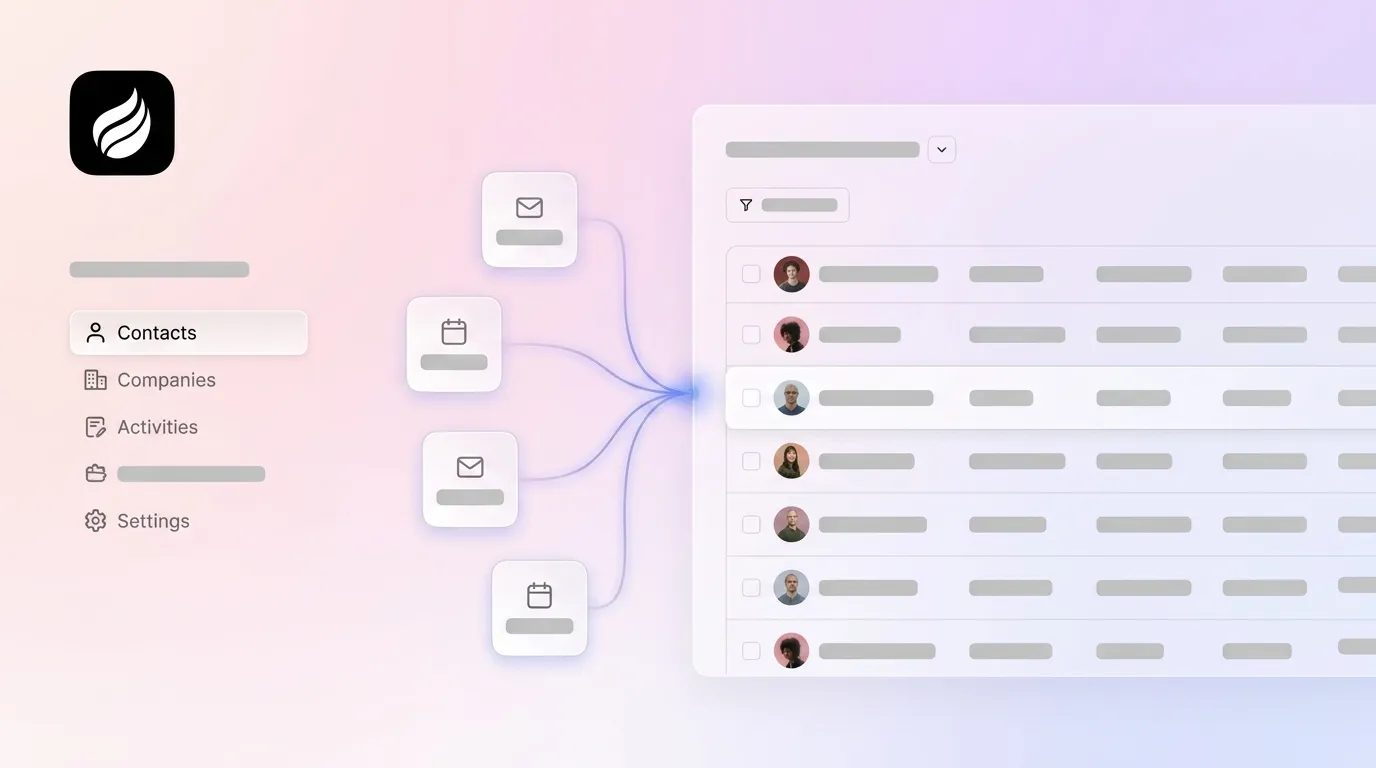
An autonomous CRM agent occupies the same functional layer as a CDP for sales use cases. It performs the ingestion, resolution, and enrichment described earlier and writes unified profiles back to the system of record, without a standalone platform deployment. AI sales agents pull unified account profiles to prioritize outreach, personalize communications, and identify cross-sell opportunities based on product usage patterns and behavioral signals. The agent approach targets the specific problem that fragments contact records for sales teams: unstructured data from emails, calls, and calendars that legacy CRM architectures cannot ingest automatically.

How an Autonomous Agent Captures and Unifies Sales Data
Legacy CDP approaches relying solely on structured first-party data and rigid connectivity tools are no longer sufficient for sales workflows that generate most of their signal in unstructured form, such as email threads, call transcripts, calendar context, and web visits. An autonomous agent addresses this gap by connecting directly to Google Workspace or Microsoft 365 and scanning emails and calendar events to auto-create and enrich contact and company records without human input.

The agent joins sales calls through Zoom, Teams, or Meet to record and transcribe, then structures the output according to sales methodologies like BANT or MEDDIC before writing it back to Salesforce or HubSpot. Web visitor identification adds another data stream. A tracking pixel resolves anonymous site traffic into named prospects with job title, email, and LinkedIn profile, and the agent routes these into the CRM with enrichment pre-filled. The result is a unified contact record built from structured CRM fields, unstructured conversation data, and behavioral web signals, without a data engineer or a separate CDP license.

Real-World Benefits of Agent-Led Contact Unification
The comparison below shows how an agent-based approach differs from a traditional CDP on the dimensions that matter most for sales teams, including data sources, manual effort, and implementation speed.
| Dimension | Traditional CDP | Agent-Based Approach (e.g., Coffee) |
|---|---|---|
| Data sources | CRM, social, web, mobile, POS, email, event marketing | Email, calendar, call transcripts, web visitor data, CRM structured fields |
| Unstructured data handling | Supported in enterprise tiers (e.g., Adobe Real-Time CDP audio, video, chat logs) | Native ingestion of call transcripts, email text, and meeting notes at all tiers |
| Manual effort required | Ongoing integration maintenance across CRM, ecommerce, and loyalty systems | Minimal, because the agent handles data entry, enrichment, and logging autonomously |
| CRM write-back | Feeds enriched profiles into CRM as a downstream destination | Writes directly to existing Salesforce or HubSpot instances through authenticated sync |
| Implementation complexity | Weeks to months depending on integration scope and engineering resources | Single authentication to connect Google Workspace or Microsoft 365, active immediately |
Try Coffee to see how an autonomous agent replaces the manual stitching your team does today.
Implementation Considerations for Growing Sales Teams
For a 10-50 person sales team, three factors determine whether a unification approach is viable: time to value, ongoing maintenance burden, and compatibility with the existing CRM. A traditional CDP deployment can take several months at enterprise scale and requires continuous integration maintenance that small teams cannot staff. An agent-based approach connects to existing email and calendar infrastructure through a standard OAuth authentication, begins auto-creating and enriching records immediately, and writes unified data back to Salesforce or HubSpot without replacing the system of record.
Security and compliance sit at the center of any evaluation. Coffee is SOC 2 Type 2 and GDPR compliant, and contact data is not used to train public models, which addresses the primary objections that RevOps leaders raise when they review tools that touch CRM data. Pricing follows a seat-based model with no metering on agent activity, so cost remains predictable as the team scales.
Evaluating Your Options for Contact Unification
Teams evaluating how to unify contact records in 2026 face a clear fork. They can invest in the full CDP stack described earlier, or they can deploy an agent that solves the sales-specific problem, which is fragmented, manually entered, unstructured contact data, directly inside the CRM already in use. AI agent use cases demand sub-second profile access and real-time profile updates so the agent can read, decide, and act within a single interaction, a requirement that batch-oriented CDP architectures were not designed to meet for individual sales workflows.
For Heads of Sales and RevOps at growing companies already committed to Salesforce or HubSpot, the agent path delivers a single customer view without a parallel platform, a data engineering hire, or a multi-month implementation. The contact record becomes the output of the agent’s continuous work rather than the output of a sales rep’s manual entry.
Let Coffee handle the data work your team is doing manually today.
Frequently Asked Questions
What is the difference between a CDP and a CRM for a small sales team?
A CRM stores data that humans enter manually, such as contact names, deal stages, and call notes, and it is optimized for managing known relationships. A CDP automatically ingests data from many sources, including anonymous web behavior, and uses identity resolution to stitch fragmented records into unified profiles. For a small sales team, the practical gap is that a CRM requires constant manual input to stay accurate, while a CDP, or an agent that performs the same function, automates that ingestion. Coffee bridges this gap by acting as an autonomous agent that feeds accurate, unified data into the CRM your team already uses, without a separate CDP deployment.
How long does it take to implement an agent-based contact unification approach?
Coffee connects to Google Workspace or Microsoft 365 through a standard authentication and begins scanning emails and calendars to auto-create contacts and log activities immediately after connection. There is no multi-month implementation, no data engineering requirement, and no parallel platform to configure. The agent starts producing unified records from the first day of use, and the Companion App for Salesforce or HubSpot writes enriched data back to the existing CRM without disrupting current workflows or data structures.
Is it secure to connect an AI agent to our CRM and email data?
Coffee is SOC 2 Type 2 certified and GDPR compliant. Data processed by the Coffee Agent is not used to train public AI models. The connection to Google Workspace or Microsoft 365 uses standard OAuth authentication, so Coffee accesses only what is explicitly authorized. For teams in regulated industries or with strict data governance requirements, Coffee’s compliance posture covers the standard evaluation criteria that security and legal teams apply to CRM-adjacent tools.
Does Coffee work with both Salesforce and HubSpot?
Yes. Coffee operates in two modes: as a standalone AI-first CRM for teams that want to replace their current system, and as a Companion App that deploys the Coffee Agent as an intelligent layer on top of an existing Salesforce or HubSpot instance. The Companion App is designed specifically for teams that are committed to their current CRM and want the agent to handle data entry, enrichment, and activity logging without migrating to a new system of record. Coffee has deep integration knowledge of Salesforce and HubSpot, including quotas, forecasting, required fields, and custom objects.
How much time does the Coffee Agent actually save sales reps?
Coffee’s agent automates contact creation, company enrichment, activity logging, meeting transcription, post-call summaries, follow-up drafting, and pipeline tracking. Across these functions, the agent saves sales reps an estimated 8-12 hours per week, time that would otherwise be spent on manual data entry, note-taking, and CRM updates. For context, sales representatives currently spend only about 35% of their time on actual selling because the remainder is consumed by administrative tasks, including the 546 hours per year lost to inaccurate CRM data. The Coffee Agent reclaims that time by handling the busywork autonomously, so reps focus on conversations rather than data hygiene.


