Written by: Doug Camplejohn, CEO & Co-Founder, Coffee
Key Takeaways
- HubSpot custom objects require deliberate schema design because internal property names and types are immutable after creation, so early decisions become technical debt.
- Associations between custom objects and standard objects are structurally many-to-many, so warehouse models must use bridge tables to represent these relationships accurately.
- Native connectors have limited custom object support, so most teams rely on third-party ETL tools or custom API scripts for complete warehouse coverage.
- Reverse ETL pipelines need clear field ownership rules to prevent data loops where HubSpot and the warehouse overwrite each other on every sync cycle.
What Are HubSpot Custom Objects?
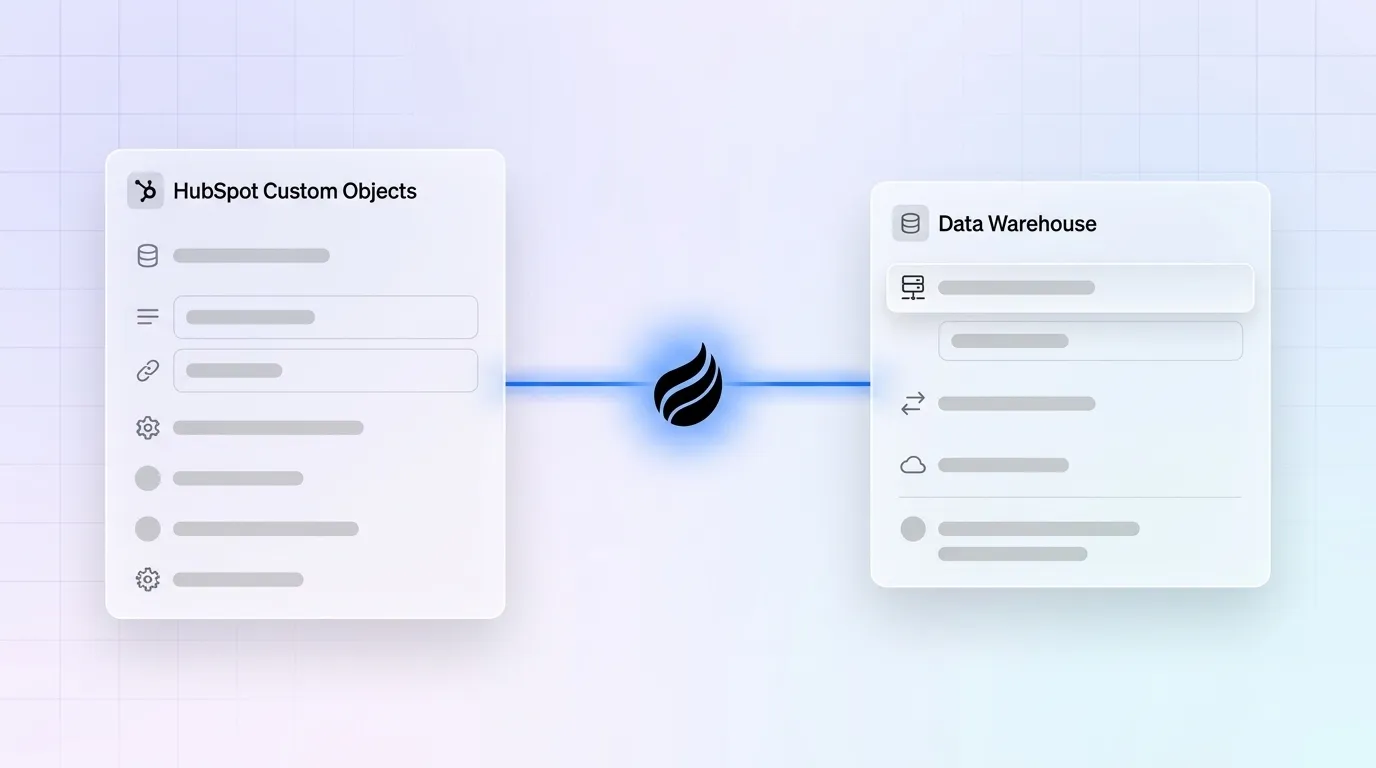
Custom objects in HubSpot are user-defined records that store data unique to your business, such as subscriptions or vehicles. They extend the standard objects (contacts, companies, deals) and can be associated with them. This structure lets you model complex relationships and sync that data to your warehouse for deeper analysis.
Custom objects are available exclusively on Enterprise-tier subscriptions of Marketing Hub, Sales Hub, Service Hub, Data Hub, Content Hub, Smart CRM, and Revenue Hub. You can create them through HubSpot’s data model interface or programmatically via the Custom Objects API.
For warehouse sync, custom objects matter because they hold critical business data such as subscriptions, assets, projects, and vehicles that standard objects cannot model. When those records stay out of your warehouse, analytics miss key context and reverse ETL pipelines work from an incomplete view of the business.
Designing Custom Objects for Warehouse Sync
The Schema Design Checklist
Internal API property names cannot be edited after creation. That constraint makes schema design the most consequential decision in the sync lifecycle. A bad internal name becomes permanent technical debt that propagates into every warehouse column, every dbt model, and every downstream report.
Lock in these decisions before creating any object:
- Naming conventions: Use lowercase snake_case for internal names (for example,
subscription_id). Avoid spaces, hyphens, and special characters. The internal property name must start with a lowercase letter and be unique within the portal. Add source prefixes to clarify lineage, such aszi_for ZoomInfo fields orprod_for product fields. - Property types: Choose types deliberately, such as string, number, date, or enumeration, because they map directly to warehouse column types. Property types are immutable once created; changing a type requires creating a new property, migrating data, and updating every workflow and report that referenced the old one. A property created as free text produces messy warehouse columns.
- Association planning: Decide which standard objects need associations (contact, company, deal) before you have records. Enabling associations upfront is cheaper than adding them later when you have 100K records. All HubSpot associations are structurally many-to-many in the warehouse and appear as bridge tables.
- Required fields: Keep required-on-creation fields to 3–5 maximum. Over-requiring fields that are not yet known causes import failures and integration issues.
- Data dictionary: Document each property with its internal name, object, type, options, owner, and source before the object reaches production.
Real-World Example: Modeling Subscriptions
A subscriptions custom object with the following schema illustrates these principles:
subscription_id— string, set as primary display property with unique values requiredplan_name— enumeration that keeps plan values standardizedstart_date— datestatus— enumeration (active, paused, cancelled)
Associations to contacts and deals are defined at creation. In the warehouse, this produces a subscriptions table with columns matching those properties. It also produces a contact_subscriptions bridge table keyed by contact_id, subscription_id, association_type_id, and label, which follows the standard star-schema junction table pattern.
Syncing Custom Objects to a Data Warehouse
Three Sync Approaches Compared
Native HubSpot connectors such as Snowflake Data Share and the BigQuery connector offer the simplest setup, but each has significant gaps. The native Snowflake Data Share requires Data Hub Enterprise at $2,000/month and uses Snowflake’s Secure Data Sharing infrastructure, which bypasses API rate limits entirely. The native Data Share is limited to core CRM objects and does not cover custom objects, so it rarely meets full RevOps requirements.
The BigQuery connector is in beta and does not support all object types, including object_x_views. For Data Hub Enterprise customers, the BigQuery connector does support custom objects, events, and associations. Early reviews rate it 3 out of 5, and users note that each CRM sync action costs 25 credits even when no new data is synced.
Third-party ETL tools such as Fivetran, Airbyte, and Stitch handle full historical backfill and incremental syncs. These tools support custom objects and associations and add cost and pipeline complexity. They remain the most reliable path for teams that need complete custom object coverage without building and maintaining custom API scripts.
Custom API scripts provide maximum flexibility through the /crm/v3/objects/{objectType} endpoint. They require ongoing maintenance and careful rate-limit handling. This approach fits teams with dedicated data engineering capacity and unusual sync requirements.
Step-By-Step: Native BigQuery Connector
Teams on Data Hub Enterprise that target BigQuery can follow this setup:
- Create a Google service account with BigQuery Data Viewer, BigQuery Job User, and Storage Object Owner roles.
- Provide a GCS bucket URI where HubSpot stages Parquet files.
- In HubSpot, navigate to Data Hub and configure the BigQuery connector, selecting custom objects alongside standard objects.
- Set sync frequency. Options include every 6 hours, 12 hours, daily, weekly, or monthly for HubSpot-to-BigQuery direction.
- Confirm that each custom object type appears in the destination dataset before enabling production pipelines.
Step-By-Step: API Pagination Example
This example shows how to fetch custom objects via the HubSpot API with basic pagination and rate-limit handling:
import requests import time ACCESS_TOKEN = "your_access_token" OBJECT_TYPE = "your_custom_object_type_id" BASE_URL = f"https://api.hubapi.com/crm/v3/objects/{OBJECT_TYPE}" headers = {"Authorization": f"Bearer {ACCESS_TOKEN}"} params = { "limit": 100, "properties": "subscription_id,plan_name,start_date,status", } all_records = [] after = None while True: if after: params["after"] = after response = requests.get(BASE_URL, headers=headers, params=params) if response.status_code == 429: time.sleep(10) continue data = response.json() all_records.extend(data.get("results", [])) paging = data.get("paging", {}) after = paging.get("next", {}).get("after") if not after: break print(f"Total records fetched: {len(all_records)}") The List endpoint supports cursor-based pagination with up to 100 records per page and no upper bound on total results, so it works better than the Search API for full extractions. Use batch endpoints wherever possible and implement exponential backoff on 429 responses.
Reverse ETL: Syncing Warehouse Data Back to HubSpot
Reverse ETL sends warehouse-computed scores, segments, and enriched attributes back into HubSpot custom object properties. Those values can trigger workflows, update lifecycle stages, and guide rep activity. Hightouch and Census are the leading tools for this pattern. The general setup is straightforward: connect the warehouse, define a SQL model, map columns to custom object properties, then configure sync schedule and conflict resolution.
The main failure mode in reverse ETL is the data loop. Without documented field ownership and conflict resolution rules, both systems overwrite each other, and values oscillate between states on every sync cycle. Before enabling any reverse ETL pipeline, document which system owns each field. Fields owned by the warehouse should be read-only in HubSpot, and fields owned by HubSpot should remain untouched by the warehouse model.
Schema drift is another major failure point in reverse ETL. When a new property is added in the product but the warehouse schema is not updated, reverse ETL tools like Census skip the new field silently until the dbt model is updated.
Before you scale your custom object usage, understand the platform’s limits and the practices that keep your model healthy.
HubSpot Custom Objects Limits and Best Practices
Know Your Limits
HubSpot provides a REST API endpoint (GET https://api.hubapi.com/crm/limits/2026-03/custom-object-types) that returns the portal’s current custom object limit, usage, and percentage used dynamically. The limit is not published as a fixed number and varies by portal. Published limits range from 10 custom objects per portal up to 100 objects at full Enterprise depth, and these numbers shift between releases, so check your portal dynamically.
Record limits for custom objects are tracked via the GET /crm/limits/2026-03/records endpoint, which returns overallLimit, overallPercentage, and overallUsage fields per object type. Exact maximum record counts are not published as fixed numbers.
Enterprise accounts with privately distributed apps are subject to 190 requests per 10 seconds and 1,000,000 requests per day. Free and Starter accounts are capped at 100 per 10 seconds and 250,000 per day. The daily cap is shared across every app on the account.
Best Practices
- Audit quarterly: Pull the full property list every 90 days and check for usage, accuracy, duplication, and whether data belongs on a different object.
- Aim for a focused model: Most portals need 2–5 custom objects. Going past 7 usually means the model is over-decomposed and should be revisited.
- Use custom objects for the right entities: Reserve them for entities that need independent tracking and association with standard objects, such as subscriptions, vehicles, projects, or assets. Avoid replicating standard objects or replacing activities.
- Govern property creation: Designate exactly one person with the authority to create custom properties, and have everyone else submit a request. This simple rule prevents most long-term data-quality problems.
Choosing Between HubSpot Custom Objects and HubDB
Custom objects are CRM records with associations, workflows, permissions, and reporting. They participate in deal pipelines, trigger automations, and sync to your data warehouse as transactional records. Use them for business entities that need lifecycle tracking, such as subscriptions, vehicles, projects, or assets.
HubDB is a website content table system used for lists, directories, pricing tables, and location finders. It is designed for public-facing content displayed on HubSpot CMS pages. HubDB records do not have CRM associations, do not appear in deal workflows, and do not sync to a warehouse as relational records.
The decision rule stays simple. When an entity needs to appear in a deal workflow, trigger an automation, or sync to your warehouse as a transactional record with foreign keys, treat it as a custom object. When it is content displayed on your website, treat it as HubDB. The most common integration mistake is forcing external system data into standard objects or content tools when it belongs in a custom object with proper associations.
Troubleshooting Common Sync Issues
Even with a solid schema and the right sync approach, custom object pipelines tend to fail in predictable ways. Use these patterns to diagnose issues quickly.
Association Sync Failures
The associations parameter on object GET calls is not supported on batch reads and is intended only for small, targeted lookups on individual records. Warehouse syncs need a separate associations pull. Use the Associations API V4 batch read endpoint, POST /crm/v4/associations/{fromObjectType}/{toObjectType}/batch/read, which accepts up to 1,000 IDs per call, to reconstruct bridge tables.
HubSpot’s Associations API V3 is documented as legacy and lacks the label and category schema introduced in V4. New integrations should target V4 directly. Model associations in the warehouse as bridge tables keyed by from_id, to_id, association_type_id, category, and label.
Parent records must be synced and matched on a unique key before syncing the custom object that attaches to them. When child records sync before their parents, the association fails and the child record lands as an orphan.
Rate Limits
Enterprise accounts face strict rate caps, and the Search API has its own throttle behavior. The Search API is throttled separately at 5 requests per second per account and its responses skip standard rate-limit headers, which makes it a poor fit for full-table extraction of large objects. Use batch endpoints for bulk reads and implement exponential backoff on 429 responses.
Internal Name Immutability
Plan internal names before creation. You cannot edit internal names, only labels. A bad internal name propagates permanently into warehouse column names, dbt models, and API payloads. Treat the naming convention as a schema contract that governs every downstream column.
Data Type Mismatches
HubSpot stores numeric properties as floating point, so currency values held directly rather than as integer cents are exposed to rounding errors during aggregation. Rollup properties may declare type: number in their schema but return a semicolon-delimited string at runtime when multiple values roll up together. Pipelines that assume strict type consistency break on these edge cases, so validate property types before syncing and handle exceptions in your transformation layer.
Conclusion
Schema design forms the irreversible foundation of every HubSpot data warehouse custom objects implementation. Get internal names and property types right on day one, because any fix later requires new properties, data migration, and updates to every downstream reference. Choose your sync method based on volume, budget, and custom object coverage: native connectors for simplicity at Enterprise tier, third-party ETL for complete coverage, and custom API scripts for maximum control. Plan for reverse ETL with documented field ownership per property to prevent data loops from the start.
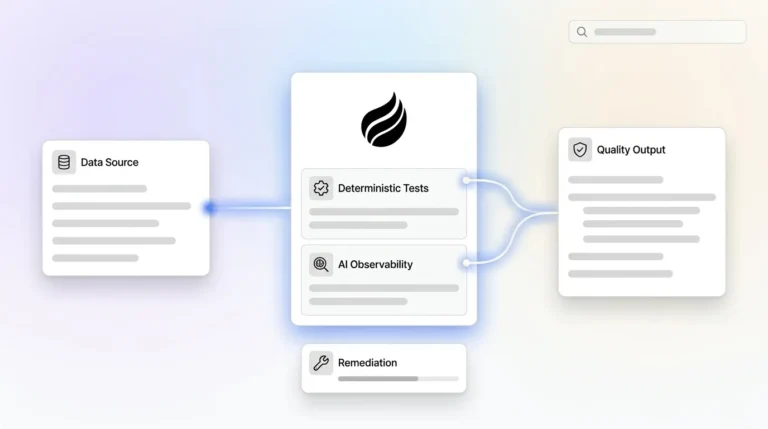
As AI-driven analytics and forecasting become standard for RevOps teams, data quality becomes the prerequisite. Warehouse sync succeeds when RevOps owns definitions and reconciliation. Clean custom object data in your warehouse makes accurate AI possible.
Frequently Asked Questions
What Is the Difference Between HubSpot Custom Objects and Standard Objects for Warehouse Sync?
Standard objects such as contacts, companies, deals, and tickets are predefined by HubSpot and covered by most native connectors and ETL tools out of the box. Custom objects are user-defined and require explicit configuration in your sync pipeline. They use the same API endpoint structure as standard objects but are identified by a dynamic objectTypeId rather than a fixed name. In the warehouse, they produce their own tables and require separate bridge tables for associations. Most native connectors have historically provided incomplete or no coverage for custom objects, so third-party ETL tools or custom API scripts are usually the reliable path for teams that need custom object data in Snowflake or BigQuery.
How Do I Handle HubSpot Custom Object Associations in a Data Warehouse?
All HubSpot associations are structurally many-to-many, even when practical behavior looks many-to-one. In the warehouse, model each association pair as its own bridge table keyed by from_id, to_id, association_type_id, category, and label. Use the Associations API V4 batch read endpoint to pull associations separately from object records, because the associations parameter on standard object GET calls is not supported on batch reads. Retrieve association labels dynamically at pipeline startup rather than hardcoding type IDs, which can change between portal configurations. Always sync parent records before child records to avoid orphaned associations in the warehouse.
What Are the Most Common Causes of HubSpot Custom Object Sync Failures?
The most common failure modes include field mapping mismatches, data type inconsistencies, rate limit exhaustion, association sync gaps, and internal name errors. Field mapping issues often appear when enumeration properties map to free-text columns. Data type inconsistencies arise because HubSpot stores numbers as floating point and rollup properties can return semicolon-delimited strings despite declaring a number type. Rate limits constrain high-volume syncs, and associations require separate pulls through the V4 batch endpoint. Internal names remain immutable, so a misconfigured name at creation becomes permanent technical debt in every downstream system.
When Should I Use Reverse ETL for HubSpot Custom Objects?
Reverse ETL fits when warehouse-computed attributes such as propensity scores, health scores, or usage-based segments need to flow back into HubSpot custom object properties to trigger workflows or inform rep activity. Tools like Hightouch and Census are the standard choices. Before enabling reverse ETL, document which system owns each field. Fields owned by the warehouse should be read-only in HubSpot to prevent data loops where both systems overwrite each other on every sync cycle. Schema drift remains a persistent risk, because new properties added in the source system do not sync until the warehouse model and dbt layer include them.
How Does Coffee Help With HubSpot Data Quality for Warehouse Syncs?
Coffee’s Companion App deploys an AI agent on top of existing HubSpot instances to automate the data capture that humans consistently skip. The agent automatically creates and enriches contacts, companies, and activities from emails, calendars, and call transcripts. This process ensures that custom object records associate with accurate, complete parent records before they reach the warehouse. Coffee operates as an active agent that captures and enriches data automatically, which addresses the root cause of warehouse sync failures: bad data entering HubSpot at the start. Clean input produces clean output, and clean output makes analytics, forecasting, and reverse ETL pipelines reliable.