Key Takeaways
- Custom CRM tracking scripts automate data capture, reduce manual entry that wastes 71% of sales reps’ time, and improve forecast accuracy by up to 15%.
- Scripts use event listeners for pageviews and form submits, then sync data through APIs to HubSpot, Salesforce, or Zoho CRM.
- Server-side tracking improves data quality by up to 41% and supports privacy compliance under 2026 browser restrictions and ad blockers.
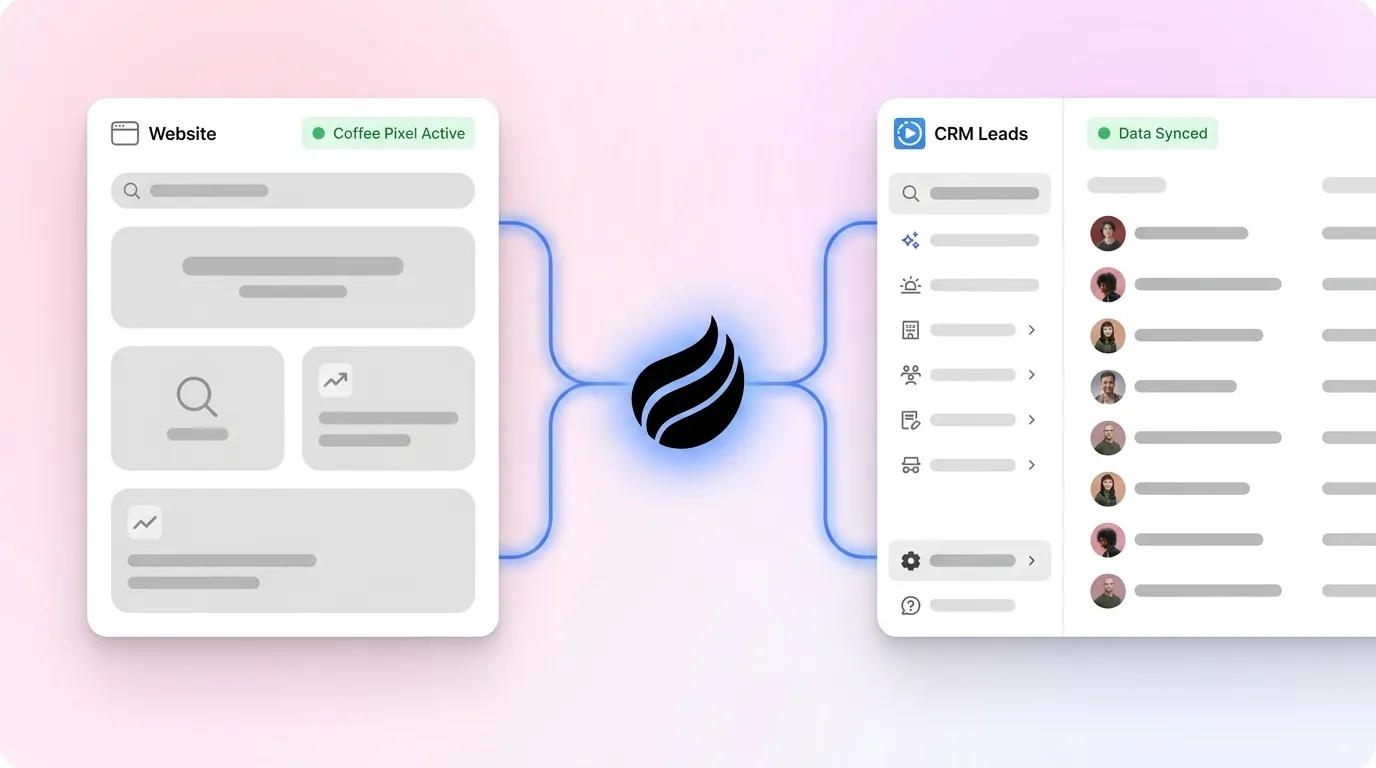
- Coffee’s no-dev pixel identifies anonymous visitors with AI enrichment, naming leads and suggesting outreach targets within minutes.
- Teams can skip DIY complexity and start a free Coffee trial for automated lead identification and CRM sync.
Executive Overview of Modern CRM Tracking
Custom CRM tracking scripts follow a simple pattern. Install JavaScript before the closing body tag, capture events like pageview and form_submit, then send data through server-side processing for privacy compliance. 67% of B2B companies adopted server-side tracking by 2026 to handle browser restrictions and privacy regulations, achieving up to 41% improvement in data quality.
This shift toward server-side processing sets the stage for a clear implementation path. Teams move from basic DIY scripts to CRM synchronization, then to AI-powered enrichment solutions like Coffee’s pixel. Modern tracking now goes beyond analytics collection and supports automated lead identification and qualification. Coffee’s visitor identification pixel represents this evolution by converting anonymous traffic into named prospects with suggested outreach targets. You can start experiencing this automated identification by generating your Coffee pixel in under five minutes through the Coffee pricing page.

Market Context and How CRM Tracking Evolved
CRM tracking has moved from Google Analytics plus manual lead logging to AI-powered agent systems in 2026. CRMs with built-in AI features showed a 12% improvement in forecast accuracy compared to traditional systems, which pushed adoption of intelligent tracking.
Three primary tracking approaches dominate the market: client-side JavaScript, server-side processing, and no-code solutions. Client-side JavaScript offers easy implementation but remains vulnerable to ad blockers. Server-side processing supports GDPR compliance but often requires complex setup. No-code solutions feel user-friendly yet usually provide limited functionality. The landscape now includes traditional CRM platforms and specialized visitor identification tools.
The following comparison shows how setup time, enrichment depth, and cost differ across popular options.
| Tool | Setup Time | Enrichment | Cost (SMB) |
|---|---|---|---|
| HubSpot | 1 day | Basic | Free tier |
| Salesforce | 3-5 days | Add-ons required | $25/user |
| Coffee Pixel | 5 minutes | AI-named plus suggested leads | Free trial |
Traditional CRM tracking scripts stop at anonymous sessions and never identify the real people behind each visit. Coffee’s pixel closes this gap by automatically identifying visitors and suggesting specific contacts for outreach. See Coffee vs. legacy solutions for more detailed comparisons.
How Custom CRM Tracking Scripts Capture and Sync Data
Custom CRM tracking scripts rely on four core components: pixel installation, event listeners, data payload construction, and API synchronization. When a visitor loads your website, the tracking script runs, captures their IP address, pages visited, and timestamps, then waits for key actions.
Event listeners watch for actions such as form submissions or button clicks and package this behavior into structured data. The script then sends these payloads through API calls to your CRM platform. This flow turns raw website interactions into organized CRM records that sales teams can use for timely follow-up.
Here is a basic custom CRM tracking script example:
// Custom CRM tracking script example (function() { window.crmTrack = function(event, data) { fetch('https://yourcrm.com/api/track', { method: 'POST', headers: {'Content-Type': 'application/json'}, body: JSON.stringify({ event: event, timestamp: new Date().toISOString(), url: window.location.href, ip: 'visitor_ip', ...data }) }); }; // Track pageview crmTrack('pageview', { title: document.title, referrer: document.referrer }); // Track form submissions document.addEventListener('submit', function(e) { if (e.target.tagName === 'FORM') { crmTrack('form_submit', { form_id: e.target.id, form_action: e.target.action }); } }); })();Basic scripts capture behavior but stop short of identifying who visitors are. Coffee’s pixel extends this approach by inferring visitor names, job titles, and LinkedIn profiles from IP addresses and behavioral signals, which bridges the gap between anonymous sessions and actionable leads. Install Coffee’s pixel to add this intelligence layer to your existing tracking setup.

7-Step Implementation Guide for Custom CRM Tracking
Teams can follow these seven steps to implement custom CRM tracking scripts with less friction and clearer outcomes.
1. Generate Your Tracking Script
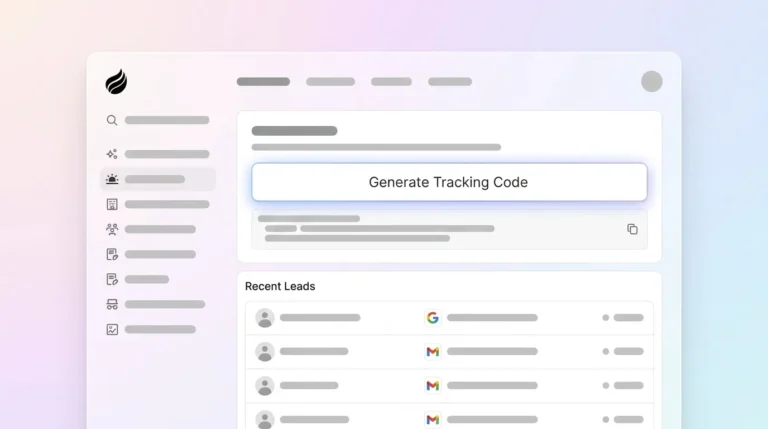
Start with Coffee’s visitor identification pixel for the most complete setup. Coffee generates a custom script that identifies anonymous visitors and enriches their profiles with name, title, and company information.
2. Install in the Website Header
Place your tracking script in the <head> section of your website, before the closing </head> tag. This placement ensures the script loads early and captures all visitor interactions across each page.
3. Configure Custom Events
Set up event tracking for form submissions, button clicks, and other conversion actions that matter to your funnel.
// Custom CRM tracking script example for form events document.addEventListener('DOMContentLoaded', function() { const forms = document.querySelectorAll('form'); forms.forEach(form => { form.addEventListener('submit', function(e) { crmTrack('form_submit', { form_name: this.name || this.id, email: this.querySelector('input[type="email"]')?.value }); }); }); });4. Connect HubSpot
For HubSpot tracking script integration, use the Forms API to send structured submissions.
// HubSpot tracking script integration function submitToHubSpot(formData) { fetch('https://api.hsforms.com/submissions/v3/integration/submit/YOUR_PORTAL_ID/YOUR_FORM_ID', { method: 'POST', headers: {'Content-Type': 'application/json'}, body: JSON.stringify({ fields: formData, context: { pageUri: window.location.href, pageName: document.title } }) }); }5. Connect Salesforce and Zoho
Configure API endpoints for each CRM and account for authentication and rate limits, since these details shape how your tracking script batches and sends data.
| CRM Platform | API Endpoint | Authentication | Rate Limits |
|---|---|---|---|
| Salesforce | /services/data/v58.0/sobjects/Lead | OAuth 2.0 | Salesforce Developer Edition organizations have a total API request limit of 15,000 calls per 24-hour period |
| Zoho CRM | /crm/v2/Leads | OAuth 2.0 | Zoho CRM API limits use credits in a 24-hour rolling window, varying by edition: Free Edition 5,000 credits; Standard/Starter up to 100,000 credits; Professional up to 3,000,000 credits; Enterprise/Zoho One up to 5,000,000 credits; Ultimate/CRM Plus unlimited |
| HubSpot | /crm/v3/objects/contacts | OAuth or private app access tokens | HubSpot Free and Starter private apps have an API rate limit of 100 requests per 10 seconds per app |
6. Use No-Code Alternatives When Needed
For custom CRM tracking script free options, consider Zapier webhooks or Google Sheets integrations. These custom CRM tracking script Excel style setups suit small teams but do not provide advanced enrichment.
7. Verify and Explore GitHub Resources
Test your implementation with browser developer tools and network logs. For custom CRM tracking script GitHub examples, search repositories for “CRM tracking” or “visitor identification,” while keeping in mind that most open-source options still need heavy customization.
Troubleshooting Common Tracking Issues
Teams most often encounter CORS errors, ad blocker interference, and data loss. Ad blockers can remove a large share of tracking requests in client-side setups and create gaps in reporting. Server-side tracking solutions bypass ad blocker restrictions entirely and deliver the data quality improvements mentioned earlier. Deploy Coffee’s solution to avoid these technical challenges and rely on a managed, server-side approach.
Strategic Trade-Offs and Why Teams Choose Coffee
Organizations usually pick between three CRM tracking paths: DIY scripts, no-code platforms, and AI-powered agents like Coffee. DIY scripts feel flexible and free but demand high maintenance and ongoing engineering time. No-code platforms reduce effort but often provide shallow data and limited enrichment. AI-powered agents such as Coffee require minimal effort while delivering high accuracy.
Coffee addresses the core pain points of traditional tracking, including low adoption from complex setups and poor data quality from incomplete visitor identification. By automating lead capture, enrichment, and qualification, the platform saves sales teams 8 to 12 hours each week that previously went into manual research and data entry. Book a Coffee demo to see how this automation turns anonymous traffic into faster pipeline growth for your team.
Common Pitfalls and How Coffee Stands Apart
Most custom CRM tracking scripts struggle with data leaks, incomplete event capture, and missing visitor enrichment. 76% of CRM users report that less than half their organization’s CRM data is accurate and complete, largely because of manual entry and anonymous visitor tracking.
Coffee differentiates itself with SOC2 compliance, automatic activity logging, and AI-powered suggested leads that outperform competitors like RB2B and Warmly. While other tools show company visits or raw contact lists, Coffee identifies specific individuals within visiting companies and recommends the strongest prospects for outreach based on your buyer persona.
FAQ
Where can I find a custom CRM tracking script example on GitHub?
GitHub repositories include basic tracking examples, but most require significant customization before production use. Popular repositories include “crm-tracking-js” and “visitor-analytics.” Coffee’s pixel offers a production-ready alternative with visitor identification and enrichment built in, which removes the need for custom development.
What is the best HubSpot tracking script approach for 2026?
HubSpot’s native tracking code captures form submissions and page views but does not identify visitors by name or role. For complete tracking, combine HubSpot’s script with Coffee’s visitor identification pixel so you can automatically name anonymous visitors and sync enriched data back to HubSpot.
How do custom CRM tracking scripts integrate with Salesforce and Zoho?
Integration depends on correct API authentication and endpoint configuration. Salesforce uses OAuth 2.0 with REST API calls, and Zoho CRM uses a similar OAuth-based approach. Coffee simplifies this work through pre-built integrations that sync visitor data directly to your existing CRM without custom code.
What security considerations apply to custom CRM tracking scripts?
Teams should favor server-side tracking to protect API keys and support GDPR compliance. Client-side scripts expose sensitive information in browser developer tools and increase risk. Coffee maintains SOC2 Type 2 certification and processes data server-side, which delivers enterprise-grade security without extra configuration.
Are there free alternatives to custom CRM tracking scripts?
Free options include basic Google Analytics tracking and simple webhook flows, but these lack visitor identification and enrichment. Coffee offers a free trial with full functionality, which often costs less over time than building and maintaining custom solutions.
Conclusion: Move From DIY Scripts to AI Visitor Identification
Custom CRM tracking scripts have progressed from simple analytics snippets to AI-powered visitor identification systems. DIY approaches still provide control but demand significant development and maintenance resources from your team. Coffee’s visitor identification pixel points to the future of CRM tracking with automated, intelligent, and immediately actionable data. Start with Coffee’s free pixel trial and turn anonymous website traffic into qualified sales opportunities.