Key Takeaways for Salesforce CRM Tracking Scripts
- CRM tracking scripts capture visitor data like pages viewed and form submissions, then log it directly into Salesforce to reduce manual data entry.
- Salesforce 2026 updates (API v67) introduce stricter security, so teams should use Account Engagement, Web-to-Lead, REST API, or Marketing Cloud for compliant tracking.
- Common pitfalls include CORS errors, ad blockers, and GDPR issues, so teams need thorough testing before relying on any implementation.
- Coffee’s no-code pixel deploys in 5 minutes, identifies named visitors, enriches personas, and syncs to Salesforce with zero maintenance.
- Skip script hassles with Coffee’s automated visitor tracking and real-time Slack alerts.
Why CRM Tracking Scripts Matter in 2026
Effective CRM tracking scripts fuel pipeline intelligence by capturing visitor behavior before prospects identify themselves. However, Salesforce API version 67.0 introduces stricter security defaults that impact tracking implementations. Teams managing RevOps, sales operations, and lead generation face risks including untracked visitors, GDPR compliance issues, and fragmented data across tools like ZoomInfo and Salesforce. These problems compound when tracking scripts fail silently or demand constant updates to stay compliant. Coffee’s automation addresses these challenges by handling visitor identification and data enrichment without ongoing script maintenance.
Readiness and Preconditions for Salesforce Tracking
Teams should confirm core access and configuration before implementing CRM tracking scripts in Salesforce.
- Salesforce admin access with “Customize Application” permissions
- Account Engagement (Pardot) or Marketing Cloud enabled
- Website access to modify <head> tags
- Google Workspace or Microsoft 365 for Coffee integration
- 2026 compliance setup with Einstein consent management and GDPR opt-ins configured
Manual script implementation typically requires 30 minutes of development time. Coffee’s pixel deploys in under 5 minutes and removes ongoing maintenance work.
Core Sequential Step-by-Step Implementation
How CRM Tracking Tools Work
A CRM tracking tool captures website visitor behavior and automatically creates or updates records in your customer relationship management system. These tools range from simple page-view pixels to sophisticated visitor identification systems.
When choosing an implementation approach, teams should balance depth of data against the maintenance burden they can realistically support.
| Tool Type | Data Captured | Implementation | Maintenance Required |
|---|---|---|---|
| Basic Tracking Script | Page views, sessions | JavaScript embed | High |
| Visitor ID Pixel | Named contacts, enrichment | Single pixel | None |
Salesforce Account Engagement Tracking Script Setup
Account Engagement provides the most robust native tracking for Salesforce orgs and fits teams that want deep page and form tracking.
Follow these steps to configure the script.
- Navigate to Account Engagement Settings → Tracking Code.
- Copy your unique piAId and piCId values.
- Use those values in one of the following tracking code templates.
| Script Type | Code Snippet | Placement | Use Case |
|---|---|---|---|
| Basic Tracking | <script>piAId=’12345′;piCId=’67890′;</script> | <head> | Page views |
| Form Tracking | <script>piAId=’12345′;piCId=’67890′;piTrackingId=’form1′;</script> | Before </body> | Conversions |
Install the code in your website’s <head> section. If the tracking script fails to fire because of cross-origin restrictions, ensure your domain is allowlisted in Account Engagement settings to resolve CORS errors.
Web-to-Lead Form with JavaScript Tracking
Teams that prefer simple native forms can combine Web-to-Lead with custom JavaScript for a complete CRM tracking script Salesforce example.
<form action="https://webto.salesforce.com/servlet/servlet.WebToLead?encoding=UTF-8" method="POST"> <input type="hidden" name="oid" value="YOUR_ORG_ID"> <input type="hidden" name="retURL" value="http://yoursite.com/thanks"> <input type="text" name="first_name" placeholder="First Name"> <input type="text" name="last_name" placeholder="Last Name"> <input type="email" name="email" placeholder="Email"> <input type="submit" value="Submit"> </form> <script> document.querySelector('form').addEventListener('submit', function(e) { // Track form submission gtag('event', 'form_submit', { 'form_name': 'web_to_lead', 'page_url': window.location.href }); }); </script>Custom REST API Tracking with OAuth (2026 v67)
As noted earlier, v67’s stricter security defaults require explicit authentication for all tracking operations. Earlier versions allowed more permissive behavior, while current releases enforce OAuth token exchange for every API call.
Use the following steps to implement OAuth-compliant tracking.
- Create a Connected App in Salesforce Setup.
- Configure OAuth scopes for api, web, and refresh_token.
- Implement the tracking endpoint with an OAuth token exchange and a Task insert.
// OAuth token exchange const response = await fetch('https://login.salesforce.com/services/oauth2/token', { method: 'POST', headers: { 'Content-Type': 'application/x-www-form-urlencoded' }, body: new URLSearchParams({ grant_type: 'client_credentials', client_id: 'YOUR_CLIENT_ID', client_secret: 'YOUR_CLIENT_SECRET' }) }); // Create tracking record const trackingData = { Name: 'Website Visit', Description: `Page: ${window.location.href}`, Status: 'New' }; await fetch(`${instanceUrl}/services/data/v67.0/sobjects/Task/`, { method: 'POST', headers: { 'Authorization': `Bearer ${accessToken}`, 'Content-Type': 'application/json' }, body: JSON.stringify(trackingData) });Marketing Cloud Collect Tracking Pixel Setup
Marketing Cloud users can add a Collect tracking pixel for Salesforce tracking pixel implementation.
<script> (function() { var script = document.createElement('script'); script.src = 'https://YOUR_SUBDOMAIN.collect.igodigital.com/collect.js'; script.setAttribute('data-collect-dnt', 'false'); document.head.appendChild(script); })(); </script>Teams should confirm Einstein consent management configuration to comply with 2026 privacy requirements.
Coffee Visitor Identification Pixel for Salesforce
Coffee removes the complexity of manual CRM tracking scripts by handling visitor identification through a simple pixel.
Use this five-step, no-code process.
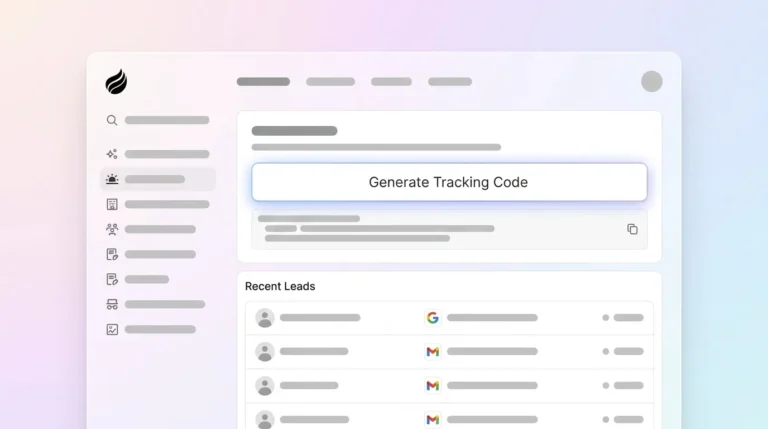
- Generate your custom pixel in Coffee’s dashboard.
- Copy the single-line script provided for your workspace.
- Install that script in your website’s <head> tag.
- Confirm installation using Coffee’s built-in verification checker.
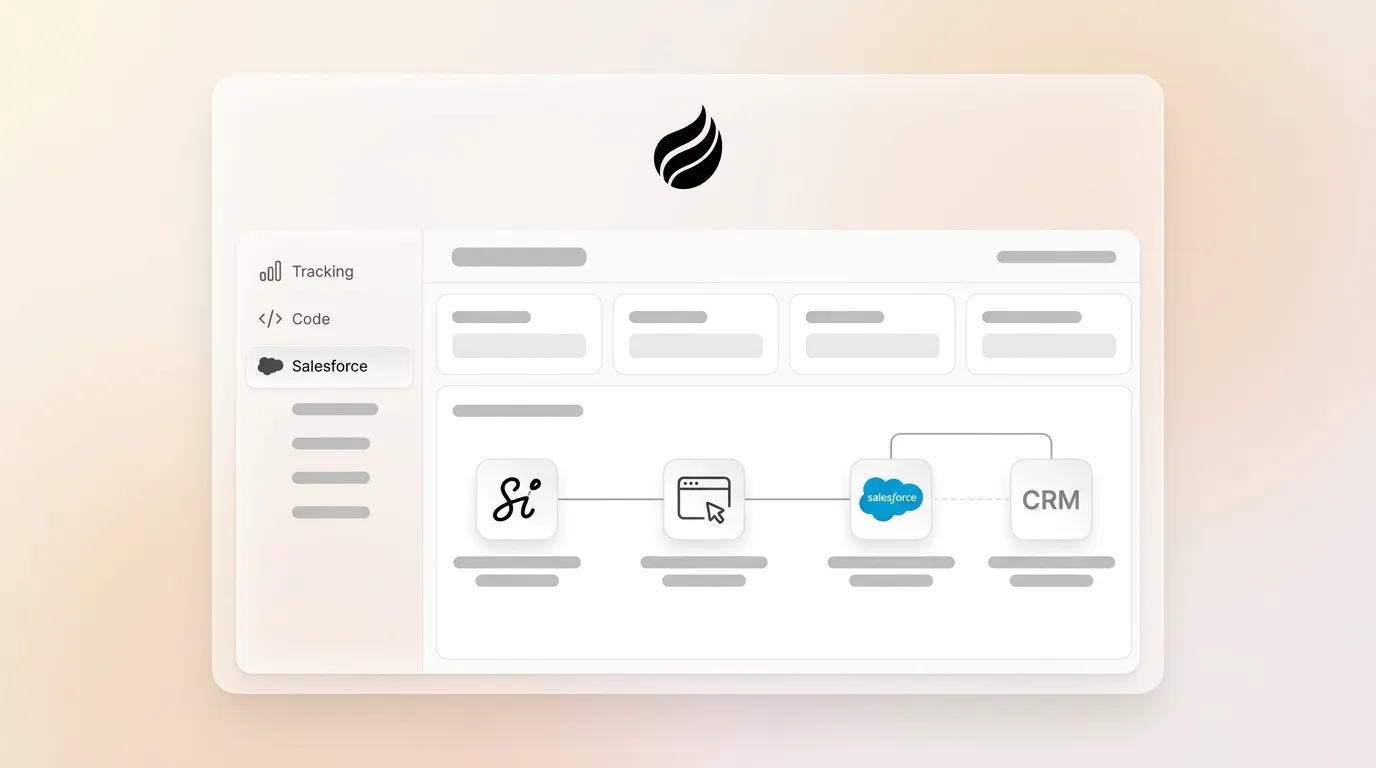
- Let Coffee start identifying visitors and syncing data to Salesforce automatically.
Coffee’s intelligence layer identifies visitor names, titles, emails, and LinkedIn profiles alongside company information, pages visited, time on site, and visit frequency. The system provides real-time Slack notifications for high-fit visitors and automatically syncs enriched contact data to Salesforce activities and leads.

Beyond basic tracking, Coffee’s Suggested Leads feature stands out. While competitors like RB2B and Warmly only show company-level data, Coffee uses buyer personas to recommend specific individuals within visiting companies and surfaces their LinkedIn profiles for immediate outbound engagement.

Start your free trial and reclaim 8-12 hours per week spent on manual data entry.
Common Mistakes and Troubleshooting Tips
| Error | Cause | Fix | Coffee Avoids It |
|---|---|---|---|
| Script not firing | Ad blockers, CORS issues | Server-side implementation | Agent-based tracking |
| API deprecation | Outdated endpoints | Upgrade to v67+ | Automatic updates |
| Permission errors | User mode defaults | Explicit sharing rules | Native integration |
| GDPR violations | Missing consent | Einstein compliance | Built-in compliance |
Coffee’s automated approach reduces these pitfalls through continuous maintenance and compliance monitoring.
Validation and Success Criteria for Tracking
Teams should validate CRM tracking script implementations with clear checks.
- Verify Salesforce activity logs show new records.
- Confirm pipeline data reflects website engagement.
- Monitor conversion rates from anonymous to known leads.
Coffee provides immediate validation through real-time Slack alerts and automatic contact creation in Salesforce.
Variations and Scaling Strategies
Small businesses can start with basic pixel tracking for simple page views. Mid-market companies gain more value from API integration combined with Coffee’s enrichment capabilities and Zapier automation for complex workflows.
Scale your visitor identification without increasing technical complexity.
Frequently Asked Questions
Best CRM Tracking Script Salesforce Example for 2026
The most effective approach combines Account Engagement tracking with Coffee’s Visitor Identification pixel. Account Engagement handles basic page views while Coffee identifies named visitors and enriches contact data automatically. This hybrid approach delivers comprehensive tracking without the maintenance overhead of custom scripts.
How CRM Tracking Tools Work in Practice
A CRM tracking tool captures website visitor behavior and automatically creates or updates customer records. Traditional tools use JavaScript to track page views and form submissions. Modern solutions like Coffee use AI agents to identify specific visitors by name, enrich their profiles with job titles and contact information, and sync this data directly to your CRM without manual intervention.
Enabling CRM Analytics in Salesforce for Visitor Tracking
Enable CRM Analytics by navigating to Setup → Analytics → Settings and activating the feature for your org. Configure data sources to include website tracking data, create datasets for visitor behavior, and build dashboards to visualize engagement patterns. Coffee automatically provides this analytics layer without separate CRM Analytics configuration.
Coffee Compared to RB2B and Warmly for Salesforce Tracking
As detailed in the Coffee section above, the key difference is individual-level identification versus company-only data. Coffee also includes LinkedIn profiles and persona-based lead suggestions that competitors lack, which turns raw visitor data into targeted outreach lists.
Key 2026 Salesforce Web Tracking Code Updates
Key 2026 updates include API version 67.0 security defaults that enforce user mode for database operations, retirement of Platform API versions 21.0 through 30.0, and new Model Context Protocol server availability. These changes affect custom tracking script authentication and data access patterns. Coffee’s automated approach handles these updates without requiring code modifications.
Conclusion: Moving Beyond Manual Salesforce Tracking Scripts
Manual CRM tracking scripts in Salesforce require ongoing maintenance, compliance monitoring, and technical expertise to handle 2026 API changes and security requirements. Native options like Account Engagement and Web-to-Lead provide basic functionality but cannot identify anonymous visitors or enrich contact data automatically.
Coffee’s Visitor Identification pixel removes these challenges by acting as an intelligent system that handles visitor tracking, contact enrichment, and Salesforce synchronization without custom scripts. The platform identifies named visitors, provides buyer persona matching through Suggested Leads, and maintains clean CRM data through automated entry.
Ditch manual CRM tracking script Salesforce implementations and use Coffee for reliable visitor data. Turn anonymous website traffic into qualified pipeline opportunities in minutes, not hours.