Key Takeaways for Salesforce Tracking Scripts
- CRM tracking script Salesforce integration connects anonymous visitor behavior, such as pages viewed, directly to enriched Salesforce leads.
- Sales teams lose 71% of their time to manual entry, while automation recaptures over 70% of lost visitors and returns that time to selling.
- Coffee’s AI-powered pixel installs in under 60 minutes and adds individual names, LinkedIn profiles, and real-time Slack alerts.
- Integration aligns with 2026 security standards through SOC2 controls, JWT-based OAuth, and GDPR-compliant data handling in Coffee’s External Client Apps.
- Teams can start today on Coffee’s free tier and sync Salesforce instantly while improving lead qualification quality.
Why CRM Tracking Script Salesforce Integration Matters for Revenue Teams
CRM tracking script Salesforce integration closes the gap between website activity and your sales pipeline. Without this connection, valuable prospect behavior stays locked in analytics tools while sales teams chase leads with partial context.
Businesses using AI for lead generation report a 50% increase in sales-ready leads and AI lead generation reduces costs by 60-75% through automation. These gains come from breaking the “bad data cycle,” where weak visitor tracking feeds incomplete records into Salesforce and compounds missed opportunities over time.
Companies that skip proper visitor tracking end up with fragmented data across tools like ZoomInfo, SalesLoft, and separate analytics platforms. This fragmentation creates manual work, inconsistent reporting, and higher operational costs.
Readiness Check Before CRM Tracking Script Salesforce Integration
Strong preparation prevents data fragmentation and makes your CRM tracking script Salesforce integration smoother. Before you start, confirm Salesforce administrator access with permission to create custom fields and manage Connected Apps.
You also need developer access to your website’s HTML head section so you can install the tracking pixel correctly. For Coffee’s integration, have your Google Workspace or Microsoft 365 credentials ready to support seamless data enrichment.
With these pieces in place, setup usually takes 30 to 60 minutes because Coffee’s guided OAuth flow handles the complex authentication steps for you. Verify your readiness with Coffee’s free pixel generator, which includes a pre-flight checklist and guided setup so you can confirm everything is configured correctly before going live.
CRM Tracking Script Salesforce Integration Options in 2026
Teams can connect website tracking to Salesforce through several approaches, each with different tradeoffs in setup time, data depth, and cost. The table below compares the main options so you can match your integration method to your technical resources and data needs.
| Method | Setup Time | Data Quality | Cost Structure |
|---|---|---|---|
| Native Pardot | Varies | Company-level identification | High enterprise pricing |
| Zapier Integration | Minutes | Data syncing and automation | Monthly subscription plans tiered by number of tasks per month, with unlimited Zaps on paid plans |
| AppExchange Solutions | Varies | Partial data enrichment | Per-user or per-company (org-wide) licensing |
| Coffee Companion | Quick setup | AI-named individuals + suggested leads | Free tier available |
Coffee’s Companion App stands out through automatic mapping of unstructured visitor data and SOC2-aligned JWT-based External Client Apps (ECA) authentication, which strengthens security while keeping setup simple.

Step-by-Step CRM Tracking Script Salesforce Integration Tutorial
Now that you have a view of the main integration options and their tradeoffs, you can walk through the setup steps for each method. Start with the simplest approach and move toward more advanced tracking as your requirements grow.
1. Native Pardot Tracking Code Setup
Pardot’s native tracking uses a script embedded in your website’s head section. Insert the following code structure into your template:
This method captures company-level identification but does not name individual visitors. It also requires significant manual work to configure lead scoring, grading, and routing rules.
2. No-Code Zapier Salesforce Tracking Integration
Zapier connects website forms to Salesforce through webhooks and no-code automation. Configure triggers for form submissions or page visits, then map each captured field to the correct Salesforce lead field.
This approach works well for basic workflows and quick experiments. However, Zapier does not provide AI enrichment and needs manual field mapping for every data point, which limits scalability for full-funnel visitor tracking.
3. Coffee Pixel: 7-Step No-Code Salesforce Visitor Tracking Install
Coffee’s AI-powered pixel delivers a comprehensive CRM tracking script Salesforce integration that focuses on individual-level identification and enrichment. Follow these seven steps for a no-code installation.
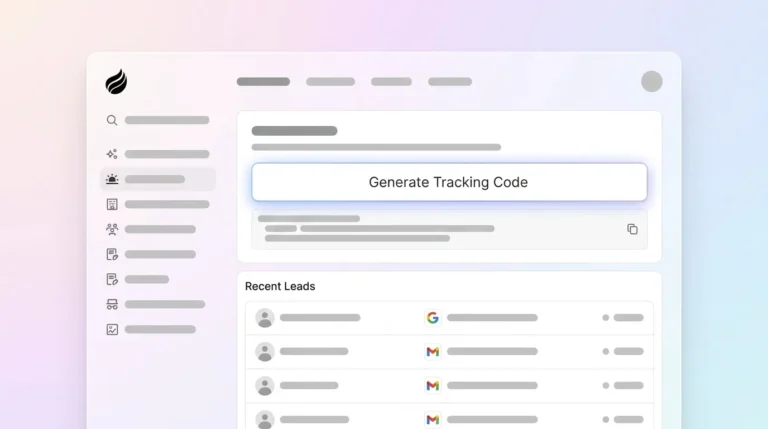
Step 1: Generate your custom tracking pixel in Coffee’s dashboard, which also verifies installation status automatically.
Step 2: Paste the generated script into your website’s <head> section, and Coffee confirms successful implementation through its built-in checks.
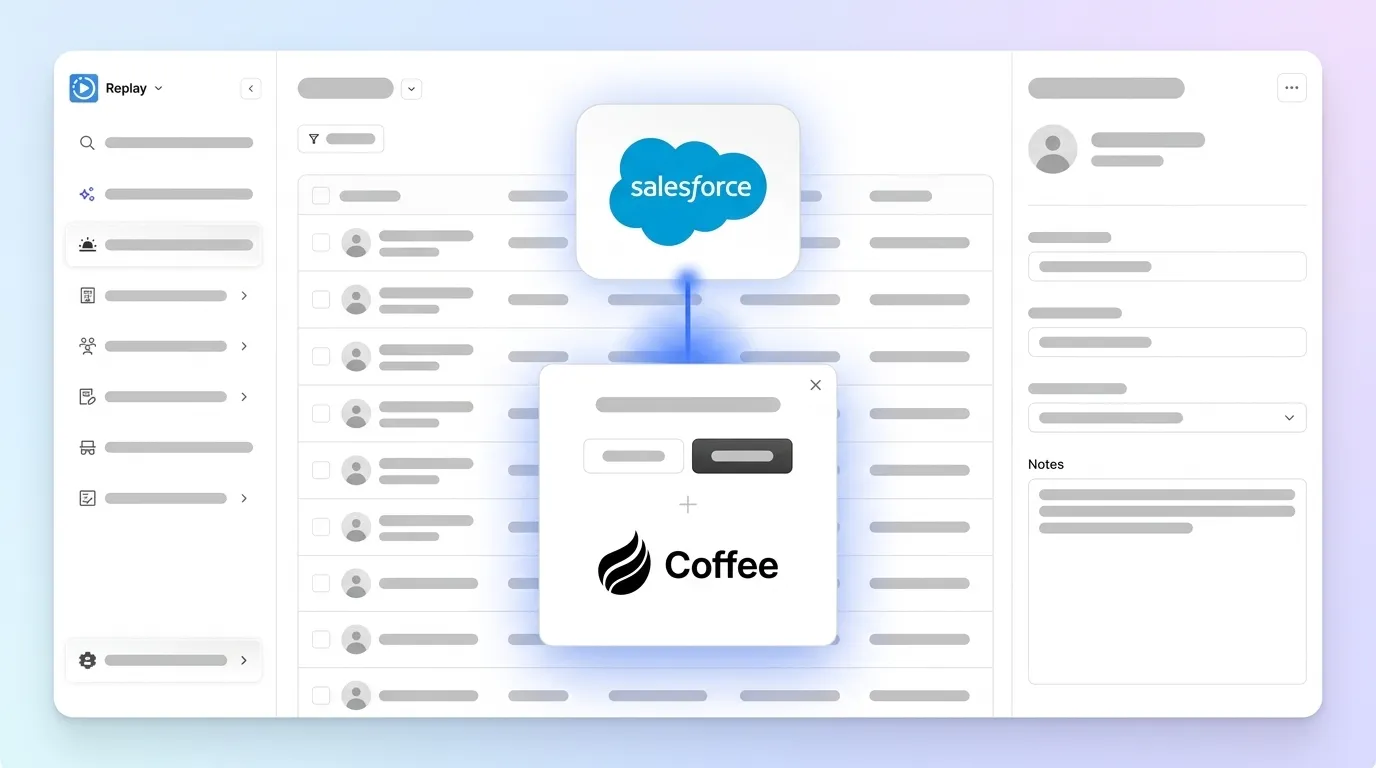
Step 3: Authenticate your Salesforce org using JWT-based External Client Apps (ECA) for secure OAuth authentication, which reduces token exposure and aligns with Salesforce security guidance.
Step 4: Configure automatic field mapping from visitor data, including name, company, email, and LinkedIn profile, to the corresponding Salesforce lead fields.
Step 5: Enable real-time Slack notifications for high-intent visitor activity and BANT qualification scoring so sales can engage quickly.
Step 6: Activate Coffee’s Suggested Leads feature to surface specific individuals within visiting companies who match your buyer persona.

Step 7: Test the integration in an incognito browser session and confirm that Salesforce creates enriched leads with accurate tracking data.
Coffee’s pixel improves qualification accuracy compared with manual methods and consistently raises the quality of leads entering your Salesforce pipeline.
Security and Data Mapping Checklist for Salesforce Tracking Scripts
Modern CRM tracking script Salesforce integrations must meet 2026 security expectations while still delivering rich data. Salesforce’s Spring ’26 Secure Coding Guide recommends JWT-based External Client Apps over session ID methods to reduce token exposure and strengthen authentication.
Key security measures include:
- GDPR compliance with clear data retention policies and user consent mechanisms
- SOC2-aligned controls and Shield Platform Encryption for sensitive lead data
- Field-level security configuration that enforces correct CRUD and FLS permissions
- Regular audit trails and monitoring to detect unusual API or integration activity
Coffee applies these requirements automatically and uses the JWT-based ECA approach described in the setup steps, along with automatic data enrichment and secure OAuth integration with Salesforce.
Common Mistakes and Troubleshooting for No-Code CRM Salesforce Scripts
Even simple, no-code integrations can run into configuration issues during rollout. The table below highlights frequent problems, their causes, and practical fixes so you can stabilize your tracking quickly.
| Issue | Cause | Solution |
|---|---|---|
| Pixel not firing | Ad blocker interference | Coffee’s auto-verification detects and resolves |
| Duplicate leads created | Missing deduplication rules | Configure Salesforce duplicate management |
| Incomplete visitor data | Insufficient tracking parameters | Enable Coffee’s AI enrichment features |
| OAuth authentication failure | Incorrect Connected App setup | Use Coffee’s guided OAuth configuration |
| Missing lead assignments | Unconfigured routing rules | Set up automatic lead assignment in Salesforce |
Avoid these common pitfalls entirely with Coffee’s pixel, which includes built-in troubleshooting and automatic error resolution so issues are handled before they affect your integration.
Validation and Success Metrics for Your Salesforce Tracking Script
Clear validation steps confirm that your CRM tracking script Salesforce integration works as expected. Run incognito browser tests on your website and confirm that each session creates a corresponding Salesforce lead with full enrichment data, including contact, company, and behavior details.
Track key performance indicators such as lead creation rate, data completeness percentage, and time-to-sync between visit and lead creation. These metrics show whether your integration supports real-time sales engagement.
Scaling Salesforce Lead Tracking and Evaluating Alternatives
Scalable lead tracking requires tools that grow with your traffic and sales coverage. Coffee scales through agent orchestration capabilities that exceed competitors like RB2B and Warmly.
While many alternatives stop at basic company identification, Coffee delivers named individuals with LinkedIn profiles and suggested outreach targets. The platform’s AI-driven approach adds automatic lead scoring, behavioral analysis, and tight alignment with existing sales workflows without extra point tools or heavy configuration.
FAQ
How does Coffee pixel differ from Pardot for Salesforce integration?
Coffee identifies individual visitors with names, titles, and LinkedIn profiles, while Pardot usually focuses on company-level data. Coffee’s AI enrichment maps unstructured visitor signals into structured Salesforce fields and surfaces suggested leads inside each visiting account, which removes much of the manual qualification work common in Pardot setups.
What is the typical setup time for Salesforce tracking script integration?
Coffee’s pixel integration installs quickly, including OAuth authentication and field mapping through guided flows. Traditional tools like Pardot often require deeper configuration, while Zapier Salesforce integrations can be configured in minutes for basic syncing but do not provide AI enrichment.
How does the tracking script ensure data security for Salesforce integration?
Coffee maintains SOC2 Type 2 certification and uses the JWT-based authentication model described in the setup tutorial for secure Salesforce access. All data travels over TLS, and the platform follows GDPR requirements for retention and consent. Compatibility with Shield Platform Encryption keeps sensitive lead data protected at rest.
Does Coffee handle 2026 GDPR and OAuth updates?
Coffee automatically tracks Spring ’26 Salesforce security updates, including JWT-based authentication patterns and stronger OAuth controls. The platform ships with GDPR features such as data masking, retention policies, and consent management so teams stay compliant without extra configuration.
What AI enrichment benefits does Coffee provide for lead generation?
Coffee’s AI analyzes firmographic data, behavioral patterns, and intent signals to sharpen lead qualification. It delivers real-time visitor identification, automatic BANT scoring, and suggested contacts inside visiting companies, which raises conversion rates compared with manual qualification.
Conclusion: Turn Salesforce Tracking Scripts into Qualified Pipeline with Coffee
Effective CRM tracking script Salesforce integration converts anonymous website visitors into qualified opportunities through automated capture and enrichment. Coffee’s AI-powered pixel removes manual data entry, improves visitor identification, and keeps Salesforce in sync with live buyer activity.
Transform your anonymous website visitors into qualified Salesforce leads today with Coffee’s AI-powered tracking, the fastest and most secure integration available in 2026.