What You Will Learn About Custom Fields in 2026
- Contact management software with custom fields lets sales teams track deal-specific details beyond basic contact data and move past manual entry limits in 2026.
- Standard CRM fields leave critical pipeline data scattered in emails and notes, which creates incomplete records and unreliable forecasts.
- The seven most useful custom field types are number, text, multiple-choice, date, user, contact or stakeholder, and win or loss reason fields for complete opportunity tracking.
- Agent-driven platforms like Coffee remove manual field population by extracting and updating data from emails, transcripts, and calendar events, unlike HubSpot and Pipedrive.
- Teams ready to remove manual field entry can get started with Coffee for autonomous custom field management from day one.
Why Standard CRM Fields Fail Modern Sales Teams
Standard CRM fields capture surface-level contact data. They do not track deal-specific attributes like contract end dates, product tier, or the name of a champion inside an account. When those details sit in emails, call transcripts, and calendar notes instead of structured fields, pipeline forecasts turn into guesswork.
The cost is measurable. Salesforce’s 2026 State of Sales report, based on a survey of 4,050 sales professionals, found that the average seller spends only 40% of their time selling. The rest goes to administrative work, including manual data entry into fields that are often incomplete by the time a manager reviews them.
Incomplete records create a compounding problem: bad data in, bad forecasts out. Shadow CRMs, such as spreadsheets and Notion docs, fill the gap and fragment the single source of truth that a CRM should provide. Agent-driven platforms solve this by removing the manual entry that causes data fragmentation in the first place.
The Seven Custom Field Types That Matter Most
- Number fields. Track seats purchased, contract value, or renewal count. Close CRM identifies number fields as essential for subscription and contract-based sales to track seat counts and plan tiers.
- Text fields. Capture free-form context such as a champion’s internal title, a competitor mentioned on a call, or a specific objection raised. Close supports text fields for structured opportunity tracking and pipeline reporting.
- Multiple-choice fields. Standardize categorical data such as product line, deal stage reason, or industry vertical. Consistent values make pipeline segmentation reliable.
- Date fields. Record contract start and end dates, renewal windows, and next review milestones. Close recommends date fields for subscription sales to track contract start and end dates and additional terms.
- User fields. Assign internal owners such as an account executive, solutions engineer, or CSM to a single opportunity record without creating separate contact entries.
- Contact or stakeholder fields. Link decision-makers, champions, and blockers directly to a deal. Close recommends stakeholder fields for account-based selling teams to track decision-makers, internal product champions, and primary decision-makers involved in a specific deal.
- Win or loss reason fields. Close recommends a dedicated custom field to track specific reasons a deal was won or lost, enabling identification of patterns in the sales process over time.
HubSpot vs Pipedrive vs Coffee: Custom Field Comparison
| Criterion | HubSpot | Pipedrive | Coffee |
|---|---|---|---|
| Field types supported | Text, number, date, dropdown, checkbox, file, configured manually in settings | Text, number, date, phone, monetary, single or multi-option, configured manually | All standard types plus agent-inferred fields auto-created from emails, transcripts, and calendar data |
| Manual effort required | High, reps must define fields, map them, and enter values, the administrative burden referenced earlier compounds with each new field | High, same manual definition and entry model as HubSpot | Near-zero, the Coffee Agent creates, populates, and updates fields autonomously |
| Automation depth | Workflow triggers available but require human-built logic, no unstructured data ingestion | Automations available on higher tiers, no native transcript or email parsing for field population | Agent ingests emails, calendar events, and call transcripts. AI copilots in 2026 summarize calls and chats, predict next best actions, and update systems automatically. |
| Pipeline intelligence output | Reporting dashboards available, accuracy depends on rep data entry compliance | Visual pipeline views, accuracy depends on rep data entry compliance | Pipeline Compare visualizes week-over-week changes automatically, accuracy is agent-guaranteed, not rep-dependent |
How Each Platform Handles Custom Fields
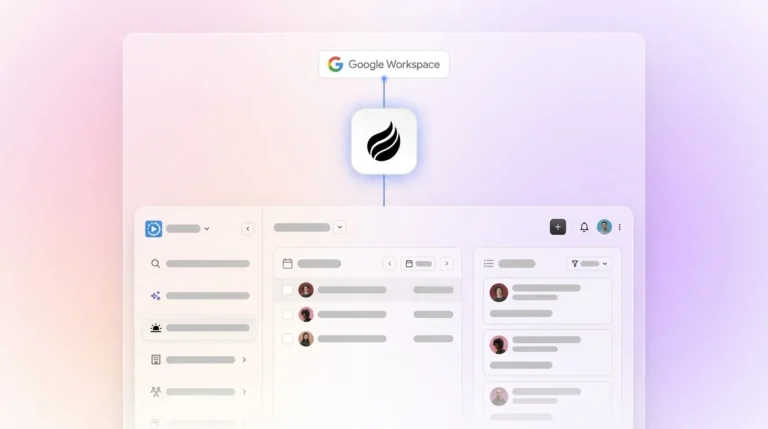
Setup effort. HubSpot and Pipedrive require an admin to define every custom field before use. Coffee’s agent begins creating relevant fields after connection to Google Workspace or Microsoft 365, so no configuration session is required.
Data capture and maintenance. Legacy platforms depend on rep compliance. Highspot’s State of Sales Enablement Report 2025 states that when coupled with AI, integrations eliminate the need for manual data entry and allow for immediate insights into how go-to-market strategies are landing. Coffee applies that principle in practice. The agent logs activity, enriches records, and updates fields continuously.
Frontline usability. Reps using HubSpot or Pipedrive serve the software. Reps using Coffee are served by the agent, with briefings before calls, summaries after calls, and follow-up drafts in Gmail ready to review.

Manager visibility. Forecast accuracy in legacy CRMs reflects how diligently reps entered data last week, which makes forecasts only as reliable as human memory and compliance. Coffee’s Pipeline Compare removes this dependency by reflecting what the agent observed across every email, call, and calendar event in real time. No manual CSV export is required.
Integration complexity. HubSpot and Pipedrive connect through native integrations and APIs but require separate enrichment tools such as ZoomInfo or Apollo. Coffee consolidates enrichment, recording, and forecasting into one agent and reduces stack complexity.
Long-term flexibility. Coffee operates as a standalone CRM or as a Companion App layered on top of an existing Salesforce or HubSpot instance. Teams keep their current system instead of running a rip-and-replace migration.
Manual Custom Fields vs Agent-Driven Fields
Manual custom field management follows a predictable failure pattern. An admin defines fields. A rep forgets to fill them. A manager runs a report and finds 60% of records incomplete. The team holds a training session. Compliance improves briefly, then decays.
First Line Software’s 2026 analysis identifies manual processing of unstructured documents as slow, error-prone, and expensive, which matches how manually maintained CRM fields work when they rely on call notes and email threads.
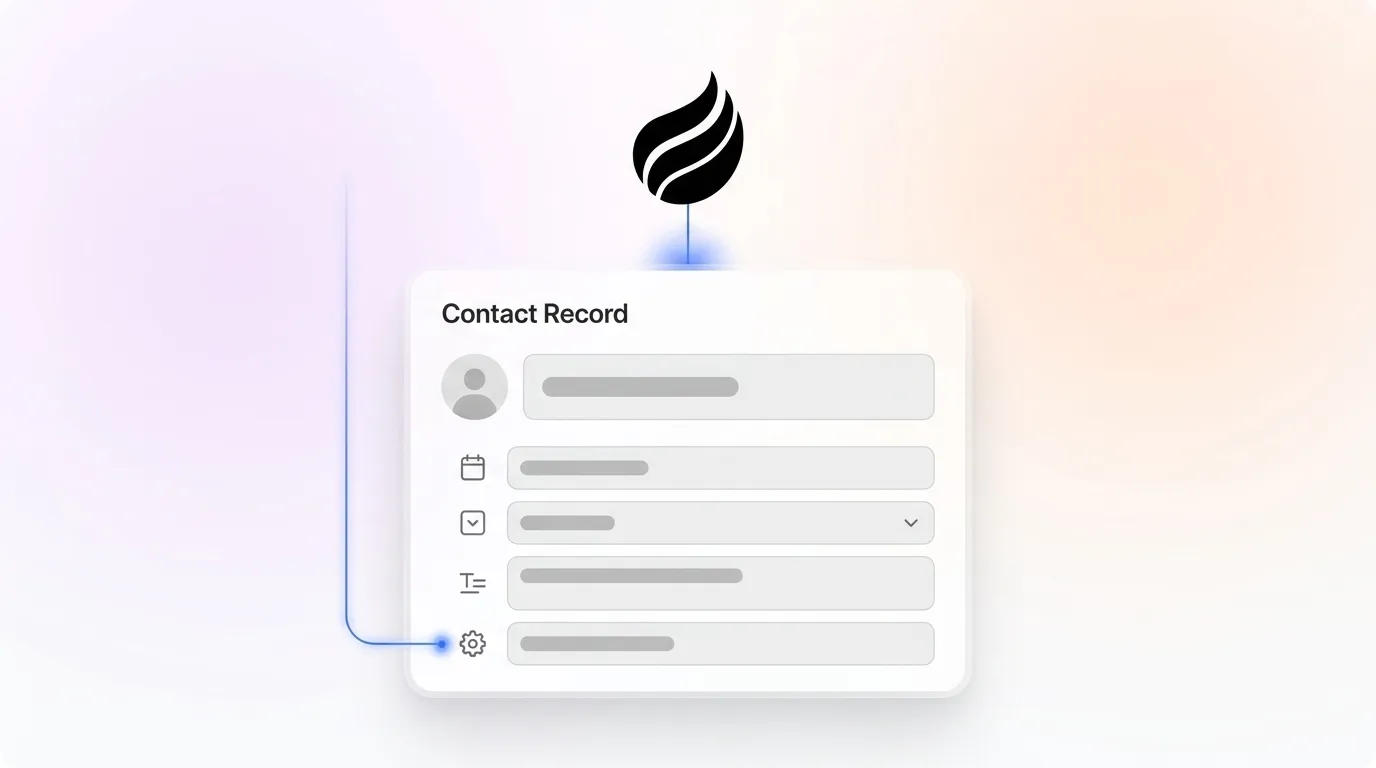
Agent-driven custom fields flip this model. Coffee’s agent reads every email, joins every call through its AI meeting bot, and parses every transcript. It extracts structured values such as stakeholder names, contract dates, product tiers, and win or loss signals, then writes them to the correct fields without human input.

Salesforce’s 2026 State of Sales report found that Gen Z reps are hit hardest by administrative bottlenecks, time that Coffee’s agent removes entirely. Across the customer base, Coffee estimates that reps recover 8 to 12 hours per week.

When Coffee Fits Best
Early-stage teams (1–20 employees). Founders and early sales hires have outgrown spreadsheets but cannot absorb the administrative overhead of HubSpot or Pipedrive. Coffee’s standalone CRM gives them an agent-maintained system of record from day one.
Growing sales organizations (20–200 employees). Teams at this stage have niche pipeline data that standard fields do not capture and no dedicated RevOps resource to build and maintain field logic. Coffee’s agent creates and populates those fields automatically as deal patterns appear in emails and calls.
Teams committed to Salesforce or HubSpot. A full migration often is not viable. Coffee’s Companion App deploys the agent as an intelligent layer on top of an existing instance and handles data entry, enrichment, and field maintenance while the primary CRM remains the system of record.
Risks and Limitations to Weigh
Hidden maintenance work in legacy tools. Custom fields in HubSpot and Pipedrive accumulate over time. Fields created for one campaign become orphaned, clutter records, and confuse new reps. Without an agent to manage field hygiene, this debt grows quietly.
Incomplete automation in point solutions. Sales automation tools that auto-log CRM activity save reps hours each week on manual input while keeping data clean for accurate forecasting, but most only handle structured data. Tools that cannot parse unstructured sources like email threads and call transcripts leave the most valuable context uncaptured.
Overbuying for simple use cases. A solo founder tracking 50 contacts does not need agent-driven field automation. Coffee is built for teams where incomplete pipeline data already produces forecast errors or where rep time on admin clearly reduces selling capacity.
Regulated industries. Teams in healthcare or finance with multi-year security review requirements should compare Coffee’s SOC 2 Type 2 and GDPR compliance posture with their specific procurement criteria before committing.
Decision Checklist for Custom Field Automation
- If more than 30% of your custom fields are incomplete at any time, agent-driven automation is the correct fix.
- If reps spend more than one hour per day on CRM data entry, manual tools are costing you selling time.
- If your pipeline data includes unstructured sources such as call transcripts, email threads, and meeting notes, only an agent that parses unstructured data will capture it reliably.
- If you are committed to Salesforce or HubSpot, Coffee’s Companion App adds agent automation without a migration.
- If you need a full system of record with zero legacy overhead, Coffee’s standalone CRM is the starting point.
Frequently Asked Questions
How long does it take to implement Coffee and start seeing populated custom fields?
Implementation uses a single authentication step that connects Coffee to Google Workspace or Microsoft 365. After connection, the agent begins scanning emails and calendar events immediately. Most teams see auto-created contacts and populated fields shortly after connection. There is no field-mapping session, no admin configuration, and no training period for reps.
How accurate is the data the agent writes to custom fields?
Coffee’s agent ingests ground-truth data directly from primary sources such as emails, calendar invites, and call transcripts instead of relying on rep recollection or third-party data appends. For enrichment data such as job titles, funding rounds, and LinkedIn profiles, Coffee uses licensed data partners and delivers accuracy roughly on par with dedicated enrichment tools like Apollo or ZoomInfo for most sales use cases. Because the agent captures context at the moment it occurs, field values reflect actual deal state rather than what a rep remembered to log later.
Is Coffee secure enough for a team handling sensitive pipeline data?
Coffee is SOC 2 Type 2 certified and GDPR compliant. Customer data is not used to train public AI models. The agent operates on your data exclusively, and access is controlled through standard authentication flows. Teams in heavily regulated industries such as healthcare or finance should review Coffee’s security documentation against their specific compliance requirements before proceeding.
Can Coffee scale as the sales team grows, and does it work alongside existing tools?
Coffee uses seat-based pricing, and the agent’s labor is included at every tier with no metering on processes or AI usage. As headcount grows, the agent scales proportionally without extra configuration. For teams already running Salesforce or HubSpot, Coffee’s Companion App writes enriched field data back to the primary CRM through a simple authentication and preserves existing workflows while removing manual entry. Broader integrations are available through Zapier, with deeper native connections on the product roadmap.
Conclusion: Who Should Own Your Custom Fields
The core problem with contact management software with custom fields is not the fields themselves, it is who maintains them. Legacy platforms like HubSpot and Pipedrive place that burden on reps and create incomplete records and inaccurate forecasts that make pipeline reviews painful. The 2026 shift toward automated extraction and governance from unstructured data sources makes agent-driven field management the only defensible architecture for teams that need reliable pipeline intelligence.
Coffee is the only contact management solution that autonomously creates, enriches, and maintains custom fields from emails, calendars, and call transcripts. It can operate as a standalone CRM or as a Companion App on top of Salesforce and HubSpot. The agent does the work. Reps sell.
Get started with Coffee and turn your custom fields into a competitive advantage.