Key Takeaways for Startup Sales Teams
- Startups in 2026 face rising AI capabilities but persistent CRM failures, so agent-powered contact management now drives real efficiency.
- Coffee offers both a standalone AI-first CRM and a companion agent layer that works with existing Salesforce or HubSpot instances.
- Core advantages include autonomous contact creation from email and calendar, AI meeting briefings, post-call follow-ups, and week-over-week pipeline comparisons without spreadsheets.
- Visitor identification with buyer-persona matching and seat-based pricing without automation caps make Coffee practical for 1–20 person teams.
- Ready to eliminate manual data entry? Start your free trial at Coffee.
How to Judge Contact Management Tools in 2026
71% of sales reps say they spend too much time on data entry, which leaves only 35% of their time for actual selling. Sales professionals spend 65% of their time on nonselling activities such as logging activities, updating fields, and pulling reports. A modern contact management platform must remove that burden instead of shifting it around.
The seven criteria that matter for resource-constrained startups are: (1) how automatically the system captures and enriches contact data, (2) how fast it deploys, (3) how much ongoing maintenance it demands, (4) what it integrates with natively, (5) how clearly it surfaces pipeline movement, (6) whether pricing scales without punishing growth, and (7) whether the architecture can grow with the team. These criteria share a common thread, because they all measure how much the system works on its own versus how much it depends on human effort.
Andreessen Horowitz general partner Sarah Wang states that in 2026, AI is collapsing the distance between intent and execution, turning CRM systems from passive databases into autonomous workflow engines that can anticipate, coordinate, and execute end-to-end processes. This architectural shift from passive to autonomous explains why the seven criteria above now matter more than traditional CRM feature checklists. The defining divide of 2026 is simple: passive database versus active agent.
Sales teams that adopt AI see productivity improvements and shorter sales cycles. Coffee’s agent-powered approach is built to deliver that outcome, saving reps 8–12 hours per week by eliminating the manual entry loop entirely. The first and most critical criterion, automatic data capture, is where Coffee’s architecture diverges most sharply from legacy systems.
Automatic Contact and Company Creation from Email and Calendar
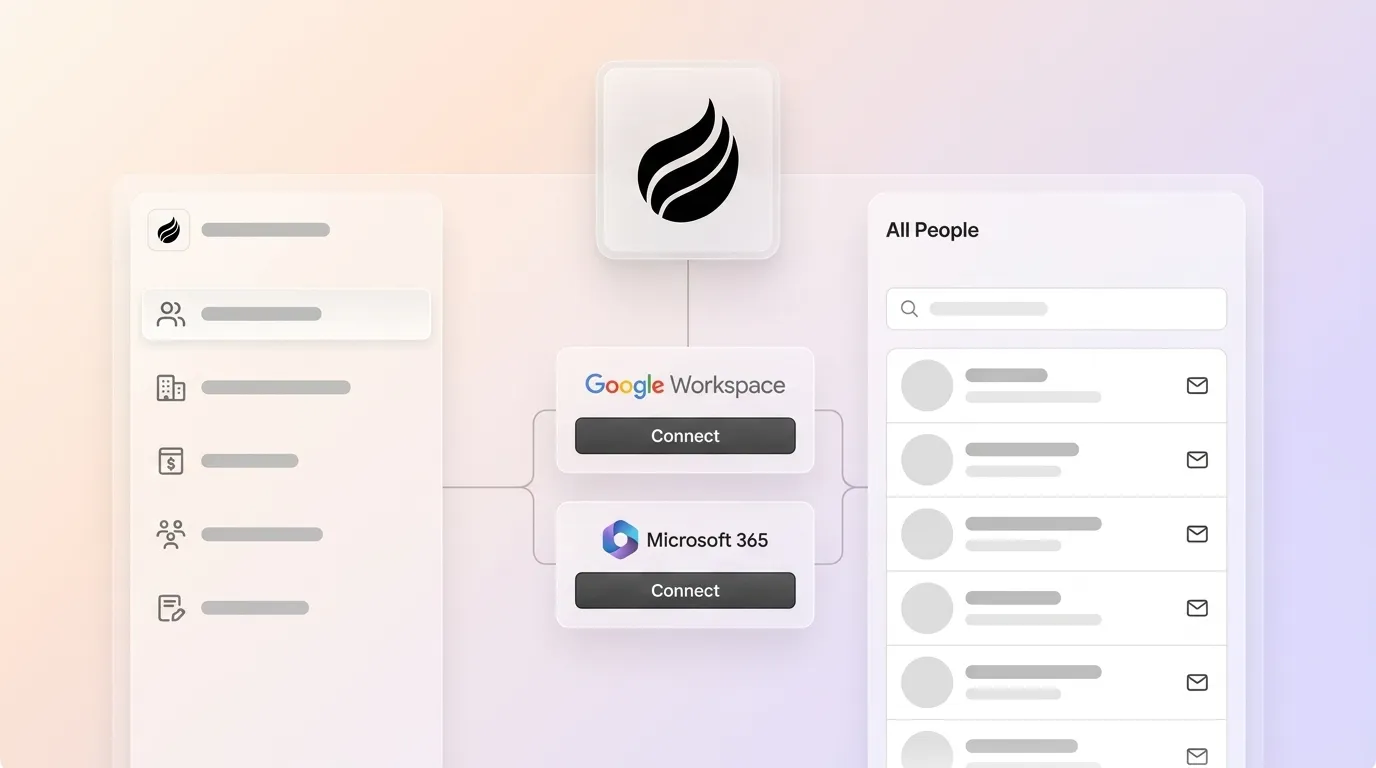
Coffee’s agent connects to Google Workspace or Microsoft 365 and immediately scans emails and calendar events to auto-create and enrich contact and company records, with no human input required. Job titles, funding data, and LinkedIn profiles are appended via licensed data partners, which removes the need for separate enrichment tools like Apollo or ZoomInfo.

Automated email and calendar capture cuts manual data entry by 60–70%. HubSpot offers partial automation through its sequences and inbox tracking features, but full automation sits behind paid tiers. Zoho’s workflow automation is rule-based and capped at five tasks on the free plan. Copper syncs with Google Workspace but provides limited enrichment and no autonomous record creation.
A sales rep earning $150K per year who spends 10 hours per week on CRM data entry burns approximately $36,000 per year in opportunity cost; for a 20-person team, that totals $720K annually. Contact creation is the most frequent data-entry task for most reps, so eliminating that burden at the point of creation delivers the fastest and clearest ROI from an agent-powered system.
AI Meeting Briefings and Post-Call Follow-Up Drafting
Coffee’s agent acts as a pre- and post-meeting executive assistant for every rep. Before each call, it surfaces a briefing with attendee roles, past interaction history, and deal context. During the call, the agent joins via Zoom, Teams, or Meet to record and transcribe the conversation.

After the meeting, the agent generates structured summaries aligned to BANT, MEDDIC, or SPICED frameworks. It identifies next steps and drafts follow-up emails in Gmail for one-click review and send. A sales rep with 20 meetings per week spends 3–5 hours on post-meeting administration, including logging notes, updating fields, and creating follow-up activities. Coffee’s agent compresses that work to minutes.

HubSpot offers meeting intelligence through its Breeze AI add-on, but it does not include that capability in base plans. Zoho’s Zia assistant provides limited meeting support. Copper has no native meeting intelligence capability. Across tools, sales professionals save an average of 2 hours and 15 minutes per day using AI, and Coffee focuses that gain on the highest-friction tasks.
Pipeline Intelligence with Week-over-Week Compare
Coffee’s agent captures every interaction and deal state change into a built-in data warehouse, so it can produce automatic week-over-week pipeline comparisons without spreadsheets or manual CSV exports. Progressed deals, stalled opportunities, and new additions appear in a single view, which turns pipeline reviews from interrogation sessions into strategic discussions.
HubSpot requires either manual CSV exports or a paid forecasting add-on to approximate this functionality. Zoho offers basic pipeline reports but no historical snapshot comparison. Copper provides no native pipeline compare feature. A16z partner Stephenie Zhang notes that instead of sales teams combing through CRMs, agents can surface patterns and summaries automatically as companies shift from designing software for human eyes to machine legibility. While pipeline intelligence shows how existing deals progress, visitor identification reveals who should enter the pipeline next.
Visitor Identification with Persona-Based Lead Suggestions
Coffee’s visitor identification feature converts anonymous website traffic into named, qualified prospects through a single tracking pixel. The agent infers name, title, email, LinkedIn profile, company, pages visited, and session duration. Real-time Slack notifications surface high-fit visitors, and one click adds the prospect to Coffee with enrichment already filled in.

The key differentiator is Suggested Leads. Competitors like RB2B and Warmly surface either company-level data or undifferentiated people lists. Coffee instead uses the team’s defined buyer persona to recommend which two or three individuals inside a visiting company to contact, with LinkedIn profiles ready for immediate outreach. HubSpot, Zoho, and Copper do not include visitor identification natively.
Seat-Based Pricing That Includes the Agent
Coffee uses straightforward seat-based pricing, so teams pay for human seats and the agent’s labor is included. There are no usage caps, automation limits, or LLM metering fees layered on top.
Legacy free tiers impose hard ceilings that punish growth. HubSpot’s free plan is limited to 2 users and 1,000 contact records; Zoho CRM caps free users at 3 with workflow automations limited to 5 tasks. Pipedrive offers only a 14-day free trial (with no permanent free plan) and allows multiple users to join the trial, after which teams must upgrade.
Once startups move beyond free plans, typical CRM costs for SMBs range from $15 to $65 per user per month, though some mid-tier plans reach $100 to access automation, reporting, or collaboration features. HubSpot’s Marketing Hub Professional starts at $890 per month for three users (Starter begins at $15–$20 per seat or $20 per month) at scale. Coffee’s model keeps costs predictable while including automation that often requires expensive add-ons elsewhere.
Where Coffee Fits Best for Different Teams
Teams rejecting Salesforce and HubSpot entirely: Founders who have outgrown spreadsheets but refuse to become data-entry clerks are the core fit for Coffee’s standalone CRM. The agent handles all data capture from day one, and setup requires almost no configuration.
Teams already committed to HubSpot or Salesforce: Coffee’s companion app deploys the agent as an intelligent layer on top of an existing instance. It handles the “data in” process by auto-creating contacts, logging activities, and enriching records, so the system of record stays accurate without human effort. A simple authentication connects Coffee to the primary CRM.
Bootstrapped founders seeking low-cost options: Coffee’s seat-based model avoids the hidden cost escalation of free-tier tools. Hidden costs of free CRMs include extra charges for storage, premium features, and third-party integrations, plus staff time spent managing workarounds.
Security, Integrations, and Process Requirements
Coffee is SOC 2 Type 2 and GDPR compliant. The platform does not use customer data to train public models, which addresses the primary security concern for startups handling prospect and customer data. Current integrations with third-party tools run through Zapier, and deeper native connectors sit on the product roadmap.
The move from manual entry to agent-driven workflows still requires a defined sales process. The agent structures and captures data, yet it does not replace a repeatable methodology or clear stages. Teams that pair Coffee with a simple, consistent process see the strongest results.
Objective Risks and Limitations to Consider
Coffee’s current integration depth relies on Zapier rather than deep native enterprise connectors, which may create friction for teams with complex existing stacks. Large enterprises with custom workflows or heavily regulated industries that require multi-year security reviews fall outside Coffee’s current ideal customer profile. No contact management tool, agent-powered or otherwise, removes the need for a defined sales process, and process discipline remains a prerequisite for accurate pipeline intelligence.
Evaluate your options with full transparency. Compare Coffee directly to your current stack with a hands-on trial.
Decision Framework Checklist for Founders
Choose Coffee Standalone CRM if: Team size is 1–20, the current system is spreadsheets or Notion, manual CRM entry is already a bottleneck, budget requires predictable per-seat pricing, and the team wants a single agent to replace CRM, enrichment, recording, and forecasting tools.
Choose Coffee Companion App if: Salesforce or HubSpot is already the system of record, CRM adoption is low, data quality is poor, and the team needs agent-driven enrichment and pipeline intelligence without a full migration.
Remain on a legacy free tier only if: Team size is 1–2, no outbound motion exists, contact volume is under 500 records, and no automation or pipeline visibility is required. A CRM that forces a disruptive migration within a year or two due to hitting a functional or capacity wall is not suitable for long-term success.
Frequently Asked Questions
How long does Coffee implementation take for a 1–20 person startup?
Coffee can be operational quickly for startups in the 1–20 person range. Implementation involves authenticating Google Workspace or Microsoft 365, dropping a tracking pixel on the company website, and connecting any existing tools via Zapier. The agent begins scanning emails and calendars immediately upon connection and starts auto-creating contacts and logging activities without manual configuration. Teams migrating from spreadsheets typically see a fully populated CRM shortly after connecting their inbox.
What is the migration effort from spreadsheets or another CRM?
Migrating from spreadsheets stays straightforward, because Coffee’s agent ingests existing contact lists and maps fields automatically. Migrating from another CRM involves exporting records as CSV and importing them into Coffee, after which the agent takes over ongoing data capture and enrichment. Historical activity data from legacy CRMs may require manual mapping for complex custom fields. For teams using Coffee as a companion app on top of HubSpot or Salesforce, no migration is required, since the agent connects to the existing system of record via a simple authentication and then enriches and updates records in place.
How does Coffee’s data quality compare to ZoomInfo?
Coffee’s enrichment data, including job titles, funding information, and LinkedIn profiles, is sourced from licensed data partners and is broadly comparable to ZoomInfo for the contact and company attributes most relevant to early-stage sales teams. ZoomInfo’s primary advantage is its depth of technographic and intent data at enterprise scale, which is typically unnecessary and cost-prohibitive for 1–20 person startups. Coffee’s enrichment is included in the seat price, which removes the need for a separate ZoomInfo subscription that can cost thousands of dollars annually. For teams that require ZoomInfo’s full enterprise data depth, Coffee’s companion app model allows both tools to coexist.
What are the realities of free-tier contact management tools as teams grow?
Free CRM tiers are designed for very small teams that are establishing foundational processes, not for teams with active sales motions. HubSpot’s free plan caps users at two and contact records at 1,000. Zoho CRM’s free tier limits users to three and workflow automations to five tasks. Teams hit these ceilings quickly once a startup begins consistent outbound activity.
Beyond the hard limits, free tiers restrict custom fields, advanced reporting, and integration depth, which forces teams to build manual workarounds that increase the data-entry burden the CRM was supposed to remove. The operational cost of managing those workarounds, plus the disruption of a forced migration when limits are reached, often exceeds the cost of a paid seat-based tool from the start.
How should founders evaluate agent versus legacy architectures in 2026?
Founders should decide whether the software works for the team or the team works for the software. Legacy passive CRMs require humans to reliably input data, and when they do not, the system produces bad output. Agent-powered architectures ingest data from emails, calendars, call transcripts, and web activity autonomously, so the system of record reflects ground truth without human effort.
For founders evaluating options in 2026, a simple practical test applies. After one week of use, the CRM should contain accurate, current records for every active prospect without any manual entry. If that outcome depends on human discipline, the architecture is passive. If that outcome appears by default, the architecture is agent-powered.
Conclusion: Why Coffee Fits 2026 Startup Sales
Legacy passive CRMs were built for a world where humans reliably maintained data, and that world no longer exists. The result is bad data in, bad pipeline intelligence out, and founders spending hours each week as data-entry clerks instead of closing deals. Coffee’s agent-powered architecture inverts that dynamic, because the agent handles data capture, enrichment, meeting management, and pipeline tracking automatically, so teams get clean data in and accurate intelligence out.
Coffee operates as both a standalone AI-first CRM for teams leaving spreadsheets behind and a companion agent layer for teams already committed to Salesforce or HubSpot. It combines automatic contact creation, AI meeting management, built-in pipeline compare, visitor identification with persona-matched lead suggestions, and seat-based pricing with no automation caps in a single agent.
Ready to stop being a data-entry clerk? See Coffee’s agent in action on your own data.