
Written by: Doug Camplejohn, CEO & Co-Founder, Coffee
Key Takeaways
- Contact creation data mapping tells your CRM exactly which values from emails, forms, or spreadsheets fill which fields, so records stay complete, consistent, and deduplicated.
- Manual mapping consumes an average of 5.5 hours per week per rep and increases duplicate risk, which undermines pipeline accuracy.
- Consistent mapping protects revenue, because poor data quality costs businesses trillions annually and duplicate rates above 5% distort forecasts and reporting.
- An AI agent can take over the entire process by ingesting emails, calendars, and transcripts, then creating enriched contacts without any manual field mapping.
- Remove manual mapping from your workflow and start automating contact creation with Coffee today.
How Contact Creation Data Mapping Works in Practice
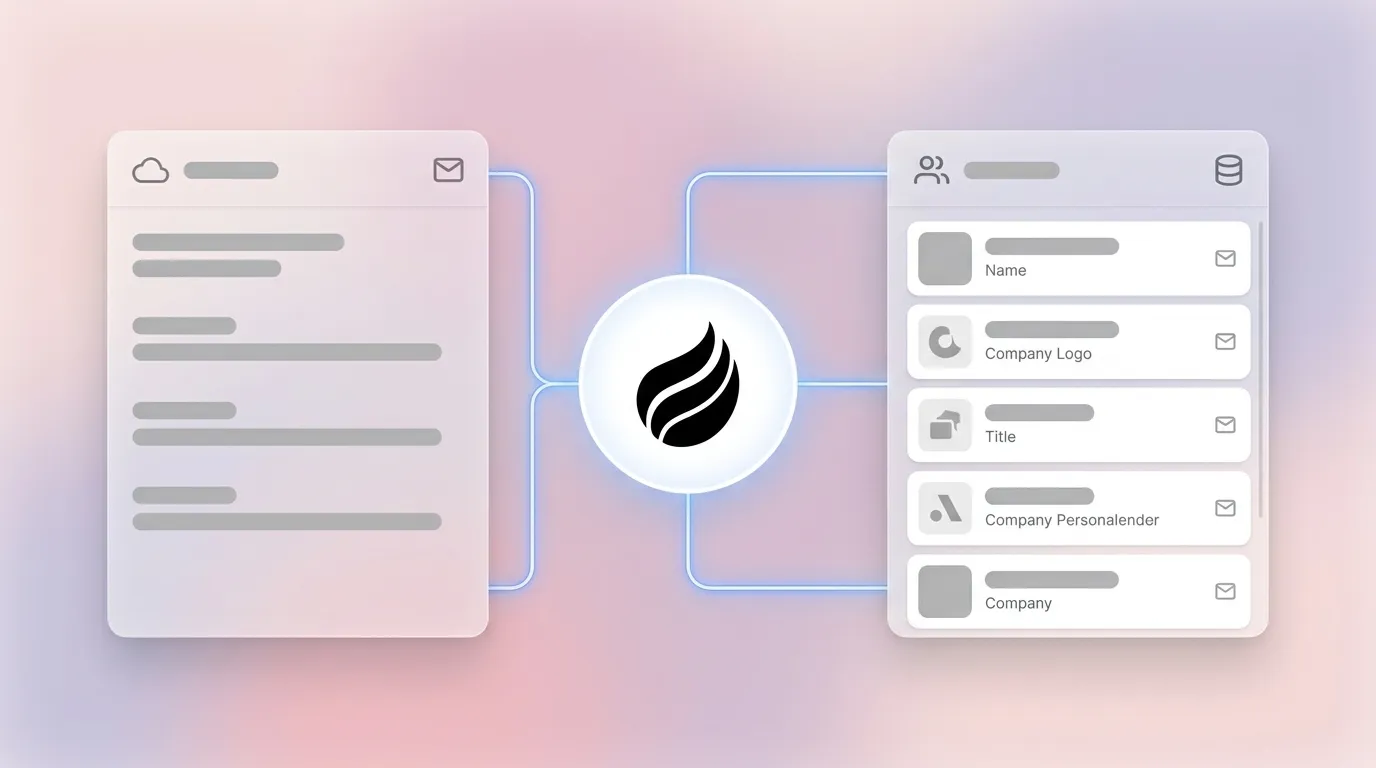
Contact creation data mapping defines which source value populates which CRM field, what transformation rules apply (for example, formatting a phone number), and how the system determines whether a record already exists. The comparison below highlights the tradeoff: manual mapping consumes 5.5 hours per week and carries high duplicate risk, while agent-led automation cuts rep input to near zero and catches duplicates at creation.
| Approach | Time per Contact | Duplicate Risk | Pipeline Accuracy |
|---|---|---|---|
| Manual field mapping | 5.5 hours per week on manual CRM data entry | High, native duplicate rules do not catch existing records | Lower record completeness with manual entry |
| Agent-led automation (Coffee) | Near zero rep input, agent ingests emails, calendars, and transcripts automatically | Low, deduplication logic fires at the point of creation using email as primary key plus external ID layer | Higher record completeness with agent-led automation |
Eliminate manual field mapping with Coffee and keep your team focused on selling instead of data entry.
Why Consistent Mapping Protects Revenue and Forecasts
44% of companies lose more than 10% of annual revenue due to low-quality CRM data, a problem IBM quantifies at $3.1 trillion annually across U.S. businesses. The root cause is data decay: B2B contact data degrades at roughly 2.1% per month, more than 22% annually, so a CRM that is not continuously refreshed becomes unreliable within months.
Inconsistent mapping accelerates that decay. When a source field such as “Job Title” maps to a free-text field in one integration and a picklist in another, the same person can appear as two distinct contacts. A recommended target duplication rate is less than 2%, while rates above 5% create a significant problem that distorts pipeline and reporting. Bad data costs organizations an average of $12.9 million per year, with duplicate records as a major contributor.
Forecasting quality rises or falls with this data. Sales teams that maintain accurate CRM data generate higher sales revenue, and companies who update their CRM have 23% higher win rates because reps spend time selling instead of hunting for correct contact details.
Prerequisites Before You Build a Mapping Schema
These prerequisites build on each other, so complete them in sequence before you design any mapping schema:
- Email and calendar access: Google Workspace or Microsoft 365 credentials give you direct access to interaction data at the source.
- An active CRM instance: Salesforce or HubSpot with admin permissions allows you to create custom properties and configure duplicate rules.
- Buyer persona definitions: Documented ideal customer profiles specify which fields are required for qualification, such as company size, role, and primary challenge, so the mapping schema captures only what drives decisions. Capturing only qualification-essential fields such as email, company name, role, and primary challenge avoids lower form conversion rates and keeps records lean.
- A canonical field list: Core contact fields include Contact ID, First Name, Last Name, Company, Title, Email, Phone Number, Lead Source, Status, Next Action, Next Action Date, and Assigned To.
5-Step Manual Contact Creation Data Mapping Process
- Audit source data. Export a sample of 50–100 records from the source system. Identify every field present, its data type, and its fill rate. Common pitfall: Skipping this step causes field-type mismatches, such as a date value mapped to a text field, which silently breaks automations.
- Define the canonical target schema. List every CRM field that must be populated for a contact to be considered complete. Mark fields as required or optional. Decision point: Decide whether you need custom properties for fields the CRM does not support natively.
- Write transformation rules. For each source-to-target pair, document the rule. Trim whitespace, normalize phone format to E.164, and map picklist values to CRM-accepted options. Common pitfall: Inconsistent picklist values such as “VP Sales” and “VP of Sales” fragment reporting and defeat segmentation filters.
- Configure deduplication logic. HubSpot uses email address as the primary unique identifier and checks for an existing record with the same email during creation via forms, imports, or integrations. Storing an external system ID as a unique property creates a second deduplication layer that prevents duplicates during syncs. Common pitfall: Duplicate creation during mapping often stems from mismatched identifiers or missing email address fields, so deduplication design should start with root-cause analysis of the mapping layer.
- Test, validate, and iterate. Run a controlled import of 10–20 records. Check field fill rates, duplicate creation rate, and picklist conformance. Troubleshooting: If duplicates appear, verify that the deduplication field is mapped before the sync runs. Deduplication by field mapping in HubSpot-Salesforce sync is not applied retroactively and only affects records that sync after the mapping is updated.
How Coffee’s AI Agent Replaces Manual Field Mapping
Coffee’s agent removes every step above from the rep’s responsibility and handles contact creation automatically. After you connect Google Workspace or Microsoft 365, the agent scans emails and calendar events to identify people and organizations, then writes structured contact records directly to Salesforce, HubSpot, or Coffee’s own CRM without a human defining a single field mapping.
The agent processes unstructured data that legacy CRMs cannot handle reliably. Email threads, call transcripts, and meeting notes are parsed to extract name, title, company, and interaction context. Deduplication runs at the point of creation using email as the primary key, while enrichment data from licensed partners fills job title, LinkedIn profile, and funding information. Every contact links to the correct account and activity log automatically.

By automating parsing, deduplication, and enrichment in a single pass, the agent eliminates the manual work that consumes those 5.5 hours per week in traditional workflows. Sales teams reclaim time previously spent on data entry, and RevOps no longer needs to maintain a mapping schema, manage picklist drift, or audit imports.
Let Coffee’s agent handle contact creation from your first connected inbox so your reps never touch a mapping spreadsheet again.
Downloadable Data Mapping Template Structure
Some teams still need a manual or hybrid mapping process, and a simple template keeps that documentation consistent and shareable.
- Source Field: The exact field name from the originating system, such as “job_title” from a form payload.
- Target CRM Field: The API name of the destination property in Salesforce or HubSpot, such as “Title” or “jobtitle.”
- Transformation Rule: The logic applied before writing the value, such as “trim whitespace, map ‘VP Sales’ to ‘VP of Sales.’”
- Deduplication Priority: Whether this field participates in duplicate matching and its weight, such as “Email, primary key; External ID, secondary key.”
Copy this structure into a Google Sheet, add data validation dropdowns on the Target CRM Field column to prevent typos, and version-control the document alongside your integration configuration.
Salesforce and HubSpot Mapping Nuances
Salesforce: Salesforce Duplicate Rules provide native prevention that blocks new duplicate contacts during data entry or import, but they do not detect or merge existing duplicates already in the CRM. Lead conversion mapping requires explicit field-to-field configuration between the Lead object and the Contact or Account objects. Unmapped Lead fields are lost at conversion. Custom objects require their own mapping schemas and need additional configuration before standard duplicate rules apply.
HubSpot: When multiple Salesforce lead or contact records share the same email address, HubSpot initially syncs with the first record returned by Salesforce and then syncs with the most recently updated record. Enabling Salesforce Selective Sync limits which records transfer and helps prevent duplicate Salesforce contacts from syncing into HubSpot. For custom objects, the deduplication field must be mapped in the property mappings for the relevant object before you can use it as a deduplication key.
Coffee’s Companion App connects to both platforms through a simple authentication and writes enriched contact records back to the existing instance without disrupting required fields, validation rules, or forecast hierarchies.
Validation Metrics and Success Criteria
After you deploy any mapping process, whether manual or agent-led, track these benchmarks to confirm it works as intended:
- Field fill rate: Target at least 95% completeness for required fields. Mature CRM programs reach high record completeness through automated quality control.
- Duplicate creation rate: Maintain the sub-2% target mentioned earlier to avoid pipeline distortion.
- Email bounce rate: Target below 2%. Rising bounce rates signal upstream mapping or enrichment failures.
- Rep time reclaimed: Automation should reduce the 5.5 hours per week spent on data entry to near zero.
- Pipeline accuracy: Week-over-week pipeline changes should be explainable by deal activity, not data entry corrections. Coffee’s Pipeline Compare feature surfaces these changes automatically.
Scaling Contact Creation for Different Team Sizes
1–20 person teams: Manual mapping schemas become unmanageable quickly as the team adds tools and data sources. At this scale, Coffee’s Standalone CRM offers a practical path. The agent acts as the system of record and auto-creates contacts from day one without a dedicated RevOps resource maintaining mapping documentation.
Mid-market teams with 20–200 seats on Salesforce or HubSpot: These organizations have invested heavily in CRM infrastructure and usually cannot migrate systems. Coffee’s Companion App deploys the agent as an intelligent layer on top of the existing instance. The agent handles the “data in” process, including contact creation, enrichment, and activity logging, while the existing CRM remains the system of record and preserves quota structures, forecasting hierarchies, and custom object configurations.
Find the Coffee deployment model that fits your CRM today and scale contact creation without adding manual work.
Frequently Asked Questions
What fields should always be included in a contact creation data mapping schema?
Every contact record should capture First Name, Last Name, Email as the primary deduplication key, Company, Title, Phone Number, Lead Source, and an Assigned Owner. Email is non-negotiable because most CRM deduplication logic depends on it, and records created without an email address will generate duplicates on later imports or syncs. For sales-led workflows, adding a Status field and a Next Action Date makes the record immediately actionable after creation.
How does deduplication logic interact with field mapping during contact creation?
Deduplication and field mapping work together. The deduplication key, typically email address and sometimes an external system ID, must be explicitly mapped before any sync or import runs. If the mapping is missing or the values do not match exactly between systems, the CRM creates a new record instead of updating the existing one. Best practice defines the deduplication field as part of the mapping schema from the start, not after duplicates have already accumulated.
Can Coffee’s agent work alongside an existing Salesforce or HubSpot instance without replacing it?
Coffee’s agent works alongside existing Salesforce or HubSpot instances through a Companion App model designed for teams committed to those platforms. A simple authentication connects the Coffee agent to the existing instance. The agent then handles contact creation, enrichment, and activity logging autonomously while writing clean records back to the CRM. The existing system’s required fields, validation rules, forecast hierarchies, and custom objects stay intact, so no migration is required.
What causes the most common contact creation data mapping failures?
The three most frequent failure modes are missing email address fields, which defeat deduplication logic, field-type mismatches such as a date value written to a text field or a free-text value written to a picklist, and inconsistent picklist values between the source and target systems. A fourth failure mode specific to Salesforce-HubSpot syncs occurs when teams update the deduplication field mapping after records have already synced, because changes are not applied retroactively and existing duplicates remain even after the mapping is corrected.
How do you measure whether a contact creation mapping process is working?
Four metrics provide a complete picture. Track field fill rate and target at least 95% for required fields. Monitor duplicate creation rate and keep it below 2%. Watch email bounce rate and hold it below 2%. Measure rep time spent on data entry and push it near zero with automation. Pipeline accuracy, reflected in whether week-over-week changes match real deal activity rather than data corrections, shows whether all four upstream metrics stay healthy.
Conclusion: Replace Mapping Spreadsheets with an AI Agent
Manual contact creation data mapping is a solvable problem rather than an unavoidable cost. The five-step process above establishes a reliable baseline: audit source data, define the target schema, write transformation rules, configure deduplication logic, and validate against measurable benchmarks. That baseline matters because it clarifies exactly which tasks an autonomous agent can remove from your team’s workload.
Coffee’s agent ingests emails, calendars, and call transcripts to create and enrich contact records automatically without a rep defining a single field mapping, maintaining a picklist, or auditing an import. The result is a CRM that reflects reality with complete records, minimal duplicates, and pipeline data that forecasts can trust.
Replace manual mapping with Coffee’s always-on contact creation agent and keep your CRM clean without adding more RevOps overhead.


