
Written by: Doug Camplejohn, CEO & Co-Founder, Coffee
Key Takeaways for Cleaner, Faster Contact Creation
- Manual contact creation wastes 6+ hours per rep weekly and creates incomplete, duplicate records that weaken forecasts and cost organizations millions.
- Standardize formats, validate at capture, deduplicate automatically, enrich instantly, assign ownership, and log activity from the moment a record is created.
- Well-designed forms enforce validation rules and trigger automated deduplication, enrichment, and assignment so records are usable immediately.
- AI agents connected to email, calendar, calls, and website traffic create and enrich contacts autonomously, removing manual entry while integrating with Salesforce or HubSpot.
- Eliminate manual data entry headaches and let Coffee handle contact creation automatically, exploring Coffee’s pricing and plans.
Contact Organization Rules That Keep Your CRM Clean
A contact record only delivers value when clear rules govern how it is created and maintained. Use this checklist as the foundation for a reliable contact strategy.
1. Standardize field formats before data enters the system. Define a single format for every field, such as E.164 for phone numbers. Remove legal suffixes like “Inc.” or “LLC” from company names, and map job titles to a controlled vocabulary. Inconsistent formats create most duplicate records.
2. Validate data at the point of capture. Enforce required fields at the form or API level instead of cleaning them later. Email address syntax, domain existence, and phone number length are all machine-verifiable in real time. AI tools for automated lead data enrichment validate email addresses, append firmographics, and flag invalid or duplicate entries before bad data spreads across systems.
3. Deduplicate contacts automatically on ingestion. Run duplicate detection on every new record using fuzzy matching across email, phone, and company name. Treat this as a real-time safeguard, not a quarterly cleanup project. Small human errors such as a mistyped phone number or invalid address can propagate downstream to create duplicate records that weaken analysis and reduce AI performance.
4. Enrich records immediately after creation. A contact record with only a name and email lacks the context your team needs. Append job title, LinkedIn profile, company funding stage, and firmographic data automatically via licensed data partners at the moment of creation. This enrichment sets up smarter routing and more relevant outreach.
5. Assign ownership and segment on creation. Route every contact to an owner and tag it with a segment such as industry, deal stage, or persona at the point of entry. Once enrichment is in place, routing can use firmographic data to send each contact to the right person. Manual assignment after the fact slows follow-up and creates confusion across teams.
6. Log activity history from day one. Capture last activity date, next activity date, and interaction source, including email, call, and meeting, automatically. Activity history turns static records into living accounts. Records without activity history stay invisible to forecasting models and make earlier enrichment and routing work far less useful.
Let an agent apply these rules automatically across every contact your team touches, and review Coffee’s pricing and plans.
Contact Form Design That Produces Usable Records
A strong contact form enforces your standardization rules at the field level. Each input field should carry a validation rule so email fields reject malformed syntax, phone fields enforce digit count, and company name fields remove extra punctuation. Required fields should stay lean while still creating a usable record, usually first name, last name, email, and company. Optional fields work best when enrichment fills them, not reps.
Automation should start the moment someone submits a form. Trigger a deduplication check against existing records, an enrichment call to append missing firmographic data, and an ownership assignment based on territory or round-robin rules. A strong AI CRM platform should unify customer data from multiple sources and continuously update it in real time so AI-driven decisions remain accurate and relevant. Forms that feed directly into this enrichment and deduplication pipeline create records that are usable as soon as they appear in the CRM.
Contact Form Mistakes That Damage Your Data
Most contact form failures come from treating data entry as a human responsibility instead of a system responsibility. Poor design choices push work onto reps and weaken the data that powers your pipeline.
Too many free-text fields. Open-text inputs for job title, industry, or company size create hundreds of variations of the same value. “VP Sales,” “Vice President of Sales,” and “VP, Sales” describe the same role but will not match in a deduplication query.
No required-field enforcement. Forms that allow submission with only an email address create skeletal records that demand manual enrichment later. Sales and marketing teams lose meaningful time chasing missing details.
No deduplication on submission. Without a real-time duplicate check, the same contact can appear multiple times from different sources such as a web form, a business card scan, and a manual entry by a rep. Each duplicate splits activity history and corrupts pipeline reporting.
No enrichment integration. A form that captures only what the prospect types forces reps to research and append firmographic data by hand. Missing or insufficient data in behavioral, demographic, and firmographic fields reduces model accuracy and prevents AI from identifying high-conversion leads.
Automated Contact Creation with an AI Agent
Standardization and validation rules reduce errors at the point of entry, yet humans still carry the burden of starting contact creation. An autonomous AI agent removes that dependency and turns contact capture into a background process.
An agent connected to Google Workspace or Microsoft 365 scans email threads and calendar events continuously, identifies new contacts, and creates enriched records in the CRM without any rep action. Call transcripts from Zoom, Teams, or Google Meet are processed to extract named individuals, their roles, and the action items they commit to. The system then logs those details against the correct contact record automatically. Meeting intelligence agents use speaker diarization and named entity recognition to pull out action items and decisions with high accuracy.
Website visitor identification extends this capture layer to anonymous traffic. A single tracking pixel resolves visitors to named individuals, including name, title, email, and LinkedIn profile, and surfaces them as qualified prospects in real time without manual research. AI-driven CRM tools must support integration via APIs or native connectors with existing Salesforce or HubSpot instances to push real-time scores, behavioral history, and next-best-action recommendations directly into the CRM without requiring rip-and-replace.
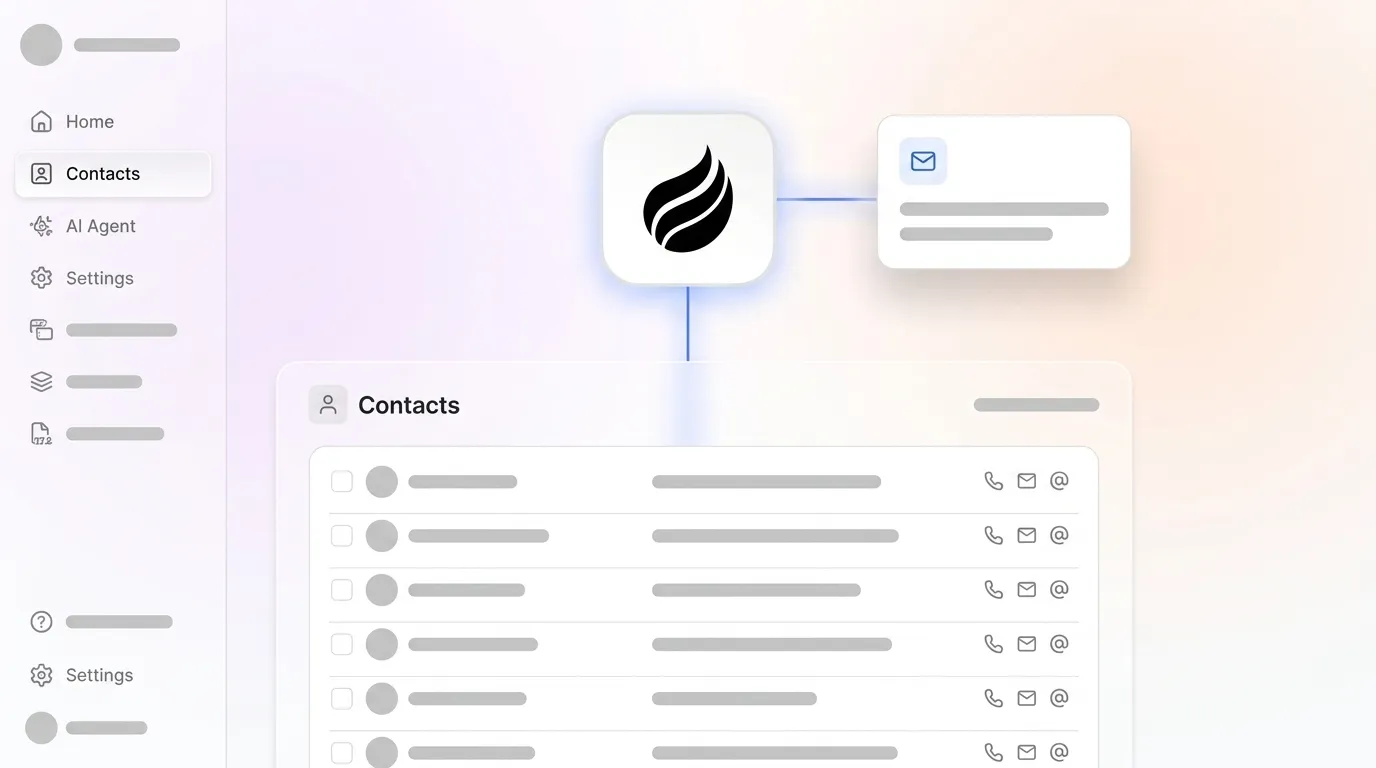
Coffee follows this model in practice. As a Companion App layered on top of Salesforce or HubSpot, the Coffee Agent ingests email, calendar, and call data, enriches every record via licensed data partners, logs activity history autonomously, and writes clean, complete contacts back to the existing system of record. Teams keep their current CRM and avoid a new system to learn.
See how Coffee integrates with your existing CRM and start automating contact creation in your Salesforce or HubSpot instance. View Coffee’s pricing and plans.
Six Steps to Automate Contact Creation
- Connect your email and calendar. Authenticate Google Workspace or Microsoft 365 so the agent can scan inbound and outbound communications for new contacts and meeting participants.
- Define your contact schema and required fields. Set the fields, formats, and validation rules that every auto-created record must satisfy before it is written to the CRM.
- Enable real-time deduplication. Configure fuzzy-match rules on email, phone, and company name so the agent checks for existing records before creating a new one.
- Connect enrichment data sources. Link licensed firmographic and contact data providers so the agent appends job title, LinkedIn profile, company size, and funding data at the moment of creation.
- Deploy a website visitor identification pixel. Add a tracking script to your site’s header so the agent resolves anonymous visitors to named, enriched prospects and surfaces them for immediate outreach.
- Activate activity logging and pipeline sync. Ensure the agent logs every email, call, and meeting against the correct contact record and syncs deal-stage changes back to Salesforce or HubSpot in real time.
Manual vs. Agent-Led Contact Creation
| Dimension | Manual Process | Agent-Led Process | Source |
|---|---|---|---|
| Time spent on contact data entry per week | Six or more hours per rep | Reduced by up to 41% via AI automation | monday.com, Dec 2025 |
| Data completeness | Prone to missing fields, typos, and duplicate records from human error | Enrichment appends firmographics and validates emails automatically at ingestion | IBM IBV 2025; Improvado |
| Activity history retention | Dependent on rep discipline, with many salespeople not using their CRM daily | Automatic capture from email, calendar, and calls keeps records current without manual entry | Everready; Salesforce |
| Annual cost of data quality failures | More than one-quarter of global data and analytics employees who claim poor data quality is an obstacle to data literacy at their organization estimate they lose more than $5 million annually due to poor data quality | Automated data entry reduces CRM data entry time by up to 60% | IBM IBV 2025; Everready |
Frequently Asked Questions
What is contact creation in a CRM?
Contact creation is the process of adding a person’s record, including name, email, phone, company, job title, and interaction history, to a CRM system. In a manual workflow, a sales rep enters this data by hand after a meeting, email exchange, or form submission. In an agent-led workflow, the CRM agent detects new contacts from email threads, calendar invites, call transcripts, and website visits, then creates and enriches the record automatically without any rep action.
Does Coffee work with Salesforce and HubSpot, or does it replace them?
Coffee operates in two modes. As a Companion App, it layers on top of an existing Salesforce or HubSpot instance through a simple authentication. The Coffee Agent handles the “data in” process, creating contacts, enriching records, and logging activity, then writes clean data back to the existing system of record. No migration is required. For teams without an existing CRM, Coffee also functions as a standalone AI-first CRM where the agent manages the entire system of record.
How does Coffee handle duplicate contacts?
The Coffee Agent runs deduplication checks on every contact it detects before creating a new record. It matches against existing records using email address, phone number, and company name. When a potential duplicate appears, the agent merges or flags the record instead of creating a second entry, which keeps the CRM clean without a manual audit cycle.
Is Coffee secure, and does it use my data to train AI models?
Coffee is SOC 2 Type 2 certified and GDPR compliant. Customer data is not used to train public AI models. The agent operates on your data exclusively to perform contact creation, enrichment, and activity logging within your account.
What measurable impact can I expect from automating contact creation?
Automation delivers measurable impact across three dimensions. First, rep time improves as sales teams reclaim hours previously lost to manual data entry, with automation reducing CRM data entry time by up to 60%. Second, data quality improves as automated enrichment and deduplication remove incomplete and duplicate records that degrade forecasting accuracy. Third, forecast reliability increases because the agent logs every interaction automatically, so pipeline data reflects actual deal activity rather than whatever a rep remembered to enter.
Conclusion: Move from Manual Upkeep to Agent-Led Accuracy
Manual contact creation is a structural problem, not a discipline problem. Reps do not skip CRM updates because they are careless; they skip them because about 70% of their time is already consumed by non-selling tasks, and another administrative step is unsustainable. Standardization rules, validation logic, and deduplication workflows reduce the damage but still depend on human input. An autonomous agent that ingests email, calendar, call, and web data and writes complete, enriched, deduplicated contacts directly into Salesforce or HubSpot closes that gap permanently. Gartner projects that 40% of enterprise applications will feature task-specific AI agents by 2026, and contact creation sits among the highest-ROI tasks to automate early. Teams that act now gain clean data, accurate forecasts, and reps who can focus on selling instead of typing.
Do not wait for competitors to build this advantage first; let Coffee’s agent handle contact creation from day one. Explore Coffee’s plans.


