
Written by: Doug Camplejohn, CEO & Co-Founder, Coffee
Key Takeaways for RevOps Teams
- RevOps teams at 10-50 person companies lose hours every week to manual CSV exports, data cleaning, and rebuilding forecasts that quickly become unreliable.
- ChatGPT plus Zapier handle one-off analysis and basic triggers, but lack memory, CRM write-back, and week-over-week trend tracking.
- The 6-step workflow breaks when sessions reset, token limits truncate data, and outputs must be copied into the CRM each time.
- Persistent gaps include no automatic data unification across email, calendar, and CRM, no visitor identification, and no autonomous scheduling of recurring tasks.
- Teams replace the weekly CSV grind with Coffee, the persistent agent layer that keeps pipeline data accurate without manual effort.
Readiness Checklist for AI Sales Automation
Confirm these basics before you start building AI-driven workflows:
- Google Workspace or Microsoft 365 account with access to email and calendar data
- An active Salesforce or HubSpot instance, or a willingness to adopt a standalone CRM
- Admin rights to connect third-party apps via Zapier or Make
- A ChatGPT account, with Plus or Team tier recommended for file uploads and longer context windows
- Willingness to test, iterate, and document failure points before scaling
6-Step Workflow to Automate Sales Using AI
Step 1: Connect your data sources. Export your CRM pipeline as a CSV. Place your email thread history and any call transcripts in a shared folder. Identify the fields that matter most: deal stage, close date, ARR, last activity date, and next step. Treat this as your raw input layer.
Step 2: Craft prompts for CSV analysis. Upload the CSV to ChatGPT and use structured prompts to extract meaning from the data.
Ready-to-copy prompt A: “You are a sales analyst. Review this pipeline CSV. Identify all deals with no activity in the last 14 days, a close date within 30 days, and a stage of Proposal or Negotiation. List them with deal name, owner, ARR, and last activity date.”
Ready-to-copy prompt B: “Summarize this pipeline by rep. For each rep, show total open ARR, number of deals per stage, and the three deals most at risk based on days since last activity.”
Failure points: ChatGPT file context resets with every new session, so you repeat the upload next week. Column name changes in the export break the prompt logic. Outputs never write back to the CRM automatically.
Step 3: Set up Zapier or Make triggers. Create a Zap that fires when a new row is added to a Google Sheet that stores your cleaned CSV. Configure the Zap to send that row’s data to a ChatGPT action, receive a formatted summary, then append the result to a Notion page or Slack channel.
Example Zap: Google Sheets (new row) → ChatGPT (send prompt + row data) → Slack (post summary to #pipeline channel).
Failure points: Zapier’s ChatGPT action has token limits that truncate long deal notes. The Zap has no memory of prior rows, so week-over-week comparisons require manual work. Authentication tokens expire and quietly break the flow.
Step 4: Generate pipeline summaries. Use ChatGPT to produce a weekly pipeline narrative from the structured data you exported.
Ready-to-copy prompt: “Based on this week’s pipeline data, write a 200-word executive summary covering total open ARR, deals that progressed, deals that slipped, and the top three risks entering next week.”
Failure points: Without prior week data loaded in the same session, the model cannot identify what progressed or slipped. Every summary becomes a snapshot instead of a trend.
Step 5: Handle meeting notes and follow-ups. Paste call transcripts or meeting notes into ChatGPT and prompt it to extract action items and draft follow-up emails.

Ready-to-copy prompt: “Review this call transcript. Identify the buyer’s stated pain points, agreed next steps, and any objections raised. Draft a follow-up email from the rep’s perspective confirming next steps and addressing the top objection.”

Failure points: The output never logs to the CRM automatically. The rep must copy, edit, and paste manually. Long transcripts risk context truncation. No BANT or MEDDIC structure appears unless you prompt for it every time.
Step 6: Validate outputs. Cross-reference every AI-generated summary against the source CRM record before anyone acts on it.
Ready-to-copy prompt: “Flag any deal in this summary where the AI-stated close date differs from the CRM export close date by more than 7 days. List discrepancies.”
Failure points: A human must run validation manually. No automated reconciliation loop exists. Errors caught here still require manual correction in the CRM.
Why ChatGPT Alone Cannot Run Your Sales Automation
ChatGPT handles one-off analytical tasks effectively. Given a file and a clear prompt, it produces structured output faster than manual analysis. It does not maintain memory between sessions, cannot authenticate directly with Salesforce or HubSpot to read or write records, and lacks a scheduler for recurring workflows. Every workflow described above still depends on a human to initiate it.
Limits You Hit When ChatGPT Stops Being Enough
The 6-step workflow above breaks down once you rely on it for recurring operations:
- No persistent memory: Each session starts blank. Historical context such as prior deal stages, past objections, and rep performance trends must be re-uploaded manually every time.
- No automatic data unification: Emails, calendar events, call transcripts, and CRM records live in separate systems. ChatGPT never pulls from all of them at once without manual assembly.
- No CRM write-back: Summaries, action items, and enriched contact data stay in the chat window unless a human copies them into the CRM.
- No week-over-week pipeline comparison: Without a data warehouse storing prior states, trend analysis requires manual CSV archiving and re-upload.
- No visitor identification: Anonymous website traffic that signals buying intent remains invisible to a ChatGPT plus Zapier stack.
Try Coffee’s persistent agent layer, the RevOps automation your workflow currently lacks.
Coffee: Persistent Agent Layer for RevOps
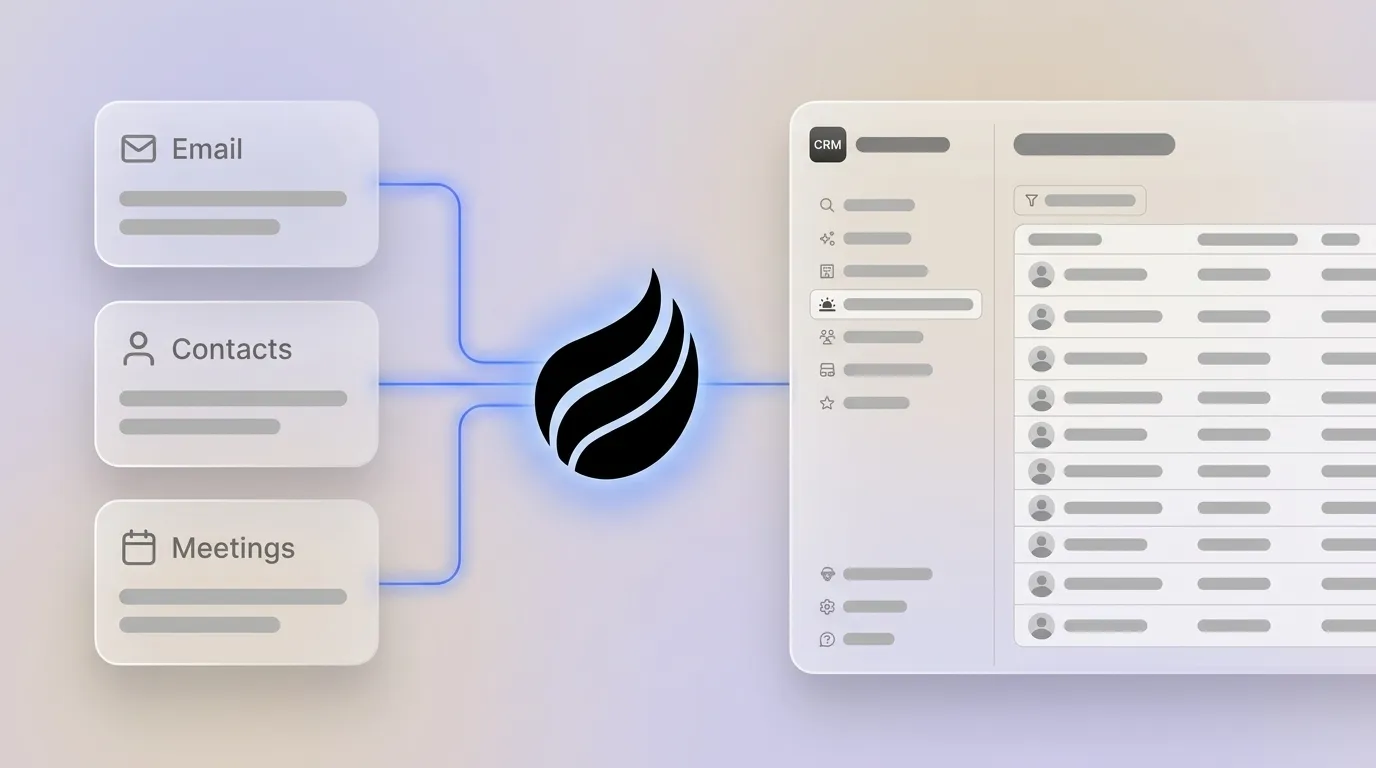
Coffee deploys an autonomous agent that handles recurring data work ChatGPT cannot touch. It operates in two models: a Standalone CRM for teams of 1-20 seats replacing spreadsheets or legacy tools, and a Companion App that sits on top of existing Salesforce or HubSpot instances and manages data-in without replacing the system of record.
After you connect Google Workspace or Microsoft 365, the Coffee Agent automatically creates and enriches contacts and companies from emails and calendar events. It logs last and next activity without human input and joins calls via Zoom, Teams, or Meet to record and transcribe. Post-call summary templates are customizable to match specific workflows and write back automatically to Coffee, HubSpot, or Salesforce.

Coffee’s AI search, released in January 2026, answers natural-language pipeline questions such as “Which deals are stuck in negotiation?” or “What’s closing this month?” This capability removes the need for manual CSV exports. An Intelligence layer introduced in February 2026 stores persistent context on business model, ICP, and competitors, so AI suggestions stay tailored across every session.
For financial data, Coffee’s Stripe integration automatically imports customers, enriches records, and marks paid invoices as Closed Won, while a QuickBooks integration syncs invoices and payment statuses in real time. Built-in data enrichment for job titles, funding rounds, and LinkedIn profiles removes the need for tools like Apollo or ZoomInfo.

Coffee’s Visitor Identification feature converts anonymous website traffic into named prospects with title, email, and LinkedIn profile. Its Suggested Leads feature goes further than competitors like RB2B or Warmly by recommending the specific two or three individuals inside a visiting company who match the buyer persona.

Coffee is SOC 2 Type 2 and GDPR compliant. Data is not used to train public models.
Comparison: One-Time Flows vs. Coffee Agent
The table below highlights how one-off ChatGPT plus Zapier flows require constant human effort, while Coffee’s agent layer runs continuously across your stack.
| Capability | ChatGPT + Zapier | Coffee Standalone | Coffee Companion (SF/HubSpot) |
|---|---|---|---|
| Automatic contact & activity logging | Manual CSV upload required each session | Continuous, agent-driven from email/calendar | Continuous, writes back to Salesforce/HubSpot |
| Meeting notes & follow-up drafts | Paste transcript manually per session | Agent joins call, auto-generates and logs | Agent joins call, writes summary to CRM record |
| Week-over-week pipeline comparison | Not possible without manual CSV archiving | Built-in Pipeline Compare via data warehouse | Built-in Pipeline Compare alongside CRM data |
| Website visitor identification | Not available | Named individuals + Suggested Leads | Named individuals + Suggested Leads |
Scaling Coffee from Solo Reps to Larger Teams
For teams of 1-5 reps, the Coffee Standalone CRM replaces spreadsheets and manual tools entirely. The agent handles all data entry from day one, eliminating legacy migration burden and ongoing CRM administration overhead. This shift lets founders and early sales hires focus on selling while they ask the agent questions and receive answers instead of maintaining a database.
For teams of 20-50 reps already committed to Salesforce or HubSpot, the Coffee Companion App deploys without replacing the existing system of record. RevOps retains existing configurations such as quotas, required fields, and forecasting hierarchies, while the agent fills the data quality gap created by manual entry. The same agent layer that supports a 3-person team scales to a 50-person organization without re-architecting the stack.
See Coffee pricing and deployment options to choose the model that fits your current stack.
Frequently Asked Questions
How long does setup take?
Most teams take between 2 and 6 weeks from order to being fully operational. Connecting Google Workspace or Microsoft 365 stays straightforward. The Coffee Agent begins scanning emails and calendars immediately after authentication and populates the CRM with contacts and companies before the first full day is complete. For the Companion App, connecting to Salesforce or HubSpot uses a simple OAuth authentication, with no custom development or IT involvement required for standard configurations.
Where does my data live?
Coffee stores data in a dedicated data warehouse that maintains historical state, which powers features like Pipeline Compare. Coffee is SOC 2 Type 2 and GDPR compliant. Customer data is not used to train public AI models. For teams with specific data residency requirements, Coffee’s compliance documentation is available on request.
What is the pricing model?
Coffee uses seat-based pricing. You pay per human user, and the agent’s labor for data entry, enrichment, meeting recording, and pipeline analysis is included without additional metering on AI usage or workflow runs. No separate charges apply for LLM calls or automation steps. Details are available at the pricing page.
How do I migrate from spreadsheets or another CRM?
Teams moving from spreadsheets or tools like Notion can import existing contact and deal data via CSV. Teams migrating from HubSpot or Pipedrive can rely on supported standard export formats. Once imported, the Coffee Agent begins enriching and maintaining those records automatically, so migration becomes a one-time event instead of an ongoing manual process. Teams moving from Salesforce or HubSpot to the Companion App model skip migration entirely, because the agent connects to the existing instance and improves data quality in place.
Eliminate the weekly CSV grind with Coffee, the agent that keeps pipeline data accurate without manual effort.

