Key Takeaways for Busy Sales Teams
- Sales reps lose over 5 hours each week to manual data entry because legacy CRMs like HubSpot and Salesforce demand constant human input.
- AI-powered contact management software automates data entry, enrichment, and insights, which delivers 20–30% productivity gains for top teams.
- Coffee stands out for SMBs by acting as an AI agent that captures contacts from email and calendar, prepares meeting briefings, and identifies website visitors.
- Alternatives such as HubSpot (free but manual), Salesforce (enterprise scale), and Pipedrive (visual pipelines) still depend on significant manual work.
- Modern sales teams can try Coffee’s AI agent to remove CRM busywork and keep reps focused on selling.
How We Evaluated Contact Management Platforms
Each platform was evaluated against eight practical factors that matter to modern sales teams.
- Automation Depth: Automatic data entry, contact enrichment, and activity logging capabilities
- User Adoption: Intuitive interfaces that sales reps actually want to use
- Integration Ecosystem: Native connections to Salesforce, HubSpot, Gmail, and Outlook
- AI-Powered Insights: Intelligent briefings, summaries, and pipeline analysis
- Team Fit: Scalability from startup founders to mid-market sales organizations
- 2026 Pricing: Transparent, seat-based models without hidden usage fees
- Modern AI Features: Visitor identification, list building, and agent-led workflows
- Security & Compliance: SOC 2 Type 2 and GDPR compliance for enterprise readiness
1. Coffee – Best AI Agent for Contact Management Automation
Best for: SMBs seeking autonomous contact management without manual data entry
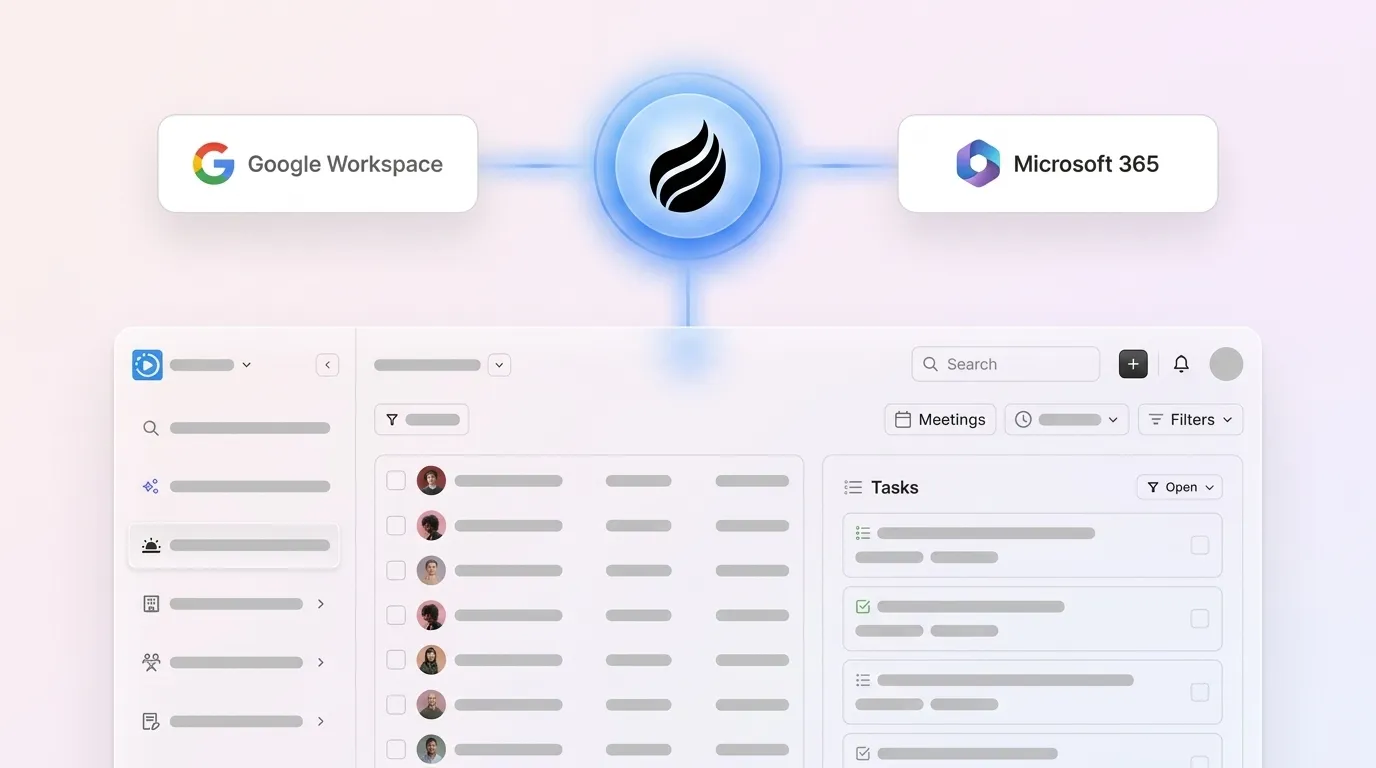
Coffee shifts contact management from passive CRM databases to an active AI agent. Legacy systems rely on humans for data entry, while Coffee’s agent captures contacts and companies from Gmail and Outlook, enriches records with job titles and LinkedIn profiles, and logs interactions automatically.
Key Features:

- Autonomous contact creation from email and calendar interactions
- AI meeting briefings and automated post-call summaries
- Pipeline Compare feature for week-over-week deal tracking
- Visitor identification that turns anonymous website traffic into named leads
- Natural language list building for targeted prospecting
- Dual deployment as standalone CRM or companion app for Salesforce and HubSpot

Pros:
- Removes manual data entry through intelligent automation
- Built-in data warehouse preserves full interaction history
- SOC 2 Type 2 and GDPR compliant
- Transparent seat-based pricing without usage metering
Cons:
- Currently integrates via Zapier rather than native APIs
- Data enrichment quality matches but does not exceed ZoomInfo
- Not designed for enterprise-scale implementations
Despite these limits, Coffee’s value centers on eliminating the manual work that slows most CRM rollouts.
Pricing: Simple per-seat model starting at competitive rates for SMB teams.
Best Team Fit: Small to mid-sized companies with 1–50 employees where founders or sales leaders want an AI agent to handle CRM busywork. Recent February 2026 updates include custom meeting briefings and AI intelligence layers that deliver tailored insights based on business context.

2. HubSpot CRM – Free CRM with Manual Tradeoffs
Best for: Small teams willing to accept manual data entry for free CRM access
HubSpot CRM dominates the small business market with its freemium model but still acts as a passive database that needs human data input. It offers basic automation workflows, yet sales reps must log activities and update deal stages by hand.
Pros:
- Free tier supports up to 2 users and 1,000 contacts
- Strong integration ecosystem with more than 1,000 apps
- Automatic contact enrichment pulls basic company details
Cons:
- Requires manual activity logging and deal updates
- Limited automation on the free tier
- Built as a marketing tool with CRM functionality added later
3. Salesforce Sales Cloud – Enterprise-Grade Customization
Best for: Large organizations with dedicated admin resources
Salesforce remains the enterprise standard and carries 25 years of legacy architecture. Salesforce holds approximately 90% market share among Fortune 500 companies and manages billions of records, yet it demands significant configuration and ongoing maintenance.
Pros:
- Highly customizable for complex workflows
- Einstein AI provides predictive insights
- Massive AppExchange with 337 integrations
Cons:
- Complex setup that requires dedicated administrators
- High total cost of ownership
- Challenging user experience that often reduces adoption
4. Pipedrive – Visual Pipeline Management for Deal Focus
Best for: Sales teams focused on deal progression visualization
Pipedrive excels at visual pipeline management with drag-and-drop deal movement and AI-driven contact timing suggestions. It still relies on manual data entry for contact creation and activity logging, which limits automation benefits.
Key Features:
- Visual pipeline with customizable stages and drag-and-drop deals
- AI-powered assistant that suggests when to follow up
- Activity-based selling with goal tracking and reminders
Pros:
- Intuitive visual interface with a short learning curve
- Strong mobile app for field and remote sales teams
- Affordable pricing starting at $14/user/month, billed annually
Cons:
- Manual contact creation and activity logging remain necessary
- Limited marketing automation compared with HubSpot
- Basic reporting on lower-tier plans
5. Attio – Modern UI for Relationship Mapping
Best for: Teams prioritizing modern design and relationship visualization
Attio offers a contemporary interface with strong relationship mapping that helps teams see how contacts connect across companies. It still lacks the automation depth needed to remove manual data entry burdens for most sales teams.
6. Close – Communication-First CRM for Inside Sales
Best for: Inside sales teams making high-volume calls
Close integrates calling, emailing, and SMS directly into the CRM interface, which reduces context switching for reps. Contact management remains largely manual, so teams still spend time on data entry and record updates.
7. Folk – Lightweight Personal Relationship Manager
Best for: Individual contributors managing personal networks
Folk focuses on personal relationship management with social media integration, making it ideal for consultants and individual sellers. It does not provide the automation or collaboration features required for team-scale sales operations.
8. Monday.com CRM – Project-Oriented Sales Workflows
Best for: Teams selling project-based services
Monday.com extends its project management platform into CRM with customizable workflows that mirror project stages. It still depends on manual data input, which keeps it aligned with traditional systems rather than AI-first tools.
9. Day.ai – AI for Unstructured Meeting and Email Data
Best for: Teams with heavy meeting and email analysis needs
Day.ai specializes in processing unstructured data from meetings and emails and turns conversations into searchable insights. It does not match the comprehensive contact management automation offered by full-featured platforms.
Side-by-Side Comparison: Automation, Price, and Team Fit
The table below highlights how each platform balances automation depth, pricing, and ideal team size. Look for the tradeoff between high automation with minimal data entry and lower-cost tools that still rely on manual work.
| Platform | Automation Level | Starting Price | Best Team Size | Data Entry Required |
|---|---|---|---|---|
| Coffee | Full automation | Seat-based | 1-50 employees | Minimal |
| HubSpot CRM | Basic workflows | Free | 1-20 employees | High |
| Salesforce | Einstein AI | $25/user/month | 50+ employees | High |
| Pipedrive | AI-driven suggestions | $14/user/month, billed annually | 5-50 employees | Medium |
Why AI Agents Like Coffee Outperform Legacy CRMs
The platforms above represent two eras of contact management. Legacy CRMs treat software as a passive container that waits for humans to type in data. Modern AI agents capture, process, and enrich contact data on their own.
Coffee’s agent maintains a complete data warehouse of interaction history, while legacy systems lose context when fields change. This approach enables accurate pipeline analysis and forecasting without the manual data entry burden that plagues traditional CRM implementations, the same time drain highlighted earlier.
The result is a system that serves sales reps instead of demanding they serve it, which drives higher adoption and better data quality.
Best-Fit Use Cases by Team Size
1-20 Employees (Startup/Small Business): At this stage, teams rarely have CRM administrators and need tools that work immediately. Coffee standalone CRM delivers full automation without complexity, so founders and early sales hires get enterprise-grade intelligence without manual overhead.

20-50 Employees (Growing SMB): Once teams grow past 20 employees, they often already use Salesforce or HubSpot but lack resources to keep data clean. Coffee companion app strengthens these investments by automating data entry while preserving the existing system of record.
50+ Employees (Mid-Market): Organizations at this scale require the customization and scalability that enterprise platforms provide, yet they still suffer from manual data entry. Salesforce Sales Cloud with a Coffee companion layer combines enterprise flexibility with AI automation.
See Coffee’s pricing options to match your team size and current tech stack.
Common Risks and Objections with AI Contact Tools
Teams exploring AI-powered contact management usually raise three core concerns before committing to a new platform.
Integration Concerns: Most modern contact management platforms integrate via Zapier, with deeper native connections on product roadmaps. Zapier connections still provide reliable data flow for most use cases.
Data Quality Questions: Beyond integration, teams worry whether AI enrichment can match established data providers. AI-powered enrichment typically matches ZoomInfo accuracy for standard use cases while adding automation that removes manual lookup work.
Enterprise Readiness: Security and compliance requirements often slow new tool adoption in regulated industries. Leading platforms like Coffee maintain SOC 2 Type 2 and GDPR compliance suitable for mid-market requirements.
Frequently Asked Questions
What’s the best contact management software for sales teams without data entry?
Coffee leads this category through the automation approach described earlier. Its AI agent handles contact creation, enrichment, and activity logging without manual input from sales reps, so good data enters the system automatically.
Are there good free contact management options for small teams?
HubSpot CRM offers the most comprehensive free tier for small teams, as detailed in the HubSpot section above, though it still requires manual data entry. Salesforce Free Suite supports two users with basic contact storage, while Monday.com CRM provides unlimited contacts and unlimited customizable pipelines for plans starting from 3 users.
What do Reddit users say about the best contact management software?
Reddit discussions often highlight frustration with manual data entry in traditional CRMs, and many users now prefer AI-powered solutions that automate contact creation and enrichment. The consensus favors platforms that remove administrative busywork instead of feature-rich databases that demand constant maintenance.
How long does it take to implement modern contact management software?
AI-powered platforms like Coffee usually deploy within hours through simple email and calendar authentication. Legacy systems such as Salesforce may require weeks or months of configuration, while mid-tier options like HubSpot and Pipedrive typically roll out within days.
Can contact management software scale from small teams to larger organizations?
The best platforms support flexible deployment models. Coffee offers standalone CRM for small teams and companion apps for larger organizations using Salesforce or HubSpot, which allows growth without major migrations.
Conclusion: Move from Manual CRM Work to AI Automation
The strongest contact management software for modern sales teams removes manual data entry through intelligent automation. Legacy CRMs like HubSpot and Salesforce still require constant human updates, while AI agents like Coffee capture, enrich, and analyze contact data to deliver clear, timely insights.
Quick Decision Matrix:
- ✓ AI Automation: Coffee
- ✓ Free Option: HubSpot CRM
- ✓ Enterprise Scale: Salesforce
- ✓ Visual Pipelines: Pipedrive
- ✓ Modern UI: Attio
Sales teams that feel stuck in manual CRM routines can shift to an AI agent that handles the busywork so reps can focus on selling. Start your Coffee trial today and experience the productivity gains that come from good data in and good data out.