Written by: Doug Camplejohn, CEO & Co-Founder, Coffee
Why Agent-Orchestrated Lead Sync Changes CRM Data Quality
- Agent-orchestrated lead sync uses an always-on AI layer that reads, writes, enriches, and routes CRM data from multiple sources without manual work.
- Passive integrations force repeated human tasks like field mapping, re-authentication, and error reconciliation, while Coffee’s agent handles these steps automatically.
- Coffee enriches every record at creation with job titles, funding data, and LinkedIn profiles via licensed partners, so separate enrichment tools are unnecessary.
- Intelligent routing, duplicate prevention, server-side attribution, and full activity-history logging all run through Coffee’s single agent layer, which raises data quality and cuts maintenance.
- Ready to eliminate manual CRM work? See Coffee’s pricing and start your free trial.
Form Integrations That Actually Reduce Data Entry
Real-time web-to-lead form sync only helps when it removes manual work instead of shifting it. Most setups still require field mapping, periodic re-authentication, and human review of failed submissions. Prompt follow-up on new leads increases conversion likelihood compared to longer delays, so any lag in form-to-CRM delivery destroys pipeline value.
A standard passive form sync setup follows these steps:
- Embed a form on a landing page connected to a marketing platform.
- Configure a webhook or native connector to push submissions to the CRM.
- Map form fields to CRM fields manually and re-map whenever either system updates its schema.
- Monitor error logs for failed pushes and reconcile duplicates manually.
- Re-authenticate the connector when tokens expire.
Coffee Agent Advantage: Coffee’s agent ingests form submissions alongside email and calendar signals at the same time. It auto-creates or updates the contact record, enriches it with job title, funding data, and LinkedIn profile via licensed data partners, and logs the activity. No one touches a field-mapping interface.
Ready to eliminate form-sync toil? See Coffee’s pricing and start your free trial.
Keeping Calendar and Email Sync Accurate Without Extra Work
One-way sync pushes changes from a source system to a destination and leaves the destination stale as soon as a user edits a record locally. Bidirectional sync lets changes in either connected system flow back to the other, but it adds conflict management work with last-write-wins logic, field-level merging, and loop detection to prevent data corruption or API rate-limit issues.
Setting up bidirectional calendar and email sync in a legacy CRM typically involves:
- Install the CRM’s email plugin or calendar connector, such as Salesforce Inbox or HubSpot Sales Extension.
- Authenticate OAuth tokens for each user’s Google Workspace or Microsoft 365 account.
- Configure sync direction, polling frequency, and field mapping for each object type.
- Define conflict resolution rules like last-write-wins or field-level authority.
- Monitor for sync loops and re-authenticate tokens when they expire.
Polling-based integrations usually check for changes every 5 minutes by default, with configurable intervals. This reduces API calls during bursts of updates but introduces latency for each change.
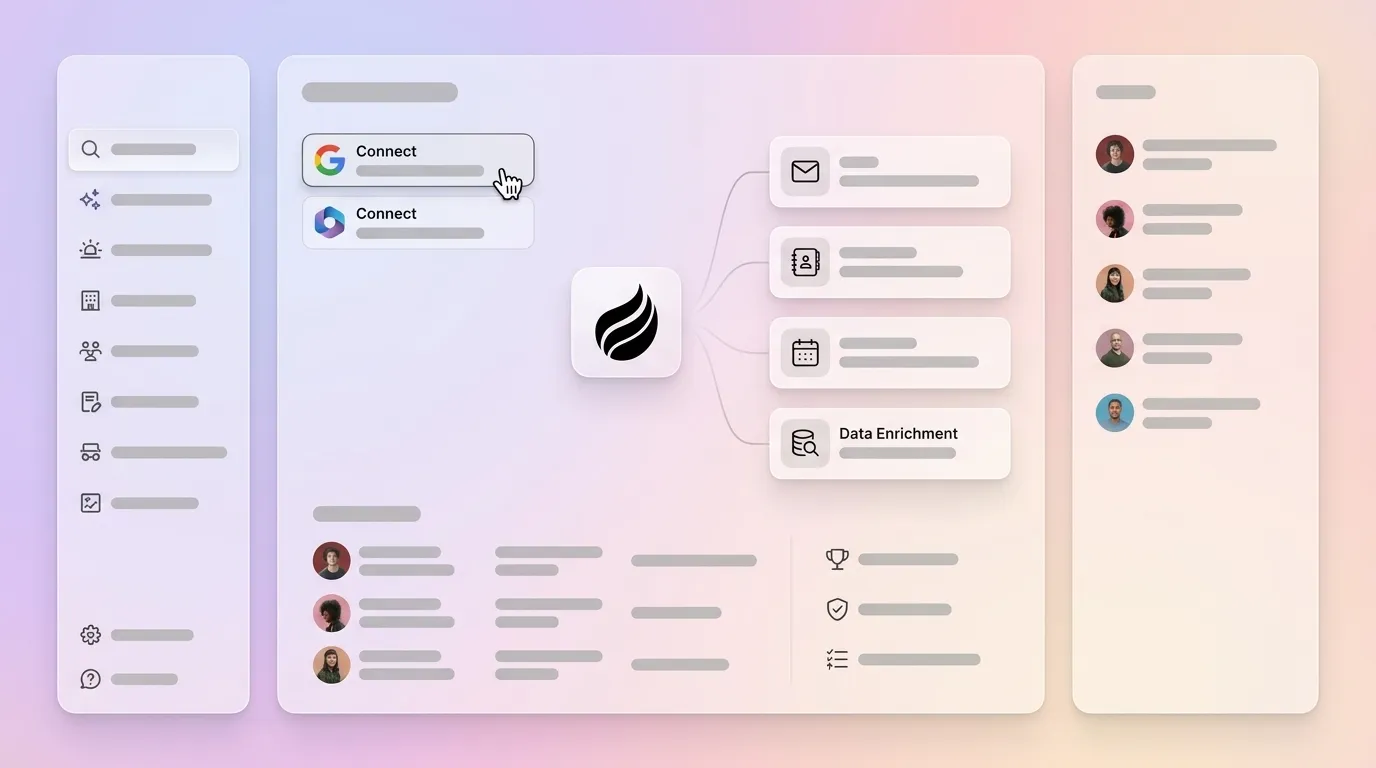
Coffee Agent Advantage: Coffee connects to Google Workspace or Microsoft 365 with a single authentication and immediately scans emails and calendar events. The agent logs “last activity” and “next activity” on its own, so deal state stays current without polling delays or manual re-authentication cycles.

Data Enrichment and Verification for Reliable CRM Records
Single-source data providers achieve 50–70% coverage rates on average, while cascading through multiple providers pushes coverage to 85–95%. Incomplete records create major risk. Data quality ranks as the number-one challenge across the data integrity landscape in a 2025 survey of 505 data and analytics leaders.
Companies using enriched, signal-augmented CRM data generate more sales-qualified leads than those relying on base contact data alone. Passive enrichment tools depend on a human to trigger a lookup, review the result, and write it back to the correct field. When reps skip this step, which happens often on busy teams, records degrade quietly and reporting accuracy drops.
Coffee Agent Advantage: Coffee’s agent augments every contact and company record with job titles, funding data, and LinkedIn profiles via licensed data partners at the moment of creation. Teams can remove separate enrichment tools like Apollo or ZoomInfo and still maintain high coverage.

Routing, Signal-Aware Assignment, and Duplicate Prevention
Rule-based routing assigns leads by territory, account owner, or round-robin sequence using static logic configured in the CRM. When a lead arrives with incomplete data, such as a missing company name or unrecognized email domain, the rule often fails silently. The lead then lands in a default queue or disappears. Duplicate prevention in passive systems relies on field-matching rules that miss formatting variations and enrichment gaps.
Accounts with multiple active signals tend to convert at higher rates than single-signal accounts. Routing logic that ignores signal data treats high-intent leads the same as cold ones, which lowers conversion rates and wastes rep time.
Coffee Agent Advantage: Coffee’s agent enriches the record before routing, so it has the full company profile, funding stage, and ICP fit score at the moment of assignment. Duplicate detection runs across structured fields and unstructured context such as email threads and call transcripts. This catches near-matches that simple field-matching rules miss.
Server-Side Attribution and Activity-History Logging
Client-side tracking tags fire in the user’s browser, where ad blockers exceed 40% on desktop and iOS tracking restrictions have made browser-based attribution unreliable, which has driven server-side tracking adoption to 67% among B2B companies in 2026.
A minimal server-side attribution setup for a CRM integration involves:
- Deploy a server-side tag container such as Google Tag Manager Server-Side.
- Route conversion events from your web server to the container instead of firing browser tags.
- Map server events to CRM activity objects using a middleware layer or Zapier.
- Enrich incoming events with CRM data like lead score and account tier before forwarding to ad platforms.
- Validate event match quality against platform benchmarks, since first-party data sent through Conversions API achieves match rates above 90%, compared to 60–70% for pixel-only implementations.
Coffee Agent Advantage: Coffee logs every interaction, including email opens, meeting attendance, and call transcripts, directly to its built-in data warehouse at the server level. This preserves full activity history without relying on browser-fired tags. Historical context remains intact when fields update, which avoids the overwrite behavior of many relational-database CRMs.

Visitor Identification Pixel and Suggested Leads in One Workflow
Beyond logging existing interactions, Coffee also captures intent signals from anonymous website visitors. Most visitor identification tools surface the visiting company’s IP range or an undifferentiated list of employees. Coffee’s pixel goes further. You drop a single script into the <head> tag of your site, and the agent infers the visitor’s name, title, email, and LinkedIn profile alongside pages visited, time on site, and visit frequency.
Real-time Slack notifications highlight high-fit visitors, and one click adds the prospect to Coffee with all enrichment pre-filled. The differentiating feature is Suggested Leads. Where competitors like RB2B and Warmly show only the visiting company or raw people lists, Coffee uses your buyer persona to recommend the two or three individuals inside that visiting company to contact.

The first seller to contact a decision-maker after a trigger event is five times more likely to win the deal. Visitor identification converts anonymous intent into a named, actionable prospect before a competitor can respond.
How Agent-Orchestrated Sync Differs From Bidirectional API Sync
Legacy bidirectional API sync depends on humans to complete fields and keep schemas aligned. Teams must re-authenticate tokens, re-map fields when schemas change, and monitor for sync loops. These integrations also move only structured data and ignore email text, call transcripts, and meeting notes.
Coffee’s agent-orchestrated sync enriches records at creation using a multi-source waterfall, with coverage rates described in the enrichment section above. A single OAuth authentication lets the agent handle re-enrichment and conflict resolution on its own. The agent ingests emails, call transcripts, and meeting notes into a built-in data warehouse with persistent history, so unstructured context becomes searchable and usable.
Before-and-After Data-Quality Metrics
| Metric | Before Coffee Agent | After Coffee Agent | Source / Basis |
|---|---|---|---|
| Hours saved per rep per week on data entry | Baseline (manual entry) | 8–12 hours saved | Coffee platform data |
| CRM field-completion rate | Low; dependent on rep discipline | High; agent auto-fills from email, calendar, enrichment partners | Coffee platform data |
| Attribution data recovered vs client-side only | Baseline (browser tags) | 20–40% more attribution data recovered | Digital Applied, 2026 |
| SQL generation lift from enriched records | Baseline (base contact data) | Lift in sales-qualified leads from enriched records | Autobound, 2026 |
Best-Fit Use Cases for Coffee Across Team Sizes
Early-stage teams with 1–20 employees that have outgrown spreadsheets but find legacy CRMs expensive and maintenance-heavy fit naturally with Coffee’s Standalone CRM. The agent manages the system of record entirely, so teams avoid data-model migrations and complex integration layers.
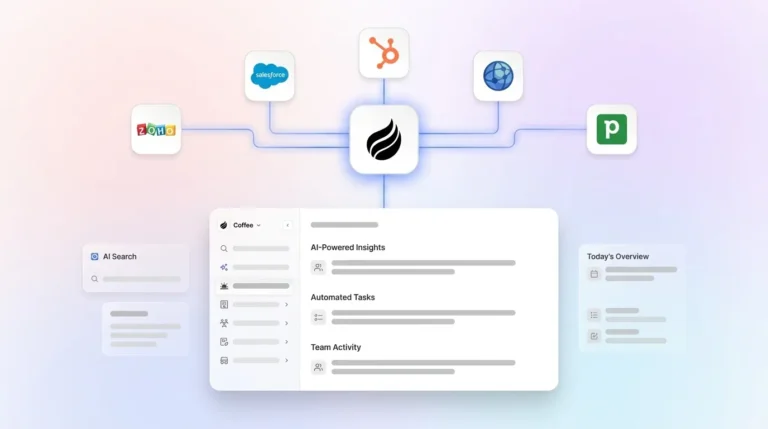
Mid-market teams committed to Salesforce or HubSpot deploy Coffee as a Companion App. A single authentication allows the Coffee Agent to sync data, enrich it, and write insights back to the primary CRM. This improves adoption and data quality without replacing the existing system of record or disrupting forecasting workflows, quota structures, or required fields.
In an a16z video, Sarah Wang discussed a dynamic agent layer that overtakes traditional systems of record; the specific wording in the claim is not attested in any source.
Operational Considerations for Change Management, Security, and Pricing
Deploying an agent layer raises three common objections from teams evaluating the platform. The first concerns integration breadth. Coffee currently connects to third-party tools via Zapier, with deeper native integrations on the product roadmap. The second focuses on data security. Coffee is SOC 2 Type 2 and GDPR compliant, and customer data is not used to train public models. The third centers on cost structure. Coffee uses seat-based pricing, so you pay for human seats and the agent’s labor is included without metering on LLM usage or automated processes.
Change management is simpler than a legacy CRM rollout because reps are asked to enter less data, not more. The agent handles busywork, which removes the primary adoption barrier that drives “shadow CRM” behavior in spreadsheets and notes tools.
See exactly what Coffee costs for your team. View transparent seat-based pricing.
Decision Framework for Evaluating Your Lead Management Stack
Teams can score their current stack against eight integration features. A “No” or “Partial” on four or more signals that passive integrations are degrading CRM data quality.
- Real-time form sync: A new web lead should appear in your CRM within 60 seconds, fully enriched, without human review.
- Bidirectional calendar/email sync: Every meeting and email thread should log automatically to the correct contact and deal record.
- Multi-source enrichment: Your CRM should reach 85% or higher field-completion coverage without a separate enrichment tool.
- Intelligent routing: Routing logic should use real-time signal data and ICP fit, not only territory rules.
- Duplicate prevention: Deduplication should catch near-matches across structured fields and unstructured context.
- Server-side attribution: Conversion events should be captured server-side to bypass ad blockers and browser restrictions.
- Activity-history logging: Full interaction history, including call transcripts and email text, should live in a data warehouse without being overwritten on field update.
- Visitor identification: Your stack should identify named individuals from anonymous site traffic and route them to outbound in one click.
Coffee is the only solution that covers all eight features through a single agent layer that unifies structured and unstructured data. Teams can deploy it as a standalone CRM or as a companion on top of an existing Salesforce or HubSpot instance.
Frequently Asked Questions
How does real-time lead capture improve CRM data quality over time?
Real-time capture removes the gap between when a lead signal occurs and when it enters the CRM. When that gap lasts hours or days, reps work from stale context, enrichment lookups return outdated job titles, and routing rules fire on incomplete records. When capture is immediate and automated, enrichment, routing, scoring, and forecasting all operate on current data.
Over time, this compounds. A CRM that receives accurate data at the moment of signal builds a reliable activity history. That history makes pipeline forecasting and AI-generated insights more accurate instead of more degraded.
What is the practical difference between bidirectional API sync and agent-orchestrated sync for RevOps?
Bidirectional API sync keeps two systems technically in agreement by passing field updates back and forth according to conflict resolution rules. It requires ongoing maintenance such as token re-authentication, schema re-mapping when either system updates its data model, and monitoring for sync loops. It also moves only structured field data and cannot parse an email thread or a call transcript to write meaningful context back to a deal record.
Agent-orchestrated sync handles those tasks and adds reasoning. The agent reads unstructured data, infers the relevant CRM objects, enriches them, and writes structured insights back without human field mapping or error-log review. For RevOps, this removes a maintenance burden that grows with team size and tool count.
Why is agentic automation a step beyond traditional workflow automation for lead management?
Traditional workflow automation tools such as Zapier or native CRM workflows execute predefined if-then rules when a trigger condition is met. They cannot handle ambiguity. If a field is missing, the rule fails or routes to a default. Agentic automation reasons across available context to determine the correct action even when inputs are incomplete.
An agent can read an email thread, infer that a contact has changed roles, update the record, re-score the lead, and draft a follow-up without an explicit trigger rule for that scenario. This matters for lead management because real-world lead data is incomplete, inconsistently formatted, and spread across unstructured sources that rule-based automation cannot parse.
How does server-side attribution improve lead management for B2B sales teams?
B2B sales cycles are long and multi-touch, so attribution accuracy depends on tracking a prospect across many sessions, devices, and time periods. Client-side tracking loses that thread whenever a browser clears cookies, an ad blocker fires, or a user switches devices. Server-side attribution ties conversion events to a known first-party identity such as an email address or CRM contact ID that persists across sessions.
For a B2B sales team, this means the CRM activity history reflects the full buying journey instead of a fragmented subset. Reps gain better context before calls, and multi-touch attribution models used to allocate marketing budget become more reliable.
Conclusion: Replacing Passive Integrations With an Active Agent Layer
Passive bidirectional API integrations keep two systems technically synchronized but leave CRM data quality dependent on human discipline. Under selling pressure, humans skip data entry, which produces fragmented records, stale enrichment, missed attribution, and forecast data that RevOps cannot trust.
Agent-orchestrated sync addresses the problem at the source. An always-on agent ingests structured and unstructured data at the same time, including emails, calendars, call transcripts, web forms, and visitor pixels. Coffee ensures that accurate data enters the CRM automatically, so insights and forecasts stay trustworthy without manual intervention. It is the only solution that delivers all eight lead management integration features through a single agent layer, whether your team runs a standalone CRM or an existing Salesforce or HubSpot instance.
Start your Coffee trial today and replace your passive integration stack with an agent that works.