
Written by: Doug Camplejohn, CEO & Co-Founder, Coffee | Last updated: June 18, 2026
Key Takeaways for Choosing an Automatic-Contact CRM
-
Coffee is the only CRM here that combines agent automation, licensed enrichment, unstructured data handling, dual deployment, and visitor identification in one product.
-
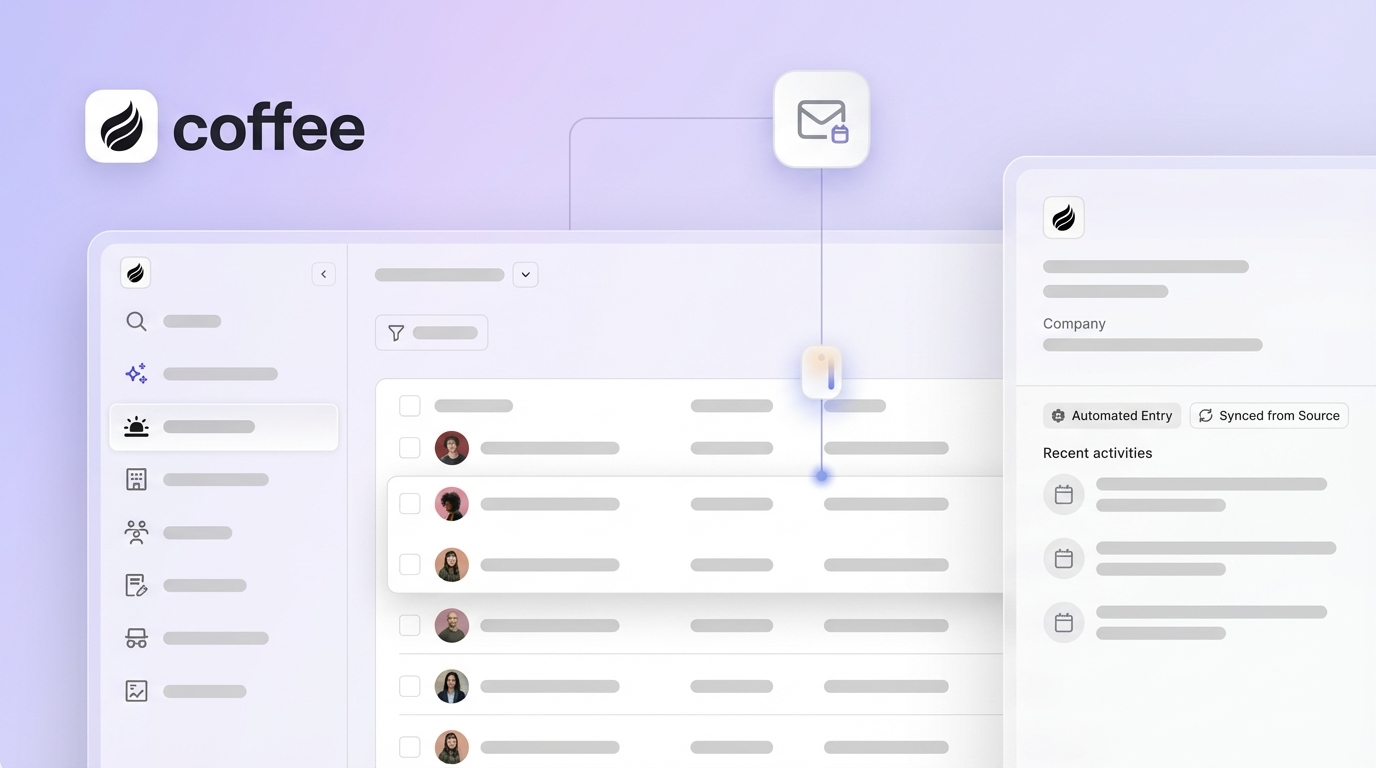
Coffee connects directly to Gmail and Outlook, then creates contacts, companies, and activities from those inboxes without middleware or manual entry.
-
Licensed-partner enrichment adds titles, funding data, and LinkedIn profiles as records are created, so most teams can drop separate Apollo or ZoomInfo subscriptions.
-
Coffee’s data-warehouse architecture pulls together emails, transcripts, and structured fields, then syncs clean records back to Salesforce or HubSpot through its Companion App.
-
Teams that want to eliminate manual data entry can start a Coffee trial today and reclaim hours of admin work per rep each week.
Five Criteria That Define a Truly Automatic Contact CRM
These five criteria set the bar for what “automatic” really means in a contact CRM.
-
Depth of native email and calendar integration, meaning the system auto-creates contacts and logs activity without middleware.
-
Quality and completeness of automated enrichment, meaning the system adds titles, funding, and social profiles through licensed data partners.
-
Ability to unify structured and unstructured data, meaning the system processes emails, call transcripts, and fields in a single coherent record.
-
Dual deployment options, meaning the system works as a standalone CRM and as a companion layer on top of Salesforce or HubSpot.
-
Measurable rep time savings and pipeline intelligence, meaning the system delivers clear hour savings and automatic pipeline compare views without CSV exports.
Side-by-Side Comparison Table
|
Platform |
Native Email/Calendar Auto-Creation + Enrichment |
Unstructured Data + Dual Deployment |
Visitor ID + Pipeline Intelligence |
|---|---|---|---|
|
Coffee |
Background Gmail/Outlook scan, auto-creates contacts, companies, and activities, licensed-partner enrichment (titles, funding, LinkedIn) built in |
Ingests emails, transcripts, and structured fields into a data warehouse, available as Standalone CRM or Companion App for Salesforce/HubSpot |
Pixel-based visitor ID with Suggested Leads matched to buyer persona, week-over-week Pipeline Compare without CSV exports |
|
Attio |
Email sync via connected inbox, contact auto-creation from email threads, no native licensed enrichment |
Handles structured data well, limited unstructured data processing, standalone only |
No visitor identification, pipeline views require manual configuration |
|
HubSpot |
Gmail and calendar sync attaches interactions to contact records passively, enrichment via paid add-ons or third-party tools |
Structured data primary, unstructured data (transcripts) requires Conversation Intelligence add-on, standalone only as system of record |
Paid Prospecting tool for visitor ID, pipeline reporting available but no autonomous compare view |
|
Salesflare |
Automatic contact and company creation from email signatures and calendar, API-based sync logs interactions without manual entry, limited enrichment depth |
Structured data focus, no native unstructured data warehouse, standalone only |
No visitor identification, basic pipeline views |
|
Copper |
Native Gmail embedding, auto-logs email interactions and calendar events into contact timelines, enrichment limited to Google Workspace data |
Structured data only, no unstructured data processing, standalone only, Google Workspace dependency |
No visitor identification, standard pipeline reporting |
How Coffee Handles Native Email and Calendar Integration
Native CRM integrations built directly by the software vendor are typically more reliable and offer deeper functionality than third-party integrations that rely on middleware platforms like Zapier. Coffee connects to Google Workspace or Microsoft 365 and immediately scans emails and calendars in the background. The agent auto-creates contact and company records, links every note and interaction to the right record, and logs last-activity and next-activity fields autonomously, with no Zapier workflow.

Salesflare and Copper also create contacts from email signatures and calendar events, which makes them stronger than HubSpot’s default passive sync. Real-time CRM integrations often use webhook-based mechanisms instead of scheduled batch syncs to enable immediate actions, and Coffee’s agent follows this real-time model. Attio and HubSpot rely mainly on connected-inbox syncing, which logs interactions but does not proactively create records from unread threads or calendar invites that reps have not flagged.
How Automated Enrichment Replaces Separate Data Tools
Coffee enriches every auto-created record with job titles, funding rounds, and LinkedIn profiles through licensed data partners. This setup removes the need for a separate Apollo or ZoomInfo subscription for most small-to-mid-sized teams. Enrichment runs automatically when the record is created, with no manual trigger or CSV import.
Attio offers no native licensed enrichment, so users must connect third-party tools. HubSpot’s enrichment lives in its paid Data Quality and Prospecting tiers or in Apollo’s CRM integration. Salesflare and Copper provide surface-level enrichment from email metadata and public sources, which rarely covers outbound prospecting needs without extra tools. Data accuracy and coverage depth vary significantly between enrichment providers, and Coffee’s licensed-partner model aims to match Apollo-tier coverage for teams with 1–250 employees.
See how Coffee’s built-in enrichment compares to your current Apollo or ZoomInfo subscription.
How Coffee Unifies Structured Fields and Unstructured Conversations
Legacy CRM architectures rely on relational databases where updating a field overwrites historical context. Coffee stores data in a built-in data warehouse, which preserves the full history of structured fields alongside unstructured inputs such as email threads, call transcripts, and meeting summaries in a single record. The agent processes transcripts through configurable sales methodologies like BANT, MEDDIC, and SPICED, then writes structured qualification data back to the record automatically.

In 2024 moving into 2025, nearly every organization wanted to build and deploy agents on top of their existing data stacks rather than replacing them. Coffee’s data warehouse architecture supports this pattern, since the agent ingests unstructured signals and surfaces them as structured, queryable intelligence. Attio, HubSpot, Salesflare, and Copper all run on relational database models that handle structured fields well but depend on paid add-ons or external tools to process call transcripts and email body text at the record level.
Dual Deployment: Standalone CRM or Companion App
The fastest path to automation is rarely building disconnected experiments from scratch, it means using the platforms where your data, workflows, approvals, and operational truth already live. Coffee addresses this reality with its Companion App model. Teams already on Salesforce or HubSpot authenticate Coffee once, then the agent handles data ingestion, enrichment, and activity logging while writing clean records back to the existing system of record. Quotas, forecasting, and required fields in Salesforce and HubSpot stay intact.
No other platform in this comparison offers a similar companion deployment. Attio, Salesflare, and Copper operate only as standalone systems. HubSpot can receive data from third-party tools through its API, but it does not act as an agent layer on top of another CRM. CRM will likely remain the front end, but everything underneath will be about data and how safely, securely, and intelligently it can be accessed and orchestrated, and Coffee’s Companion App is built for that architecture.
Rep Time Savings and Pipeline Intelligence You Can Measure
Salesmotion’s breakdown of the Forrester activity study of 3,031 reps allocates roughly 6.8 hours per week per rep to CRM data entry, and 71% of sales reps report spending too much time on manual data entry, which shows how universal this problem has become. Coffee’s agent targets the time savings outlined earlier by automating contact creation, enrichment, activity logging, meeting summaries, and follow-up drafting.

Coffee’s Pipeline Compare feature visualizes week-over-week deal movement, including progressed opportunities, stalled deals, and new additions, without spreadsheet exports or paid forecasting add-ons. HubSpot offers pipeline reporting within its paid Sales Hub tiers. Attio, Salesflare, and Copper provide standard pipeline views but no autonomous compare functionality that surfaces changes without manual configuration.
Visitor Identification: From Anonymous Traffic to Named Leads
Beyond managing existing contacts and pipeline, Coffee also automates lead generation at the top of the funnel. Coffee’s visitor identification feature installs through a single tracking pixel in the site’s <head> tag. The agent identifies visitors by name, title, email, and LinkedIn profile, along with company, pages visited, time on site, and visit frequency. Real-time Slack notifications surface high-fit visitors, and one click adds the prospect to Coffee with enrichment already filled in.

Suggested Leads is the key differentiator. Standalone visitor identification tools usually surface only the visiting company or a flat list of employees. Coffee instead uses the team’s buyer persona to recommend the two or three people inside that company who are most likely to be the right contact. None of the other four platforms in this comparison include native visitor identification.
Install Coffee’s visitor ID pixel and start converting anonymous traffic into named leads.
Best-Fit Use Cases by Team Size and Tech Stack
1–20 employees, no existing CRM: Coffee’s Standalone CRM is the primary recommendation. The agent handles all data entry from day one, the pricing model is seat-based with unlimited agent labor included, and setup requires only a Google Workspace or Microsoft 365 authentication. Salesflare and Copper can work as lighter alternatives, but they do not offer unstructured data processing or visitor identification.
21–250 employees, existing Salesforce or HubSpot: Coffee’s Companion App is the primary recommendation. Ask a blunt question: where does this process still depend on people carrying customer context between systems? For most mid-market teams, that gap appears in CRM data entry. The Companion App removes that dependency without a system migration. Attio and the other standalone platforms require a full migration and do not write back to an existing system of record.
Operational Details: Compliance, Pricing, and Integrations
Coffee is SOC 2 Type 2 and GDPR compliant, and customer data is not used to train public models. Pricing is seat-based, and the agent’s work such as contact creation, enrichment calls, meeting bots, and pipeline compare runs is included without usage metering. Supporting multiple CRM systems with tenant-specific fields, custom objects, bi-directional writes, and real-time event delivery requires ongoing maintenance across authentication models, schema differences, and conflict resolution logic, and Coffee’s Companion App is engineered to manage this complexity for Salesforce and HubSpot. Third-party integrations beyond Google Workspace, Microsoft 365, Salesforce, and HubSpot are currently available through Zapier, with deeper native integrations planned.
Risks and Limitations to Weigh Before Choosing Coffee
Coffee does not target large enterprises with complex, multi-layered custom workflows, heavily regulated industries that need multi-year security reviews, or buyers who prioritize broad feature checklists over automation depth. Teams at organizations above 250 employees with heavily customized Salesforce instances should validate field-mapping requirements before committing. Third-party tool integrations beyond the core stack still depend on Zapier, which reintroduces the middleware dependency that Coffee’s native integrations aim to remove.
Decision-Framework Checklist for Your Team
Use these criteria to match your team to the right option.
-
No existing CRM, 1–20 employees: Coffee Standalone. Auto-creation, enrichment, visitor ID, and pipeline compare run from day one.
-
Existing Salesforce or HubSpot, 21–250 employees: Coffee Companion App. The agent writes clean data back to your system of record without a migration.
-
Need enrichment without a separate ZoomInfo or Apollo subscription: Coffee. Licensed-partner enrichment is included in the seat price.
-
Need to process call transcripts and emails at the record level: Coffee. The data warehouse architecture handles unstructured data natively, while competitors rely on paid add-ons.
-
Need to identify and act on anonymous website visitors: Coffee. Suggested Leads matched to your buyer persona are unique to Coffee among the five platforms evaluated.
Coffee is the only platform in this comparison that satisfies all five evaluation criteria for both new and existing CRM users.
Compare Coffee’s automation to your current CRM and enrichment stack.
Frequently Asked Questions
How long does it take to implement Coffee and see the first automatically created contacts?
For the Standalone CRM, implementation involves authenticating a Google Workspace or Microsoft 365 account. The Coffee Agent begins scanning emails and calendars immediately after authentication and usually populates the first auto-created contacts and companies within minutes. No data migration, field mapping, or Zapier configuration is required to activate core contact automation. For the Companion App deployment on Salesforce or HubSpot, setup uses a single authentication that grants the agent read and write access to the existing instance. The agent then enriches and updates records in the background, and most teams are operational within the same business day.
How much migration effort is required if a team is moving from HubSpot or Salesforce to Coffee Standalone?
Teams migrating to Coffee Standalone can import existing contact and company records. Coffee’s agent immediately begins enriching and updating imported records from live email and calendar data, so the quality of migrated records improves over time without manual cleanup. For teams that prefer not to migrate, the Companion App model removes the migration question entirely. Salesforce or HubSpot remains the system of record, and Coffee operates as the data-entry and enrichment layer on top of it, which is the recommended path for any team with more than a few hundred existing records or active pipeline in a legacy system.
How does Coffee’s automated enrichment compare to dedicated tools like Apollo or ZoomInfo?
Coffee’s enrichment comes from licensed data partners and covers job titles, funding rounds, and LinkedIn profiles, which are the fields most relevant to contact qualification and outbound prospecting for small-to-mid-sized sales teams. For most use cases at companies with 1–250 employees, this coverage is enough to replace a standalone Apollo or ZoomInfo subscription. Teams with very high outbound volume in niche verticals or with strict phone number verification needs may still see value in a dedicated enrichment tool. Coffee’s enrichment runs automatically at record creation, which removes the manual export, enrich, and import cycle that standalone enrichment tools require when paired with a passive CRM.
What security certifications does Coffee hold, and how is customer data handled?
Coffee is SOC 2 Type 2 certified and GDPR compliant. Customer data processed by the Coffee Agent, including email content, calendar data, and call transcripts, is not used to train public AI models. The SOC 2 Type 2 certification covers the security, availability, and confidentiality of Coffee’s systems and matches the standard requirement for most U.S. mid-market procurement reviews. Teams in heavily regulated industries such as healthcare or finance that need multi-year security review processes or HIPAA Business Associate Agreements should confirm whether Coffee’s current certification scope meets their specific compliance requirements before committing.
Does Coffee integrate with tools already in the sales stack, such as Zoom, Slack, or outbound sequencers?
Coffee’s AI Meeting Bot joins Zoom, Google Meet, and Microsoft Teams calls to record and transcribe. Post-call summaries, next steps, and follow-up email drafts are generated automatically and surfaced in Gmail or Outlook for rep review. Real-time Slack notifications support visitor identification alerts by surfacing high-fit website visitors as they arrive. Integrations with outbound sequencers and other point solutions beyond the core Google Workspace, Microsoft 365, Salesforce, and HubSpot connections are currently available through Zapier. Deeper native integrations are on the product roadmap, and teams should confirm that any critical point-solution integration is available through Zapier or existing native connectors before signing.


