Key Takeaways
- Sales reps lose 546 hours each year on manual data checks, which costs $12.9M in revenue. Automated enrichment removes this drag on performance.
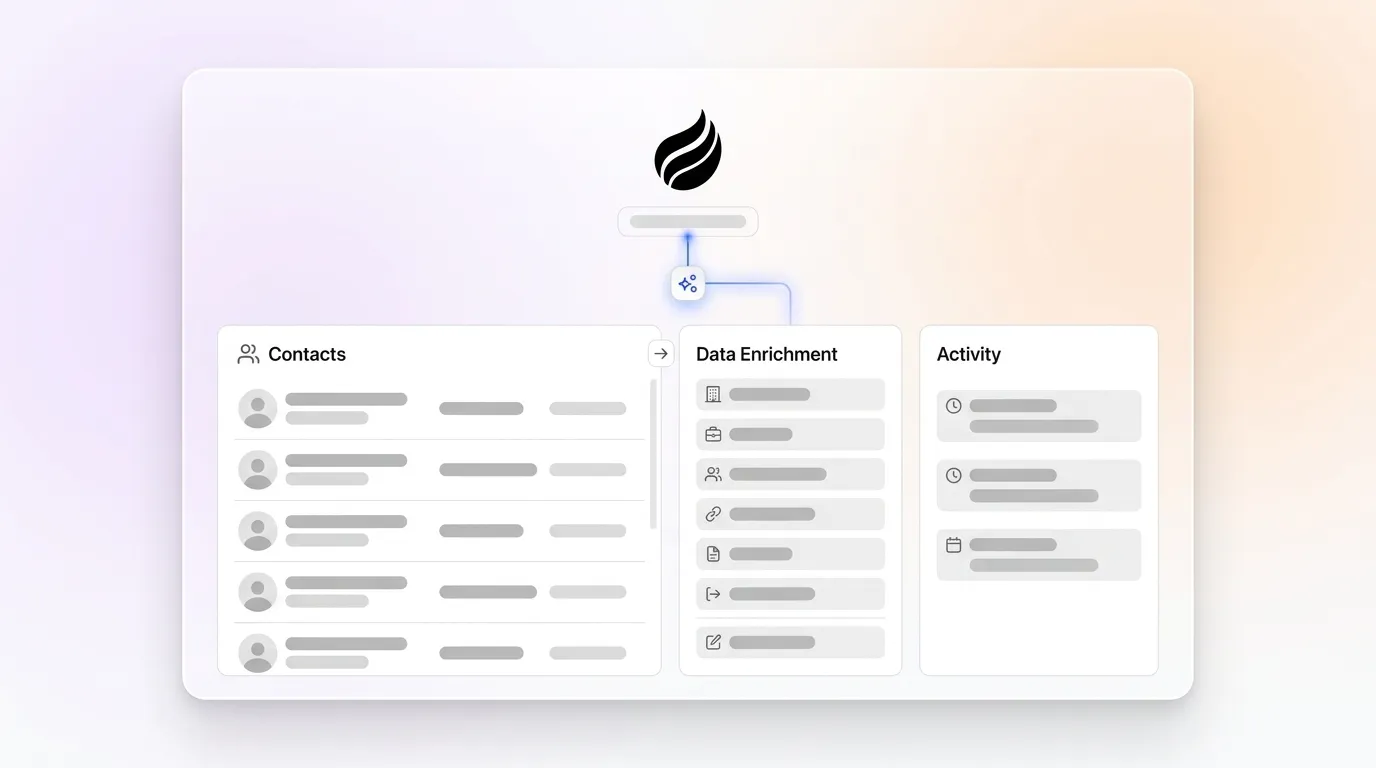
- Coffee leads as the top agent-driven solution, with autonomous scanning of emails, calendars, and website traffic that creates contacts for your team.
- Tools like HubSpot, Salesforce, and ZoomInfo enrich data but still rely on more manual work than Coffee’s fully automated approach.
- Key evaluation criteria include automation depth, data sources, enrichment quality, CRM integration, and how well each tool supports SMB growth.
- Replace manual data entry with continuous automation and higher productivity. Start automating your contact data with Coffee for autonomous contact management.
How We Evaluated Automated Data Enrichment Tools
Our assessment focuses on five concrete factors that shape enrichment performance and day-to-day usability.
- Automation Depth: Agent-driven systems compared to add-on or rule-based workflows
- Data Sources: Direct email and calendar connections compared to manual list uploads
- Enrichment Quality: Coverage for job titles, funding data, and LinkedIn profiles
- CRM Integration: Standalone platforms compared to companion-style functionality
- SMB Scalability: Pricing, setup time, and ease of rollout
The shift toward AI agents represents a fundamental change in contact management. According to IBM research, poor data quality blocks many AI initiatives, so automated enrichment becomes essential for teams that want reliable AI workflows. With these criteria in place, the tools below stand out for automated contact management.

Top 10 Tools for Contact Management with Automated Data Enrichment
1. Coffee (Best Overall Agent-Led Solution)
Best for: SMBs and mid-market teams that want autonomous contact management
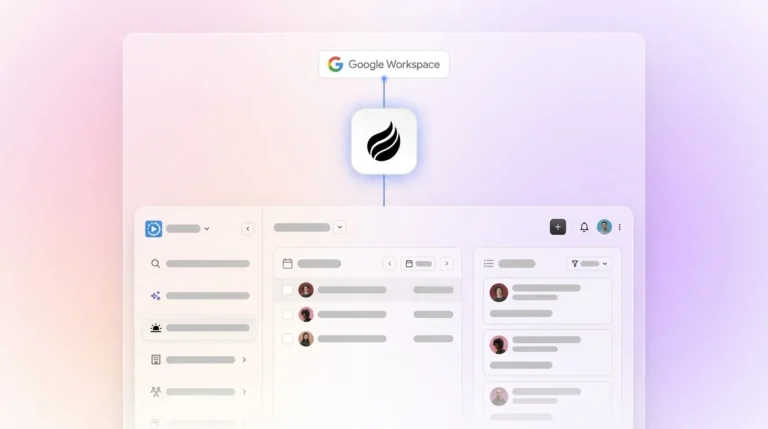
- Autonomous agent scans Google Workspace and Microsoft 365 to create contacts automatically
- Real-time enrichment through integrated data partners removes dependence on ZoomInfo-style databases
- Visitor ID technology converts anonymous website traffic into named prospects
- Stripe integration automatically imports customers and companies with enriched data
- Companion mode works smoothly with existing Salesforce and HubSpot instances
Pros: No manual data entry, agent manages enrichment, unified platform cuts tool sprawl
Cons: Not built for very large enterprises with highly complex workflows
Pricing: Seat-based with unlimited agent labor included

2. HubSpot with Breeze Intelligence
Best for: Marketing-focused teams already invested in HubSpot
- Breeze Intelligence enriches records with 200+ million company profiles
- Native integration removes the need for separate enrichment platforms
- Predictive lead scoring that relies on enriched data
- Less automation than agent-driven solutions, with more manual control required
Pros: Deep marketing automation and a mature ecosystem
Cons: Clearbit integration provides basic enrichment but still depends on user-triggered workflows
Pricing: Starts at $15/month per seat
3. Salesforce with Coffee Companion
Best for: Enterprise teams committed to Salesforce infrastructure
- Coffee Agent handles data entry while Salesforce remains the system of record
- Einstein captures activity from email and calendar for additional context
- Advanced workflow customization that supports complex sales processes
- Requires Coffee Companion to achieve true end-to-end automation
Pros: Enterprise-grade security and extensive customization options
Cons: High complexity and cost without companion automation
Pricing: $25-300+ per user monthly plus Coffee Companion
4. ZoomInfo with GTM Studio
Best for: Large enterprises that need broad B2B intelligence
- AI-powered parallel waterfall enrichment across 25+ vendors
- Extensive professional contact coverage with intent signals
- Detailed org charts and technographic data for complex accounts
- Requires significant manual configuration, training, and ongoing management
Pros: Huge database and advanced enterprise features
Cons: Complex setup, high cost, and no continuous agent-style automation
Pricing: Custom enterprise pricing starting around $15,000 annually
5. Apollo.io
Best for: Mid-market teams that want combined prospecting and enrichment
- Large contact database with strong email accuracy
- Waterfall enrichment that taps multiple data sources
- Built-in email sequencing and task management for outbound teams
- Manual trigger requirements that limit fully hands-off automation
Pros: High accuracy and integrated outreach tools
Cons: Still depends on manual prospecting workflows and user actions
Pricing: $49-79 per user monthly with annual billing
6. Clearbit (HubSpot Integration)
Best for: HubSpot users that need real-time API enrichment
- Real-time enrichment with 100+ verified attributes
- Global coverage of key decision-makers
- Seamless HubSpot integration that enriches records as they enter the system
- Limited reach outside the HubSpot ecosystem
Pros: Real-time processing and strong data quality
Cons: Platform dependency and a narrower automation scope than agent-led tools
Pricing: Usage-based plans starting at $45/month
7. Lusha
Best for: Individual reps and small teams that need budget-friendly prospecting
- Browser extension for fast prospecting with AI suggestions
- GDPR-compliant data collection practices
- Basic intent enrichment features
- Limited bulk processing and automation for larger teams
Pros: Affordable pricing and quick setup
Cons: Manual workflows and limited enterprise-grade capabilities
Pricing: $49-79 per user monthly
8. Cognism
Best for: EMEA-focused teams that require strict GDPR compliance
- Diamond Data with human-verified phone numbers
- Strong coverage in the UK and wider European markets
- Bombora intent data integration for timing signals
- Reduced coverage and effectiveness outside Europe
Pros: High accuracy and a compliance-first approach
Cons: Regional focus and reliance on manual enrichment steps
Pricing: Custom pricing based on usage
9. Zoho CRM with Zia AI
Best for: Small businesses that want affordable automation
- Built-in AI assistant that supports basic enrichment
- Workflow automation that keeps data updated
- Native integration across the Zoho ecosystem
- Limited access to external third-party data sources
Pros: Cost-effective and simple to configure
Cons: Basic enrichment depth and modest data coverage
Pricing: $14-52 per user monthly
10. Pipedrive with Smart Contact Data
Best for: Sales-focused teams that prioritize pipeline visibility
- Automatic contact enrichment from email signatures
- Lead scoring that relies on enriched data points
- Visual pipeline management that reps adopt quickly
- Less automation than agent-driven platforms, with more manual triggers
Pros: Intuitive interface and strong pipeline tools
Cons: Manual enrichment triggers and limited data sources
Pricing: $14-79 per user monthly
Top 5 Comparison Table
| Tool | Automation Strength | Enrichment Sources | CRM Fit | Best For |
|---|---|---|---|---|
| Coffee | Agent-Led (High) | Emails/Calendars/Visitor Pixel | Standalone + Companion | SMB to Mid-Market |
| HubSpot | Semi-Automated (Medium) | 200M+ Company Profiles | Native Platform | Marketing-Led Teams |
| Salesforce | Manual + Add-ons (Low) | Email/Calendar via Einstein | Enterprise Platform | Large Organizations |
| ZoomInfo | Add-on (Medium) | Extensive professional contacts with intent signals | CRM Integration | Enterprise Intelligence |
| Apollo.io | Semi-Automated (Medium) | Large contact database with high email accuracy | CRM Integration | Mid-Market Prospecting |
See how Coffee outperforms traditional solutions. See Coffee’s autonomous approach in action for autonomous contact management.

Deep Dive: Why Coffee Wins for Automated Enrichment
Coffee’s autonomous agent moves contact management from passive storage to active intelligence that runs in the background. Building on the email and calendar scanning described earlier, the agent also monitors communication patterns to prioritize high-value contacts and flag relationship changes. This focus helps teams spend time on prospects that show real engagement instead of cold records.

The platform’s Visitor ID technology turns anonymous website traffic into actionable prospects by revealing who visits key pages. For teams already invested in Salesforce or HubSpot, Companion mode layers this intelligence onto existing systems without forcing a migration. Recent Stripe integrations automatically import and enrich customer data, which extends automation from lead capture through revenue.

Traditional enrichment tools often depend on user actions or scheduled jobs, so data freshness varies. Coffee’s agent runs continuously, which keeps records current and accurate. This autonomous approach solves the manual trigger problem that limits most enrichment tools, including the Clearbit integration mentioned earlier.
Best-Fit Use Cases and 2026 Adoption Trends
Small to mid-sized businesses gain the most from Coffee’s Standalone CRM because they avoid the complexity of legacy systems. Mid-market teams usually keep Salesforce or HubSpot, so the Companion approach fits better and adds automation without a platform switch. Enterprise organizations often need Salesforce-level customization, which means they pair it with specialized add-ons to reach similar automation.
Sales organizations now move steadily toward AI-driven automation, as highlighted in Salesforce’s State of Sales report. This shift favors agent-led platforms that can read unstructured data from emails and calls and then act on it. Teams that adopt these tools move beyond the limits of traditional relational databases and static fields.
Match your use case to the right level of automation. Explore Coffee’s pricing and features to see which setup fits your team.
Risks and Implementation Considerations
Coffee works especially well for SMB and mid-market teams, while very large enterprises with strict compliance or unique workflows may still prefer heavily customized stacks. The platform holds SOC 2 Type 2 certification and supports GDPR compliance, which covers the security needs of most growing companies.
Decision Framework for Choosing an Enrichment Platform
Start by deciding whether your team needs true automation with agent-driven enrichment. If that requirement exists, Coffee becomes the leading option. If you already invested heavily in enterprise CRMs and maintain dedicated RevOps resources, traditional platforms with add-ons can still work, even though they demand more manual oversight.
In every case, base your final choice on three factors. Consider your team size, your current tech stack, and how much manual process your team can realistically manage. This sequence keeps the focus on automation needs first, then on existing investments, and finally on operational capacity.
Frequently Asked Questions
What is the best contact management software with automated data enrichment?
Coffee stands out as the best overall solution because its autonomous agent enriches contact data from emails, calendars, and website traffic without manual work. Traditional CRMs depend on human data entry, while Coffee handles enrichment tasks automatically. This design makes it a strong fit for teams that want reliable, always-on automation.
How does Coffee compare to ZoomInfo for data enrichment?
Coffee uses an agent-driven model that captures and enriches data directly from your daily workflows. ZoomInfo relies more on manual searches and separate add-on integrations. Coffee builds intelligence into the contact management process itself, which reduces both the number of tools you need and the overall complexity of your stack.
Does Coffee integrate with HubSpot and Salesforce?
Coffee offers a Companion mode that connects with existing HubSpot and Salesforce installations. The Coffee Agent enriches data and writes clean, accurate information back into your primary CRM. This setup improves data quality while keeping your current workflows in place.
Are there free data enrichment tools available?
Some platforms provide limited free tiers, but effective automated enrichment usually requires broad data coverage and significant processing power. Coffee includes trial access so teams can experience agent-driven enrichment before they commit. This trial shows how autonomous workflows feel in a real environment.
Is HubSpot’s data enrichment free?
HubSpot includes basic enrichment through its Clearbit integration, but this feature remains limited compared to dedicated platforms. The enrichment depends on user-triggered actions and covers fewer attributes than systems like Coffee. Coffee delivers continuous automated enrichment across all contact touchpoints, which creates a more complete and current dataset.
Ready to experience autonomous contact management? Try Coffee’s agent-driven enrichment free and remove manual data entry from your team’s workload.