Written by: Doug Camplejohn, CEO & Co-Founder, Coffee | Last updated: June 18, 2026
Key Takeaways for RevOps Leaders
- B2B data enrichment now works as a continuous, automated layer that must keep pace with rapid contact and job-title churn.
- Teams should evaluate vendors on accuracy, total cost, implementation speed, native CRM integration, compliance, and automation depth before committing.
- Waterfall stacks deliver higher coverage than single-source tools, but they increase spend, complexity, and maintenance burden for mid-market teams.
- An agent-first approach inside the CRM reduces the need for multiple tools while capturing job changes and funding events in near-real time.
- For teams ready to consolidate their stack, explore Coffee’s seat-based pricing and replace your enrichment stack with a single agent.
Six Evaluation Criteria Before You Name Any Vendor
1. Data accuracy and coverage. Single-source providers achieve 50–70% coverage on average, while waterfall stacks that cascade through multiple providers push that figure to 85–95%. Benchmark every vendor against your own ICP geography before signing.
2. Total cost of ownership. Advertised per-seat rates rarely match real spend. Credit-based pricing becomes expensive at scale, and most mid-market teams spend $15K–$50K per year on enrichment alone before adding adjacent tools.
3. Implementation and time-to-value. A typical Salesforce enrichment deployment involves assessment, configuration, and testing before go-live. Include that runway in any vendor evaluation and compare it to the payback period.
4. Integration depth with Salesforce, HubSpot, and Google Workspace. Enrichment tools achieve the highest ROI when embedded directly inside Salesforce or HubSpot workflows rather than requiring tab-switching or CSV exports. Native integrations that write to standard and custom objects without middleware set the bar.
5. Compliance (GDPR, SOC 2, CCPA). EMEA-facing teams need built-in consent tracking and right-to-erasure workflows. Most tools require configuration to meet these standards, so plan time for that work.
6. Automation depth versus manual maintenance burden. Ongoing enrichment requires continuous re-enrichment combined with monthly audits and quarterly cleansing passes to prevent mapping drift. Tools that offload this maintenance to an agent rather than a human administrator carry a structurally lower burden.
2026 Tool Comparison Matrix for RevOps Buyers
With these six criteria in place, this comparison matrix shows how the most-used tools stack up on pricing structure, waterfall capability, and CRM integration depth. The table below compares pricing model, waterfall capability, and native CRM integration for the ten most-evaluated tools in 2026. Notice how single-source tools dominate the market despite their coverage limitations, and how Clay is the only true waterfall orchestrator, which pushes many teams toward multi-tool stacks. EMEA versus US coverage gaps are addressed in prose where data is not directly comparable across vendors.
| Tool | 2026 Pricing Model | Waterfall / Multi-Source | Salesforce / HubSpot Native |
|---|---|---|---|
| Apollo.io | Free tier and paid plans from $49/user/mo (Basic) to $119/user/mo (Organization) | Single-source, no native waterfall | Native sync, HubSpot and Salesforce supported |
| Clay | Starter $149/mo, Explorer $349/mo, Pro $800/mo; credits consumed per enrichment action across 150+ providers | Orchestrates 75+ providers, delivers 30–40% more coverage than single-source | Bulk CRM enrichment workflows sync directly to Salesforce, HubSpot via Zapier |
| ZoomInfo | SalesOS Professional starts ~$15K/year; mid-market teams typically pay $25K–$40K/year; enterprise contracts exceed $60K/year | Single-source with intent layer, no open waterfall | Native Salesforce and HubSpot connectors |
| Cognism | ~$22,500/year for 5 users; annual contracts required | Single-source, strong EMEA phone-verified data | Native Salesforce, HubSpot integration available |
| Clearbit (Breeze Intelligence) | No longer offers standalone transparent pricing; bundled with HubSpot plans | Single-source, real-time form enrichment | Deep HubSpot integration including visitor identification; Salesforce support limited |
| People Data Labs | Free tier of 100 records/mo and Pro plans starting at $98/mo with an effective rate of roughly $0.28 per record; enterprise volume discounts; no seat pricing | API-first, used as a source inside waterfall stacks | API only, no native CRM connector |
| Seamless.AI | Subscription-based, free tier available, paid plans require sales conversation for team pricing | Single-source real-time search | Native Salesforce and HubSpot sync |
| Lusha | Free tier available, Pro and Premium plans with credit-based pricing, enterprise custom | Single-source, US-heavy coverage | Native Salesforce and HubSpot extensions |
| RocketReach | Essentials from $53/mo, Pro and Ultimate tiers scale by lookup volume, team plans available | Single-source, broad global coverage | Salesforce and HubSpot integrations available |
| LinkedIn Sales Navigator | Advanced Plus required for CRM sync, pricing requires sales conversation, Advanced Plus plan typically costs around $1,600 per user per year | Single-source, first-party LinkedIn graph | Native Salesforce sync on Advanced Plus, HubSpot integration available |
On EMEA coverage, Cognism is the strongest performer for phone-verified European contacts. ZoomInfo has expanded its EMEA database but remains US-centric by volume. Apollo, Lusha, and Seamless.AI carry meaningful EMEA gaps for direct-dial numbers, which creates material risk for teams running outbound into the UK, DACH, or Nordics.
See how Coffee’s pricing compares to the multi-tool stacks above, as one seat-based plan can replace your entire enrichment stack.
Waterfall vs. Agent: How RevOps Teams Describe Multi-Tool Spend
The waterfall model solves a real problem, because no single vendor covers every contact. As noted in the evaluation criteria above, that coverage gap between roughly 70% and 95% drives teams toward multi-tool stacks. The operational cost of closing that gap is what RevOps leaders are now questioning.
“We had a variety of tools, and that was the pain, the variety. We had to go to multiple places to get streamlined data,” said Lyndsay Thomson, Head of Sales Operations at Cytel. That sentiment is common, as a typical mid-market stack includes Apollo or ZoomInfo for contact data, Clay for waterfall orchestration, a recording tool for call intelligence, and a separate CRM, with the $15K–$50K annual spend mentioned earlier now split across four vendors, each with its own credit meter, renewal cycle, and admin burden.
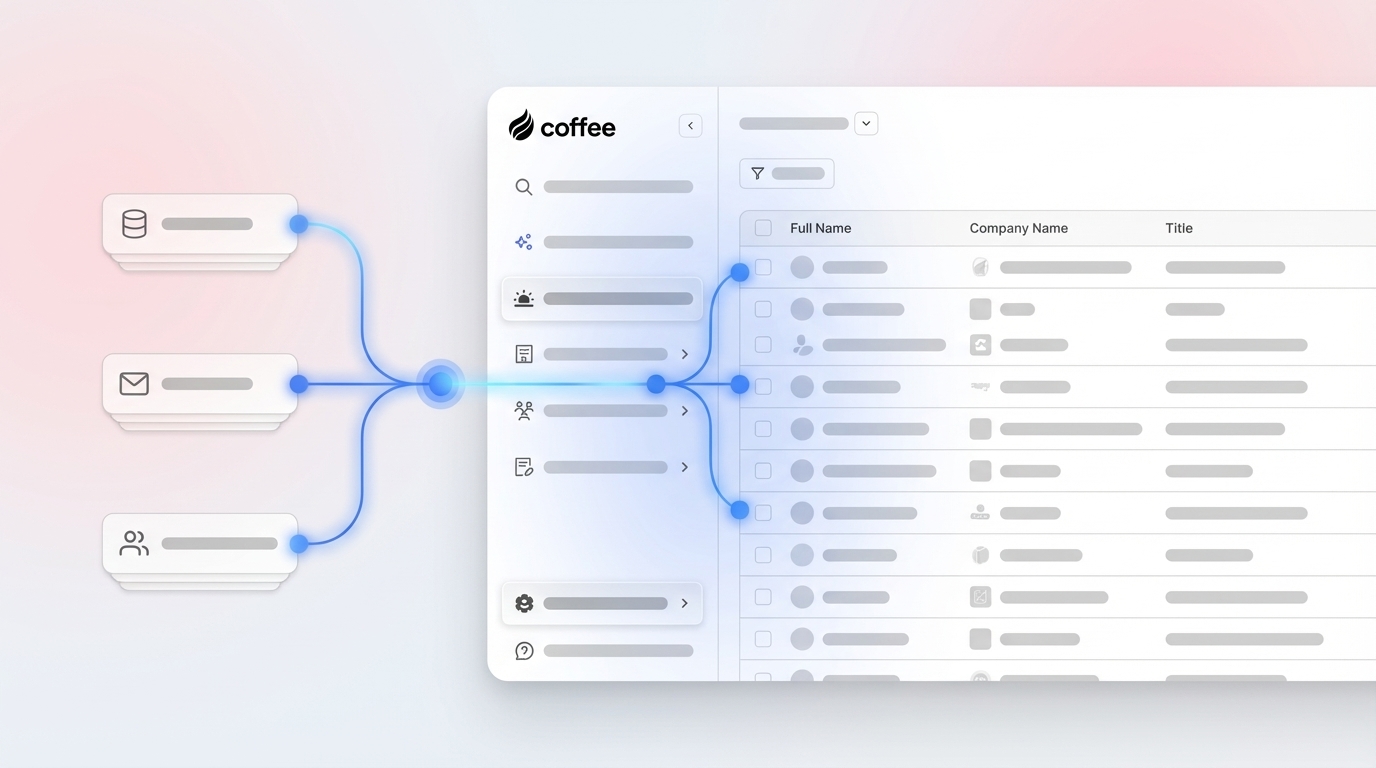
The agent model inverts this architecture. Instead of routing a contact through a sequence of external APIs and writing the result back manually, an autonomous agent enriches records continuously inside the CRM itself, using licensed data partners, email signals, and calendar context. Job changes and funding events are captured as they happen, not on the next batch-enrichment cycle. The coverage ceiling is lower than a purpose-built waterfall stack, but the maintenance burden and total cost stay structurally lower for teams under 200 seats.
Recommended Enrichment Stack by Company Size
| Company Size | Common Stack Today | Agent-First Alternative |
|---|---|---|
| Early-stage (1–20 employees) | Apollo free tier + HubSpot Starter + manual logging | Coffee Standalone CRM, where the agent handles enrichment, logging, and meeting intelligence in one seat-based plan |
| Mid-market (21–200 employees) | $15K–$50K/year across ZoomInfo or Cognism + Clay + Salesforce/HubSpot | Coffee Companion App on top of existing Salesforce or HubSpot, where the agent enriches, logs, and surfaces pipeline intelligence without replacing the system of record |
| Enterprise (>200 employees) | ZoomInfo $60K+/year + Gong + custom integrations | Existing enrichment stack retained, with Coffee Companion App adding an agent layer for data quality and meeting intelligence where adoption gaps exist |
Scenario-Based Guidance for Choosing Coffee
Standalone CRM buyers. Teams that have outgrown spreadsheets but find Salesforce or HubSpot too maintenance-heavy fit Coffee’s Standalone CRM well. The agent auto-creates contacts from Google Workspace or Microsoft 365, enriches records with job titles, funding data, and LinkedIn profiles via licensed partners, and logs every activity. This setup removes the need for Apollo, a recording tool, and a separate forecasting add-on.

Teams committed to Salesforce or HubSpot. Coffee’s Companion App authenticates against the existing instance and writes enriched data, call summaries, and pipeline changes back to standard and custom objects without middleware. Native integrations that write directly to Salesforce objects without custom API development define the standard Coffee meets, which makes it a drop-in agent layer rather than a rip-and-replace project.

Operational Considerations for RevOps Leaders
Change management. Enrichment tool migrations fail most often at the field-mapping stage. Sandbox testing with sample records before go-live provides a practical validation step that prevents unexpected overwrites. Any new tool should define explicit overwrite rules, such as updating job titles while preserving manually verified company names.
Shadow-CRM risk. The integration depth discussed in criterion 4 becomes critical here, because when enrichment tools require reps to leave the CRM to retrieve data, adoption collapses and spreadsheets become the real system of record, the exact failure mode that native integration prevents. Failure to automate the final CRM sync step causes manual entry that undermines the entire enrichment stack. An agent that operates inside the CRM eliminates this failure mode by design.
Long-term data-warehouse value. Point-in-time enrichment tools do not retain history. Coffee’s built-in data warehouse stores every state change, which enables week-over-week pipeline comparison and longitudinal analysis that credit-based tools cannot produce.
Decision-Framework Checklist for Your Current Stack
Score your current environment before evaluating any vendor. These seven questions map to the evaluation criteria above and reveal whether your data quality issues stem from coverage gaps, operational complexity, or cost structure. Answer honestly and treat weak areas as signals for change:
- What percentage of CRM contacts have a verified direct-dial number or current email? (Benchmark: <60% signals urgent enrichment need.)
- How many separate tools does a rep touch to prepare for one discovery call?
- What is the all-in annual spend on enrichment, recording, and forecasting tools combined?
- How many hours per week does RevOps spend on data audits and manual field corrections?
- Does your current stack flag job changes within 30 days of occurrence?
- Are GDPR consent records and right-to-erasure workflows automated or manual?
- What is the CRM adoption rate among quota-carrying reps?
Teams that score poorly on three or more items carry a structural data-quality problem that credit-based enrichment alone will not solve.
If you scored poorly on three or more items above, see how Coffee’s agent eliminates those gaps by handling enrichment, logging, and pipeline intelligence automatically.
Why an Agent-First Approach Changes the Math
Coffee’s seat-based pricing means the agent’s labor, including enrichment, activity logging, meeting summaries, and pipeline tracking, is included in the per-human seat cost. There are no credit meters, no rollover negotiations, and no separate line items for waterfall queries. For a 20-person sales team currently paying for ZoomInfo, Clay, and a recording tool, the consolidation math is straightforward, because three renewal cycles, three admin burdens, and three compliance reviews collapse into one.

Companies using enriched, signal-augmented CRM data can generate more sales-qualified leads than those relying on base contact data alone. The agent captures those signals continuously from emails, calendars, call transcripts, and licensed data partners rather than on a scheduled batch cycle. The result is a CRM that reflects reality in near-real time without requiring a human administrator to maintain it.

Coffee is SOC 2 Type 2 and GDPR compliant. Data is not used to train public models. For teams with EMEA exposure, this removes a compliance review that standalone enrichment tools often require separately.
Frequently Asked Questions
How long does it take to implement Coffee?
For the Standalone CRM, most teams are operational within a single session. Connecting Google Workspace or Microsoft 365 triggers the agent immediately, and it begins auto-creating contacts and logging activity without manual field mapping. For the Companion App on Salesforce or HubSpot, a simple authentication flow allows the agent to sync data and write enriched records back to the existing instance. There is no multi-phase implementation project, no sandbox requirement, and no custom API development needed.
Does Coffee have a credit rollover policy?
Coffee does not use a credit-based model. Pricing is seat-based, so you pay for the human seats, and the agent’s enrichment, logging, and intelligence work is included without metering. This structure removes the credit rollover question entirely and keeps budgeting predictable regardless of enrichment volume.
How does Coffee handle GDPR and data residency requirements?
Coffee is SOC 2 Type 2 and GDPR compliant. Customer data is not used to train public AI models. Teams with EMEA operations should confirm specific data residency requirements with Coffee directly, as regional hosting configurations may apply to enterprise deployments.
How does Coffee’s data accuracy compare to ZoomInfo?
Coffee’s enrichment data, sourced through licensed data partners, is roughly on par with ZoomInfo for most mid-market use cases covering job titles, company firmographics, funding data, and LinkedIn profiles. ZoomInfo maintains a larger raw database and stronger phone-verified coverage for enterprise and EMEA outbound. The practical difference for a 20–200 person SaaS team is that Coffee’s enrichment is continuous and automatic inside the CRM, while ZoomInfo requires a separate workflow and a significantly higher annual contract to reach comparable automation depth.
How difficult is it to migrate from Apollo or Clay to Coffee?
Migration effort depends on the current stack configuration. Teams using Apollo primarily for contact discovery and CRM sync can transition by connecting Coffee to their existing CRM or adopting Coffee’s Standalone CRM, and the agent repopulates records from email and calendar history automatically. Teams using Clay for complex waterfall orchestration across 75+ providers should evaluate whether Coffee’s built-in enrichment meets their specific coverage requirements before migrating. Coffee’s Companion App model allows a parallel-run period where both tools operate simultaneously, which reduces migration risk.
Conclusion: Moving to an Agent-First Enrichment Stack
The 2026 enrichment market offers no shortage of capable point solutions. Apollo and Lusha serve early-stage teams on limited budgets. Clay delivers the highest waterfall coverage for technically sophisticated RevOps teams willing to manage orchestration complexity. ZoomInfo and Cognism anchor enterprise and EMEA stacks respectively. Each carries a credit meter, a renewal cycle, and a maintenance burden that compounds as the team grows.
For mid-market SaaS teams tired of paying for three tools that still miss job changes and funding events, the agent-first model offers a structural alternative rather than an incremental improvement. One seat-based plan, one agent, and one system enriches continuously inside the CRM without human administration. The math changes when the labor is included.
Make the switch to an agent-first model and consolidate your enrichment stack into a single autonomous agent.