Written by: Doug Camplejohn, CEO & Co-Founder, Coffee | Last updated: June 20, 2026
Key Takeaways for Sales Leaders in 2026
- Sales forecast inaccuracy comes mainly from incomplete CRM data, not flawed predictive models, with 79% of organizations missing forecasts by over 10%.
- AI-driven forecasting tools reach higher accuracy only when upstream data capture is automated and complete, which removes reliance on manual rep entry.
- Coffee works as an autonomous data-quality layer that logs emails, calendars, and transcripts without human input, either standalone or alongside Salesforce and HubSpot.
- Teams using Coffee see fast gains in pipeline visibility and forecast reliability because the data-entry bottleneck disappears from day one.
- Ready to eliminate the data entry bottleneck from your pipeline? Start your free trial at Coffee.
Evaluation Criteria for AI Sales Forecasting Accuracy
Effective forecasting starts with the full data chain, not just the final prediction. Use these criteria to evaluate tools against real-world conditions:
- Data capture automation depth: Manual rep data entry is the primary source of stale or inaccurate CRM data that degrades pipeline accuracy. Tools should be judged on how much activity logging they automate instead of pushing work to humans.
- Unstructured data handling: Emails, call transcripts, and meeting notes contain deal signals that relational databases cannot parse. Tools that ingest and structure this unstructured data create richer forecast inputs.
- CRM integration fidelity: Native, bi-directional CRM integrations with Salesforce and HubSpot that support real-time updates are essential because manual export and import workflows usually fail in practice.
- Forecast accuracy benchmarks: High forecast accuracy within a ±10% band is considered strong. AI-native platforms often outperform manual methods when they receive complete data.
- Implementation and adoption effort: Standalone AI tools typically require two to eight weeks for full deployment. Native or agent-based solutions reduce that burden significantly.
- Pipeline visibility and variance detection: Real-time forecast variance detection helps teams spot pipeline accuracy problems before the quarter ends.
- Total cost of inaccuracy: Poor data quality costs companies an average of $12.9 million annually, so the cost of inaction belongs in every tool evaluation.
Only 21% of sales organizations achieve forecast accuracy within ±10% of actual results (SiriusDecisions). This low success rate exists because most tools apply sophisticated models to incomplete data, which means evaluation must prioritize tools that address data quality at the source, not only those that apply smarter models to incomplete inputs.
Side-by-Side Comparison of AI Sales Forecasting Approaches
The table below shows that every forecasting approach except autonomous agents still depends on manual data entry. As long as upstream capture relies on rep discipline, accuracy gains plateau even when models improve. All figures are drawn from cited research. Where direct comparisons are not possible on a shared scale, additional explanations follow.
| Approach / Tool Category | Forecast Accuracy Range | Data Capture Method | CRM Dependency |
|---|---|---|---|
| Manual / Stage-Based (no AI) | Lower baseline for manual methods | 100% human entry | Fully dependent, data quality reflects rep discipline |
| Native CRM AI (Salesforce Einstein, HubSpot Breeze) | Improves on manual baseline, ceiling constrained by CRM data completeness | Human entry + limited auto-logging | Fully dependent, requires clean, well-structured data to maximize value |
| Predictive Forecasting Platforms (Clari, Prophix) | Above manual baseline, limited by upstream data gaps | CRM sync + rep-submitted data | High, requires clean historical data for reliable predictions |
| Conversation Intelligence Platforms (Gong) | Adds call signal layer, does not resolve CRM field completeness | Call/transcript capture, manual CRM logging still required | Moderate to high, enriches but does not replace CRM data entry |
| Coffee (Autonomous Agent, Standalone or Companion) | Targets high accuracy by solving data capture upstream | Fully autonomous, emails, calendars, transcripts auto-logged | Flexible, operates as standalone CRM or agent layer on Salesforce/HubSpot |
Native CRM AI tools and predictive platforms like Clari both depend on the same upstream variable, which is CRM data quality. The manual logging problem identified earlier means that neither a better algorithm nor a conversation intelligence layer closes the gap when reps do not log activity consistently. Gong captures call signals effectively but does not autonomously populate CRM fields from emails and calendar events, so a large share of deal activity remains unrecorded. Coffee’s agent-first architecture addresses the problem at the source by removing human data entry as a dependency.
Ready to eliminate the data entry bottleneck from your pipeline? Start your free trial at Coffee.
Category Analysis: Setup, Onboarding, and Data Capture
The most consequential difference between forecasting tool categories lies in how they handle data capture during and after onboarding, not in how advanced their predictive models appear.
Legacy predictive tools and native CRM AI features activate quickly within existing infrastructure but inherit whatever data quality problems already exist. Poor CRM data quality, including inconsistent close dates, outdated stages, or incomplete records, causes AI forecasting tools to generate misleading predictions regardless of model sophistication. Teams that deploy these tools without first resolving data hygiene see limited accuracy improvement.
Conversation intelligence platforms like Gong add a meaningful signal layer by capturing call content, yet they cover only one channel. Emails, calendar events, and async communications remain unlogged unless reps manually enter them, a behavior that low software adoption consistently undermines.
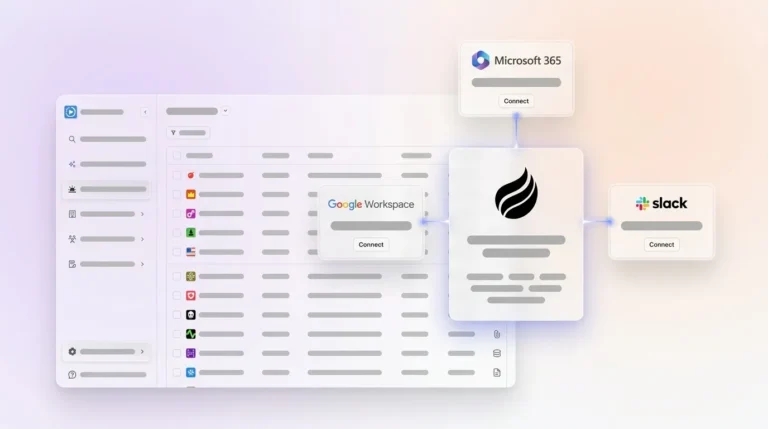
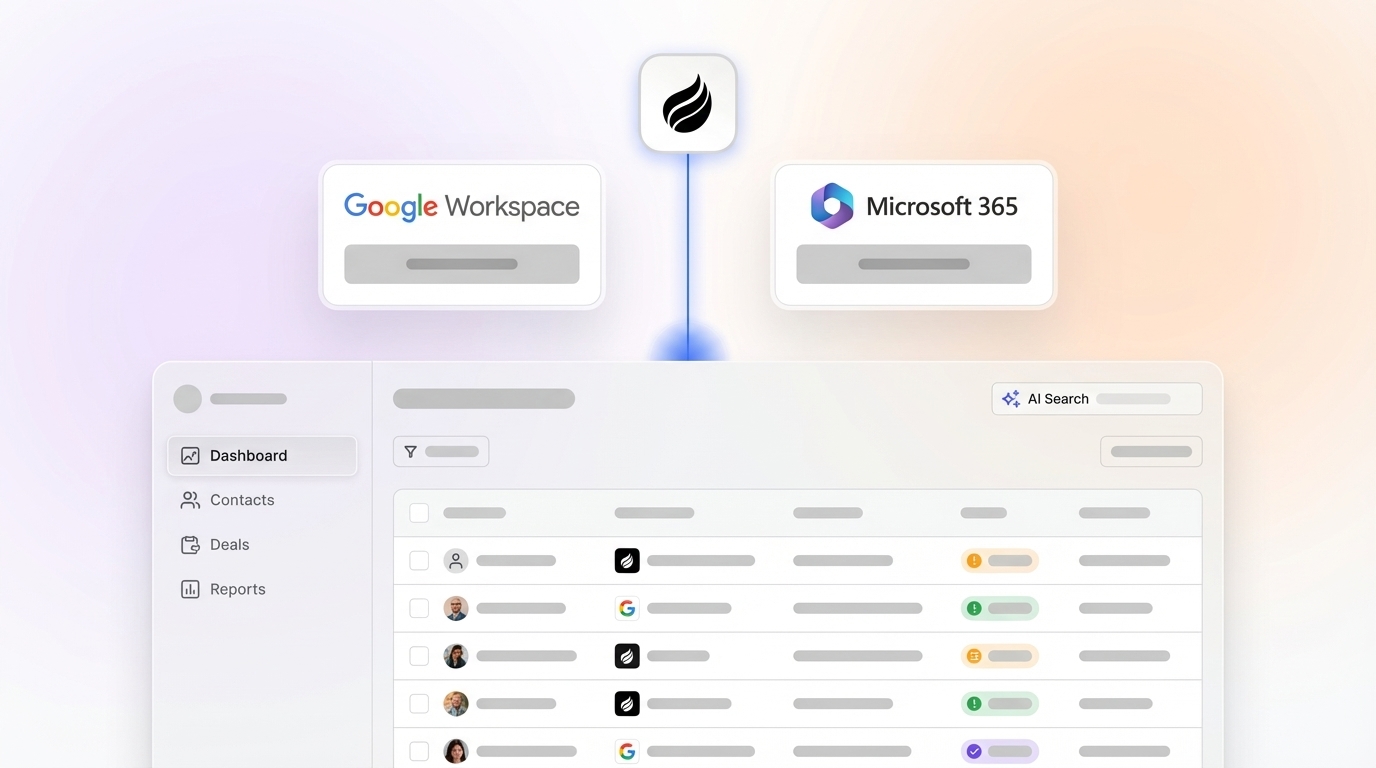
Coffee’s agent connects to Google Workspace or Microsoft 365 on day one and immediately scans emails and calendars to auto-create contacts, companies, and activity logs. An AI meeting bot joins Zoom, Teams, and Meet sessions automatically to capture call transcripts. The agent structures notes according to BANT, MEDDIC, or SPICED frameworks so qualification data enters the system consistently regardless of rep behavior. Organizations that address data hygiene early typically see meaningful improvement in forecast accuracy. Coffee compresses that timeline by making hygiene automatic from day one.

Category Analysis: Pipeline Visualization, Conversation Intelligence, and Administrative Burden
Once a clean data foundation exists, the next layer of value comes from how teams visualize pipeline changes and cut the administrative overhead of keeping forecasts accurate.
Gartner reports that less than 50% of sales leaders and sellers have high confidence in their forecasting accuracy, a figure that reflects both model limitations and the burden of maintaining the data those models consume.
Predictive platforms usually surface pipeline visualizations through dashboards that pull from CRM fields. When those fields are stale, the visualization mirrors stale reality. Week-over-week pipeline comparison, a standard feature in tools like Clari, requires that deal stage, close date, and amount fields be updated consistently by reps. RevOps teams often spend significant time reconciling disconnected systems.
Coffee’s Pipeline Compare feature runs on a native data warehouse that captures historical snapshots automatically. Because the agent logs every interaction and stage change as it occurs, week-over-week comparisons reflect ground truth rather than rep-submitted estimates. Pipeline reviews shift from interrogation sessions, where managers chase updates, to strategic discussions grounded in complete data. Teams avoid manual CSV exports, extra subscriptions for pipeline analytics, and ongoing dependence on rep logging discipline.
Sales operations teams can also save substantial time on integration maintenance when they use native or agent-based AI instead of multiple standalone tools. That time savings compounds across a RevOps team that manages several point solutions.
Best-Fit Use Cases by Team Size and CRM Commitment
Early-stage teams (1–20 reps, no established CRM): Coffee’s Standalone CRM fits teams that have outgrown spreadsheets but see Salesforce or HubSpot as expensive maintenance burdens. These teams gain a fully agent-managed system of record without heavy manual setup. The agent handles contact creation, enrichment, activity logging, and pipeline tracking from day one.

Mid-market teams (20–100 reps, committed to Salesforce or HubSpot): Coffee’s Companion App deploys as an agent layer on top of the existing CRM. A simple authentication lets the agent sync data, enrich records, and write insights back to Salesforce or HubSpot. This model preserves existing workflows, including quotas, required fields, and forecasting configurations, while removing the manual data entry that degrades their accuracy. This use case is where Coffee directly closes the gap that Clari and Gong leave open.
Enterprise teams (500+ reps, complex custom workflows): Coffee does not target large enterprises with multi-year security reviews or heavily customized CRM architectures. Teams at that scale should evaluate purpose-built enterprise forecasting platforms with dedicated implementation resources.
If your team fits the mid-market profile and needs measurable forecast improvement within 90 days, connect Coffee to your Salesforce or HubSpot instance and let the agent handle data capture from day one.
Operational Considerations and Change Management
Forecasting tools only deliver value when they align with how your go-to-market teams operate. Forecast accuracy is an organizational design issue: when Sales, Marketing, and Customer Success operate with misaligned incentives and inconsistent definitions of progress, the forecast reflects internal bias rather than buyer reality.
For tools that depend on manual CRM entry, change management becomes the primary implementation risk. Rep adoption determines data quality, and data quality determines forecast accuracy. The gap between median teams and those achieving above 90% forecast accuracy comes down to platform architecture, data quality, and seller adoption.
Coffee’s agent-first architecture reduces the change management surface area significantly. Because the agent handles data entry autonomously, rep adoption of logging behaviors is no longer a prerequisite for data quality, which means reps can interact with Coffee as a co-pilot that delivers meeting briefings, automated summaries, and follow-up drafts instead of a database they must maintain. This shift repositions the CRM from a chore into a productivity tool, which drives organic adoption rather than mandated compliance.

Risks and Limitations of Current Forecasting Tools
Several risks often receive too little attention during forecasting tool evaluations:
- Hidden maintenance in legacy predictive tools: Organizations using standalone AI tools frequently underestimate total costs, including integration maintenance and data reconciliation work.
- Incomplete automation in conversation intelligence platforms: Capturing call transcripts covers one channel only. Without autonomous email and calendar logging, a large share of deal activity stays invisible to the forecasting model.
- The misconception that software fixes process problems: As noted in the setup analysis, predictive analytics alone does not fix data quality or process consistency, so tools that apply sophisticated models to incomplete inputs produce confident-sounding but unreliable outputs.
- CRM field completion thresholds: Teams with inconsistent CRM field completion see limited predictive value from AI forecasting models. Deploying a forecasting layer before resolving upstream data capture creates a false sense of analytical capability.
Decision Framework: Matching Tools to Your Team
Use the framework below to match your team’s size, CRM maturity, and primary data gap with a practical forecasting approach. Find your profile in the left column and follow it across to the recommended tool.
| Team Profile | Primary Need | Recommended Approach |
|---|---|---|
| 1–20 reps, no CRM or spreadsheet-based | Automated system of record with zero manual entry | Coffee Standalone CRM |
| 20–100 reps, Salesforce or HubSpot committed, low CRM adoption | Data quality layer on existing CRM, forecast accuracy within 90 days | Coffee Companion App |
| 20–100 reps, strong CRM hygiene, needs call signal enrichment | Conversation intelligence layered on clean data | Gong or similar, with existing data discipline |
| 20–100 reps, needs pipeline scenario modeling on clean data | Predictive forecasting with what-if planning | Clari or Prophix, contingent on data quality prerequisite |
| 500+ reps, enterprise workflows | Complex quota, territory, and compensation integration | Enterprise-tier platforms, Coffee not positioned here |
Frequently Asked Questions
How long does it take to see forecast accuracy improvement after deploying Coffee?
Most teams connecting Coffee to Google Workspace or Microsoft 365 see the agent start populating contacts, activity logs, and deal history within the first 24–48 hours. Because Coffee removes the data entry lag that usually delays CRM accuracy, pipeline data quality improves immediately instead of after a multi-week onboarding period. Teams that address data hygiene in the first 30 days typically see measurable forecast accuracy improvement within that window. For the Companion App on Salesforce or HubSpot, the agent begins writing enriched data back to the existing CRM after a simple authentication, with no migration or custom integration work required.
Is Coffee SOC 2 Type 2 and GDPR compliant?
Yes. Coffee is SOC 2 Type 2 and GDPR compliant, and customer data is not used to train public AI models. For teams in regulated-adjacent industries that are reviewing data security requirements, Coffee’s compliance posture covers the standard needs of most mid-market B2B organizations. Teams in heavily regulated industries such as healthcare or finance that require multi-year security reviews fall outside Coffee’s current ICP.
How does Coffee’s data quality compare to dedicated enrichment tools like ZoomInfo or Apollo?
Coffee’s agent provides enrichment such as job titles, funding data, and LinkedIn profiles through licensed data partners at a quality level roughly on par with standalone enrichment tools for most mid-market use cases. The key difference is consolidation. Coffee delivers enrichment, activity logging, contact creation, and pipeline intelligence through a single agent, which removes the need to maintain separate subscriptions for ZoomInfo, Apollo, or similar point solutions. Teams with highly specialized enrichment requirements for enterprise accounts may find dedicated enrichment tools offer deeper coverage in specific verticals, but for the majority of 20–100 rep B2B teams, Coffee’s built-in enrichment removes a meaningful line item from the stack.
Can Coffee integrate with tools already in our sales stack?
Coffee currently integrates with external tools through Zapier, and deeper native integrations are on the product roadmap. For Salesforce and HubSpot specifically, Coffee’s Companion App uses a direct authentication that enables bi-directional data sync, so the agent reads from and writes back to the primary CRM without middleware. Teams running outreach tools, dialers, or marketing automation platforms outside Salesforce and HubSpot should compare current Zapier coverage with their specific stack requirements.
How should we measure forecast accuracy improvement after deploying an AI forecasting tool?
The most reliable measurement framework tracks forecast-to-actual variance at the quarter level and compares the delta between committed forecast and closed revenue before and after deployment. Supporting metrics include Win Rate by Stage, Average Sales Cycle Length, Deal Age versus Forecasted Close Date, and stage conversion rates. A 60–90 day baseline before deployment, even if that baseline reflects poor accuracy, gives RevOps a clean before and after comparison. Teams should also track rep-level accuracy to see whether forecast error is systemic or concentrated in specific segments of the pipeline, which clarifies whether the root cause is data quality, deal qualification, or territory design.
Conclusion: Choosing the Right Foundation for Pipeline Accuracy
Evidence across Forrester, Gartner, Salesforce, and independent research points to a clear conclusion. Forecast accuracy is a data quality problem before it is a modeling problem. Predictive platforms, native CRM AI, and conversation intelligence tools all deliver their stated value, but only when the data feeding them is complete, current, and captured without relying on rep discipline.
Autonomous data capture forms the prerequisite for high accuracy. Any forecasting model that runs on manually entered, inconsistently logged CRM data will usually produce results in the 60–75% accuracy range regardless of its algorithmic sophistication. Closing the gap to 90% or higher requires solving the upstream capture problem first.
Coffee’s agent-first architecture exists specifically to solve that problem by autonomously capturing emails, calendar events, call transcripts, and deal activity, then delivering that clean data as the foundation for accurate pipeline forecasts. Whether you deploy Coffee as a standalone CRM for early-stage teams or as a companion agent on Salesforce or HubSpot for mid-market RevOps leaders, Coffee provides the data-quality layer that every other forecasting tool assumes already exists.
Deploy Coffee’s autonomous agent and build the data foundation your pipeline forecasts require.