Written by: Doug Camplejohn, CEO & Co-Founder, Coffee | Last updated: June 28, 2026
Key Takeaways for Automating Sales Notes and CRM
- Automation for sales meeting notes and CRM workflow runs on a three-layer architecture: capture, structured extraction, and native write-back in a single loop.
- Most tools cover only one layer and force reps to bridge gaps manually, while a true agent removes that fragmentation and reclaims about 65% of lost selling time.
- A five-step workflow keeps every post-call record accurate without human intervention and removes the manual data-entry loop that costs reps 8–12 hours per week.
- Validation checks for data quality, time saved, adoption, and pipeline accuracy confirm that the system works and show when extraction templates need calibration.
- Teams ready to eliminate manual data entry can start a free trial of Coffee’s autonomous CRM agent today.
The 5-Step Workflow to Automate Sales Meeting Notes and CRM Workflow
The following five steps eliminate the manual data-entry loop that costs sales reps 8–12 hours per week. Each step produces a clear output that feeds the next so that by the end, your CRM reflects deal state in real time without human intervention.
Step 1: Connect capture sources. Required inputs are calendar access in Google Workspace or Microsoft 365, email, and conferencing credentials for Zoom, Teams, or Google Meet. The Coffee agent authenticates to these sources and then scans for contacts, companies, and scheduled meetings. The output readiness signal is a populated contact and company list created without any manual entry. The key decision is confirming that calendar permissions include both read and write access so the agent can attach briefings to calendar events before calls.

Step 2: Configure the agent to join and transcribe. Once calendar access is live, the Coffee agent deploys an AI meeting bot that joins calls automatically. Reps do not need to click record or manage the bot. The agent transcribes the full conversation in real time. The output readiness signal is a raw transcript available in the Coffee interface within minutes of the call ending. A common pitfall appears when an organization uses a non-standard conferencing URL format, so teams should verify that the bot invitation logic recognizes it before the first live call.

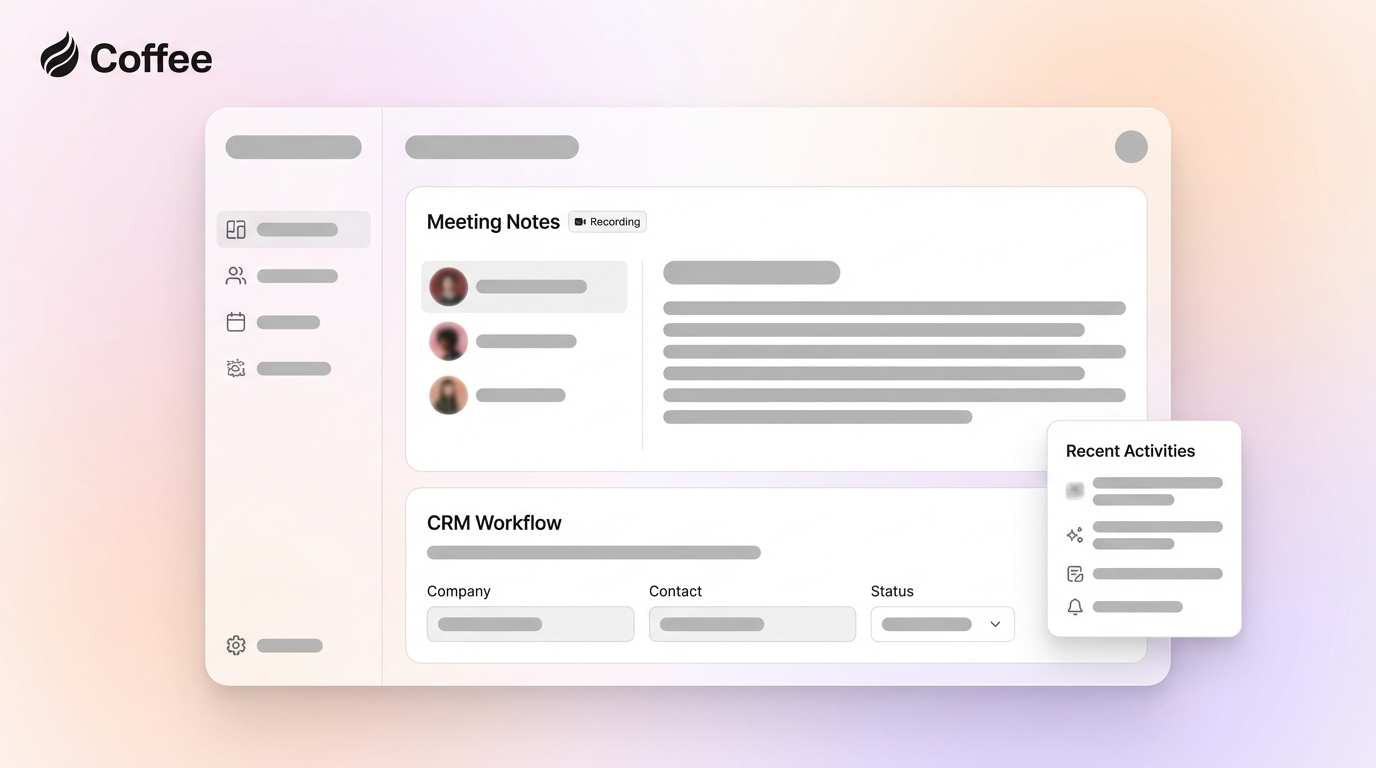
Step 3: Map transcripts to structured qualification fields. This step creates the extraction layer. Coffee’s customizable summary templates, released in November 2025, allow teams to define exactly which fields the agent extracts and writes back to Coffee, HubSpot, or Salesforce. Teams running BANT configure fields for Budget, Authority, Need, and Timeline. Teams running MEDDIC configure Metrics, Economic Buyer, Decision Criteria, Decision Process, Identify Pain, and Champion. The February 2026 Intelligence layer and Custom Meeting Briefings release lets teams store deep context on their ICP, product specifics, and competitors so extraction aligns with their qualification logic and briefing formats. The output readiness signal is a post-call summary with populated qualification fields instead of free-form notes. A frequent pitfall comes from transcript language that does not map cleanly to picklist values. For example, a prospect might say “we would need sign-off from the CFO” instead of naming an economic buyer. The Intelligence layer must be configured with synonym and inference rules before go-live to handle these cases.

Step 4: Set native write-back to Salesforce or HubSpot. Coffee’s Companion App authenticates directly to the existing CRM instance. Extracted fields then write back to the correct object, such as Opportunity, Contact, or Account, without passing through a third-party connector. This direct path is the critical difference between a native integration and a Zapier stack. Zapier-based write-back introduces mapping errors when required CRM fields are missing from the Zap payload, causing records to fail silently. When this happens, the record either does not write or writes with blank required fields, which recreates the same data-quality problem the automation was meant to remove. Native write-back avoids this failure mode by surfacing missing required fields as a configuration error at setup, before any live data is at risk. A key pitfall is skipping a required-field audit. Teams should review the Salesforce or HubSpot required field list before enabling write-back. Every field marked required in the CRM needs a corresponding extraction rule in the Coffee agent configuration, or write-back will be blocked.
Step 5: Build downstream workflow rules triggered by extracted signals. Once structured data reliably lands in the CRM, it becomes a trigger surface for automation. A BANT Budget field populated above a threshold can auto-advance a deal stage. A MEDDIC Champion field left blank after two calls can trigger a Slack alert to the rep’s manager. Because Coffee’s February 2026 Intelligence and Custom Meeting Briefings release supports formats from high-level executive summaries to granular technical breakdowns, downstream rules can rely on consistently structured outputs instead of ad hoc notes. The output readiness signal appears when pipeline review meetings no longer start with reps updating deal stages manually and the CRM already reflects the current state.
Validate That Your Automated Workflow Is Working
Validation confirms that the agent actually saves time instead of creating new data-quality problems. These four checks together confirm both data quality and time savings while surfacing configuration gaps before they compound.
First, verify data quality by pulling a sample of 20 Opportunity records updated by the agent in the first two weeks and confirming that BANT or MEDDIC fields are populated at a rate above 90%. Any field that stays consistently blank signals a gap in the extraction configuration. Second, verify time savings by comparing rep-reported administrative hours before and after deployment. The target baseline is an 8–12 hour weekly reduction per rep.
Third, confirm adoption by monitoring whether reps override or delete agent-generated summaries. High override rates show that the extraction template does not match the team’s qualification language and needs reconfiguration. Fourth, check pipeline-review accuracy by tracking whether deal stages at the start of each weekly review match the stages recorded after the previous week’s calls. A match rate above 95% confirms that write-back operates without gaps.
If any of these checks fail in the first 30 days, the most common root cause is Step 3 configuration. The extraction template likely was not calibrated to the team’s actual conversation patterns before go-live. Teams should reconfigure the Intelligence layer with representative transcript samples and then re-run the audit. Start your free trial with a system built to pass all four validation checks out of the box.
Variations and Scaling for 5-to-25-Rep Teams
The right deployment path depends on team size and whether a Salesforce or HubSpot instance already exists. Smaller teams without a CRM follow a different path than teams standardizing on an existing system of record.
Teams of five or fewer reps that have not yet committed to Salesforce or HubSpot should use Coffee’s Standalone CRM deployment. In this model, the agent becomes the system of record. There is no legacy CRM to integrate, no required-field audit, and no connector configuration. The agent starts populating contacts and companies from Google Workspace or Microsoft 365 on day one.
Teams of six to twenty-five reps already operating on Salesforce or HubSpot should use the Companion App deployment. The existing CRM remains the system of record. Coffee authenticates as an agent layer, handles all data-in operations, and writes structured outputs back to the primary instance. This approach preserves existing forecasting configurations, quota structures, and reporting hierarchies while removing the manual entry burden.
The 2026 agentic-CRM landscape hinges on this distinction between fragmented stacks and autonomous agents. Fragmented stacks that use Fireflies for transcription, Gong for intelligence, and Zapier for write-back require a human to monitor each connector, troubleshoot failed zaps, and manually correct records when a connector drops a field. An autonomous agent owns the full loop and surfaces failures as configuration issues, not as missing data discovered during a pipeline review. Coffee’s pricing is seat-based, with the agent’s labor included at no additional metered cost, which keeps total cost of ownership lower than maintaining three separate point solutions.
Frequently Asked Questions About Coffee’s Automated CRM Workflow
How long does it take to set up the automated workflow?
The time to complete the core setup, which includes connecting calendar and email, configuring the meeting bot, and defining the extraction template, varies by team. The Companion App deployment for Salesforce or HubSpot includes a required-field audit as part of this process. Teams configure downstream workflow rules built on extracted signals after they validate that extraction produces consistent outputs.
Is Coffee secure enough for sales data?
Coffee is SOC 2 Type 2 and GDPR compliant. Conversation data and CRM records processed by the agent are not used to train public AI models. For teams in regulated-adjacent industries such as legal technology or financial services software, this compliance posture supports standard procurement review. Teams in directly regulated industries such as healthcare or banking should consult their compliance teams before deployment, because Coffee is not currently positioned for multi-year enterprise security reviews.
Why use native CRM integration instead of a Zapier stack?
As explained in Step 4, Zapier-based write-back fails silently when required fields are missing, while native integration surfaces these errors at setup. Native integration also removes Zapier’s per-task cost structure, which scales unpredictably as call volume increases, and this cost becomes significant for teams running more than 50 calls per week. Coffee’s native Salesforce and HubSpot write-back handles required fields, picklist validation, and object association without a third-party connector in the chain.
How does the process evolve as CRM maturity increases?
Early-stage teams typically begin with BANT extraction and basic activity logging. As the team scales and pipeline reviews become more structured, the extraction template expands to MEDDIC or SPICED fields, and downstream workflow rules become more granular. For example, teams can trigger manager alerts when specific qualification fields remain blank after a second call. Coffee’s Intelligence layer is designed to be reconfigured as the team’s qualification logic matures, without a new integration or a new vendor. The agent’s extraction rules update in the same interface used to configure the initial template.
Eliminate manual data entry from your sales workflow — start your free trial today.