Key Takeaways
- Manual CRM data entry can consume up to 60% of a rep’s time. Automation gives that selling time back to your team.
- Autonomous CRM agents pull in structured and unstructured data in real time, replacing human data clerks while maintaining 94–96% field accuracy.
- A 7-step deployment checklist (audit, connect, parse, configure, identify, validate, measure) enables zero-maintenance CRM workflow automation in 2026.
- Teams using agentic automation report 8–12 hours saved per rep weekly, up to 42% higher forecast accuracy, and a 70% drop in admin work.
- Use Coffee to remove manual data entry and turn your CRM into an autonomous revenue engine.
The Operational Cost of Manual CRM Data Entry
Sales representatives spend 20–30% of their work week on manual CRM data entry tasks such as typing contact details into fields. At a fully loaded compensation of $150,000 per year, 10 hours per week on manual entry incurs roughly $36,000 in annual opportunity cost from lost selling time. Multiplied across a 10-person team, that figure exceeds $360,000 annually, before you even factor in forecast errors caused by incomplete records.
A SPOTIO analysis of 140+ sales statistics shows that administrative tasks including CRM updates, logging, and reporting consume a significant portion of the average sales rep’s week. An internal audit of CRM data typically reveals that more than half of CRM records lack complete information, with 76% of organizations reporting less than half their data is accurate and complete. That data gap corrupts pipeline forecasts and undermines every downstream decision that depends on them.
Automated data entry can significantly reduce CRM data entry time, and that time savings is only part of the value. Sales forecasting accuracy can increase by as much as 42% with proper CRM technology implementation because forecasts are only as reliable as the data behind them. These gains represent a structural shift in how revenue teams operate, not a minor efficiency tweak.
What CRM Agent Automation Delivers for Revenue Teams
CRM agent automation uses an autonomous AI agent to ingest structured data (contact records, deal stages) and unstructured data (emails, call transcripts, calendar events) from live sources. The agent parses and enriches that data without human input and writes accurate records back to the CRM in real time, replacing the human data-entry clerk entirely. Agentic AI systems integrate with other software via APIs to complete multi-step tasks independently or with minimal human supervision, unlike chatbots that only respond to queries.
Traditional AI systems follow predefined if-then rules, require explicit human programming for each scenario, and operate reactively without the ability to adapt when conditions change. Agentic systems reason, plan, and act autonomously, using persistent cross-session memory to maintain continuity across every customer interaction. Gartner’s 2025 predictions project that 40% of enterprise applications will feature task-specific AI agents by 2026, up from less than 5% in 2025.
7-Step Deployment Checklist for CRM Workflow Automation in 2026
This checklist walks through every phase of a zero-maintenance CRM agent deployment: audit, connection, parsing, rule configuration, visitor identification, validation, and ROI measurement. Each step includes inputs, decision checkpoints, and measurable outputs.
1. Audit Current Data Sources and Ownership
Input: A complete inventory of every system that touches customer data, including email, calendar, dialers, enrichment tools, and any shadow CRMs such as spreadsheets or Notion.
Companies should start data integration projects by mapping out sources and use cases to identify the systems, data flows, and teams that must be connected before building automated ingestion pipelines. At the 5–50 person scale, this audit usually surfaces three to six disconnected tools, such as a CRM for records, a separate enrichment tool, an outreach platform, and a call recorder, none of which share a unified data layer.
Checkpoint: Confirm data ownership and permissions for each source. Incomplete OAuth permissions are the most common reason agent deployments stall. Document which team members own each integration credential before you proceed. Security-by-design principles, including least-privilege access and regulatory compliance (GDPR, CCPA), should guide the architecture from the start of any automated data integration project.
Output: A signed-off source map with ownership, permission status, and data volume estimates for each system.
2. Connect Email and Calendar for Auto-Capture
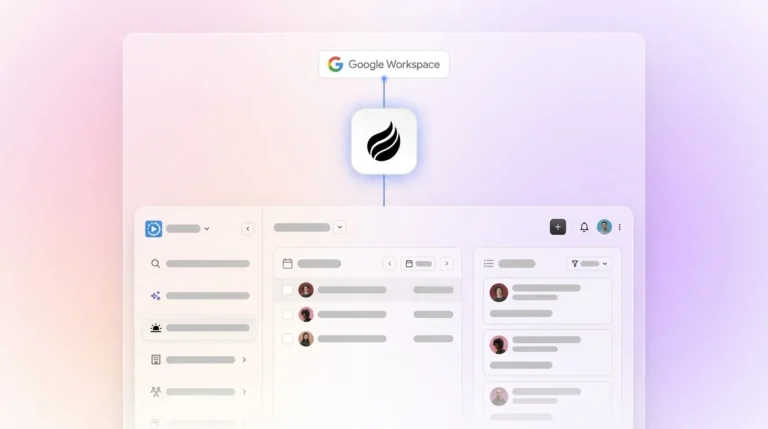
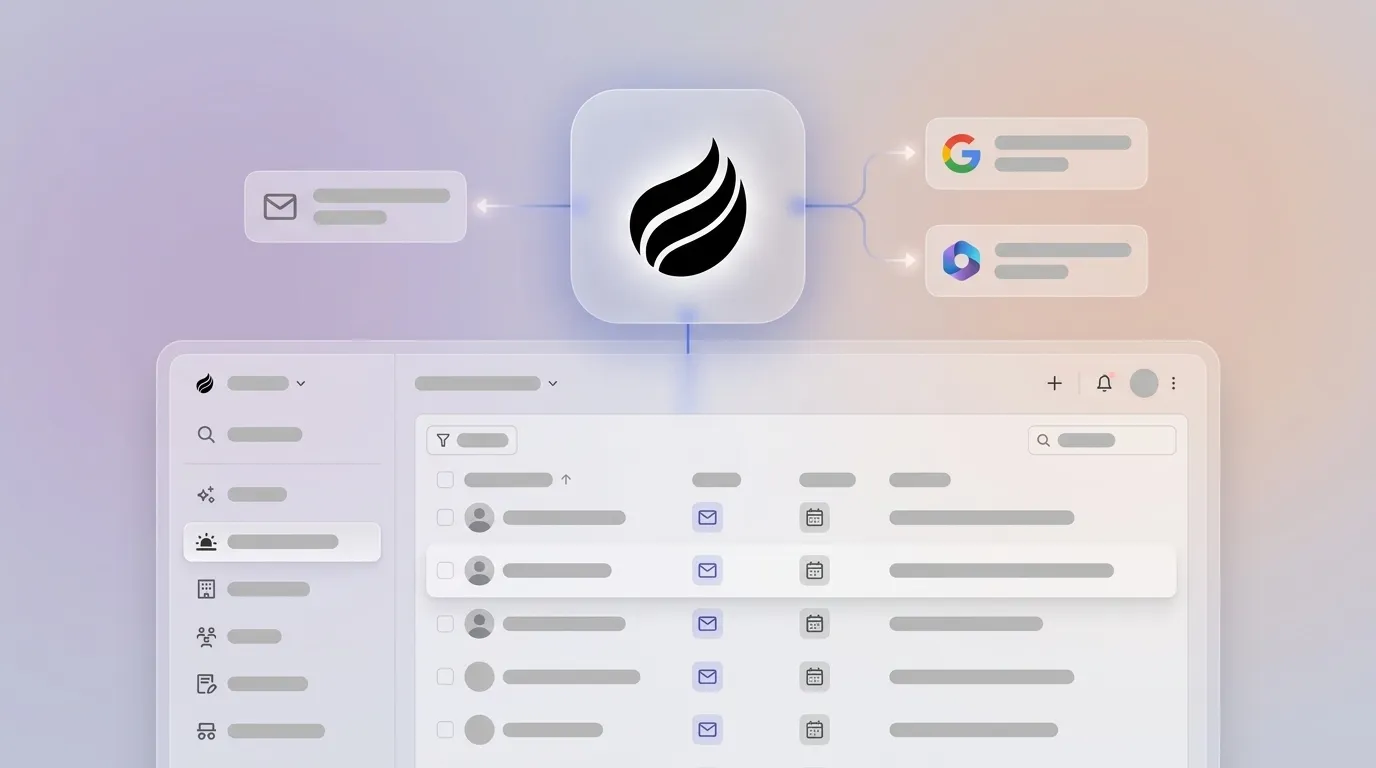
Input: Google Workspace or Microsoft 365 credentials with OAuth scopes that allow read access to email threads and calendar events.
After authentication, the Coffee Agent scans email and calendar history to auto-create contacts, companies, and activity logs. Every note and interaction connects to the correct record automatically, so reps no longer type into fields. Streaming ingestion methods allow real-time data collection from sources via push protocols that automatically authenticate trusted origins, persisting data into datasets with no batch processing delay.
Common permission mistake: Teams often grant read access only to the primary inbox and exclude shared team aliases or calendar resources. Audit all mailboxes that touch customer communication before you finalize the connection.
Output: A live contact and activity feed populated from historical and real-time email and calendar data, with zero manual input.
3. Enable AI Parsing of Unstructured Data
Input: Email threads, call transcripts from tools like Zoom, Teams, or Google Meet, and meeting notes.
The primary challenge with unstructured data sources such as emails, call transcripts, and documents is not merely processing them but standardizing them into a governable, reusable form that supports ongoing compliance and downstream systems like CRMs. The Coffee Agent addresses this by joining calls via its AI Meeting Bot, transcribing in real time, and generating structured summaries, next steps, and follow-up drafts after each call.

Checkpoint: Buyer Persona Definition. Before you enable parsing at scale, define the buyer persona the agent should use to classify and prioritize contacts. This persona definition controls how the agent scores inbound signals and routes records. The agent can structure notes according to BANT, MEDDIC, or SPICED frameworks so that qualification data stays consistent regardless of which rep ran the call.
Output: Structured, searchable CRM records generated from every email, transcript, and meeting note, with no post-call admin work required from the rep.
4. Configure Conditional Workflow Rules Without Middleware Sprawl
Input: A defined set of business rules that cover deal-stage triggers, handoff conditions, follow-up sequences, and escalation paths.
Traditional automation relies on static if-then logic with no dynamic learning, creating rigidity and brittleness as business processes evolve and require manual reprogramming for every change. Middleware stacks such as Zapier and Make compound this problem by adding failure points at every connection. The Coffee Agent configures conditional rules natively, so teams avoid a separate automation layer.
Rule examples: When a contact replies to an outbound email, the agent auto-updates the deal stage to “Engaged” and notifies the rep via Slack. When a deal has had no activity for 14 days, the agent flags it as stalled in the pipeline view. When a visitor matching the buyer persona hits the pricing page, the agent creates a prospect record and surfaces it in the Suggested Leads feed.

Output: A self-maintaining workflow layer that adapts to new data without developer intervention or middleware tickets.
5. Activate Visitor Identification to Convert Anonymous Traffic
Input: A single tracking pixel installed in the <head> tag of the company website.
Most companies have no visibility into who is browsing their site. With the Coffee pixel installed, the agent identifies visitors by name, title, email, LinkedIn profile, company, pages visited, time on site, and whether the visit is a first or return. Agentic AI tools connect directly to CRM and knowledge systems to eliminate manual lookups and repetitive after-call work, and visitor identification applies the same logic to inbound intent signals.
Real-time Slack notifications surface high-fit visitors the moment they land. The Suggested Leads feature goes further than competitors like RB2B or Warmly by returning not just a raw company match or undifferentiated people list, but two or three specific individuals inside the visiting company who best match the buyer persona, with LinkedIn profiles pre-loaded for instant outreach.

Output: A named, enriched prospect record created automatically from anonymous traffic and routed to the rep or enrolled in an outbound sequence without manual intervention.
6. Sandbox-Test and Validate Data Quality
Input: A defined test cohort of 50–100 real contacts processed through the agent before full deployment.
Monitoring the first 100 contacts through the workflow to validate performance, starting with low-risk segments, reviewing analytics after each test, and gradually increasing volume only after validation is the recommended protocol. Testing and iteration should use live or realistic data during the pilot so teams can measure error rate, cycle time, and labor hours.
Error-rate threshold: Target a field-level accuracy rate above 95%. AI/automated document processing achieves approximately 94% median accuracy, comparable to the 96% accuracy of manual entry (with 1–4% manual error rates), while delivering major gains in speed and cost. Any field category falling below 90% accuracy should trigger a rule adjustment before full rollout.
Rollback procedure: Full version control with instant rollback to any previous spec version ensures that a misconfigured rule can be reversed without data loss.
Output: A validated, production-ready agent configuration with documented accuracy benchmarks and a clear rollback path.
7. Measure ROI via Hours Saved and Pipeline Accuracy
Primary metrics to track post-deployment:
- Hours saved per rep per week: Target 4–10 hours recovered from admin tasks. AI CRM automation typically eliminates 4–10 hours per rep each week on manual data entry by automatically capturing information from emails, calls, and other sources.
- Admin-time reduction: Track the percentage decrease in time spent on CRM updates, using the reduction benchmarks cited earlier as your target.
- Forecast accuracy lift: Aim for the 42% improvement benchmark established by Apollo’s CRM automation research.
- CRM record completeness: Track the percentage of records with all required fields populated. Baseline is typically 60–70%, and the target is 95% or higher.
- Time-to-ROI: Many AI CRM implementations deliver positive ROI within the first year.
Organizations deploying agentic AI must define clear outcomes, KPIs, and guardrails at each phase because benefits can be misunderstood if teams measure only time saved rather than business results. Pair hours-saved metrics with pipeline velocity and win-rate data to build a complete ROI picture.
Legacy CRMs vs. Active AI Agents: 2026 Comparison
The table below shows how active AI agents differ from legacy CRMs and middleware stacks in three areas that shape data quality and adoption: how each approach handles unstructured content, how much maintenance it requires, and whether reps actually use it.
| Approach | Data Handling | Maintenance | Adoption |
|---|---|---|---|
| Salesforce / HubSpot (Legacy) | Structured fields only, more than half of records typically incomplete, unstructured data such as emails and transcripts not natively parsed | Requires continuous human input, reps spend 60% of time on non-selling tasks including manual CRM updates | Low, with 32% of reps spending more than an hour a day on manual data entry, which drives shadow CRM behavior |
| Middleware Stacks (Zapier / Make) | Passes structured data between tools via triggers, cannot parse unstructured content, and static if-then logic breaks on edge cases | Every new rule requires developer intervention, and small changes require manual reprogramming with no capacity for dynamic learning | Moderate, because it reduces copy-paste work but adds tool sprawl and new failure points at each connection |
| Coffee CRM Agent (Agentic) | Ingests structured and unstructured data such as emails, transcripts, calendar events, and web traffic, and matches manual-entry accuracy in the 94–96% range per validation benchmarks, built on a persistent data warehouse | Requires zero ongoing human data entry, and the agent handles multi-step tasks independently with minimal human supervision, with governance handled via audit logs | High, because reps interact with a co-pilot that handles busywork rather than a database they are required to serve, and teams report a 70% reduction in admin tasks |
Validation: Data-Quality Checks, Adoption Signals, and Time-Savings Metrics
Post-deployment validation runs on a 30-60-90 day cadence. At 30 days, confirm field completeness rates are above 95% and that no critical record types such as contacts, companies, or deals are being missed by the agent. At 60 days, measure rep time-on-CRM versus the pre-deployment baseline to confirm you are hitting the 8–12 hour weekly reduction target. At 90 days, run a pipeline accuracy audit and compare forecast-to-close ratios before and after deployment against the 42% forecast accuracy improvement benchmark.
Key adoption signals include the frequency of rep-initiated CRM logins, which should increase as the tool becomes useful rather than burdensome, and the number of shadow CRM artifacts such as spreadsheets or Notion pages still in active use, which should fall to zero. Rep-reported time spent on post-call admin should drop to under 2 minutes per meeting. Many salespeople using AI-powered CRMs report a significant boost in team productivity by automating manual tasks and enabling better data-driven decisions.
Scaling Coffee from Standalone CRM to Companion App
Coffee operates a dual-model strategy designed for the 5–50 person range. Teams without an existing CRM deploy the Standalone AI-First CRM, where the Coffee Agent serves as the system of record from day one. Teams already committed to Salesforce or HubSpot deploy the Companion App, where a single authentication connects the Coffee Agent to the existing instance and the agent handles all data-in processes such as contact creation, activity logging, enrichment, and transcript parsing while writing clean records back to the primary CRM.
The migration path from Standalone to Companion, or the reverse, requires no re-deployment of the agent’s core configuration. Buyer persona definitions, workflow rules, and visitor identification settings transfer across both models. Organizations should follow a phased rollout: assess data maturity, define use cases and KPIs, select scalable tools with strong governance features, establish data ownership and compliance policies, then pilot and progressively scale. For governance at scale, Coffee is SOC 2 Type 2 and GDPR compliant, and customer data is never used to train public models.
Frequently Asked Questions
How long does setup take?
Most teams are fully operational within one business day. Connecting Google Workspace or Microsoft 365 takes minutes via OAuth, and the agent begins populating contacts, companies, and activity logs immediately from historical email and calendar data. Configuring workflow rules, buyer personas, and the visitor identification pixel typically requires two to four hours of initial setup. The sandbox validation step, where 50–100 contacts run through the agent before full deployment, adds one to two days for teams that want to confirm accuracy benchmarks before going live.
Is the agent SOC 2 and GDPR compliant?
Yes. Coffee is SOC 2 Type 2 certified and GDPR compliant, and customer data is not used to train public AI models. The agent operates on a least-privilege access model, requesting only the permissions required to perform each specific task. All data ingestion, enrichment, and workflow actions are logged with full audit trails, which supports compliance requirements for teams in regulated-adjacent industries.
How does agent data quality compare with dedicated enrichment tools like ZoomInfo or Apollo?
The Coffee Agent provides enrichment data such as job titles, funding information, and LinkedIn profiles at a level roughly on par with dedicated enrichment tools for most use cases at the 5–50 person scale, with enrichment built into the agent rather than requiring a separate subscription. The key differentiator is the combination of enrichment with real-time activity capture from emails, transcripts, and calendar events. Legacy enrichment tools populate static fields, while the Coffee Agent keeps every field current as interactions happen, which prevents the stale-data problem that makes enrichment tools less useful over time.
What maintenance is required as the company grows?
The Coffee Agent is designed for zero ongoing maintenance on data entry. As the team grows, the primary governance tasks involve updating the buyer persona definition when the ICP evolves, adding new email domains or calendar resources when new hires join, and reviewing workflow rules when sales processes change. Teams make these updates directly in the agent configuration without engineering involvement. Coffee uses simple seat-based pricing, so you pay for human seats and the agent’s labor scales without additional metering on usage, processes, or API calls.
Conclusion: Move from Data Clerk to Strategic Seller
Manual CRM data entry reflects an architectural problem rather than a workflow issue. Legacy systems were built on the assumption that humans would reliably maintain them, and that assumption fails in practice. The cost shows up as lost selling hours, incomplete records, inaccurate forecasts, and a CRM that reps avoid rather than trust. The 7-step deployment checklist above replaces that architecture with an autonomous agent that ingests every signal, including email, calendar, call transcript, and website visit, and keeps records accurate without human effort.
The shift from passive database to active agent defines the CRM transition of 2026. Teams that make this shift recover 8–12 hours per rep per week, improve forecast accuracy by up to 42%, and reduce admin time by 70%. Teams that delay continue paying the manual-entry tax on every deal they work.
Turn your CRM into an autonomous revenue engine with Coffee.