Key Takeaways
- Automated CRM data entry uses AI agents to capture and log every customer interaction directly into the CRM without manual input from sales reps.
- In 2026, sales teams lose up to 60% of their time on non-selling tasks like manual data entry, costing organizations millions annually in lost revenue opportunities.
- The five-step automation process of connecting email and calendar, deploying an AI meeting bot, LLM field extraction, autonomous CRM write-back, and a human review gate removes 8–12 hours of admin work per rep each week.
- Coffee works as either a Companion App for existing Salesforce or HubSpot setups or as a Standalone CRM, with SOC 2 Type 2 certification and GDPR compliance providing enterprise-grade security.
- Teams can eliminate manual CRM data entry and reclaim valuable selling time with Coffee.
Why This Matters in 2026
Salesforce’s 2026 State of Sales report confirms this time drain: sales reps spend 60% of their time on non-selling tasks, including manually entering customer notes into the CRM. 71% of sales reps say they spend too much time on data entry, leaving only 35% of their time for actual selling. Gartner estimates poor data quality costs organizations an average of $12.9 million annually in wasted spend and lost opportunities.
For a 30-rep team, this becomes a structural revenue problem that automation directly solves. Eliminate manual data entry for your team with Coffee’s AI agent.
Readiness Checklist for an AI CRM Agent
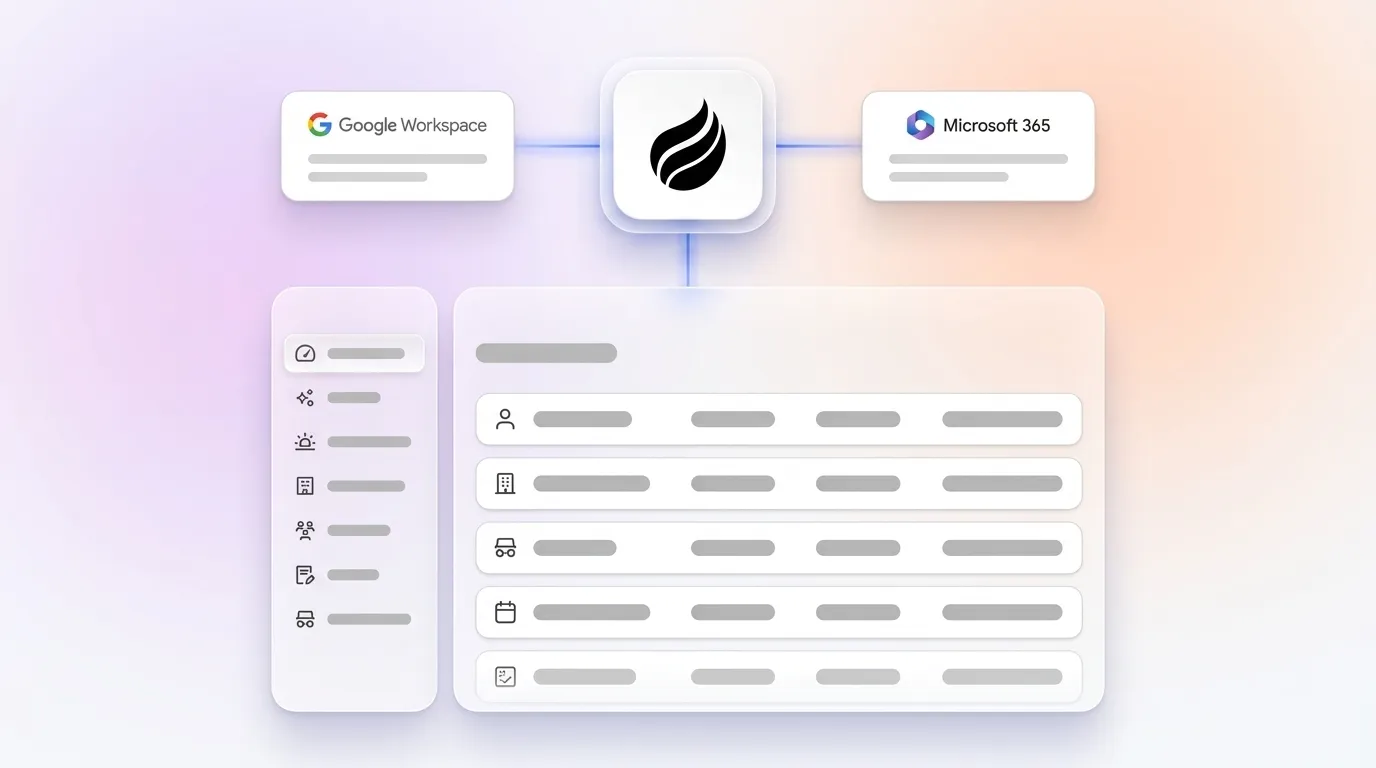
Before deploying an AI CRM agent, confirm four prerequisites. First, your team needs active Google Workspace or Microsoft 365 credentials, because the agent requires email and calendar access to capture interactions. Second, at least one admin must hold CRM login credentials for Salesforce or HubSpot so the agent can authenticate and write data back.
Third, your organization must be comfortable with SOC 2 Type 2 certified vendors. Coffee holds this certification and is GDPR compliant, with data never used to train public models. Finally, identify a pilot group of 5–8 sales reps willing to run a 30-day test before full rollout. These four conditions are sufficient to begin.
Step 1: Connect Email and Calendar for Automatic Capture
Authenticate the Coffee Agent to your Google Workspace or Microsoft 365 tenant using OAuth. The agent then scans existing email threads and calendar events to auto-create contact and company records. No CSV import is required, and reps do not change their current tools.
What Still Needs Human Review
Personal email addresses that do not match a known company domain may require a rep to confirm the correct account association before the record is finalized. The table below shows how the agent turns raw email and calendar data into structured CRM records.
| Input | Process | Output |
|---|---|---|
| Email threads, calendar invites | Agent parses sender, recipient, subject, and timestamp | Auto-created contacts, companies, and activity logs in CRM |
Step 2: Use the AI Meeting Bot for Call Transcription
Enable the Coffee AI Meeting Bot to join Zoom, Google Meet, or Microsoft Teams calls automatically. The bot records and transcribes every sales conversation in real time. Reps stay focused on the conversation while the agent handles capture in the background.

What Still Needs Human Review
Calls with multiple speakers using similar voices may produce minor speaker-attribution errors. A rep can correct speaker labels in under 60 seconds after the call if needed. The table below summarizes how live audio becomes searchable CRM context.
| Input | Process | Output |
|---|---|---|
| Live call audio | Bot records, transcribes, and timestamps speaker turns | Full verbatim transcript linked to the CRM opportunity record |
Step 3: Extract Fields and Enrich Records with LLMs
The Coffee Agent passes the raw transcript and email content through its LLM extraction layer. The model identifies BANT, MEDDIC, or SPICED qualification fields, next steps, objections, and stakeholder names. At the same time, the agent enriches contact records with job titles, LinkedIn profiles, and funding data via licensed data partners, which removes the need for separate tools like ZoomInfo or Apollo.
What Still Needs Human Review
AI can effectively extract insights from unstructured text such as emails and meeting notes. Highly technical or jargon-heavy conversations may require a rep to verify one or two extracted fields before write-back. The table below outlines how unstructured content becomes structured CRM data.
| Input | Process | Output |
|---|---|---|
| Transcript, email body | LLM extracts qualification fields, enrichment API fills firmographic gaps | Populated CRM fields: deal stage, next step, contact title, company funding |
Step 4: Write Clean Data Back to Salesforce or HubSpot
The agent writes all extracted and enriched data directly to the correct Salesforce or HubSpot records via API. Activity logs, field updates, next-step dates, and meeting summaries are committed without any rep interaction. The CRM reflects the current deal state within minutes of a call ending.
What Still Needs Human Review
If a deal has been manually reassigned to a new owner inside the CRM during the same session, the agent flags the ownership conflict for a RevOps admin to resolve instead of overwriting the manual change. The table below shows how the agent turns extracted fields into live CRM updates.
| Input | Process | Output |
|---|---|---|
| Extracted fields, enrichment data | Agent authenticates to CRM and writes via native API | Updated opportunity, contact, and activity records in Salesforce or HubSpot |
Step 5: Add a Fast Human Review Gate
The Coffee Agent surfaces a post-call summary card, including the AI-drafted follow-up email, inside Gmail or Outlook for the rep to review and send. The rep approves or edits in under two minutes. This gate preserves rep accountability for outbound communication while removing all upstream data entry work.

What Still Needs Human Review
The follow-up email draft requires rep approval before sending. The rep does not enter data and only confirms the agent’s output is accurate before it reaches the prospect. The table below explains how this review step closes the loop.
| Input | Process | Output |
|---|---|---|
| AI-generated summary and draft email | Rep reviews summary card in existing email client | Approved follow-up sent, CRM activity marked complete |
2026 Size-Tiered Stack Comparison
The right Coffee deployment model depends on your company size and current CRM investment. Use this table to match your situation to a recommended stack configuration.
| Company Size | Scenario | Recommended Stack | Coffee Role |
|---|---|---|---|
| 1–20 employees | No existing CRM | Coffee Standalone CRM | System of record + agent |
| 21–75 employees | Committed to HubSpot | HubSpot + Coffee Companion App | Agent layer writing data to HubSpot |
| 21–75 employees | Committed to Salesforce | Salesforce + Coffee Companion App | Agent layer writing data to Salesforce |
| 76–200 employees | Salesforce or HubSpot at scale | Existing CRM + Coffee Companion App | Agent + data warehouse for pipeline intelligence |
Companion App vs Standalone CRM Deployment
The decision between deploying Coffee as a Companion App or as a Standalone CRM follows three branching criteria.
Branch 1: Existing CRM Commitment
Teams with an active Salesforce or HubSpot contract, existing data, and trained users should deploy Coffee as a Companion App. Mid-market sales teams prioritize native CRM integration because tools that require reps to switch platforms are abandoned within weeks. The Companion App authenticates to the existing CRM and writes enriched data back without disrupting current workflows.
Branch 2: No CRM or Outgrown Spreadsheets
Teams currently managing sales in spreadsheets, Notion, or Airtable and not committed to a legacy platform should deploy Coffee as the Standalone CRM. The agent becomes the system of record from day one, with no migration complexity.
Branch 3: Data Warehouse and Pipeline Intelligence Needs
Teams requiring week-over-week pipeline comparison, historical deal tracking, and forecast accuracy should use Coffee in either model. Coffee’s built-in data warehouse stores interaction history that legacy CRMs discard when fields are overwritten. The architecture flow is: Zoom / Meet / Teams → Coffee Agent → LLM extraction → CRM fields updated plus data warehouse populated → Pipeline Compare output delivered to RevOps.
Deploy Coffee as a Companion App or Standalone CRM based on your existing investment.
Hours Saved per Week with Coffee
The table below quantifies how much time sales reps regain each week when Coffee automates CRM data entry and post-call admin. These numbers expand on the earlier statistics about time lost to manual data work.
| Activity Automated | Hours Saved per Rep per Week | Source |
|---|---|---|
| Manual CRM data entry eliminated | Up to 70% reduction in CRM entry time, reps average 5.5-11.5 hrs/week on CRM data entry | EverReady.ai, AutoPylot |
| Post-call admin and logging | 4–5 hours saved via CRM automation | Cirrus Insight via WaveCnct |
| Repetitive tasks (notes, logging, routing) | AI saves sellers an average of 4.8 hours per week | Gartner |
Validation Checklist Before Scaling
After a 30-day pilot with 5–8 reps, measure three metrics before expanding to the full team. First, run a data-quality score by pulling a random sample of 50 CRM records created by the agent and verifying field completeness. Target at least 90% complete records, because manual processes often result in incomplete CRM records and the agent should cut this gap significantly.
Second, run a Pipeline Compare accuracy check by comparing agent-logged deal stages against rep-reported stages in your weekly call. Discrepancies above 5% indicate an extraction rule that needs tuning. Third, measure rep adoption rate and investigate if fewer than 80% of pilot reps are using the review gate daily, because this signals a friction point that should be fixed before scaling.
Scaling Considerations for a Full Rollout
54% of sellers have already used AI agents, so most teams now treat AI-driven workflows as standard. Teams moving from a 5–8 rep pilot to a full 30-rep rollout should expand Coffee seat licenses incrementally, about 10 reps at a time, while monitoring data-quality scores weekly.
Coffee’s seat-based pricing includes unlimited agent labor, so cost scales linearly with headcount rather than by usage volume. RevOps should own the CRM field-mapping configuration and run a monthly Pipeline Compare review to catch any drift in extraction accuracy as new deal types or sales methodologies appear.
Frequently Asked Questions
Does Coffee work with Salesforce and HubSpot, or does it replace them?
Coffee works in both modes. As a Companion App, it authenticates to an existing Salesforce or HubSpot instance and writes enriched data back to those systems without replacing them. As a Standalone CRM, it acts as the full system of record for teams that have not committed to a legacy platform. The choice depends on whether the team has an existing CRM investment worth preserving.
How accurate is AI-automated CRM data entry compared to manual entry?
AI-automated data entry consistently outperforms manual processes on accuracy. Manual human data entry has error rates from 1% to 4%, while automated data entry achieves 99.959% to 99.99% accuracy. The practical impact is fewer duplicate records, fewer missing fields, and cleaner pipeline data for forecasting. Coffee’s LLM extraction layer handles unstructured sources such as call transcripts and email threads that legacy CRMs cannot process at all.
Is Coffee secure enough for a mid-market sales team?
As noted in the readiness checklist, Coffee is SOC 2 Type 2 certified and GDPR compliant. Data processed by the Coffee Agent is not used to train public AI models. For teams evaluating security posture, Coffee can provide documentation on data storage location, access controls, and audit logging. Teams in heavily regulated industries such as healthcare or finance with multi-year security review requirements fall outside Coffee’s current ideal customer profile.
How long does it take to see measurable results?
Most teams see immediate reduction in post-call admin from day one of deployment, because the agent begins logging activities as soon as email and calendar are connected. Measurable pipeline quality improvements such as cleaner records and higher field completeness are visible within the first 30 days of the pilot. Revenue impact, including improved forecast accuracy and shorter sales cycles, typically becomes quantifiable within 90 days of full-team rollout.
What happens to existing CRM data when Coffee is deployed as a Companion App?
Existing records in Salesforce or HubSpot are not altered during onboarding. The Coffee Agent begins enriching and logging new interactions from the connection date forward. Historical records can be enriched retroactively through a data-quality pass, which Coffee’s agent can run on existing contacts and companies using its licensed enrichment partners. No manual data migration is required.
Conclusion
Manual CRM data entry is a solvable problem in 2026. The five-step automation flow of connecting email and calendar, deploying the AI meeting bot, running LLM field extraction, executing autonomous write-back, and adding a human review gate removes 8–12 hours per rep per week that currently disappears into administrative work.
Coffee provides good data in and good data out, whether your team runs Salesforce, HubSpot, or needs a modern system of record from scratch. The pilot is low-risk, the validation metrics are clear, and the scaling path is linear. Start a Coffee pilot and give your reps their time back.