Key Takeaways
- Sales teams cut analysis time by 50% using Gong’s 2026 AI features like Spotlight summaries and Ask Anything for instant insights across calls.
- Maintaining a 40/60 talk-to-listen ratio by call stage can boost win rates 15-25%, with discovery calls targeting 40% rep talk time.
- Batch analysis of 100+ calls in 30 minutes with advanced filters reveals qualification gaps, red flags, and coaching opportunities at scale.
- Custom MEDDIC or BANT scorecards in Gong support consistent rep coaching and track trends in pain identification and objection handling.
- Automating Gong insights into CRM with Coffee removes manual data entry and supports reliable pipeline forecasting.
Step 1: Configure Gong AI for Fast Spotlight Insights
Gong’s 2026 AI enhancements turn scattered call reviews into focused analysis across your entire customer base. AI Ask Anything enables natural language questioning across all recorded interactions, so you can run queries like “show me stalled deals with MEDDIC gaps” and get instant answers.
The new AI Deep Researcher performs multi-step analysis for complex business questions, such as identifying which objections correlate with lost deals across your pipeline. Working alongside this, AI Data Extractor automatically creates and populates CRM fields from customer interactions, which eliminates manual data entry that typically consumes hours of rep time each week.
Enable advanced filters in your Gong dashboard to use these features effectively. Configure Spotlight summaries to highlight key moments automatically, which cuts review time from about 30 minutes to under 10 minutes per call.
Pro Tip: Run an Ask Anything query like “MEDDIC gaps in discovery calls” to surface qualification weaknesses across your pipeline in seconds.
Step 2: Use Talk-to-Listen Benchmarks to Guide Coaching
Talk-to-listen ratios directly correlate with sales outcomes and reveal whether reps ask enough questions or dominate conversations. The ideal B2B ratio is 43:57 rep-to-customer speaking time, and the right target shifts by call stage and methodology. The table below shows how these targets change across your sales cycle, with discovery calls requiring the most listening to uncover pain points and negotiation calls rewarding concise rep talk time.
| Call Stage | Ideal Rep Talk % | Red Flags | Win Rate Impact |
|---|---|---|---|
| Discovery | 40% | >60% | -15% |
| Demo | 45% | <30% listen | -20% |
| Negotiation | 35% | >2:30 monologue | -25% |
Teams using AI-driven talk ratio tracking generate 77% more revenue than teams that ignore these metrics. Review ratios in Gong’s team performance section and filter by rep and time period to spot coaching opportunities.
Common Mistake: Reviewing ratios in isolation without considering historical trends or call stage context.
Step 3: Review Discovery Calls with Filters and Question Benchmarks
Discovery calls benefit from structured analysis that highlights qualification gaps and engagement patterns. Start by using Gong’s search operators to filter discovery calls specifically, which lets you focus on this call type without noise from demos or negotiations.
Effective discovery calls usually include 11-14 qualifying questions that cover pain points, decision criteria, and budget authority. Filter calls by stage and keywords like “budget,” “timeline,” and “decision maker” to see how often these topics appear and how deeply prospects respond.
Apply Ask Anything with queries such as “discovery questions asked per call” to benchmark your team’s qualification thoroughness. This benchmark helps you compare reps against a clear standard instead of relying on gut feel.
Look for calls where customers share detailed pain points and tell longer stories, because these moments signal strong engagement and deeper qualification. Track the longest customer stories as a positive indicator of interest and problem clarity.
Step 4: Flag Risk Signals and Deal Threats in Transcripts
Gong’s AI highlights risk signals through sentiment analysis, objection patterns, and engagement drops that often precede stalled deals. Predictive models detect at-risk opportunities with 82% accuracy by combining conversation patterns with CRM activity data.
Configure alerts for common red flags such as unaddressed objections, weak or missing follow-up commitments, and negative sentiment shifts during pricing discussions. Batch filter stalled deals to see which patterns repeat across multiple opportunities.
Group competitor mentions, budget concerns, and timeline pushbacks as leading indicators of deal risk, because they often appear early before a deal fully stalls. Use Gong’s keyword tracking to flag these themes automatically across your pipeline.
Review calls where customers go silent or give short, closed responses, since these behaviors usually indicate disengagement or unresolved concerns that need fast follow-up.
Step 5: Create Gong Scorecards for Consistent Rep Coaching
Scorecards turn subjective call feedback into a consistent coaching system. Build custom scorecards using MEDDIC or BANT frameworks and focus on qualification depth, objection handling, and clarity of next steps.
Define scorecard criteria clearly, such as Pain identification (1-5 scale), Budget qualification (Yes, No, or Unclear), Decision maker access (Confirmed, Partial, or Unknown), and Timeline commitment (Specific, Vague, or None).
Use Ask Anything to help populate scorecard fields from call transcripts, which reduces manual scoring time and keeps reviews focused on patterns instead of note-taking. Run weekly one-on-one reviews of one or two calls per rep using these scorecards to build critical thinking around what to improve.
Track score trends over time to spot coaching themes and measure rep development. Focus each coaching cycle on one or two skills, such as discovery questioning or objection handling, based on the patterns you see.
Step 6: Batch Review 100+ Calls in 30 Minutes
High-volume teams maintain coaching quality by using efficient batch analysis workflows instead of isolated call reviews. Schedule review blocks on Tuesday and Wednesday mornings between 9 AM and 12 PM, when call quality and connect rates tend to be highest.
Use advanced search filters to analyze specific cohorts, such as calls grouped by outcome, deal stage, or keyword themes. Export filtered results when needed to compare patterns across many calls at once and to share findings with leaders.
Organizations that adopt structured batch analysis report a 38% improvement in rep performance because they identify patterns and coach against them consistently.
Keep batch reviews focused on narrow themes like objection handling or discovery effectiveness instead of trying to cover every aspect of each call. This targeted approach supports faster reviews while still producing clear, actionable insights.
Step 7: Automate Gong Insights into Your CRM with Coffee
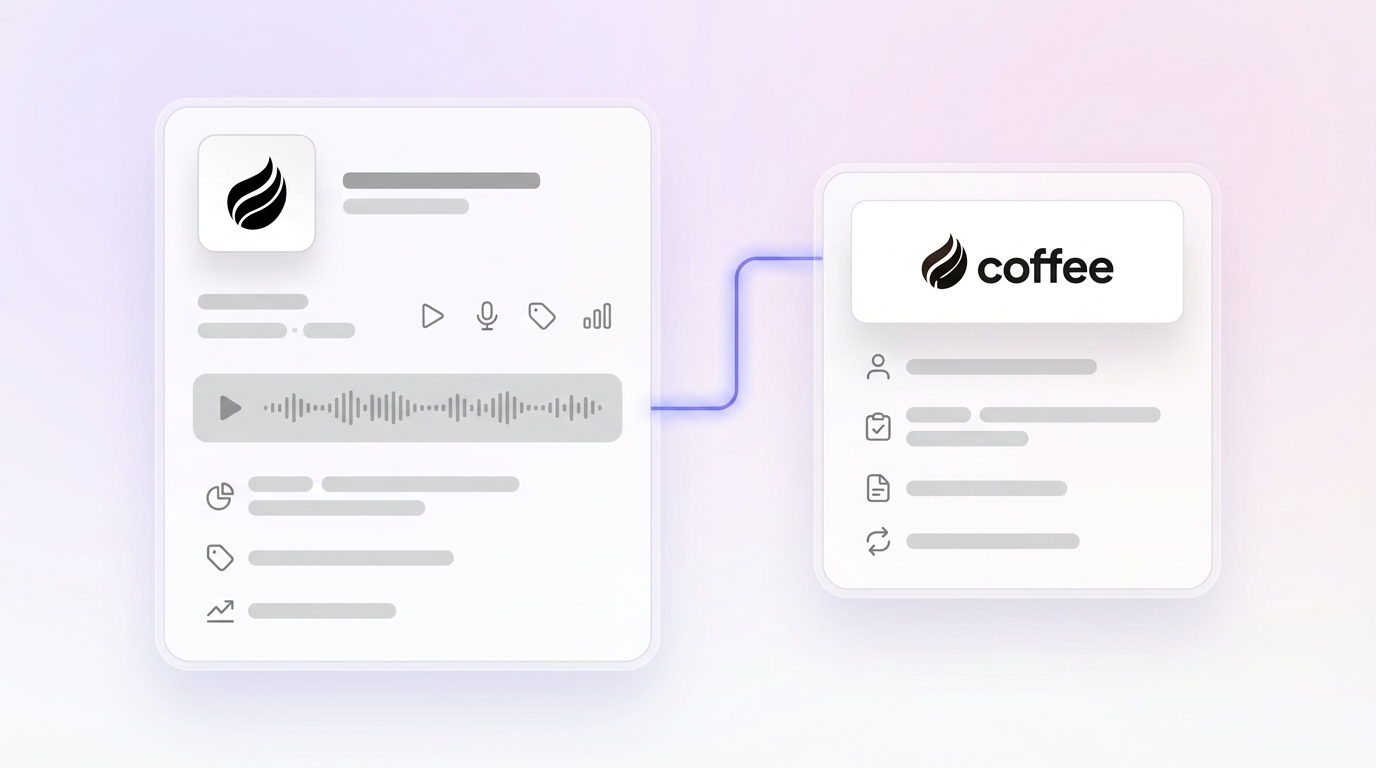
Even with strong batch analysis, manual transfer of insights from Gong into your CRM slows execution and creates data gaps. Coffee acts as a CRM agent for Salesforce and HubSpot by joining calls automatically, generating structured summaries, and logging transcripts with action items directly into your CRM.

Coffee extends the manual data entry elimination that starts with Gong’s AI Data Extractor by adding real-time synchronization across your broader tech stack. Its built-in data warehouse maintains historical tracking, which supports reliable pipeline intelligence based on accurate “good data in, good data out” practices.
A company generating tens of millions in revenue scaled sales operations without spreadsheets after adopting Coffee’s automated data entry and Pipeline Compare features. Before Coffee, sales leaders spent more than 10 hours each week compiling pipeline reports manually, and the agent removed this CRM maintenance while delivering more accurate insights for weekly reviews.

See how Coffee’s automated sync removes manual CRM work while giving your team the pipeline accuracy that reliable forecasts require.
Pro Tip: Use Coffee’s Pipeline Compare view to visualize week-over-week changes, so you can see deal progression and stalled opportunities without manual spreadsheet tracking.

Success Metrics and Advanced Workflow Ideas
Implementing the optimal talk ratios discussed in Step 2 consistently delivers the 15-25% win rate lift across sales teams. Structured batch analysis workflows also help teams identify about 20% more at-risk deals through pattern recognition that single-call reviews often miss.
Advanced teams connect tools through Zapier to trigger automated list building and prospect research based on call insights. This setup creates a smooth path from conversation intelligence to targeted outbound activity.

Track key performance indicators such as average talk ratio improvement, discovery question frequency, and time-to-insight reduction to measure how well your analysis workflow performs.
Frequently Asked Questions
How can I analyze Gong transcripts at scale?
Use batch filtering to process 100+ calls in about 30 minutes. Filter calls by criteria like deal stage or outcome, then extract insights automatically and sync them to your CRM so you scale analysis without losing depth or accuracy.
What is the most effective Gong call scoring template?
Use MEDDIC or BANT frameworks with clear scoring criteria for each element. Include Pain identification on a 1-5 scale, Budget qualification status, Decision maker access level, and Timeline commitment clarity, then let Coffee structure notes and populate scorecard fields from transcripts.
Does Coffee integrate with Gong?
Coffee connects to tools through Zapier and is SOC 2 Type 2 compliant. It enriches CRM records automatically with insights, which creates a seamless data flow into pipeline management without manual work.
What are Gong discovery call best practices?
Strong discovery calls include 11-14 qualifying questions and maintain a 40/60 talk-to-listen ratio. Use Gong’s filters to find high-performing discovery patterns, then repeat successful questioning sequences while encouraging detailed pain explanations and confirming decision processes.
How can I improve my team’s Gong talk ratios?
Monitor talk ratios in Gong’s team performance dashboard and coach reps toward stage-specific targets. Aim for 40% rep talk time on discovery calls and about 45% on demos, then adjust based on your own win-rate data.
Conclusion: Turn Gong Data into Repeatable Revenue
These seven steps convert manual Gong reviews into structured workflows that cut analysis time by 50% and increase deal velocity by about 20%. The combination of tuned talk ratios, focused batch analysis, and automated CRM integration produces reliable pipeline intelligence that leaders can trust.
Coffee’s CRM agent removes the manual work that keeps teams from scaling insights, handling data entry, enrichment, and insight synchronization automatically. This automation saves 8-12 hours per week while preserving the data quality that accurate forecasting depends on.
Start your free Coffee trial to automate your analysis workflow and turn conversation intelligence into consistent revenue growth.