Key Takeaways
- Sales reps spend only 30% of their time selling because of manual data entry. Affordable CRMs under $20 per user each month with AI automation can double active selling time.
- Coffee stands out as the leading AI-powered CRM. It automatically captures emails, calendars, and meetings, removes admin work, and saves 8 to 12 hours each week.
- HubSpot and Zoho include strong free tiers but still rely heavily on manual input, which often hurts adoption and data quality.
- Top criteria include pricing under $20 per user each month, ease of use near 9 out of 10, strong AI automation, and integrations with Google Workspace or Microsoft 365.
- Teams that want to automate CRM and focus on closing deals can get started with Coffee for AI-powered pipeline management.
How to Choose an Affordable CRM for a Small Sales Team
Small teams get the most value from CRMs that stay under $20 per user each month and reduce manual work. Pricing often drives the first decision, but automation now matters just as much. Sales reps spend about 60% of their time on non-selling tasks, including manual CRM updates.
Core features should cover pipeline management, integrations with Google Workspace or Microsoft 365, and a simple setup. HubSpot CRM scores 8.5 out of 10 for ease of use, which sets a useful benchmark for user-friendly design. Growing teams also need room to scale and responsive support during rollout.
Automation separates modern CRMs from older tools. Traditional systems turn reps into data entry clerks. AI-powered platforms like Coffee use an agent that captures emails, calendar events, and meeting notes automatically. This approach fixes the low adoption and bad data problems that many small businesses face.

Top 9 Affordable CRM Platforms for Small Businesses in 2026
1. Coffee: AI Agent for Hands-Off Data Entry
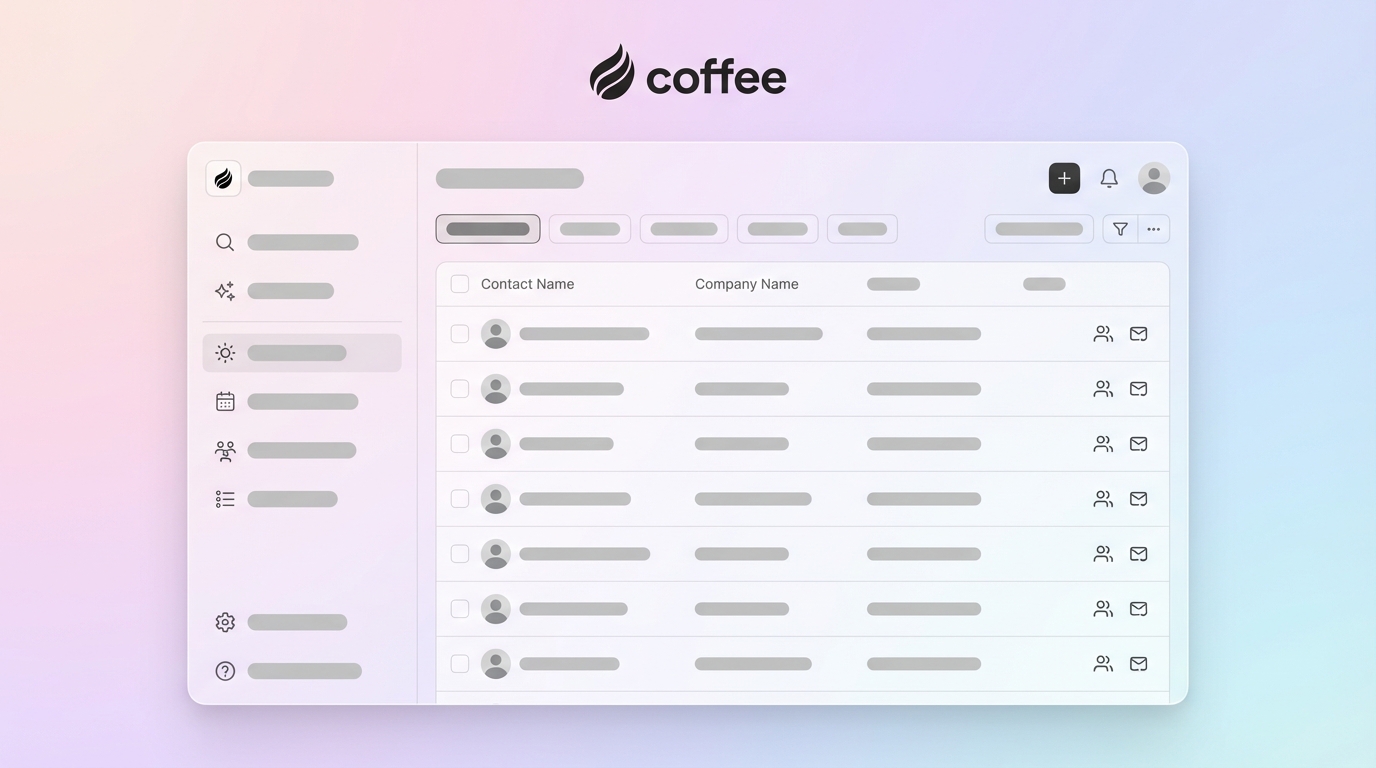
Coffee acts as an autonomous sales agent instead of a static database. The AI captures and structures information from emails, calendars, and meetings without extra clicks from your team.

Strengths:
- AI agent removes manual data entry by logging emails and calendar interactions automatically.
- Meeting bot joins calls, creates summaries, and lists action items without extra tools.
- Pipeline Compare feature shows week-over-week changes without spreadsheets.
- Saves 8 to 12 hours per week by handling repetitive admin work.
- Works as a standalone CRM or as a companion to Salesforce or HubSpot.
Limitations:
- Newer platform with an integration ecosystem that continues to grow.
- Teams used to manual workflows may need a short adjustment period.
- Advanced AI features may feel heavy for very simple sales processes.
Best fit: Small teams with 1 to 20 employees that feel burned out on manual CRM updates and want automated data capture plus pipeline intelligence.
|
Plan |
Price |
Users |
Key Features |
|
Starter |
Super simple seat-based pricing |
Unlimited |
AI agent, auto data entry, meeting summaries |
|
Professional |
Custom pricing |
Unlimited |
Advanced automation, API access, custom workflows |
Setup/Integrations: Ease score 9 out of 10. Simple Google Workspace or Microsoft 365 sign-in starts instant data capture. Zapier support connects Coffee to more than 5,000 apps.
2. HubSpot CRM: Popular Free Starter Option
HubSpot offers a generous free tier that attracts many small businesses. The platform covers contact management, deal tracking, and basic automation without upfront cost.
Strengths:
- Free tier supports up to 10 users with core CRM tools.
- Clean interface with a short learning curve.
- Strong email integration and tracking.
- Large third-party app marketplace.
- Clear upgrade path to paid features.
Limitations:
- Manual data entry remains necessary for most contact and deal updates.
- Free tier lacks deeper automation and advanced reporting.
- Pricing can rise quickly as teams grow and unlock paid features.
Best fit: Teams that want a proven CRM, accept manual data work, and plan to grow into a larger ecosystem.
|
Plan |
Price |
Users |
Key Features |
|
Free |
$0 |
Up to 10 |
Contact management, deals, basic reporting |
|
Starter |
$8.99/user/month |
Unlimited |
Email templates, sequences, basic automation |
Setup/Integrations: Ease score 8.5 out of 10. Fast Gmail and Outlook setup with a large app ecosystem.
3. Zoho CRM: Budget-Friendly with Broad Features
Zoho CRM delivers wide functionality at a low price, which appeals to cost-focused teams. The platform includes workflow automation and an AI assistant.
Strengths:
- Free tier supports up to 3 users with full CRM features.
- Workflow automation reduces some manual tasks.
- AI assistant offers insights and predictions.
- Mobile app works well for field sales.
- Strong connections to other Zoho tools.
Limitations:
- Interface can feel busy compared with newer tools.
- Lower tiers limit customization.
- AI features sit behind paid plans and extra setup.
Best fit: Small businesses already using Zoho apps or those that want many features at a low cost.
|
Plan |
Price |
Users |
Key Features |
|
Free |
$0 |
Up to 3 |
Contact management, deals, basic automation |
|
Standard |
$14/user/month |
Unlimited |
Workflow automation, AI assistant, advanced reporting |
Setup/Integrations: Ease score 7.5 out of 10. Setup is straightforward, but the interface requires some learning.
4. Pipedrive: Visual Pipeline for Sales Teams
Pipedrive centers on sales pipeline management with a visual layout. The tool keeps its focus on sales activities and simplicity.
Strengths:
- Visual pipeline makes deal tracking clear.
- Strong email sync and tracking.
- Activity reminders keep deals moving.
- Mobile app supports reps on the road.
- Reporting and analytics give pipeline visibility.
Limitations:
- Limited marketing automation compared with all-in-one suites.
- Most customer interactions still need manual entry.
- Minimum three-user requirement raises costs for solo founders.
Best fit: Sales teams that care most about pipeline views and less about broader business automation.
|
Plan |
Price |
Users |
Key Features |
|
Basic |
$12/user/month |
Minimum 3 |
Pipeline management, email sync, basic reporting |
|
Standard |
$17/user/month |
Minimum 3 |
Automation, advanced reporting, calendar sync |
Setup/Integrations: Ease score 8 out of 10. Setup is quick with strong email and tool integrations.
5. Freshsales: CRM with Built-In Phone and Email
Freshsales blends CRM features with native phone and email tools. The platform also includes AI-based lead scoring.
Strengths:
- Built-in phone system removes the need for separate telephony software.
- AI lead scoring helps reps focus on stronger prospects.
- Free tier supports up to 3 users with core features.
- Email templates and sequences support outreach.
- Mobile app works well for remote teams.
Limitations:
- AI features stay limited on free and lower tiers.
- Interface can feel heavy for simple needs.
- Phone quality can vary by region.
Best fit: Teams that want CRM plus calling and email in one place.
|
Plan |
Price |
Users |
Key Features |
|
Free |
$0 |
Up to 3 |
Contact management, deals, basic email |
|
Growth |
$11/user/month |
Unlimited |
Phone system, AI scoring, automation |
Setup/Integrations: Ease score 7.5 out of 10. Communication features add some setup time, but integrations are solid.
6. Less Annoying CRM: Simple CRM for Small Teams
Less Annoying CRM focuses on straightforward features and a clean experience. The platform avoids complex menus and tiered pricing.
Strengths:
- Simple interface that most users can learn in a day.
- Single pricing model removes confusion about tiers.
- Responsive customer support with personal help.
- Solid basics for contacts and pipelines.
- No setup fees or long contracts.
Limitations:
- Limited automation tools.
- Reporting remains basic compared with larger platforms.
- Fewer integrations than major CRMs.
Best fit: Small teams that want a no-frills CRM and do not need advanced automation.
|
Plan |
Price |
Users |
Key Features |
|
Standard |
$15/user/month |
Unlimited |
Contact management, calendar, tasks, basic reporting |
Setup/Integrations: Ease score 9 out of 10. Setup is quick with simple, reliable integrations.
7. Close: CRM for High-Volume Calling Teams
Close serves inside sales teams that rely on calls and SMS. The platform centers on communication and follow-up automation.
Strengths:
- Built-in power dialer speeds up calling.
- SMS integration supports multi-channel outreach.
- Strong email automation and sequences.
- Reporting tracks sales activity in detail.
- Predictive dialer helps with high-volume campaigns.
Limitations:
- Higher pricing than basic CRMs.
- Communication stack may exceed needs for some teams.
- Manual data entry still required for many interactions.
Best fit: Inside sales teams that make many calls and want calling tools built into their CRM.
|
Plan |
Price |
Users |
Key Features |
|
Starter |
$19/user/month |
Unlimited |
Calling, email, basic CRM, SMS |
Setup/Integrations: Ease score 7 out of 10. Communication features add complexity, but integration options are strong.
8. OnePageCRM: Action-First Sales Management
OnePageCRM keeps reps focused on next actions instead of complex stages. The tool supports a task-based selling style.
Strengths:
- Action-focused interface keeps deals moving forward.
- Simple setup with a short learning curve.
- Mobile app supports field reps.
- Web forms capture new leads.
- WhatsApp integration supports modern communication.
Limitations:
- Limited reporting and analytics.
- Basic automation compared with full-featured CRMs.
- May feel too simple for complex sales cycles.
Best fit: Small teams with straightforward sales processes that prefer task-based workflows.
|
Plan |
Price |
Users |
Key Features |
|
Starter |
$9.95/user/month |
Unlimited |
Action stream, contact management, web forms |
Setup/Integrations: Ease score 8.5 out of 10. Setup is fast with more than 40 business app integrations.
9. Bitrix24: All-in-One Business Suite with CRM
Bitrix24 combines CRM, project management, and collaboration in one platform. The free tier supports unlimited users with basic tools.
Strengths:
- Free tier supports unlimited users.
- Broad business suite beyond CRM alone.
- Collaboration and project management features included.
- Cloud and on-premise deployment options.
- Built-in social media integration.
Limitations:
- Interface can feel cluttered and complex.
- Free tier restricts many advanced features.
- Learning curve can be steep due to the wide feature set.
Best fit: Teams that want a full business platform where CRM is one part of a larger system.
|
Plan |
Price |
Users |
Key Features |
|
Free |
$0 |
Unlimited |
Basic CRM, limited storage, basic features |
|
Basic |
$49/month for 5 users |
5 users |
Full CRM, automation, advanced features |
Setup/Integrations: Ease score 6 out of 10. Setup can feel complex, but integration coverage is broad.
Side-by-Side CRM Comparison and Automation Insights
|
CRM |
Starting Price |
Automation Level |
Ease Score |
Integrations |
|
Coffee |
Super simple seat-based pricing |
AI Agent |
9/10 |
5,000+ via Zapier |
|
HubSpot |
Free |
Basic |
8.5/10 |
1,000+ |
|
Zoho CRM |
Free |
Workflow |
7.5/10 |
300+ |
|
Pipedrive |
$12/user/month |
Basic |
8/10 |
400+ |
|
Freshsales |
Free |
AI Scoring |
7.5/10 |
200+ |
|
Less Annoying CRM |
$15/user/month |
None |
9/10 |
50+ |
|
Close |
$19/user/month |
Communication |
7/10 |
100+ |
|
OnePageCRM |
$9.95/user/month |
Basic |
8.5/10 |
40+ |
|
Bitrix24 |
Free |
Workflow |
6/10 |
100+ |
Coffee leads in automation with an AI agent that handles data entry automatically. Traditional CRMs still depend on manual input. HubSpot and Zoho free tiers often struggle with adoption because of manual data entry, which creates a “bad data in, bad data out” cycle that Coffee avoids.
Why Coffee Stands Out as the Top Affordable CRM in 2026
Coffee’s AI agent shifts CRM from a passive database to an active automation engine. The platform captures emails, calendar events, and meeting notes automatically, which keeps data accurate without extra effort from reps. One company generating tens of millions in revenue chose Coffee over Salesforce and HubSpot because the agent removed manual work and delivered clear pipeline insights. Teams that want this experience can get started with Coffee and see the impact of AI automation.

Practical Tips for CRM Rollout and Common Mistakes
Teams get better results when they choose automation-first CRMs instead of tools that rely on manual updates. Coffee’s agent takes only a few minutes to set up through Google Workspace or Microsoft 365 sign-in and begins capturing data right away. Many teams run into trouble when they select CRMs that demand constant manual entry, which leads to low adoption and weak data.
During evaluation, test AI automation features with real workflows. The right CRM should remove admin work from your team instead of adding new tasks.
FAQ
What is the best free CRM for small business?
HubSpot and Zoho CRM offer strong free tiers that support up to 10 and 3 users. These plans still require heavy manual data entry, which often hurts adoption. Coffee’s AI agent delivers deeper automation at pricing under $20 per user each month and removes the manual work that makes free CRMs feel time-consuming.
How does Coffee compare to HubSpot for small businesses?
Coffee’s AI agent captures and structures data from emails, calendars, and meetings automatically. HubSpot continues to rely on manual entry, even on paid plans. Coffee saves 8 to 12 hours each week and improves data quality. The Pipeline Compare feature also gives pipeline insights without manual spreadsheet exports that many HubSpot users still perform.
Which affordable CRM offers the strongest AI automation?
Coffee leads AI automation among CRMs priced under $20 per user each month. The agent handles full data entry, meeting summaries, and pipeline intelligence. Zoho and Freshsales provide AI features such as lead scoring, but they still depend on manual data input and do not match Coffee’s end-to-end automation.
What do Reddit users recommend for cheap CRM software?
Reddit threads often mention frustration with manual data entry in popular CRMs. Users frequently complain that “HubSpot free tier data entry sucks” and share similar issues. Coffee addresses these pain points by automating data capture, which reduces the manual work that usually causes poor adoption and user burnout.
What is the best CRM for small business in 2026?
For teams with 1 to 20 employees, Coffee offers the strongest mix of price and automation. Traditional CRMs such as HubSpot, Zoho, and Pipedrive still require large amounts of manual work that cut into selling time. Coffee’s agent takes over admin tasks so teams can focus on conversations and closing deals.
Conclusion: Choose Automation to Protect Selling Time
The most effective affordable CRM for small businesses in 2026 removes manual data entry while staying under $20 per user each month. Coffee leads this group with an AI agent that captures and structures customer data automatically, saving 8 to 12 hours per week compared with manual systems. Free tools like HubSpot and Zoho cover the basics but still depend on manual work, which reduces selling time and often hurts adoption.
Teams that choose automation over manual processes protect their selling time and improve data quality. You can get started with Coffee today and see how AI-powered CRM automation upgrades your sales process from the first week.