Written by: Doug Camplejohn, CEO & Co-Founder, Coffee | Last updated: August 15, 2026
Key Takeaways for Choosing Between Snitcher and Coffee
- Website visitor identification converts anonymous traffic into company or person records by matching IP addresses against commercial databases and first-party signals.
- Snitcher relies on reverse-IP lookup that delivers company-level data but struggles with remote workers and VPN traffic, with low match rates on residential IPs.
- Coffee adds an identity graph and first-party signals to identify specific individuals, including name, title, email, and LinkedIn, alongside the company.
- Person-level identification paired with Suggested Leads and one-click CRM routing shortens the time from pixel hit to personalized follow-up.
- Teams ready to replace fragmented tool stacks with a single agent can get started with Coffee to turn anonymous visitors into named pipeline.
How Snitcher Identifies Website Visitors
Snitcher follows the standard reverse-IP identification model. A JavaScript pixel placed on the site captures the visitor’s public IP address along with URL, referral source, session timestamp, and any available cookies. That IP is cross-referenced against commercial databases of corporate IP ranges maintained by providers such as Demandbase, Clearbit, and Bombora. When a match occurs, Snitcher returns firmographic attributes including company name, industry, size, and location.
When a match is found, Snitcher surfaces the visiting organization in a real-time dashboard and triggers Slack or email alerts to notify the sales team. The company record is then pushed into connected CRMs, which creates a record for follow-up. This straightforward workflow requires minimal technical setup, which explains its adoption among early-stage B2B teams.
Snitcher’s Accuracy Ceiling in a Remote-First World
The direction of the modern workforce creates a structural problem for reverse-IP tools. Company-level reverse IP identification now resolves roughly 30–60% of B2B web traffic overall as remote work and VPN adoption have grown.
VPN adoption has already reduced overall company-level match rates in reverse IP lookup and misses most remote and VPN visits. Mobile or carrier-network traffic often remains unresolved because carrier-grade NAT pools share IPs across thousands of users. Even when a match occurs, reverse IP lookup identifies the company behind a website visit but never the individual, their role, or whether they are a decision-maker.
The downstream revenue impact is significant. Ninety-eight percent of B2B website traffic leaves without filling out a form or being identified. Eighty-six percent of new visitors do not return in the next seven days according to a Chartbeat analysis of more than 300 million first-time visits. A company-level tool that misses remote workers forfeits pipeline that rarely returns.
Framework for Evaluating Visitor Identification Tools
Given these structural limits in reverse-IP identification, teams need a clear framework to judge whether their current tool meets modern requirements. Head of Sales and RevOps leaders evaluating visitor identification tools in 2026 should apply six criteria before committing to any solution:
- Person-level identification: The tool should name specific individuals, not just organizations.
- Buyer-persona matching: The tool should filter identified visitors against your ICP to surface the right contacts.
- Real-time CRM routing: Identified data should flow automatically into CRM records and action queues without manual export.
- Data quality: The underlying identity graph should be fresh and accurate and handle remote workers effectively.
- Implementation effort: Only a few steps should separate pixel installation from the first actionable lead.
- Total cost of ownership: The full workflow from identification to outreach should not require multiple extra tools.
Side-by-Side Comparison of Snitcher and Coffee
| Criterion | Snitcher | Coffee | Why It Matters |
|---|---|---|---|
| Person-level identification | Company only | Named individual: name, title, email, LinkedIn | Company-level identification achieves 30–65% match rates vs. 5–20% for person-level. |
| Buyer-persona matching | Manual filtering required | Suggested Leads matched to your defined buyer persona | Signal-based selling only generates value when paired with an accurate way to reach the specific person behind the trigger |
| Real-time CRM routing | CRM sync, requires manual review to create contact | One-click contact creation with enrichment pre-filled, auto-enrollment in Campaigns | Leads contacted within 5 minutes are approximately 21x more likely to qualify than those contacted after 30 minutes |
| Data quality (remote workers) | Low match rate on residential IPs | Identity graph and first-party signals supplement IP lookup | Remote workers on home ISPs resolve at low match rates in pure reverse-IP systems |
| Implementation effort | Pixel plus CRM connector, separate outreach tool needed | Single pixel, CRM, enrichment, and outreach in one agent | Fewer tools reduce integration failure points and total setup time. |
| Total cost of ownership | Snitcher subscription plus separate enrichment plus separate sequencing tool | One seat-based subscription covers identification, enrichment, CRM, and Campaigns | Most B2B companies spend between roughly $2,500 and $20,000 per month on demand or lead generation efforts. |
Get started with Coffee and turn anonymous website visitors into named pipeline today.
Setup and Data Capture Differences
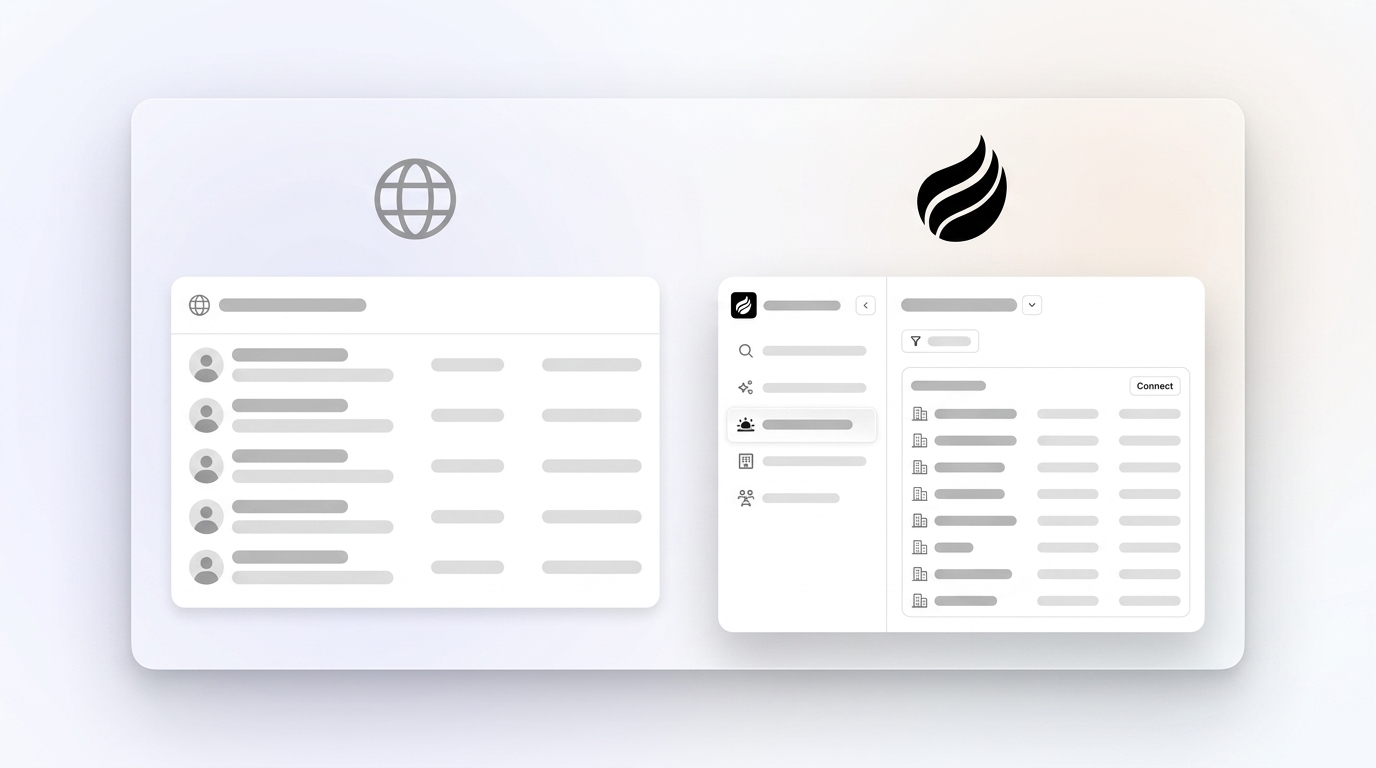
Both tools begin with a tracking pixel. Snitcher’s pixel fires on page load, captures the IP, and returns a company record when the IP matches a registered corporate range. Coffee’s pixel performs the same base function but layers identity-graph matching and first-party signals on top, using first-party cookies, hashed identifiers, and behavioral patterns to improve matching confidence. Coffee then infers the individual behind the session, including name, title, email, and LinkedIn profile, alongside the company, pages visited, time on site, and visit frequency.
This depth difference matters at the data-capture stage. Snitcher delivers an organization. Coffee delivers a person ready for outreach, with enrichment already attached.
Workflow, Usability, and CRM Integration
Snitcher surfaces company-level alerts via Slack or email and pushes records to CRM connectors. Sales reps then research which individual at that company to contact, find contact data through a separate enrichment tool, and manually initiate outreach through a separate sequencing platform.
Coffee collapses that workflow into a single environment. Real-time Slack notifications surface high-fit visitors. One click adds the prospect to Coffee with all enrichment pre-filled. From there, the rep can send a LinkedIn connection request, trigger an outbound email, or auto-enroll the contact into a multi-step Campaign sequence, all without leaving the agent. For teams already on Salesforce or HubSpot, Coffee’s Companion App writes enriched visitor data back to the existing system of record automatically.
Scalability and Total Cost Over Time
Snitcher’s pricing covers identification and basic CRM sync. Teams that want to act on identified visitors still need a separate enrichment subscription such as ZoomInfo or Apollo, a separate sequencing tool such as Outreach or Salesloft, and manual coordination between them. Identified visitors can generate more pipeline than cold outbound leads, yet that advantage erodes when three separate tool subscriptions and manual handoffs slow the response window.
Coffee uses seat-based pricing. The agent’s identification, enrichment, CRM writing, and outreach sequencing are included in one subscription. This structure removes the stack fragmentation that inflates total cost of ownership for Snitcher users as their teams scale.
Person-Level Identification and Suggested Leads in Coffee
Person-level visitor identification increases the share of traffic that turns into actionable leads. Coffee operates at this layer.
Competitors such as RB2B and Warmly surface either the company or undifferentiated people lists. Coffee’s Suggested Leads feature uses the team’s defined buyer persona to recommend the two or three individuals inside the visiting company to contact. LinkedIn profiles appear for instant outreach. The prospect record is auto-enriched with job title, funding data, and email before the rep takes any action. Contacts who clicked on person-level targeted outreach converted into pipeline at roughly 2.18 times the rate of account-level approaches.

Where Snitcher Falls Short for Modern Teams
Key Snitcher limitations for modern B2B teams:
- Remote employees on home networks face the same low match rates mentioned earlier, which leaves the majority of remote-first buying teams invisible.
- The VPN attribution challenges noted earlier continue to reduce the ability of reverse IP lookup to connect visits to the employer.
- Company-level output requires separate enrichment tools to find individual contacts, which adds cost and latency before outreach can begin.
- Lack of native sequencing means identified leads must be exported to a third platform before any automated follow-up runs.
- User feedback indicates that identification rates of 20–40% of total traffic are typical for IP-based tools, so most site traffic produces no actionable output.
Best-Fit Recommendations by Company Stage
Snitcher works as a starting point for teams that primarily sell to large enterprises with fixed corporate IP ranges, have little remote-work exposure in their target accounts, and are not yet ready to invest in a unified identification-to-outreach system.
Coffee is the stronger fit for:
- B2B SaaS companies with 10–50 employees whose target buyers include remote workers, distributed teams, or companies without dedicated corporate IP blocks.
- RevOps leaders who want identified visitors routed directly into Salesforce or HubSpot without manual intervention or additional tool subscriptions.
- Sales teams that need to move from pixel hit to personalized outreach in minutes, not hours, to capture the higher response rates that fast follow-up produces before they drop after several days.
- Mid-market companies already committed to Salesforce or HubSpot that want an agent layer enriching and writing data back to the existing system rather than replacing it.
Decision Checklist for Snitcher vs Coffee
Use the following checklist to match your constraints to the right solution:
- Remote and VPN exposure: If more than 20% of your target buyers work remotely or use VPNs, a pure reverse-IP tool will miss the majority of them, so a person-level identification system fits better.
- Need for individual contacts: If you need individual contact data, not just company names, Snitcher’s output requires additional enrichment tools, while Coffee delivers named individuals at identification time.
- Automated CRM actions: If you want identified visitors routed automatically into CRM actions, Coffee’s agent handles contact creation, enrichment, and sequence enrollment in one step.
- Existing Salesforce or HubSpot stack: If you already use Salesforce or HubSpot, Coffee’s Companion App writes enriched visitor data back to your existing system of record without replacing it.
- Total cost of ownership: If total cost matters, compare the full stack: Snitcher plus enrichment plus sequencing versus one Coffee seat that covers all three functions.
- Buyer-persona filtering: If you need buyer-persona filtering at the point of identification, Coffee’s Suggested Leads feature applies your ICP criteria before surfacing contacts, which removes manual filtering.
Frequently Asked Questions
How long does it take to set up Coffee’s visitor identification?
Setup requires dropping a single custom-generated script into the head tag of your site. Coffee verifies installation automatically and begins identifying visitors immediately. For teams using the Companion App with Salesforce or HubSpot, a simple authentication connects the agent to the existing CRM, and enriched visitor data begins writing back to records without additional configuration. Most teams become operational within a single session.
How does Coffee handle data privacy and compliance?
Coffee is SOC 2 Type 2 and GDPR compliant. Data captured by the visitor identification pixel is not used to train public models. Person-level identification via identity graphs operates under established legal bases for B2B contact data, and Coffee’s data partners maintain consent frameworks appropriate to each geography. Teams operating in Europe should expect GDPR requirements to reduce person-level match rates in regulated regions, which aligns with industry-wide patterns for identity-graph-based identification.
What is Coffee’s pricing model, and how does it compare to running Snitcher plus additional tools?
Coffee uses seat-based pricing. You pay for human seats, and the agent’s identification, enrichment, CRM writing, campaign sequencing, and pipeline intelligence are included. No complex metering applies to usage or processes. Teams using Snitcher typically pay separately for the identification subscription, a contact enrichment database such as ZoomInfo or Apollo, and a sequencing platform such as Outreach or Salesloft. The combined cost of those three tools generally exceeds a Coffee subscription while delivering a slower, more fragmented workflow.
Can Coffee work alongside an existing Salesforce or HubSpot instance rather than replacing it?
Yes. Coffee’s Companion App is designed specifically for teams committed to Salesforce or HubSpot. The agent authenticates with the existing CRM, enriches incoming visitor records, and writes contact data, activity logs, and enrichment back to the primary system of record. The CRM remains the source of truth. Coffee acts as the intelligent layer that ensures good data enters it automatically, including visitor identification data that would otherwise require manual entry.
How does Coffee’s Suggested Leads feature differ from standard visitor identification output?
Standard visitor identification tools, including Snitcher, return the visiting company and leave the sales rep to determine which individual to contact. Coffee’s Suggested Leads feature applies the team’s defined buyer persona to the visiting company and surfaces the two or three specific individuals inside that organization who match the ICP, with LinkedIn profiles and enriched contact data ready for immediate outreach. This approach removes the research step that typically adds hours between identification and first contact and helps ensure outreach targets decision-makers rather than whoever happens to appear in the company directory.
Conclusion: From Company Names to Named Pipeline
Snitcher website visitor identification delivers reliable company-level attribution for visitors on corporate office networks. Its accuracy ceiling remains structural, with low residential match rates, VPN traffic issues, and output that always stops at the organization rather than the person. Teams that need to act on that output must assemble a separate enrichment tool, a separate sequencing platform, and a manual handoff process before a single email reaches a named prospect.
Coffee closes that loop inside one agent. The pixel identifies named individuals, Suggested Leads matches them to your buyer persona, enrichment pre-fills their contact record, and one click routes them into a CRM action or an automated Campaign sequence. For RevOps and sales leaders at B2B SaaS companies where remote work, VPN use, and speed-to-lead matter, the gap between a company name and a named, enriched, outreach-ready contact becomes the gap between a signal and a pipeline entry. Identified visitors respond to outreach at higher rates than cold outbound when identification reaches the person, not just the organization.