Written by: Doug Camplejohn, CEO & Co-Founder, Coffee
Key Takeaways
- Attio sets up in a few days and offers a modern UI for startups under 20 people, but still relies on manual data entry like Salesforce.
- Salesforce delivers enterprise-grade reporting and integrations for 100+ employee teams, but costs $25-175+ per user each month and often requires long implementations.
- Both passive CRMs push data entry onto reps, which wastes time, hurts adoption, and drives teams back to shadow spreadsheets.
- Coffee’s AI agent automates data capture, enrichment, and pipeline tracking from Gmail and calendar, saving 8-12 hours per week for each rep.
- Upgrade your sales process with Coffee’s automated CRM that works on its own or alongside Salesforce and Attio.
Evaluation Criteria for SMB CRM Decisions
We evaluate these platforms across six practical dimensions that matter to SMB sales teams. These include setup and onboarding time (Attio generally has quicker onboarding than Salesforce), pricing transparency (Attio ranges $0-86 per user each month while Salesforce starts at $25 but reaches $175+ for useful features), data quality management, AI automation, reporting depth, and integration strength. 32% of reps spend over an hour daily on manual data entry, so the platform that removes this burden delivers the biggest productivity gain. The table below compares how Attio, Salesforce, and Coffee handle these core factors so you can see where each one fits.
Attio vs Salesforce 2026: Key Differences
| Feature | Attio | Salesforce | Coffee |
|---|---|---|---|
| Pricing (per user/month) | $0-86 | $25-175+ | Simple seat-based |
| Setup Time | 1-3 days | varies widely, often months | Days via Workspace auth |
| Data Entry | Manual input required | Manual input required | AI agent automates |
| AI Features | AI Attributes, workflows | Agentforce platform | Proactive agent core |
| Reporting | Basic, maturing | Enterprise-grade | Pipeline Compare auto-tracking |
| Best For | Agile startups | Large enterprises | Automated SMB wins |
Coffee agents solve what Attio and Salesforce leave to humans: getting accurate data into your CRM without manual effort.

Setup & UI: Attio Fast, Coffee Even Faster
Attio’s typical onboarding time is 1-3 days for most teams, which works well for groups under 100 users moving from spreadsheets or legacy tools. The modern interface feels closer to building in Notion than wrestling with rigid database fields. Salesforce usually demands significant time and often outside consultants for proper configuration, and many projects run past their original timelines. Coffee removes most setup friction by using Google Workspace or Microsoft 365 authentication, then the agent immediately starts populating your CRM with contacts and companies from existing email and calendar data.

Automation & Data Quality: Agents vs Passive CRMs
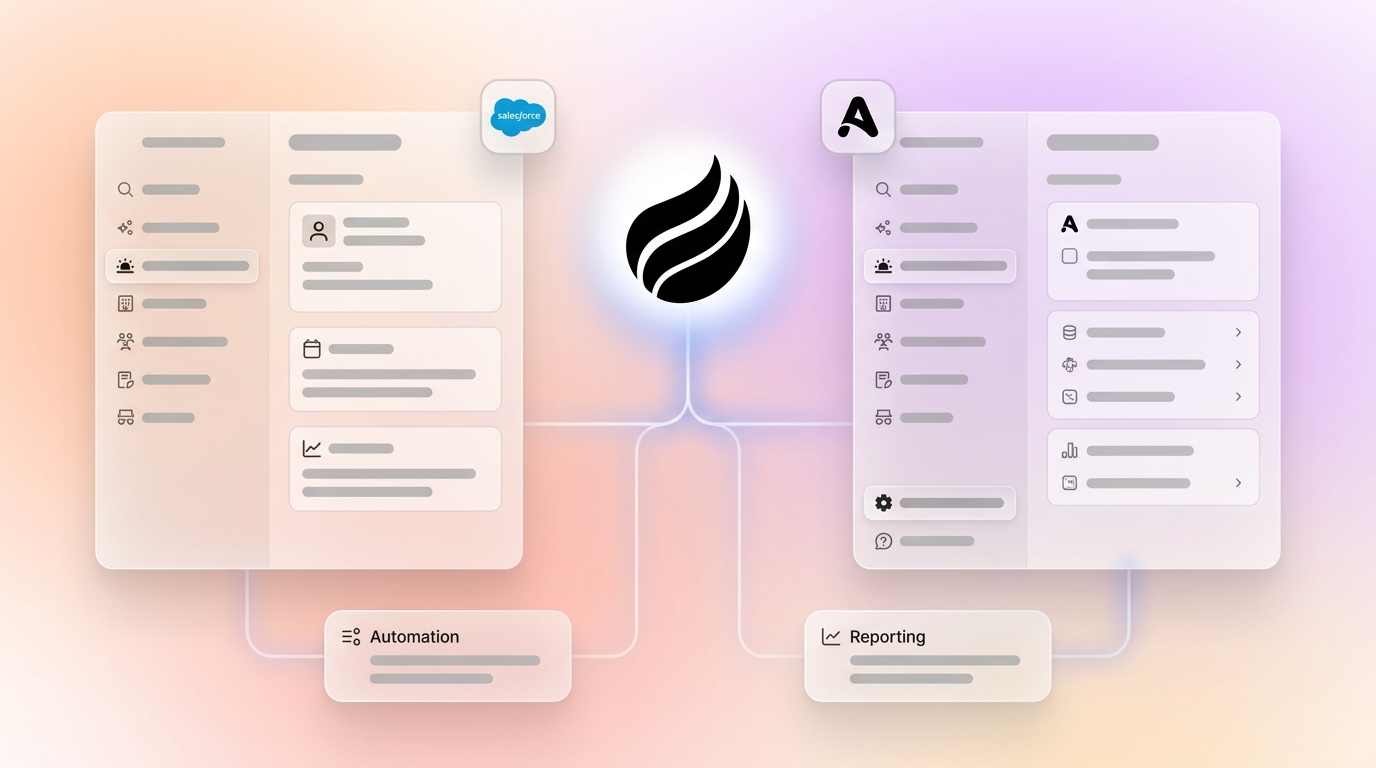
Attio and Salesforce share the same core limitation because they act as passive containers that wait for humans to add data. As noted earlier, manual data entry consumes a significant portion of rep time that should go toward selling. Attio’s AI Attributes and workflows automate some steps, and Salesforce’s Agentforce reduces certain manual tasks, but both still depend on human oversight and discipline. Coffee’s agent works autonomously, auto-logging Gmail interactions, enriching contacts with job titles and funding data, and maintaining deal states without human intervention. This shift saves teams 8-12 hours per week that previously disappeared into administrative work, and that time can move back into conversations and closing.

Start eliminating data entry work with Coffee to reclaim your team’s selling time.
Reporting & Pipeline Intel
Salesforce Einstein delivers deep AI forecasting for enterprises with machine learning deal predictions, but it needs clean, consistent data to perform well. Attio’s analytics features are still maturing, so teams get flexible data structures but less depth for complex forecasting. Coffee’s Pipeline Compare feature tracks week-over-week changes automatically and highlights progressed deals and stalled opportunities without CSV exports or spreadsheet maintenance. Because the agent keeps data accurate in the background, the reports stay trustworthy and immediately useful.
Integrations & Stack Consolidation
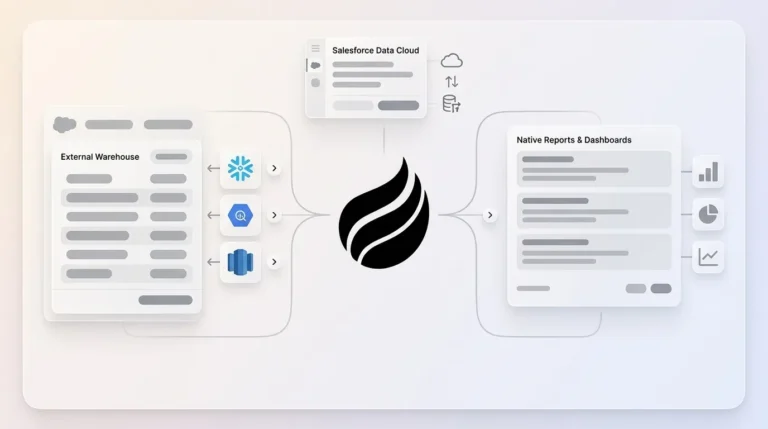
Attio offers native integrations with Slack, Calendly, and DocuSign plus Zapier support, although its ecosystem remains smaller and less mature than Salesforce’s. Salesforce provides thousands of AppExchange applications, which expands options but also increases vendor lock-in and complexity. Coffee can function as a standalone CRM for small teams or as a companion app that feeds clean data into existing Salesforce or HubSpot instances. This approach removes the need for separate enrichment tools while preserving the workflows and investments you already have.

Attio vs Salesforce on Reddit: Real-World Frustrations
Reddit discussions surface the same pain points that appear in the data, especially around adoption and manual work. 23% of users cite manual data entry as the main barrier to CRM adoption, which contributes to a substantial percentage of CRM projects failing due to lack of adoption. Teams fall back to shadow CRMs such as spreadsheets and Notion databases because the official system feels like punishment instead of support. 40% of sales reps still use Excel files and email to store contact information even when they hold expensive CRM licenses. Coffee’s agent tackles this adoption problem by making the CRM handle the busywork so reps can focus on selling.
When to Choose Attio, Salesforce, or Coffee
Choose Attio for early-stage startups with 5-20 people that want a modern UI and quick setup and can live with limited reporting capabilities. As your team grows beyond 50-100 employees and workflow complexity increases, Salesforce becomes a better fit, provided you have dedicated admin resources and can absorb the 2-3x cost multiplier from implementation and support. Coffee cuts across both scenarios and works as a standalone CRM for teams of 1-20 people or as a companion agent for larger teams already committed to Salesforce or HubSpot. The fundamental difference lies in approach: traditional CRMs act as passive databases, while Coffee behaves as an AI agent that removes manual work entirely.
Risks, Limitations & Coffee-Specific Concerns
Attio’s reporting capabilities are still maturing, which limits complex forecasting for growing teams that need advanced analytics. Salesforce implementations require significant administrative overhead, and hidden costs often double the stated license fees, which strains SMB budgets. Coffee does not target large enterprises with heavy compliance requirements or highly regulated industries that demand multi-year security reviews, so those organizations may still need traditional platforms. At the same time, Coffee maintains SOC 2 Type 2 and GDPR compliance, uses clear seat-based pricing without complex metering, and has helped companies generating tens of millions in revenue move from spreadsheets and legacy CRMs into automated workflows.
Decision Framework for Your Team
Start with your team size and primary pain points, then map them to each platform’s strengths. If you are under 20 people and outgrowing spreadsheets, Attio offers simplicity while Coffee adds automation. As teams scale beyond 50 people and add dedicated ops resources, Salesforce’s enterprise depth becomes more valuable, provided you can keep data clean. That qualifier matters for every company size, because when manual data entry consumes more than 10% of your team’s time, Coffee’s agent can remove that burden as either your main CRM or a companion to Salesforce and HubSpot. Try Coffee as either your primary CRM or as an intelligent companion to your existing system.

Frequently Asked Questions
What are the actual costs of Attio vs Salesforce in 2026?
Attio offers a free plan for up to three users, with paid plans ranging from $29-69 per user per month (billed annually) depending on features. Salesforce Starter Suite starts at $25 USD per user per month for basic CRM functionality, but most teams need the Salesforce Pro Suite (Professional tier) at $100 USD per user per month, with Enterprise at $165-175 per user monthly. Hidden Salesforce costs include implementation fees starting at $10,000, data storage overages at $125 per 500MB ($250 per GB) monthly, and Premier Success Plan pricing at 30% of net license fees. Coffee uses transparent seat-based pricing without complex add-ons or implementation fees.
Which CRM is best for small sales teams in 2026?
Coffee’s AI agent serves small sales teams well because it removes the manual data entry that eats into each rep’s week. Unlike passive CRMs that rely on human input, Coffee automatically captures interactions from Gmail and calendar, enriches contact data, and keeps the pipeline accurate. Small teams can spend more time selling and still maintain the data quality they need for predictable growth.
Does Coffee work alongside existing Salesforce installations?
Yes, Coffee operates as a companion app that integrates with existing Salesforce or HubSpot instances. The agent feeds clean, enriched data into your current system of record and removes manual entry while preserving your workflows and prior investments. This setup suits teams that remain committed to Salesforce but feel frustrated with adoption and data quality.
How long does implementation take for each platform?
Coffee takes only days to implement through simple Google Workspace or Microsoft 365 authentication, and the agent begins populating your CRM right away. Attio’s typical onboarding time is 1-3 days for most teams for full setup and data import, which still feels manageable for most startups. Salesforce implementations range from a few weeks to several months or longer and often require external consultants for effective configuration.
What about data security and compliance?
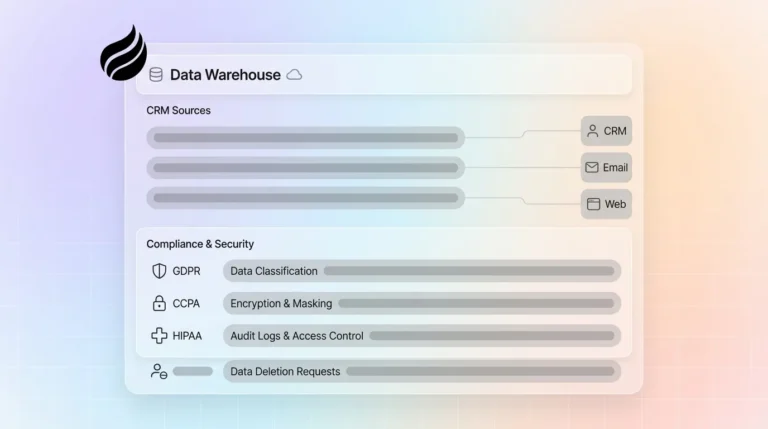
Coffee maintains SOC 2 Type 2 and GDPR compliance, and its data processing does not train public AI models. All three platforms provide enterprise-grade security, but Coffee’s agent-based architecture reduces human touchpoints where data entry errors usually occur. The automated approach also creates more consistent audit trails compared with manual entry systems.
Is Attio’s CRM suitable for growing teams in 2026?
Attio works well for startups and early-stage companies that value modern UI and quick setup more than advanced reporting. Its analytics features still lag behind enterprise platforms, and teams often encounter scaling limits as they grow beyond 50 users. The platform shines in data flexibility and relationship modeling, yet it still depends on manual data entry that becomes heavier as sales volume increases.
Ready to escape the manual data entry trap that limits your sales team’s potential? See Coffee in action and experience what happens when your CRM works as hard as your sales team.