Written by: Doug Camplejohn, CEO & Co-Founder, Coffee | Last updated: June 23, 2026
Key Takeaways for CRM Automation Decisions
- Sales teams lose hours each week to manual data entry, and AI agents remove this work by capturing and structuring CRM data automatically.
- Legacy CRMs like Salesforce and HubSpot rely on passive databases that depend on human input, which produces unreliable forecasts and weak data quality.
- Coffee’s active AI agent architecture ingests both structured and unstructured inputs and preserves historical context for accurate pipeline intelligence.
- Implementation happens quickly through OAuth to Google Workspace or Microsoft 365, and seat-based pricing avoids the hidden usage fees common in legacy platforms.
- Teams ready to replace manual CRM work with autonomous data capture can explore Coffee’s pricing and start a trial today.
Core Evaluation Criteria for CRM Automation in 2026
Six criteria separate platforms that genuinely automate from those that merely organize.
- Automation Depth (Hours Saved Per Rep): The most meaningful measure is how many hours of manual work the platform removes per rep each week. Platforms that automate contact creation, activity logging, and meeting notes deliver compounding time savings. Workflow-only tools do not.
- Data Quality Outcomes: A CRM is only as useful as the accuracy of its records. Evaluate whether the platform ingests unstructured data such as emails and call transcripts in addition to structured fields, and whether it maintains historical context when records are updated.
- Implementation Effort: Time-to-value ranges from hours with an OAuth connection to Google Workspace to months with a Salesforce enterprise configuration. Assess the realistic lift for your team size and technical resources.
- Pricing Transparency: Seat-based flat pricing stays predictable. Usage-based metering on API calls or AI processes creates budget uncertainty at scale.
- User Adoption: Adoption rates collapse when reps must serve the software. Platforms that reduce rep burden instead of adding to it sustain higher adoption and therefore produce better data.
- Long-Term Scalability: A data warehouse architecture that preserves historical context scales with the business. Relational databases that overwrite fields lose the longitudinal signal needed for accurate forecasting.
Side-by-Side Comparison of Leading CRM Automation Vendors
Now that the key criteria are clear, the next step is to see how leading vendors compare. The table below scores vendors across three of the six criteria where direct comparison is possible on a shared scale. Automation depth, implementation effort, and pricing model are explained in prose below the table because the units differ materially across vendors.
| Vendor | Architecture | Data Quality Approach | User Adoption Driver |
|---|---|---|---|
| Coffee | Active AI agent (standalone or companion) | Ingests structured and unstructured data, data warehouse preserves history | Agent handles busywork, reps interact with outputs, not inputs |
| Salesforce | Passive relational database | Structured fields only, history lost on field update | Low, reps must maintain records manually |
| HubSpot | Passive relational database, marketing-first | Structured fields with limited unstructured data handling | Moderate, better UX than Salesforce but still dependent on manual entry |
| Pipedrive | Passive pipeline database | Structured fields, no native enrichment agent | Moderate, visual pipeline aids adoption but data entry remains manual |
| Day.ai | AI-assisted with unstructured data focus | Strong on unstructured data, limited structured data orchestration | Moderate, productivity-oriented rather than a full CRM replacement |
| Clarify CRM | AI-native CRM | Modern architecture, integration depth with Salesforce and HubSpot limited | Moderate, newer UI but integration gaps reduce mid-market fit |
| Attio | Passive database with modern UI | Structured fields, no autonomous enrichment agent | Moderate, clean interface but the same passive-entry dependency |
| RB2B / Warmly | Visitor identification point tools | Company-level or undifferentiated people data | Low standalone value, require CRM integration to act on leads |
Automation Depth: Coffee saves reps 8–12 hours per week by automating contact creation, activity logging, meeting briefings, and post-call summaries. Legacy platforms require reps to perform these tasks manually, which contributes to a reality where 71% of sales reps report spending too much time on data entry, leaving only 35% of their time for actual selling.

Implementation Effort: Coffee activates through an OAuth connection to Google Workspace or Microsoft 365 and begins populating records immediately. Salesforce enterprise deployments often require dedicated administrators and multi-month configuration timelines. HubSpot is faster but still requires manual field mapping and workflow construction.
Pricing Transparency: Coffee uses seat-based flat pricing with no metering on AI usage or process volume. Salesforce and HubSpot both add costs for forecasting, enrichment, and conversation intelligence that Coffee includes natively in its agent.
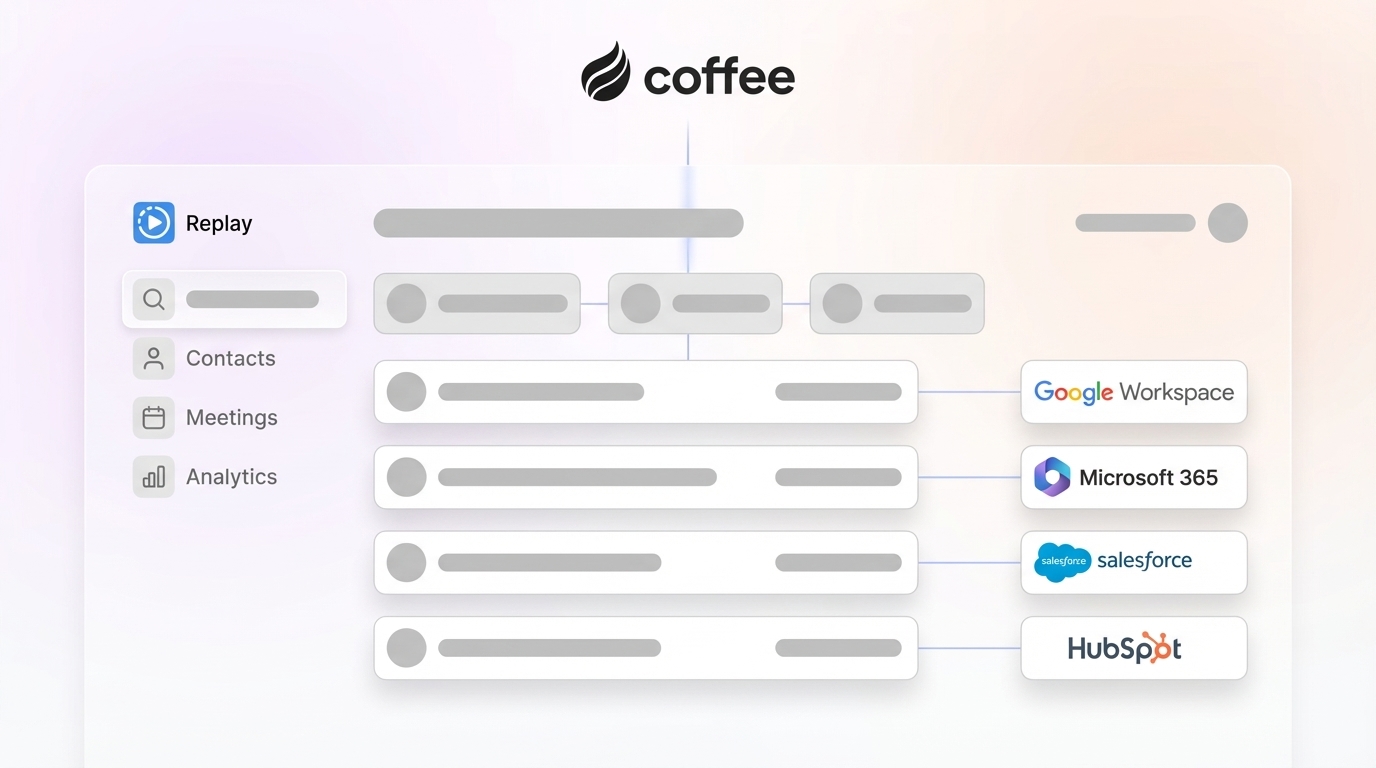
Companion vs Standalone Deployment: Coffee is the only vendor in this comparison that operates in both modes. As a companion app, it authenticates against an existing Salesforce or HubSpot instance, writes enriched data back to the system of record, and respects required fields and forecasting hierarchy. This technical depth exceeds what newer AI-native tools like Clarify and Day.ai currently provide.
Best-Fit Use Cases by Company Size and Tech Stack
1–20 Employees (No Existing CRM): Teams at this stage have outgrown spreadsheets and Notion but view Salesforce and HubSpot as expensive, configuration-heavy systems that demand administrative overhead they cannot staff. Coffee’s Standalone CRM is purpose-built for this segment. The agent creates contacts and companies from email and calendar data on day one, logs all activity autonomously, and delivers pipeline intelligence without a dedicated RevOps hire. Operational lift stays low because teams connect Google Workspace or Microsoft 365, define a buyer persona for visitor identification, and let the agent begin working.

20–200 Employees (Committed to Salesforce or HubSpot): Mid-market teams have invested in a system of record and cannot migrate without significant change management cost. The core problem is data quality inside the platform, not the platform itself. Coffee’s Companion App deploys the agent as an enrichment and logging layer, writing clean, structured data back to Salesforce or HubSpot without disrupting existing workflows, quotas, or forecasting models. This approach removes the need for separate enrichment tools such as ZoomInfo or Apollo and conversation intelligence add-ons like Gong while improving the data quality that makes the primary CRM’s forecasting reliable.

In both segments, the change management burden stays lower than a full CRM migration because reps interact with Coffee’s outputs such as briefings, summaries, and pipeline comparisons instead of changing how they log data. Training time is measured in hours, not weeks.
Risks and Limitations to Weigh Before You Buy
No automation platform removes every administrative task, and several shared risks apply across the category.
Incomplete Automation: Platforms that automate workflow triggers but not data capture still require reps to maintain record accuracy. To avoid this trap, evaluate whether the vendor automates the input layer, meaning data capture, rather than only the process layer, meaning what happens after data already sits in the system.
Integration Gaps: Zapier-mediated integrations introduce latency and failure points that native integrations avoid. Confirm which connections are native before you commit.
Hidden Maintenance: AI enrichment quality degrades when underlying data partner licenses lapse or contact databases go stale. Ask vendors how enrichment data is refreshed and how often that refresh occurs.
Overbuying: A 10-person team does not need enterprise forecasting modules. Seat-based pricing with a flat feature set prevents paying for capabilities that will not see use for 18–24 months.
Regulated Industries: Teams in healthcare or financial services with multi-year security review requirements should confirm SOC 2 Type 2 and GDPR compliance before evaluating any AI-native platform. Coffee holds both certifications and does not use customer data to train public models.
Decision Framework for Choosing Your CRM Architecture
Match your current situation to the architecture that fits it best.
If you have no CRM and fewer than 20 employees: A passive database quickly becomes a data entry burden because your team lacks the capacity to maintain data quality manually. That reality makes an AI-agent standalone CRM that automates data in from day one the correct architecture.
If you have Salesforce or HubSpot and a data quality problem: A full migration carries high risk and high cost, especially for mid-market teams. A companion agent that writes clean data back to your existing system of record solves the data quality problem while preserving your current platform investment.
If you are evaluating point solutions for enrichment, visitor identification, or conversation intelligence: Each point solution adds a vendor relationship, an integration dependency, and a per-seat cost. A platform that consolidates these functions inside a single agent reduces both cost and operational complexity.
Coffee is the only platform in this comparison that addresses all three scenarios. It operates as a standalone CRM for SMBs, a companion agent for Salesforce and HubSpot mid-market teams, and a consolidation layer that replaces enrichment, recording, and forecasting add-ons. Compare deployment models and pricing to see which option fits your current stack.
Frequently Asked Questions
How long does implementation typically take?
For Coffee’s Standalone CRM, implementation begins the moment you connect Google Workspace or Microsoft 365 through OAuth. The agent starts creating contacts, logging activity, and populating company records immediately, so most teams are operational within a single business day. For the Companion App on Salesforce or HubSpot, a simple authentication allows Coffee to sync and enrich data within the existing instance. This approach avoids field remapping and data migration because Coffee writes to the system of record rather than replacing it. Expect a few hours of configuration to align the agent with your buyer persona and notification preferences.

What is the migration effort from an existing CRM?
Teams moving from a legacy CRM to Coffee’s Standalone platform can import existing contact and company records through standard CSV or direct integration. Coffee’s agent then begins enriching and updating those records from live email and calendar data, so stale imported data improves automatically over time. Teams choosing the Companion App model do not migrate at all, because the agent enriches data in place as described in the use cases above.
Which security certifications does Coffee hold?
Coffee is SOC 2 Type 2 certified and GDPR compliant. Customer data is not used to train public AI models. For teams in industries with heightened data governance requirements, Coffee’s security posture covers the baseline certifications required by most SMB and mid-market procurement reviews. Large enterprises in heavily regulated industries such as healthcare or financial services with multi-year security review cycles fall outside Coffee’s current ideal customer profile.
How should teams evaluate automation depth before purchasing?
Request a demonstration that shows the platform operating without any manual input from a sales rep. Ask the vendor to show automatic contact creation from an inbound email, autonomous activity logging after a calendar event, and a post-meeting summary generated without rep intervention. If any of these steps require a rep to click, tag, or confirm before the data enters the system, the platform automates workflow triggers rather than data capture, which is a meaningful architectural distinction that will affect data quality outcomes at scale.
Conclusion: What Your CRM Architecture Choice Really Changes
The architecture you choose determines whether your team spends its time maintaining records or analyzing them. For SMBs without a CRM and mid-market teams with a Salesforce or HubSpot data quality problem, the agent model provides a path to reliable pipeline intelligence without adding headcount. See Coffee’s pricing and put the data entry grind behind your team.