Written by: Doug Camplejohn, CEO & Co-Founder, Coffee
What You Will Achieve With an Autonomous CRM Agent
- Eliminating manual CRM data entry in 2026 requires an autonomous AI Agent that connects to Gmail, Calendar, Zoom, and CRMs like Salesforce or HubSpot to capture every interaction automatically.
- Reps spend up to 17% of their week on CRM data entry, and an audit using Coffee’s Agent reveals the true hidden time cost beyond deliberate CRM sessions.
- Traditional email and calendar syncs and templates fail because they cannot parse unstructured content, while Coffee’s Agent structures email threads, call transcripts, and notes into consistent CRM records.
- Voice-to-CRM automation and automatic enrichment remove the need for Apollo, ZoomInfo, or manual copy-paste, delivering up to 90% reduction in admin time.
- Coffee’s Standalone CRM or Companion App can reclaim 8–12 hours per rep weekly, so start your free trial today.
Step 1: Audit Real Data-Entry Time and Cost Across Your Team
Salesforce’s 2026 State of Sales report finds that reps spend 60% of their time on non-selling tasks. Within that broader administrative load, CRM data entry consumes a meaningful share of the week. A Forrester Activity Study of 3,031 reps found that average reps spend nearly two full days per week on administrative tasks, and Salesmotion’s breakdown of that data allocates roughly 6.8 hours (17% of a 40-hour week) to CRM data entry and pipeline updates. For a 10-person team, that is 68 hours of selling capacity lost every single week.
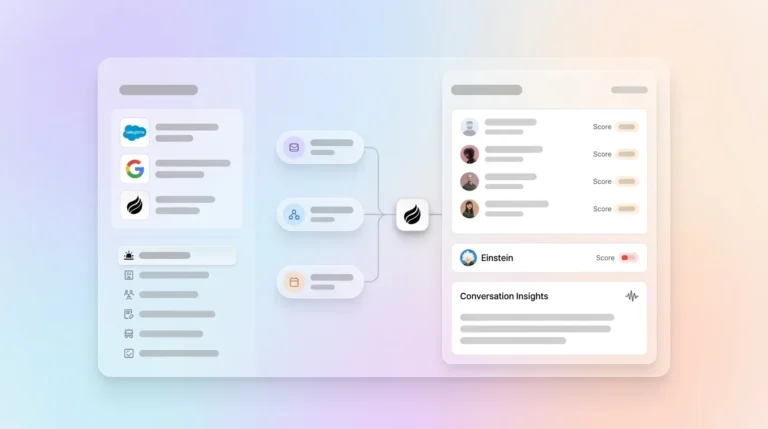
The most common audit mistake is measuring only deliberate CRM sessions. Hidden toggling time, such as switching between HubSpot, ZoomInfo, SalesLoft, and a call recorder, compounds the loss. Coffee’s Agent surfaces this immediately. Once connected to Google Workspace or Microsoft 365, it auto-logs every email touch, calendar event, and call, and gives RevOps an exact baseline of time spent before any change happens.
Common Pitfall: Most audits count only time inside the CRM. They miss the minutes spent copying a call summary from Fathom into Salesforce or manually creating a contact from an email signature.
Step 2: Pinpoint Why Syncs and Templates Still Need Human Help
Even in 2026, traditional CRM setups still require too much human action because email and calendar syncs only move structured, field-mapped data. When a rep renames a pipeline stage, adds a custom field, or receives a contract via email, the sync often breaks or silently drops the record. Templates standardize the format of entry but still require a human to initiate, fill, and submit them.
The architectural problem is clear. Traditional automation assumes clean, complete, and timely data to function without failure. Real sales data is messy and late. An email thread contains unstructured context, such as objections, budget signals, and stakeholder names, that a sync cannot parse. Coffee’s Agent ingests both structured fields and unstructured content like email text, call transcripts, and meeting notes, then writes coherent, enriched records back to the CRM automatically.
Common Pitfall: Teams enable a native HubSpot or Salesforce email sync, see contacts appearing, and assume the data problem is solved. The sync logs that an email was sent, but it does not log what was discussed, what the next step is, or whether the deal advanced.
Step 3: Automate Voice-to-CRM and Meeting Logging
Because the richest unstructured context lives in calls and meetings rather than email, the next step is to automate capture of that spoken content. In 2026, AI-powered CRM systems enable voice-to-CRM updates where a rep finishes a call and AI automatically creates the activity record without manual entry. Coffee’s AI Meeting Bot joins Zoom, Teams, and Google Meet calls to record, transcribe, and extract structured outputs such as goals, objections, stakeholders, and next steps. After the call, the Agent drafts the follow-up email directly in Gmail for the rep to review and send, with no copy-paste and no tab-switching.

The Agent structures its notes according to BANT, MEDDIC, or SPICED, so qualification data enters the CRM in a consistent format that pipeline reporting can use. Clarify’s architecture shows that recording meetings via Zoom, generating transcripts, and updating the pipeline in the background without human intervention can deliver a 90% reduction in CRM admin time for customers like Sift. Coffee’s Agent is built to match and exceed that benchmark for Salesforce and HubSpot users.
Common Pitfall: Teams deploy a standalone meeting recorder like Fathom or Gong but still require reps to copy summaries into the CRM. The transcription problem is solved, but the logging problem remains. Coffee closes that gap by writing directly to the CRM record.
Step 4: Replace Apollo and ZoomInfo With Unified Enrichment
Sales reps spend roughly 27% of their working hours dealing with inaccurate CRM data, equating to 546 hours per representative per year. Enrichment tools like Apollo and ZoomInfo improve data quality but introduce new issues such as duplicate fields, conflicting values, and a separate subscription that still requires a human to trigger lookups and resolve conflicts.
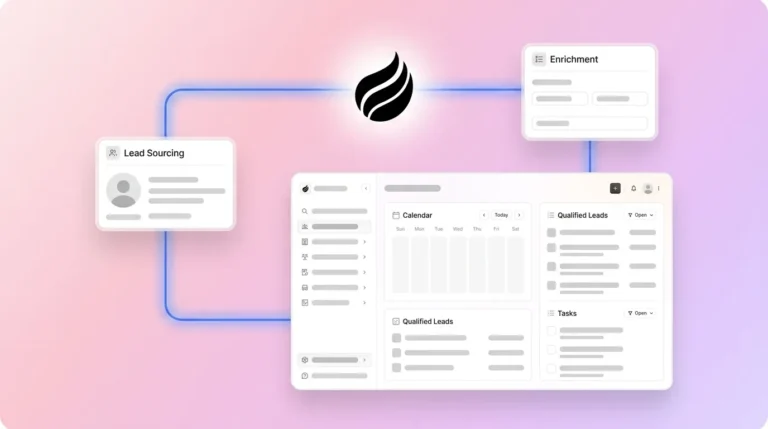
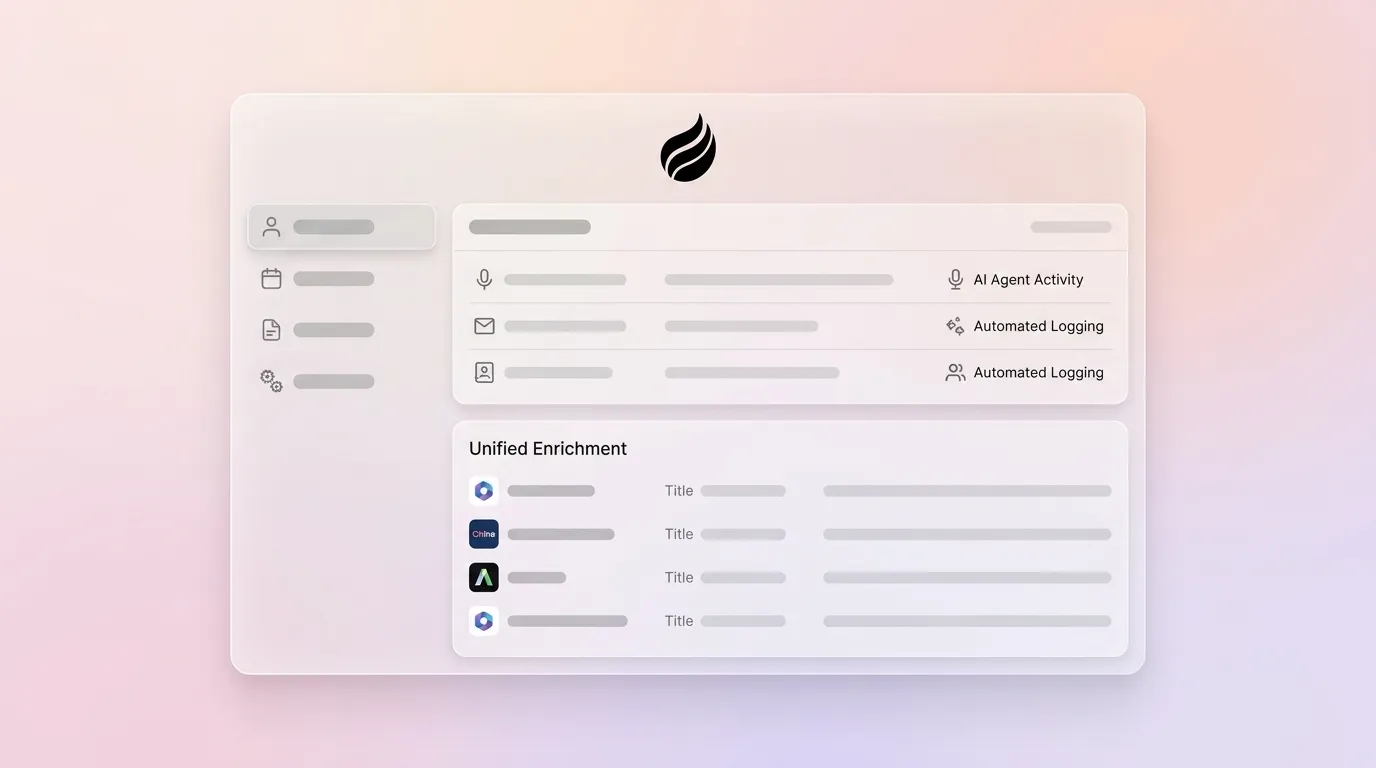
Coffee’s Agent augments records automatically via licensed data partners and fills job titles, funding rounds, and LinkedIn profiles the moment a new contact appears. No manual lookup is required. The Visitor Identification feature extends this further. A single tracking pixel on the company website turns anonymous traffic into named, enriched prospects. Where competitors surface only a company name or a raw list, Coffee’s Suggested Leads feature identifies the two or three specific individuals inside a visiting company who match the buyer persona, with LinkedIn profiles ready for immediate outreach.

Common Pitfall: Enrichment tools create duplicate fields when they write to a CRM that already has partial data. Coffee’s Agent resolves conflicts at the point of ingestion and avoids creating a cleanup task for RevOps.
Step 5: Match Coffee’s Deployment Model to Your CRM Stack
Coffee operates a dual-model strategy that aligns with team size and existing tools. For teams of 1–20 that have outgrown spreadsheets and Notion but find HubSpot or Pipedrive to be expensive manual chores, the Standalone AI-First CRM gives the Coffee Agent full control of the system of record from day one. For teams of 20–50 already committed to Salesforce or HubSpot, the Companion App deploys the Agent as an intelligent layer on top of the existing instance via one-click authentication, with no rip-and-replace required.
Both models are SOC 2 Type 2 and GDPR compliant, and data is never used to train public models. Current integrations beyond the native CRM connections run through Zapier, and deeper native integrations sit on the roadmap. The natural-language List Builder lets any user command the Agent with prompts like “Find me VPs of Sales in North America at companies with $10M+ funding using Salesforce” and receive an enriched, outbound-ready prospect list without touching a filter or export.

Common Pitfall: RevOps leaders assume that adding an AI layer means migrating data or retraining reps. The Companion App requires no workflow change from the rep, because the Agent observes existing communication channels and writes to the CRM silently.
Step 6: Track Time Savings and Data Quality Every Week
Validation depends on three metrics tracked weekly. The first is data-quality score, which measures the percentage of records with complete required fields. The second is a weekly time-saved report that compares hours of auto-logged activity against the baseline audit. The third is rep adoption rate, which measures the percentage of deals with Agent-generated notes versus manually entered notes. Coffee’s Pipeline Compare feature provides the week-over-week pipeline visibility needed to track the second and third metrics, such as progressed deals, stalled opportunities, and new additions, without a spreadsheet or a manual CSV export.
AI pipeline management that automates activity logging from email, calendar, and call recordings returns hours of selling time to reps each week, with small sales teams seeing the highest relative impact. For a 10-person team reclaiming even 8 hours per rep weekly, that is 80 additional selling hours per week, which equals two full-time headcount added without a hire.
Agent vs. Legacy CRM Automation Methods
The table below summarizes how Coffee’s Agent approach differs from traditional email and calendar syncs and template-based workflows across the four capabilities that determine whether a CRM can truly eliminate manual data entry.
| Capability | Email/Calendar Sync | Templates + Point Solutions | Coffee Agent |
|---|---|---|---|
| Structured data logging (fields, stages) | Partial, and still requires human action to complete records | Partial, because a human must initiate and submit | Automatic, as the Agent writes to CRM on every interaction |
| Unstructured data (email text, transcripts) | Not supported, since traditional automation assumes clean, complete data | Not supported, because templates require structured input | Fully supported, as the Agent parses and structures unstructured content |
| Post-call summary and follow-up drafting | None | Manual copy-paste from recorder to CRM | Automatic, and AI creates the activity record and drafts follow-up without manual entry |
| Contact and company enrichment | None, which requires a separate Apollo or ZoomInfo subscription | Manual lookup, and inaccurate data still wastes hundreds of hours per rep each year | Automatic, as the Agent enriches via licensed partners at contact creation |
Conclusion: Move to a CRM That Updates Itself
The six-step sequence above, which includes auditing, diagnosing syncs, deploying meeting automation, unifying enrichment, choosing the right Coffee model, and validating with Pipeline Compare, maps directly onto the buying journey for any Head of Sales or RevOps leader at a 10–50-person company. Each step removes a layer of human involvement. The end state is a CRM that is always current, always enriched, and never dependent on rep discipline.
With the majority of rep time consumed by non-selling tasks (as noted in Step 1) and 13 hours per week lost to manual data entry, the cost of inaction is measurable and compounding. Legacy syncs move structured fields. Templates standardize the format of human effort. Only an AI agent that analyzes context, adapts to situations, and makes intelligent decisions removes the human step entirely. Coffee is built to do that for both Salesforce and HubSpot users, without requiring a migration, a behavior change, or additional headcount.
Frequently Asked Questions
How does Coffee eliminate manual CRM data entry without requiring reps to change their workflow?
Coffee’s Agent connects to the communication tools reps already use, such as Gmail, Google Calendar, Microsoft 365, Zoom, and Teams, and observes activity passively. When a rep sends an email, takes a meeting, or completes a call, the Agent automatically creates or updates the corresponding CRM record, logs the activity, extracts next steps, and drafts any follow-up communication. The rep never opens the CRM to enter data. Because the Agent works in the background of existing tools, there is no new interface to learn and no process to adopt. The behavior change is zero, and the data quality improvement is immediate.
What is the difference between Coffee’s Standalone CRM and the Companion App for Salesforce or HubSpot?
The Standalone CRM is designed for teams of 1–20 people that want the Coffee Agent to serve as their entire system of record. It replaces HubSpot, Pipedrive, or a spreadsheet-based setup with an AI-first platform where the Agent manages all data in and all insights out. The Companion App is designed for teams of 20–50 that are already committed to Salesforce or HubSpot and cannot or do not want to migrate. It deploys the Coffee Agent as an intelligent layer on top of the existing CRM via one-click authentication. The Agent handles all data entry, enrichment, and logging, then writes clean records back to Salesforce or HubSpot. Both models are SOC 2 Type 2 and GDPR compliant, and neither requires reps to change how they work.
Does Coffee replace enrichment tools like Apollo or ZoomInfo?
For most use cases at 10–50-person companies, Coffee can replace separate enrichment tools. Coffee’s Agent automatically enriches new contacts with job titles, company data, funding information, and LinkedIn profiles via licensed data partners the moment a contact is created, with no manual lookup required. The Visitor Identification feature adds a further layer by turning anonymous website traffic into named, enriched prospects with Suggested Leads that match a defined buyer persona. Teams that currently pay separately for Apollo or ZoomInfo and still require reps to trigger lookups and resolve duplicate fields can consolidate that function inside Coffee. For teams with highly specialized enrichment requirements, Coffee’s data quality is on par with major providers for standard use cases, and the built-in enrichment is included in the seat-based price.
How does Coffee handle data security and compliance?
Coffee is SOC 2 Type 2 certified and GDPR compliant. Customer data is not used to train public AI models. The Agent accesses communication data, including emails, calendar events, and call transcripts, solely to populate and maintain CRM records for the subscribing organization. For teams in regulated industries or large enterprises with custom security review requirements, Coffee is transparent that its current profile is best suited to small and mid-sized companies rather than organizations requiring multi-year compliance audits.
How quickly can a team validate time savings after deploying Coffee?
Most teams see measurable results within the first week. Coffee’s Agent begins auto-logging from the moment it connects to Google Workspace or Microsoft 365, so RevOps leaders can compare the volume of automatically logged activities against the pre-deployment baseline almost immediately. The Pipeline Compare feature provides week-over-week pipeline visibility without any manual reporting, so the first weekly review after deployment typically surfaces both the time saved and the improvement in data completeness. A formal validation framework tracks three metrics, which are data-quality score, weekly time-saved report, and rep adoption rate, and all of them are visible inside Coffee without additional configuration.