Written by: Doug Camplejohn, CEO & Co-Founder, Coffee
Key Takeaways
- Deal scoring breaks when it relies on manual rep data entry, which inflates scores and produces unreliable forecasts that waste manager time.
- A simple model with 5–7 criteria on a 0–3 scale and clear multipliers creates transparent, buyer-driven scores any RevOps team can run.
- Mapping this model into HubSpot or Salesforce with calculated fields and color thresholds makes pipeline health instantly scannable without extra work.
- The Coffee agent automates MEDDIC/BANT signal capture from emails, calls, and calendars, then writes locked scores directly into your CRM.
- Teams ready to eliminate manual deal scoring can get started with Coffee today.
Step 1: Choose 5–7 Buyer-Driven Deal Scoring Criteria
Deal scoring works best when every criterion reflects observable buyer behavior, not rep opinion. MEDDICC coverage—Metrics, Economic Buyer, Decision Criteria, Decision Process, Identified Pain, Champion, and Competition—serves as a proven buyer-qualification framework for deal scoring, and it maps directly to the signals Coffee captures automatically from emails, calls, and calendars.
Recommended criteria set:
- Budget Confirmed, documented evidence of allocated spend
- Authority / Economic Buyer Identified, named decision-maker engaged
- Need & Quantified Impact, pain articulated with measurable metrics
- Timeline Defined, a specific go-live or decision date on record
- Decision Process Mapped, procurement steps and approvers documented
- Champion Confirmed, internal advocate actively selling on your behalf
- Competitive Position, known alternatives and differentiation documented
Criteria drift over time as your ICP evolves, which means a criterion that predicts close today may lose predictive power in six months. To catch this drift early, schedule a quarterly review with sales leadership to retire criteria that no longer predict close and add new signals surfaced by the Coffee agent's pipeline data.
Step 2: Build a 0–3 Scale with Concrete Buyer Evidence
Clear, concrete scales prevent gaming and keep scores honest. Each integer on the scale should map to a specific buyer-observable event, not a rep's impression. Engagement signals such as proposal opens, time spent on pricing sections, and e-signature status are among the strongest predictors of close and translate cleanly into a 0–3 scale.
The table below shows how to translate buyer evidence into concrete scores for two common criteria, Budget and Timeline. It illustrates the progression from no signal (score 0), to vague mentions (score 1), to verbal confirmation (score 2), and finally to written documentation (score 3).
| Score | Definition | Budget Example | Timeline Example |
|---|---|---|---|
| 0 | No evidence | Budget not discussed | No date mentioned |
| 1 | Mentioned, unconfirmed | Rep heard “we have budget” | Vague “this quarter” reference |
| 2 | Confirmed verbally | Dollar range stated on call | Specific month confirmed |
| 3 | Documented in writing | Budget approval email on file | Signed project timeline received |
The pitfall: reps routinely assign 2s when the evidence supports a 1. Coffee eliminates this by reading the actual call transcript and email thread to assign the score, which removes subjective interpretation entirely.
Step 3: Weight Criteria and Add Color Coding for Fast Reviews
Weighted multipliers keep the model realistic because not all criteria carry equal predictive power. Need & Impact drives close probability more than timeline, so it earns a higher multiplier. A 100-point heuristic model allocates 40 points to engagement and activity signals, 25 to pipeline velocity and health, 15 to critical field coverage, and 20 to commercial factors, and this distribution informs the multipliers below.
The following table translates that research-backed distribution into practical multipliers for each criterion. Need & Impact receives the highest weight (×3) because it predicts close probability more reliably than structural factors such as timeline.
| Criterion | Multiplier | Max Points | Rationale |
|---|---|---|---|
| Need & Quantified Impact | ×3 | 9 | Strongest close predictor |
| Budget Confirmed | ×2 | 6 | High commercial weight |
| Authority / Economic Buyer | ×2 | 6 | Deal stalls without this |
| Champion Confirmed | ×2 | 6 | Internal selling drives velocity |
| Decision Process Mapped | ×1 | 3 | Structural, lower variance |
| Timeline Defined | ×1 | 3 | Lagging indicator |
| Competitive Position | ×1 | 3 | Context, not a blocker |
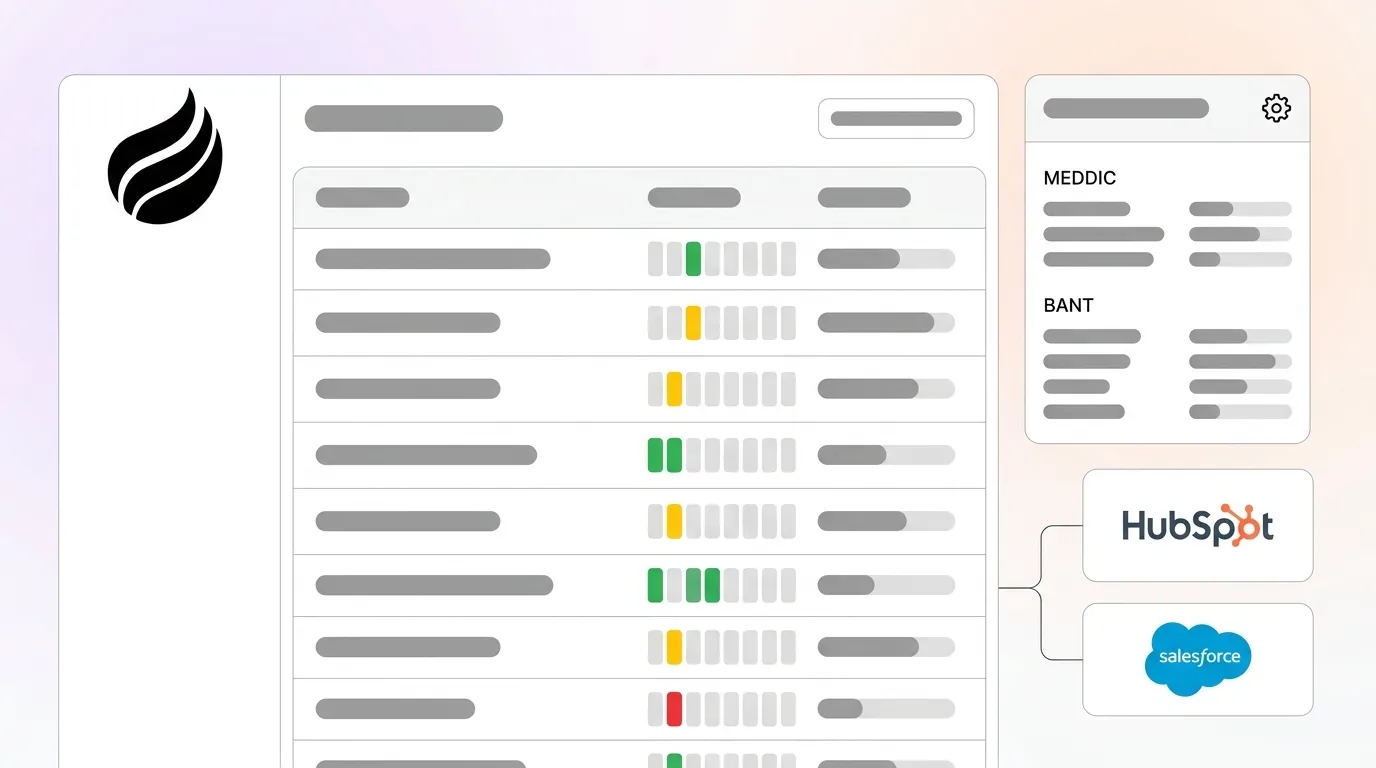
Maximum possible score: 36. Apply color thresholds to pipeline views: green at 80–100% (29–36 points), yellow at 50–79% (18–28 points), and red below 50% (under 18 points). These thresholds tie the numeric score to a simple visual signal, so managers can scan score health in seconds during pipeline reviews without reading individual field values.
Step 4: Map the Model into HubSpot or Salesforce
HubSpot's scoring tool supports engagement and fit scores usable in workflows, segments, and reports.
In HubSpot, create seven custom number properties, one per criterion with values from 0 to 3, and one calculated property that applies the multipliers and sums the total. In Salesforce, use formula fields for each weighted criterion and a roll-up summary or additional formula field for the composite score. Set the color-coded thresholds as conditional formatting rules in your pipeline view or as workflow-triggered field updates. No new manual entry appears at this stage, because the fields exist to receive data written by the Coffee agent in Step 5.
Step 5: Configure Coffee to Auto-Capture MEDDIC/BANT Signals
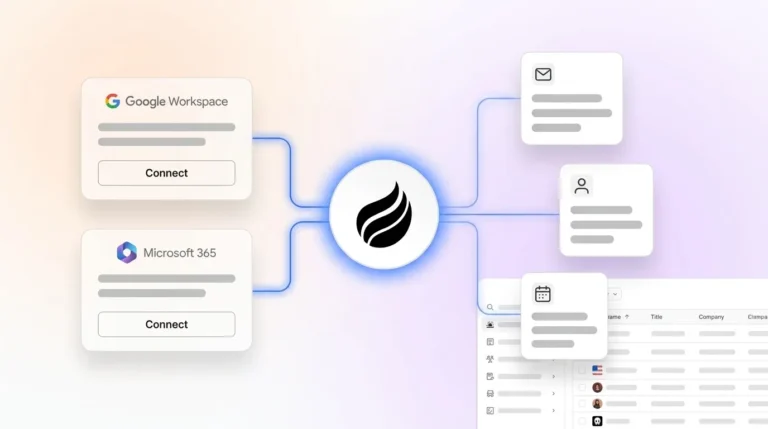
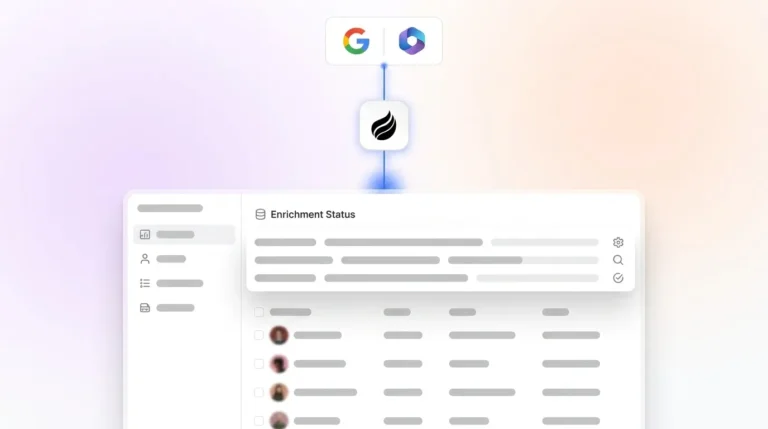
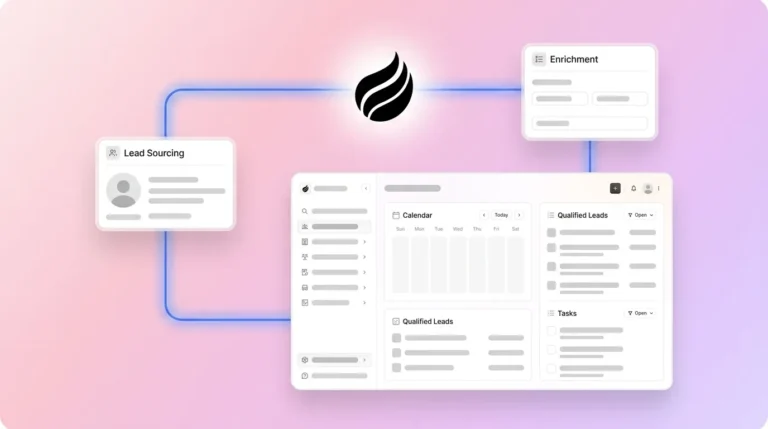
With the CRM fields now in place, this is where manual scoring ends. Coffee connects to Google Workspace or Microsoft 365 and immediately begins reading emails, calendar invites, and call transcripts. It identifies qualification signals, such as a budget figure mentioned on a call, a decision-maker introduced over email, or a signed timeline in an attachment, and then writes the corresponding 0–3 score directly to the CRM fields built in Step 4.
Signal-based qualification replaces static, easily gamed lists with real-time buyer signals that are harder for reps to manipulate and easier to audit. A rep cannot upgrade a Budget score from 1 to 3 without an actual email or transcript excerpt to support it, because Coffee will not find the evidence. Organizations using signal-qualified leads often report improved conversion rates, larger average deal sizes, and more closed deals per quarter than those relying on traditional lead scoring methods.
Get started with Coffee to automate MEDDIC capture inside your existing CRM.
Step 6: Use Pipeline Compare Views to Track Score Changes
Coffee's Pipeline Compare feature visualizes week-over-week changes across every deal in the pipeline. It surfaces which deals gained score points because new qualification evidence appeared, which stalled because no new signals were detected, and which regressed because a stakeholder went dark or a timeline slipped.
AI flags at-risk deals based on observable signals such as slowing engagement, extended time in stage, or missing key stakeholders, surfacing deal quality based on behavior rather than subjective rep judgment. In HubSpot or Salesforce, configure a saved pipeline view filtered by composite score with the color thresholds from Step 3 applied. Coffee's compare layer then annotates each deal with the delta since the last review period, which removes the need for manual CSV exports or spreadsheet comparisons.
Sales teams using AI CRM solutions often see reduced forecast variance after implementing standardized, auditable qualification processes.
Step 7: Lock Review Cadences to Agent-Generated Scores
The final step is organizational and focuses on review cadences that prevent manual scoring from creeping back into the process. Review cadences must be anchored to Coffee-generated scores exclusively, with no overrides based on rep verbal updates during the meeting, because allowing verbal overrides reintroduces the subjective inflation the agent was built to eliminate.
Recommended cadence:
- Weekly pipeline review (30 min): RevOps or the sales manager reviews the Pipeline Compare view. Deals that dropped score points are discussed, and deals that gained points are advanced. Owner: Head of Sales.
- Bi-weekly forecast call (45 min): Only green-scored deals enter the commit category. Yellow deals require a documented path to green within two weeks. Owner: RevOps.
- Monthly model audit (60 min): Compare predicted close rates by score band against actual outcomes. Adjust multipliers if a criterion is over- or under-predicting. Owner: RevOps with sales leadership.
Validate Your Simple Deal Scoring Model
After 60 days, run three checks to confirm the model works as intended. First, check data quality and confirm that Coffee has populated all seven criterion fields on at least 90% of active deals. Gaps indicate a signal type, such as a specific call platform, that still needs to be connected.
Second, check adoption and measure whether managers use score bands to make stage-advancement decisions rather than relying on rep verbal updates. Third, check forecast accuracy and compare the close rate of green-scored deals against yellow and red. Use improved conversion rates as a directional target for your first 90-day review.
Adjust the Model for Scale and Different Sales Motions
Growing teams can keep the core structure while tailoring weights by motion. For teams scaling past 50 reps, segment the scoring model by sales motion. Enterprise deals with multi-threaded buying committees weight the Champion and Decision Process criteria more heavily, while transactional SMB deals weight Budget and Timeline.
Coffee supports multiple scoring configurations written back to the same CRM instance, so each segment gets a calibrated model without separate tooling. Intent and signal data should flow directly into CRM scoring rather than remaining in separate tools, enabling integrated, centralized, and inspectable deal records. For partner-sourced or channel deals, add a Relationship Strength criterion scored on co-sell meeting frequency captured from calendar data, a signal Coffee captures automatically.
Frequently Asked Questions
How long does it take to set up a simple scoring model on a 0–3 scale?
Most RevOps teams complete the full setup in one to two weeks. The first two to three days cover criteria selection and stakeholder alignment. Field configuration in HubSpot or Salesforce takes another two to three days, depending on the complexity of existing custom properties.
Connecting the Coffee agent requires a single authentication to Google Workspace or Microsoft 365, after which Coffee begins capturing signals immediately. The first scored pipeline view is typically live within ten business days of starting.
Who owns maintenance once the Coffee agent is running?
Day-to-day maintenance stays minimal because Coffee handles data capture autonomously. RevOps owns the monthly model audit, reviewing whether score bands predict close rates accurately and adjusting multipliers when they drift. Sales leadership owns the quarterly criteria review to retire or add signals as the ICP evolves.
The Coffee agent itself requires no manual retraining, because it updates its signal detection as new emails, calls, and calendar data flow in.
Is deal scoring in HubSpot without manual entry secure?
Yes. Coffee is SOC 2 Type 2 and GDPR compliant. Data captured from emails, calendars, and call transcripts is not used to train public models. Scores written back to HubSpot or Salesforce are governed by the same role-based access controls already in place in your CRM.
Because Coffee writes scores from source evidence rather than rep input, the audit trail is cleaner than a manually maintained system, and every score change is traceable to a specific email, transcript, or calendar event.
What changes as the team grows?
The core 0–3 scale and weighted multiplier structure scales without modification. What changes is segmentation: larger teams typically need two to three scoring configurations mapped to distinct sales motions, such as enterprise, mid-market, and SMB, rather than a single universal model.
Coffee supports multiple configurations writing to the same CRM instance. Governance also becomes more important at scale, and clear rules about which agent outputs can be manually overridden, none by default, prevent score gaming from re-entering the system as headcount grows.
Conclusion
The scoring structure outlined in this guide, with buyer-driven criteria, transparent scales, and automated signal capture, gives RevOps a system that is simple enough for every rep to understand and rigorous enough to produce trustworthy forecasts. The Coffee agent removes every manual step by capturing MEDDIC and BANT signals from emails, calls, and calendars and writing locked scores directly into HubSpot or Salesforce.
The result is a pipeline where scores reflect reality, forecasts reflect scores, and managers spend review time on strategy instead of data interrogation. Get started with Coffee and build a deal scoring model that runs itself.