Written by: Doug Camplejohn, CEO & Co-Founder, Coffee | Last updated: September 3, 2026
Key Takeaways
- Integrated CRM data management removes manual entry errors by automating capture, cleaning, enrichment, and monitoring inside one system.
- Pipeline inaccuracy creates a revenue problem. Most reps spend more time on data entry than on selling.
- Three root causes drive most pipeline inaccuracy: manual data entry, fragmented tool silos, and weak stage governance.
- The four pillars of integrated CRM data management – automatic activity capture, real-time enrichment, automated financial calculations, and unified tech stack integration – create an ongoing data quality loop.
- Shift data entry off your reps and use an AI agent like Coffee to keep your pipeline accurate.
The True Cost of an Inaccurate Pipeline
Pipeline inaccuracy directly damages revenue. As noted above, most reps spend more time on data entry than on selling, based on market data shared by Coffee. A rep who should be closing deals instead types notes, logs activities, and updates fields.
Consider a concrete example. A deal stalls because a rep forgets to log a follow-up call. The next meeting gets scheduled two weeks late. The prospect goes cold, and the deal slips. Forecasts also miss when reps enter close dates optimistically instead of accurately. Every inaccurate field compounds into a pipeline that leadership cannot trust.
The downstream consequences are significant:
- Bad forecasts: Leadership makes hiring and investment decisions on numbers that do not reflect reality.
- Wasted effort: Reps chase deals that were never qualified and neglect deals that were further along than the CRM showed.
- Lost revenue: Deals slip through cracks because activities were not logged and follow-ups were missed.
- Eroded trust: When the CRM is wrong, reps stop using it and build a “shadow CRM” in spreadsheets and Notion. Data quality then declines even further.
Pipeline accuracy requires ongoing operational discipline. Teams need the right systems and the right agent to handle the work.
Root Causes of Pipeline Inaccuracy
Teams fix pipeline accuracy faster when they first diagnose why it is broken. Three root causes explain most pipeline inaccuracy.
Manual Data Entry and the “Garbage In, Garbage Out” Problem
Legacy CRMs like Salesforce and HubSpot assume busy humans will reliably input data. They rarely do. Reps forget to log calls, delay updating stages, and enter close dates based on hope rather than evidence. Every manual entry creates a chance for error, omission, or bias. The result is a CRM full of stale, incomplete, and inaccurate data. Forecasts built on that data quickly drift away from reality.
Data Silos from Fragmented Tools
Most sales teams run on a patchwork of point solutions: HubSpot for records, ZoomInfo for enrichment, Salesloft for outreach, Fathom for recording. Each tool captures a fragment of the customer journey, yet nothing unifies it. Reps toggle between multiple tabs to piece together a single account’s history. Data lives in silos, and the CRM, the supposed system of record, only sees part of the picture.
Unclear and Inconsistent Stage Governance
Deals often move through the pipeline based on rep optimism instead of objective qualification. Without strict stage criteria, a deal with no budget, no authority, and no timeline can sit in “Discovery” for months. That behavior inflates the pipeline and distorts forecasts. Strong stage governance defines what “qualified” means and enforces those rules consistently.
These three root causes, manual entry, silos, and weak governance, are exactly what integrated CRM data management is designed to solve. The four pillars below form the foundation of that solution.
The Four Pillars of Integrated CRM Data Management
Integrated CRM data management rests on four pillars. Together, they create a data quality loop that keeps your pipeline accurate as an ongoing process.
Automatic Activity Capture
Every email sent, call made, and meeting held should appear in the CRM automatically. Manual entry should not stand between reality and your system of record. Automatic activity capture removes the number-one source of stale pipeline data: reps who forget to log their interactions. Coffee handles this natively by scanning email and calendar to log activities and update deal states in real time. When capture runs automatically, the pipeline reflects reality instead of rep memory.

Real-Time Data Enrichment
Contact roles change, companies get funded, and decision-makers move on. Real-time data enrichment connects external intelligence sources to refresh job titles, verify emails, and update company details. Standalone tools like ZoomInfo and Apollo handle this separately. Coffee includes enrichment natively via licensed data partners, so records stay current without another subscription or another silo.

Automated Financial Calculations
Revenue stages, deal amounts, and close dates should be calculated automatically instead of typed by reps. Manual calculations invite mistakes. A rep types $50,000 instead of $500,000 or pushes a close date to next quarter to protect this quarter’s number. Automated financial calculations link custom fields directly to deal totals. Reps cannot introduce calculation errors into forecasts when the system handles the math.
Unified Tech Stack Integration
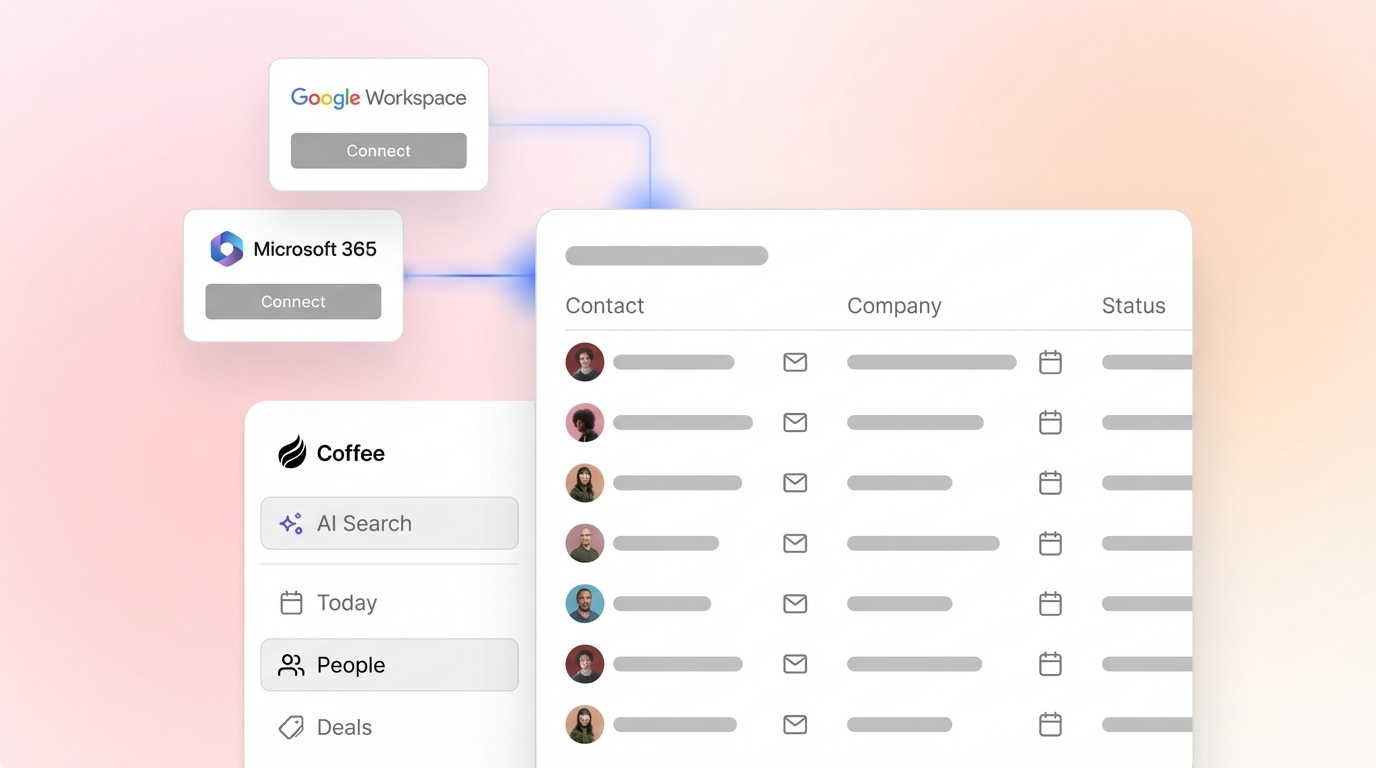
Your CRM should connect with email, calendar, meeting platforms, and marketing tools to create a single, synchronized source of truth. Fragmented tools create fragmented data. Coffee acts as a companion to Salesforce or HubSpot or as a standalone CRM. In both setups, it unifies data streams and removes silos.
See how Coffee operationalizes the four pillars for your team.
Best Practices for Maintaining Clean Data
Teams maintain pipeline accuracy with consistent habits. These five best practices keep your data quality loop running.
- Enforce strict stage criteria. Define exact, measurable requirements for a deal to move from one pipeline phase to the next. Clear rules prevent deals from advancing on optimism alone.
- Automate deduplication. Run background tasks that merge duplicate contacts and remove redundant records. This step protects pipeline accuracy and saves rep time.
- Set up deal aging alerts. Trigger automated notifications when opportunities sit too long in a single stage without contact. Stale deals signal pipeline inaccuracy early.
- Require mandatory fields. Make key data points, such as close date, deal amount, and next step, required before a deal can advance. Deals only move forward when the data exists.
- Conduct regular data audits. Review pipeline data monthly to find gaps, duplicates, and stale records. Use the audit checklist below as your starting point.
Use this checklist to audit your pipeline data and identify gaps before you roll out the best practices above.
Pipeline Accuracy Audit Checklist:
- What percentage of required fields are filled across all open deals?
- How many duplicate contacts or companies exist in the CRM?
- How many deals have gone more than 14 days without logged activity?
- What percentage of closed deals had accurate close dates at the time of closing?
- How many deals sit in stages where they do not meet the defined criteria?
How to Measure Pipeline Accuracy
Teams improve pipeline accuracy faster when they track it explicitly. These five metrics give you a clear picture of pipeline health and a benchmark to measure progress over time.
- Forecast vs. Actual: Compare forecasted revenue to actual closed revenue. A consistent gap above 10–15% signals unreliable pipeline data.
- Data Completeness: Track the percentage of required fields filled across all open deals. Aim for at least 95% completeness on critical fields like close date, deal amount, and next step.
- Duplicate Rate: Measure the percentage of duplicate contacts and companies in your CRM. A rate above 5% points to a data hygiene problem.
- Close-Date Accuracy: Track how often deals close in the quarter they were forecasted. Frequent slips reveal optimistic or inaccurate close dates.
- Deal Aging: Monitor how long deals sit in each stage. Deals that stall for more than 30 days without activity sit at high risk and distort your pipeline.
Track these metrics weekly and review them in your pipeline meeting. As these numbers improve, your forecasts become more reliable.
The Role of AI Agents in Eliminating Manual Entry
Traditional CRMs behave like passive databases. They wait for humans to feed them data, and when humans do not, gaps and errors appear. AI agents flip this model by actively capturing, enriching, and logging data on your behalf.
Before Coffee: Reps spend hours each week entering contacts, logging activities, and updating deal stages. They toggle between HubSpot, ZoomInfo, Salesloft, and Fathom to reconstruct a customer’s history. The CRM feels like a chore, and the data always lags behind reality.
After Coffee: The agent handles the busywork. It auto-creates contacts and companies from email and calendar, enriches records via licensed data partners, logs activities automatically, and prepares meeting briefings and summaries. Reps return their focus to selling, and the CRM reflects reality in real time.

Coffee saves reps 8–12 hours per week. That time goes back into selling. Because the agent ensures high-quality data going into the system, you get accurate pipelines, trustworthy forecasts, and pipeline intelligence you can act on. Coffee’s Pipeline Compare feature visualizes week-over-week changes automatically and turns pipeline reviews into strategic discussions.
Coffee works two ways: as a standalone AI-first CRM for small teams or as a companion app that sits on top of your existing Salesforce or HubSpot instance. In both cases, the agent handles data entry work, so your team does not have to. Coffee is SOC 2 Type 2 and GDPR compliant, and your data is never used to train public models.
Let Coffee handle your data entry and free your reps to sell.
Implementation Plan: From Messy Pipeline to Accurate Forecast
Teams move from messy pipeline to accurate forecast by following a clear rollout plan. Use these five steps as your roadmap.
- Audit your current pipeline data. Run the checklist above and identify your biggest data quality gaps.
- Define your stage criteria and required fields. Document exactly what qualifies a deal for each stage and make key fields mandatory.
- Automate data capture with an AI agent. Deploy Coffee as a standalone CRM or as a companion to Salesforce or HubSpot. Let it auto-log activities, create records, and enrich contacts.
- Set up enrichment and deduplication rules. Configure automated deduplication and real-time enrichment so records stay clean without manual effort.
- Monitor metrics weekly. Track forecast vs. actual, data completeness, duplicate rate, close-date accuracy, and deal aging. Review these metrics in every pipeline meeting.
Frequently Asked Questions
What is CRM accuracy?
CRM accuracy measures how closely the data in your CRM matches reality. It covers data completeness, such as whether required fields are filled. It covers correctness, such as whether close dates and deal amounts are right. It also covers currency, such as whether the data stays up to date. High CRM accuracy means your pipeline and forecasts stay trustworthy. Low CRM accuracy means leadership makes decisions based on fiction and reps waste time on deals that sit at the wrong stage.
Will CRM be replaced by AI?
AI is transforming traditional CRMs instead of removing them. Legacy CRMs behave like passive databases that rely on humans for data entry. AI agents like Coffee automate the data entry work and turn the CRM into a strategic asset. The CRM remains in place and becomes accurate and useful because an agent keeps it that way. For teams already committed to Salesforce or HubSpot, Coffee deploys as a companion app that feeds clean data into the existing system without a migration.
What is the best CRM for sales reps?
The best CRM is the one reps actually use every day. Reps abandon CRMs that demand constant manual data entry and gravitate toward tools that handle the work for them. An AI-powered CRM like Coffee removes the data entry burden by automatically logging activities, creating contacts, and enriching records. Reps then rely on the CRM instead of resenting it. As usage increases, data quality improves for everyone, including leadership and RevOps.
How much time do sales reps spend on data entry?
According to market data shared by Coffee, 71% of sales reps say they spend too much time on data entry, leaving only 35% of their time for actual selling. AI agents like Coffee reclaim that time by automating data capture, enrichment, and activity logging. Reps save 8–12 hours per week and invest that time in selling, prospecting, and building customer relationships.
What is the difference between a standalone AI CRM and a CRM companion app?
A standalone AI CRM, like Coffee’s primary offering for small teams, replaces the legacy CRM entirely. The Coffee Agent powers the full system of record and handles all data entry, enrichment, and pipeline intelligence natively. A companion app, like Coffee’s offering for Salesforce and HubSpot users, deploys the Coffee Agent as an intelligent layer on top of an existing CRM installation. The agent manages the data-in process, logs activities, enriches records, and captures meeting insights, then writes the results back to the primary CRM. Teams gain the benefits of an AI agent while keeping their existing system and data.
Conclusion
Pipeline accuracy depends on a continuous data quality loop of capture, clean, enrich, and monitor. Legacy CRMs break this loop because they depend on humans for data entry. AI agents like Coffee close the loop by automating the work and delivering accurate pipelines, trustworthy forecasts, and pipeline intelligence leadership can act on.
Shift the burden away from your reps and stop fighting your CRM. Hire an agent that handles data entry for you and watch your pipeline accuracy and forecasts improve.
Start your Coffee trial today and turn your CRM from a demanding landlord into a strategic asset.