Written by: Doug Camplejohn, CEO & Co-Founder, Coffee | Last updated: June 17, 2026
Key Takeaways
- AI sales agents run a continuous observe-decide-act loop that ingests CRM and conversation data, reasons over retrieved context, and executes actions via tool calls to update records or trigger workflows.
- Tool calling turns LLM decisions into concrete actions such as logging activities, updating deal stages, or drafting emails, and it depends on precise custom field mapping plus ongoing integration maintenance.
- Production deployments use tiered guardrails (Draft, Recommend, Commit) and human-in-the-loop controls to balance autonomy with safety, especially for high-risk actions like contract sends or record changes.
- Data quality is the primary failure mode for AI sales agents; stale or incomplete CRM records create irrelevant retrievals, flawed reasoning, and incorrect autonomous actions across the pipeline.
- Deploy Coffee to run reliable AI sales agents backed by clean, auto-ingested data and production-grade guardrails.
Foundational Knowledge Before You Add an AI Agent
You should already understand core CRM objects such as contacts, accounts, opportunities, and activities, plus how they relate in systems like Salesforce or HubSpot. You should also know the basics of REST API authentication, webhook triggers, and how a sales stack combines tools like a sequencer, enrichment, and conversation intelligence. With that foundation, the mechanics below translate directly into implementation steps.
The Core Loop: Observe, Decide, Act in a Sales Pipeline
AI agents operate through three steps: they perceive data from the environment via sensors, APIs, or prompts, reason through an LLM to plan and choose actions, and act through external tools such as CRMs, databases, or APIs. In sales, this loop runs across every touchpoint in the pipeline.
Step 1 — Observe. The agent ingests structured records such as contact fields, deal stages, and activity timestamps, along with unstructured conversation data like email threads, call transcripts, and meeting notes. AI sales agents connect to multiple data sources including CRM platforms, product catalogs, knowledge bases, and records of past customer interactions to inform their decisions. For retrieval-augmented generation (RAG), the agent queries a pre-indexed knowledge base that can include policy documents, competitor battlecards, and pricing tiers. It uses hybrid search that combines semantic matching for natural language with lexical matching for exact identifiers such as account IDs. RAG reduces hallucinations by grounding every AI response in verified, retrieved documents rather than relying solely on the model’s training data.
Step 2 — Decide. The LLM receives the retrieved context and reasons over it to select the next action. The operational loop of an AI agent consists of inputs, reasoning, tool calls, actions, and feedback, which lets the agent observe its environment, decide on next steps, and act with memory of prior iterations. In a sales workflow, the decision might be to draft a follow-up email, update the deal stage, flag the opportunity for human review, or trigger an enrichment lookup.
Step 3 — Act. The agent executes the chosen action through a tool call, such as an API request to the CRM, an email send through the connected inbox, or a calendar booking. Autonomous AI sales agents can log activity directly in the CRM and update records after completing tasks such as booking meetings or qualifying leads, following pre-approved workflows without requiring immediate human intervention. The result of that action becomes part of the next observation cycle and keeps the loop running.
See how Coffee implements this observe-decide-act loop in a production CRM.
Tool Calling and Action Execution in Real Sales Workflows
Tool calling converts an agent’s decision into a concrete change in your systems. The LLM emits a structured function call as a JSON payload that specifies the tool name and parameters, and the orchestration layer routes that payload to the correct API endpoint. In a sales context, common tool calls include logging a call activity to an opportunity record, updating a custom field with a budget figure extracted from a transcript, creating a new contact linked to an existing account, and drafting a follow-up email in the connected inbox.

The bidirectional data flow for AI agents involves reading existing CRM data such as company size, deal stage, and prior interactions, then writing call transcripts, extracted details like budget mentions or pain points, follow-up tasks, updated fields, and new related records back to the CRM. For these tool calls to work reliably, the agent must understand how to map unstructured conversation data to the CRM’s structured schema. Custom field mapping enables this translation across multiple objects including opportunities, contacts, accounts, and tasks, instead of relying on free-form notes.
Integrations require ongoing maintenance because vendors update APIs and data schemas shift, which can cause previously working agents to fail when CRM field names change. This production reality often stays hidden in vendor demos but matters for long-term reliability.
Guardrails, Approvals, and Human Oversight
Production human-in-the-loop patterns in AI agent deployments commonly split work into three levels: Draft, Recommend, and Commit, with oversight increasing as risk rises. The table below maps each level to its sales use case, approval mechanism, and guardrail type.
| Guardrail Level | Sales Use Case | Approval Mechanism | Guardrail Type |
|---|---|---|---|
| Draft | Follow-up email copy, meeting summary | Rep reviews before sending, QA sampling | Soft, human edits output before action |
| Recommend | Deal stage advancement, next-step suggestion | Confidence threshold, policy grounding check | Medium, agent proposes and human confirms |
| Commit | Contract send, discount approval, record deletion | Mandatory approval gate, audit trail required | Hard, no execution without explicit sign-off |
A common approval workflow uses synchronous interrupt-and-resume execution, where the workflow pauses at a decision point and waits for a human to approve, reject, or modify the action before resuming. Common action guardrails include least-privilege tool access, scoped tokens with expiration, hard caps on action frequency, and a distinct non-human identity for every tool so there is an audit record.
A frequent mistake assumes that a well-prompted agent will self-govern. Compile-time agent-level constraints are stronger than prompt-level instructions because models cannot override configuration settings. Effective guardrails live in the architecture layer, not only in the prompt.
Real-World Limitations and Failure Modes
Current AI sales agents perform reliably on structured, repeatable tasks and degrade on ambiguous inputs. AI sales agents frequently miss indirect objections, political context, and emotional subtext, which can stall complex enterprise deals. A 2026 study showed AI SDRs generated $56,000 in revenue compared to $147,000 for human SDRs, which highlights performance gaps in nuanced selling motions beyond simple qualification.
Data quality is the most direct lever on agent performance because every step in the observe-decide-act loop depends on accurate input. The quality of data feeding AI sales agents is the primary differentiator between platforms, and weak or incomplete data constitutes a core failure mode that produces generic or inaccurate outreach. When CRM records are stale or incomplete, the RAG retrieval step surfaces irrelevant context, the LLM reasons from bad premises, and the resulting action, such as an email, a field update, or a stage change, is wrong. Data quality and governance are prerequisites for reliable RAG implementations and require clear ownership, update processes, and validation checks before ingesting content into the knowledge base. This failure cascade explains why data quality dominates real-world outcomes for AI sales agents.
Without guardrails such as approval before sending, limited action permissions, audit logs, and scoped access by workflow type, AI sales agents can take unsafe or incorrect actions when writing to core systems like CRMs.
Autonomous vs. Assistive Agents in Sales Teams
Production oversight patterns distinguish human-in-the-loop, human-on-the-loop, and human-out-of-the-loop models. In sales, the practical boundary depends on deal risk and relationship sensitivity.
Assistive agents handle activity logging, meeting prep, summary generation, and draft emails, which are tasks where an error is recoverable. Autonomous agents handle inbound qualification routing, lead scoring updates, and pipeline stage progression, which are tasks where the cost of error is low and the volume is high. For complex B2B sales scenarios involving multi-stakeholder negotiations, custom pricing, or deep technical requirements, AI sales agents are configured to escalate to human SDRs rather than continuing autonomously. Escalation functions as a designed output of a well-architected agent, not a failure state.

Configure guardrail levels and autonomy settings for your pipeline in Coffee.
CRM Integration Patterns for AI Agents in 2026
AI agents connect to CRMs through two primary patterns. The first pattern uses a native or deep API integration where the agent authenticates directly against the CRM’s REST API, reads object schemas, maps fields, and writes back structured records. Data integration provides AI agents read access to structured sources like CRMs while action integration enables write-back operations such as updating CRM records, posting messages, creating tasks, and triggering workflows through API connectivity. The second pattern uses a standalone agent-first system of record that replaces the legacy CRM and ingests emails, calendars, and call transcripts as its primary data source.
Teams migrating from spreadsheets often prefer the standalone pattern because it removes the field-mapping complexity of a legacy CRM overlay. Teams committed to Salesforce or HubSpot use a Companion App pattern that deploys the agent as an intelligent layer that handles data ingestion and writes enriched, structured records back to the existing system. After every interaction, AI sales agents can update CRM records by logging notes, updating deal stages, and tracking lead pipeline position to maintain data accuracy.
Visitor identification adds a third integration vector. A tracking pixel resolves anonymous website traffic into named prospects with job title, email, and company data, and the agent routes those prospects directly into the pipeline without manual research.
How Coffee Runs Production-Grade AI Sales Agents
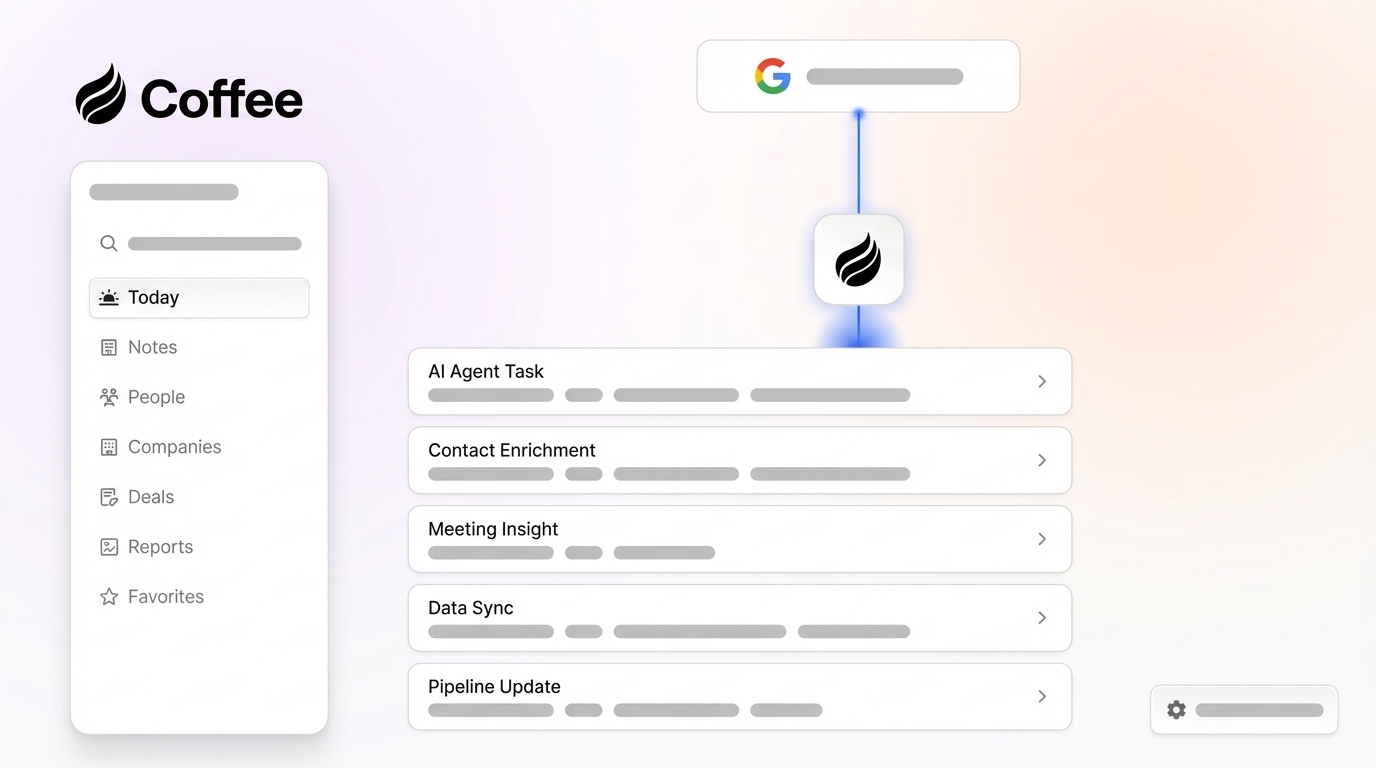
Coffee operates as an agent-first CRM that addresses the core failure mode discussed earlier by improving data ingestion and structure. The Coffee Agent connects to Google Workspace or Microsoft 365 and immediately begins auto-creating contacts, logging activities, and enriching records from emails, calendars, and call transcripts. This automation removes the manual entry step that often degrades data quality in legacy systems.
The agent runs across the full observe-decide-act loop. It observes by ingesting structured CRM records and unstructured conversation data from every meeting and email thread. It decides by reasoning over that unified context to generate meeting briefings, identify next steps, and flag pipeline changes. It acts by drafting follow-up emails for rep review at the Draft guardrail level, updating deal stages based on call signals at the Recommend level, and logging activities autonomously at the Commit level for low-risk writes. These actions reuse the activity logging and record updates described earlier.

Coffee supports two deployment models. The Standalone CRM replaces legacy systems for small to mid-sized teams that have outgrown spreadsheets but find Salesforce and HubSpot too dependent on manual entry. The Companion App deploys the Coffee Agent as an intelligent layer on top of existing Salesforce or HubSpot installations and handles the data-in process so the system of record stays accurate without human effort. Both models include Pipeline Compare, a week-over-week pipeline visualization powered by the agent’s built-in data warehouse, and visitor identification that converts anonymous site traffic into named, enriched prospects with suggested outreach targets.
Frequently Asked Questions
What tool-use permissions should an AI sales agent receive?
An AI sales agent requires read access to CRM objects including contacts, accounts, opportunities, and activity history, plus write access scoped to the specific fields and objects it is authorized to update. Permissions should follow the principle of least privilege discussed earlier, so the agent receives only the access required for its configured workflows. High-risk actions such as deleting records, sending external communications, or modifying deal ownership should require explicit human approval before execution. Scoped API tokens with expiration dates and a distinct non-human identity for the agent ensure every action is traceable in the audit log.
Is Coffee SOC 2 and GDPR compliant?
Yes. Coffee is SOC 2 Type 2 and GDPR compliant, and customer data is not used to train public models. For teams in regulated industries or those managing EU customer data, Coffee’s compliance posture supports standard security review processes. Heavily regulated industries such as healthcare and finance with multi-year security review requirements fall outside Coffee’s current ideal customer profile.
How much effort does integration with Salesforce or HubSpot require?
The Companion App model uses a single authentication step that connects the Coffee Agent to the existing Salesforce or HubSpot instance. After authentication, the agent begins syncing data, enriching records, and writing insights back to the primary CRM without extra configuration for standard objects. Teams with custom objects, required fields, or complex forecasting hierarchies, which are common in mid-market Salesforce deployments, benefit from Coffee’s experience with those integration patterns that newer agent-CRM tools lack. Broader integrations with third-party tools in the sales stack are currently available through Zapier, and deeper native integrations are on the roadmap.
Where do AI sales agents still need human support in complex B2B sales?
AI sales agents in 2026 reliably handle high-volume, repeatable tasks such as inbound qualification, activity logging, meeting scheduling, summary generation, and pipeline tracking. They degrade on tasks that require emotional intelligence, political judgment, multi-stakeholder negotiation, and custom pricing discussions. These scenarios require human escalation. The practical deployment model for complex B2B sales remains assistive, where the agent handles administrative and data tasks while human reps focus on relationship-building, objection handling, and closing. Agents configured with precise ICP criteria, structured qualification frameworks like MEDDIC or BANT, and clear escalation triggers perform significantly better than agents deployed with open-ended decision authority.
How does data quality shape what the agent can actually do?
Data quality is the single largest determinant of agent output quality. An agent that reasons over stale contact records, missing activity history, or unstructured notes without proper field mapping will produce inaccurate recommendations, irrelevant email drafts, and unreliable pipeline forecasts. The observe step of the loop only works as well as the data the agent can retrieve. This is why Coffee’s architecture prioritizes automated data ingestion from ground-truth sources such as emails, calendars, and call transcripts rather than relying on human entry. Clean, structured, continuously updated records unlock every downstream agent capability.
Next Steps: Deploy an Agent Layer That Protects Data Quality
The observe-decide-act loop stays reliable only when the data flowing into it is accurate and when actions are guarded. Production failures in 2026 deployments, including hallucinated recommendations, incorrect field updates, missed objections, and poor personalization, usually trace back to bad data at the observation step or missing guardrails at the action step. A clear solution emerges from the mechanics: deploy an agent that owns data ingestion from the source, enforces field mapping at write time, and applies the right guardrail level to every action class.
Coffee focuses on this problem for growing teams that need a standalone system of record and for established RevOps stacks that want an intelligent layer on top of Salesforce and HubSpot.
Deploy your AI sales agent on Coffee’s data-quality-first architecture.