Written by: Doug Camplejohn, CEO & Co-Founder, Coffee
Key Takeaways for RevOps and Sales Leaders
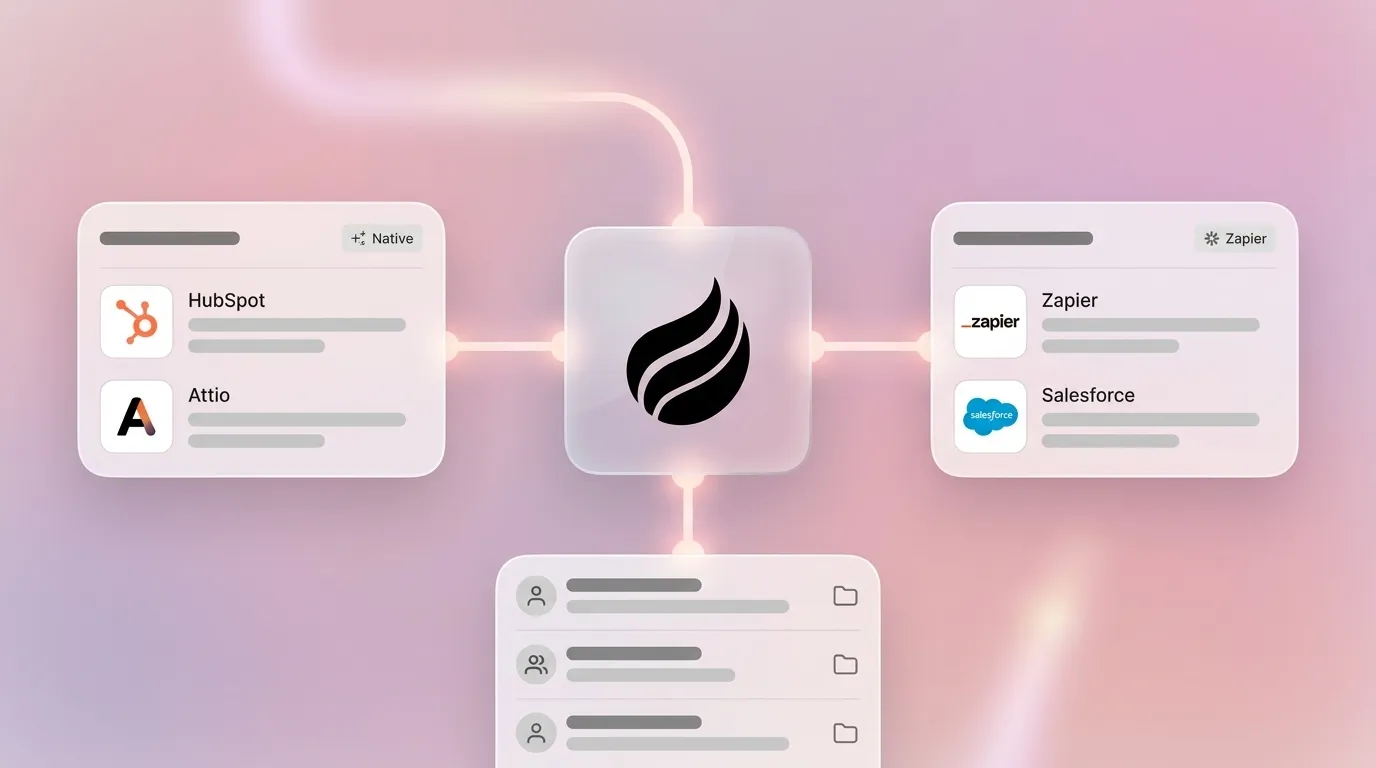
- Granola offers native CRM integrations only with HubSpot and Attio on its Business plan, with no direct Salesforce path available.
- Zapier-based workflows for Salesforce add setup complexity, ongoing maintenance, task-based pricing limits, and silent failure risks that increase operational burden.
- Coffee’s Companion App uses an autonomous agent to auto-match records, enrich data, and write structured notes back to Salesforce or HubSpot without manual intervention or Zapier.
- Granola’s native integrations require clean CRM data and still leave contact creation, enrichment, and deal updates as manual work for teams.
- Teams ready to eliminate record-matching issues and Zapier overhead can get started with Coffee to deploy an agent on their existing CRM.
Granola vs Coffee CRM Integration Comparison Table
| Criterion | Granola Native | Granola + Zapier | Coffee Companion App |
|---|---|---|---|
| Data quality & record matching | Notes pushed to matched contacts in HubSpot and Attio, no Salesforce native path, accuracy depends on clean audio | Structured fields mapped manually, duplicates and suppression state require recurring operational work | Agent auto-creates and enriches contacts from emails, calendars, and transcripts, associates every note to the correct record without manual mapping |
| Setup & maintenance effort | Business plan required ($14/user/month), OAuth connection, limited configuration | Medium-complexity workflows with branching and data mapping take 1–2 hours to build, ongoing monitoring required | Single authentication to existing Salesforce or HubSpot instance, agent handles sync continuously |
| Rep workflow friction | Low for HubSpot/Attio users, Salesforce users must route through Zapier or manual export | Reps must verify sync ran correctly, sales organizations report that saved time is often absorbed by checking whether AI output synced correctly | No rep action required post-call, agent writes summaries, action items, and follow-ups back to CRM automatically |
| Time saved vs. added | Saves manual note export, adds time when record matching fails or notes land on wrong contact | A 3-step Zap at 2,000 executions/month consumes 4,000 tasks, requires active cost governance and run monitoring | Agent saves reps 8–12 hours per week by eliminating data entry, enrichment, and post-call admin entirely |
| Reliability | Dependent on HubSpot/Attio API uptime, no fallback for failed pushes documented | Zapier retains Zap history for 29-69 days on most plans, with shorter custom retention available only on Company or Enterprise plans, limits audit and troubleshooting access | SOC 2 Type 2 and GDPR compliant, data warehouse architecture retains full interaction history for pipeline intelligence |
| Scalability | Scales within HubSpot/Attio, no path to Salesforce without third-party tooling | Task-based pricing grows quickly in multi-step outbound CRM sync workflows, creates cost forecasting difficulty at scale | Seat-based pricing, agent labor is unlimited, deep Salesforce and HubSpot integration including quotas, forecasting, and required fields |
Granola HubSpot and Attio Integrations: What Native Support Delivers
Granola supports native integrations with HubSpot and Attio on its Business plan at $14 per user per month. Teams already on HubSpot connect through OAuth and receive AI-enhanced notes on matched contact or deal records after each meeting. Granola also connects to Affinity and Zapier to push notes into CRMs and other tools, while the native path focuses on HubSpot and Attio.
For teams using these native integrations, the practical question for RevOps is whether notes land on the right record automatically. Under clean conditions, with a single speaker, clear audio, and English, most AI note-taking tools claim roughly 90–95% transcription accuracy, but real-world performance drops with overlapping speakers, background noise, strong accents, and non-English content. Transcription accuracy and record-matching accuracy behave as separate failure points, because a note can be transcribed correctly and still land on the wrong contact when the CRM has duplicate records or the meeting invite lacks the contact’s email address.
Attio users see a similar pattern. Attio’s flexible data model requires field mapping during setup, especially for customized workspaces that extend beyond default objects. These teams need to confirm that Granola’s output maps to the correct fields before trusting the integration for pipeline data.
Native integrations do not push notes to Salesforce. Teams running Salesforce as their system of record must use Zapier or a manual export workflow, which shifts the integration problem from a product limitation to an operational one.
Granola Salesforce via Zapier: Friction, Maintenance, and Hidden Admin Work
Salesforce users reach Granola’s integration through Zapier rather than a native connector. Native integrations are built directly into a product and typically offer deeper, more seamless functionality with minimal setup, while Zapier acts as a flexible middle layer that connects thousands of apps without native support. That flexibility introduces structural costs that compound as team size and meeting volume grow.
Setup time creates the first friction point. Migrating a medium-complexity workflow that includes branching, filters, and data mapping between automation platforms takes an estimated 1–2 hours per workflow. A Granola-to-Salesforce Zap that handles note content, contact matching, activity logging, and deal stage updates qualifies as medium-to-complex. Initial build time represents only part of the total cost.
Ongoing maintenance creates the larger operational burden. Cross-system data quality controls such as duplicates, ordering, and suppression state become recurring operational work when using Zapier for outbound CRM sync, shifting admin burden from manual data entry to ongoing workflow maintenance. When Salesforce field names change, when a new required field appears, or when Granola updates its output format, the Zap can break silently and stop delivering notes to the CRM.
Zapier connects to HubSpot and Salesforce via public APIs and cannot access native CRM features such as HubSpot Timeline Events, App Events, or Custom Objects without teams building and maintaining a separate Private App. RevOps teams that rely on custom Salesforce objects for deal qualification data hit a hard ceiling on what Zapier can write back to the CRM.
Pricing scales with volume rather than with seats. A 3-step Zap running at 2,000 executions per month consumes 4,000 tasks, which already exhausts Zapier’s Professional plan at $29.99 per month. A 15-person sales team running two to three meetings per rep per day crosses this threshold quickly and moves to higher Zapier tiers before the integration delivers the data quality that justified the investment.
Coffee Companion App: Agent-Based Alternative Without Zapier
Coffee’s Companion App deploys an autonomous agent on top of an existing Salesforce or HubSpot instance. The agent owns the entire data-in process, joins calls through a bot, transcribes and structures the conversation, matches the output to the correct CRM records, writes summaries and action items back to the deal, and drafts follow-up emails for rep review. No Zapier workflow enters the picture.

On data quality, the agent auto-creates contacts and companies by scanning emails and calendars, which keeps every note associated with the correct record before the meeting ends. It augments records with job titles, funding data, and LinkedIn profiles through licensed data partners, closing the enrichment gap that Granola’s note-push approach leaves open. The agent structures notes according to BANT, MEDDIC, or SPICED, so qualification data enters Salesforce or HubSpot in the fields that managers use for forecasting, not as unstructured text in a generic notes field.

On setup effort, a single authentication connects the Coffee agent to the existing CRM instance. The agent handles sync continuously without monitoring. Many sales organizations report that time savings from AI tools disappear when teams manually check whether AI output synced correctly into the CRM. The Coffee agent removes that verification step entirely.
On scalability, Coffee uses seat-based pricing with unlimited agent labor included. The agent understands Salesforce and HubSpot deeply, including quotas, forecasting, and required fields, which covers integration complexity that newer CRM alternatives have not yet solved.
Best-Fit Use Cases for Granola and Coffee in 2026
Granola’s native HubSpot integration fits teams of fewer than ten people that use HubSpot’s default contact and deal objects, run a low volume of meetings, and accept occasional manual cleanup when record matching fails. The $14 per user per month Business plan cost stays low, and setup time remains minimal for straightforward HubSpot configurations.
Granola’s native Attio integration fits a similar profile, especially for early-stage teams that use Attio as a lightweight CRM and want notes pushed to records without building automation. Organizations are advised in 2026 to start with native AI capabilities in the core CRM platform before layering third-party tools, reflecting a preference for native features when they deliver sufficient functionality with lower operational complexity. For simple use cases, Granola’s native integrations follow that logic.
The Granola-plus-Zapier path fits teams that need Salesforce connectivity and have a RevOps resource available to build and maintain the workflow. It does not fit teams without dedicated automation ownership, teams running high meeting volume, or teams that have customized their Salesforce instance with required fields and custom objects that Zapier’s public API cannot reach.
Coffee’s Companion App fits teams of 10 to 50 people committed to Salesforce or HubSpot that experience low CRM adoption, missing activity data, or RevOps cycles consumed by Zapier maintenance. Sellers use multiple tools to close deals, and tool sprawl can create incomplete context that produces duplicate tasks, generic outreach, and reporting that sales managers do not trust. The Coffee agent consolidates recording, enrichment, and CRM-write functions into a single layer, which reduces stack complexity while improving data quality.
Risks and Limitations of Granola CRM Integrations in 2026
The primary risk with Granola’s native integrations is incomplete automation. Notes reach CRM records, but the agent does not create missing contacts, enrich records, log activity fields, or update deal stages. The integration delivers transcript content to the CRM and stops there, without owning the broader data-in process. Teams that expect the integration to replace manual CRM hygiene encounter this gap quickly.
Record-matching failures create a second documented risk. When a meeting includes participants whose email addresses are not in the CRM, or when the CRM contains duplicate contact records, notes either fail to push or land on the wrong record. The recommendation to test any AI note taker with actual recordings from your own meeting environment before committing applies equally to the CRM integration layer, not just to transcription accuracy.
Teams using Zapier often underestimate maintenance. Companies that buy AI tools in isolation without first mapping where employees copy information between systems often find that the tools expose rather than resolve internal workflow friction. A Granola-to-Salesforce Zap that works correctly at setup will require updates when either platform changes its API, when CRM field requirements change, or when meeting volume grows past the current Zapier task tier.
Decision Framework: Choosing Granola or Coffee for Your CRM Data Flow
Three questions determine which path fits a given team, and each one narrows the options. First, confirm whether Salesforce is the system of record. If Salesforce holds that role, Granola’s native integrations do not apply, and the choice narrows to Granola plus Zapier or an agent-based solution. This constraint leads to the second question about resources.
The second question asks whether the team has a dedicated RevOps resource available to build and maintain Zapier workflows. Without that resource, the ongoing maintenance burden of Zapier removes that path and leaves either native integrations for non-Salesforce teams or an agent-based approach. The third question focuses on the underlying operational constraint.
The third question asks whether CRM data quality, including accurate contact records, populated deal fields, and reliable activity logging, already limits performance. When data quality is broken, a tool that only pushes notes to existing records cannot fix the problem. In that case, an agent that owns the entire data-in process becomes the appropriate solution.
Teams that answer yes to Salesforce dependency, no to dedicated Zapier maintenance capacity, and yes to data quality problems as a current constraint align clearly with an agent-based approach. Teams that answer no to Salesforce dependency and run a small, low-volume HubSpot or Attio setup can evaluate Granola’s native integrations as a low-cost starting point, with the understanding that manual cleanup will remain part of the workflow.
Frequently Asked Questions
How long does Granola CRM integration setup take in 2026?
Granola’s native HubSpot and Attio integrations require authenticating the Business plan account and mapping default fields, which most teams complete in under 30 minutes for standard CRM configurations. Salesforce has no native path, so setup requires building a Zapier workflow. A medium-complexity Zap that includes contact matching, note content mapping, and activity logging takes between one and two hours to build and test for the first time, with additional time required whenever CRM field requirements or Granola’s output format changes. Teams with customized Salesforce instances that include required fields, custom objects, or validation rules should budget additional setup and testing time before relying on the workflow for pipeline data.
Does Granola push notes to HubSpot automatically with native integration?
Granola’s native HubSpot integration pushes AI-enhanced notes to matched contact or deal records after a meeting ends, without requiring manual export. The push behaves as automatic because no rep action is needed post-call, provided the meeting participants already exist in HubSpot and the contact records are not duplicated. When a participant’s email address is not in HubSpot, or when duplicate records exist, the note either fails to push or attaches to the wrong record. The integration does not create missing contacts, enrich records with job titles or company data, or update deal stage fields. Teams should verify record hygiene in HubSpot before relying on automatic note pushing for pipeline reporting.
What are the data accuracy rates for Granola notes in Salesforce and Attio?
Granola does not offer a native Salesforce integration, so accuracy for Salesforce depends on how the Zapier workflow is configured and maintained. For Attio, the native integration pushes notes to matched records, and accuracy depends on both transcription quality and record-matching reliability. As noted earlier, transcription accuracy under clean conditions reaches 90–95 percent, but record-matching accuracy behaves as a separate variable. A correctly transcribed note can still land on the wrong Attio record when the workspace has duplicate entries or when meeting participants were not previously in the CRM. There are no published benchmark figures for Granola-specific record-matching accuracy in Attio as of June 2026.
How does Coffee Companion App compare on integration reliability and security?
Coffee’s Companion App is SOC 2 Type 2 and GDPR compliant, and customer data is not used to train public models. The agent connects to Salesforce or HubSpot through a single authentication and writes data back continuously without requiring a separate automation platform. Because Coffee is built with deep knowledge of Salesforce and HubSpot architecture, including quotas, forecasting fields, required fields, and custom objects, it can write structured data to the fields that matter for pipeline reporting, not just to a generic notes field. The agent retains full interaction history in a built-in data warehouse, which enables pipeline intelligence features like week-over-week deal comparison that remain unavailable through a Zapier-based note-push workflow.
Conclusion: Selecting the Right CRM Data Flow in 2026
Granola transcribes well, but transcription quality does not automatically translate into CRM data quality. Native HubSpot and Attio integrations push notes to matched records while leaving contact creation, enrichment, activity logging, and deal field updates as manual work. Zapier-based Salesforce workflows introduce setup time, ongoing maintenance overhead, task-based cost scaling, and silent failure modes that shift the admin burden from data entry to workflow governance.
Coffee’s Companion App addresses the underlying problem rather than the surface symptom. By deploying an autonomous agent that owns the entire data-in process, joins calls, structures notes to sales methodologies, matches and enriches records, and writes back to Salesforce or HubSpot without human intervention, Coffee removes the integration maintenance layer entirely. For teams where CRM data quality already constrains performance and Zapier maintenance consumes RevOps capacity, the agent-based path offers the most durable solution.