Written by: Doug Camplejohn, CEO & Co-Founder, Coffee | Last updated: August 6, 2026
Key Takeaways
- Enterprise Salesforce environments work best with a governance-first framework that designates Salesforce as the authoritative system of record. Clear ownership reduces fragmented data and compliance risk.
- System-of-record boundaries must be explicitly mapped and version-controlled before any integration work starts. This prevents downstream data conflicts and corruption.
- Choose integration patterns based on latency and volume needs. Use request-reply for real-time UI, Bulk API for large batches, and event-driven patterns for near-real-time decoupled workflows.
- Security hardening with OAuth 2.0 JWT flows, dedicated Connected Apps, and SOC 2/GDPR-aligned audit logging protects multi-system Salesforce integrations from credential compromise.
- Coffee Companion provides an agent-led automation layer that enforces these best practices without adding middleware complexity. Get started with Coffee.
Why a System of Record Matters in Enterprise Salesforce Stacks
A system of record (SoR) is the authoritative data source for a given entity within an organization's technology stack. When two systems hold conflicting values for the same field, the system of record wins. Defining SoR boundaries before any integration is built becomes the foundational act of enterprise data governance, because every downstream automation, report, and AI model inherits whatever data quality the SoR enforces.
Declaring Salesforce the system of record only helps when you also define which entities it owns and which belong elsewhere. That is where boundary mapping comes in.
Mapping System of Record Boundaries Across Your Stack
Boundary mapping assigns ownership of each data entity to exactly one system. Ambiguity here is the root cause of many data-conflict incidents in multi-system Salesforce environments. A practical boundary-mapping process follows four steps, and each step builds on the previous one.
- Inventory all entities. List every object that moves between systems, including Account, Contact, Opportunity, Invoice, Employee, Product, and any custom objects. This inventory defines the scope for all later ownership decisions.
- Assign a single owner per entity. With the full entity list in hand, designate which system is authoritative for each one. Common patterns include SAP as SoR for billing and invoice data, Salesforce as SoR for opportunity and pipeline data, and the HRIS as SoR for employee and territory assignments.
- Document conflict-resolution rules. Entity ownership alone is not enough, because many fields appear in multiple systems. For every shared field, write an explicit rule that states which system wins on conflict and when a downstream system may write back.
- Publish and version the boundary map. Store the map in a shared governance repository and manage changes with the same change-control rigor used for schema migrations. This step makes ownership decisions visible and enforceable.
Without a published boundary map, integration developers make implicit ownership decisions in code. Those hidden choices create undocumented dependencies that often surface as data corruption months later.
Choosing Between Request-Reply, Bulk, and Event-Driven Patterns
Integration pattern selection depends on two variables: acceptable latency and data volume per transaction window. The table below compares the three dominant patterns on the dimensions that matter most to enterprise architects.
| Pattern | Typical Latency | Volume Threshold | Best Fit |
|---|---|---|---|
| Request-Reply (REST/SOAP) | Low | Low (<200 records/call) | Real-time UI lookups, single-record updates |
| Bulk API | Minutes to hours | High (a batch in Bulk API v2 can contain up to 150 million records) | Nightly ETL loads, large data migrations |
| Event-Driven (Platform Events / CDC) | Near-real-time (seconds) | Medium-to-high (event volume governed by org limits) | Cross-system triggers, decoupled microservices |
Use request-reply only when a human or UI is waiting for the response. Use Bulk API for any batch operation that touches more than a few hundred records. Use event-driven patterns when a state change in one system must reach another within seconds without tightly coupling the systems' availability.
Event-Driven Integrations vs. MuleSoft in 2026
MuleSoft remains the dominant enterprise integration platform for Salesforce-heavy stacks, yet its total cost of ownership faces increasing scrutiny as event-driven alternatives and agent-led layers mature. The core architectural difference is coupling. MuleSoft operates as a centralized broker that every system routes through, while native event-driven patterns using Salesforce Platform Events or Change Data Capture (CDC) distribute routing logic across the systems themselves.
The practical trade-offs in 2026 break down as follows.
- Cost: MuleSoft licensing is consumption-based and scales with transaction volume, which makes costs difficult to forecast in high-growth environments. Agent-led layers priced on a per-seat model offer more predictable cost structures.
- Failure modes: A centralized broker creates a single point of failure. Event-driven architectures distribute failure risk but require more sophisticated dead-letter queue and replay strategies.
- Operational overhead: MuleSoft requires dedicated integration developers and ongoing runtime management. Native event-driven patterns reduce middleware dependency but shift complexity to event schema governance.
- AI readiness: Agent-led automation layers can consume event streams directly, enrich and route data, and avoid a separate middleware tier. This approach reduces latency and removes one category of integration debt.
Organizations evaluating MuleSoft alternatives in 2026 should model total cost of ownership over a 36-month horizon. That model should include licensing, developer headcount, and the opportunity cost of delayed AI initiatives blocked by middleware complexity. Regardless of the platform you choose, every multi-system connection introduces security risk that needs hardening before production deployment.
OAuth Hardening and Security Controls for Multi-System Integrations
Multi-system integrations multiply the attack surface of a Salesforce org. Each connected system represents a credential that, if compromised, can be used to read or write data across the entire integration topology. A hardened security posture requires controls at four layers.
- OAuth 2.0 with JWT Bearer Flow. Use server-to-server JWT bearer tokens rather than username-password flows for all system integrations. JWT bearer removes the need to store user credentials in integration middleware and supports fine-grained scope restriction.
- Connected App profile restrictions. Lock each Connected App to a named integration profile with the minimum permission set required. Never grant integration profiles System Administrator access.
- Credential isolation per integration. Each upstream system, such as SAP, HRIS, or a data lake, should authenticate with a dedicated Connected App and integration user. Shared credentials make incident response and credential rotation operationally dangerous.
- SOC 2 and GDPR alignment. Retain and review audit logs for all OAuth token issuance and API calls. For GDPR compliance, data flowing through integration layers must follow the same data-residency and deletion-propagation rules as data stored directly in Salesforce.
Working Within Governor Limits Using Bulk and Composite APIs
Salesforce governor limits are per-transaction and per-24-hour-period ceilings enforced at the platform level. Exceeding them causes integration failures that often remain silent until a downstream process surfaces missing data. The following strategies reduce governor-limit risk in high-volume environments.
- Prefer Bulk API 2.0 for batch operations. Bulk API 2.0 processes records asynchronously and does not consume synchronous API call limits. It is the right choice for any operation that exceeds a few hundred records.
- Use Composite API to batch related DML. Composite requests bundle up to 25 subrequests into a single API call. This approach can reduce call consumption by up to 96 percent compared to individual REST calls for the same operation.
- Implement exponential backoff and retry logic. Integration middleware must handle
REQUEST_LIMIT_EXCEEDEDresponses with exponential backoff instead of immediate retry, which would compound limit consumption. - Monitor limit consumption in real time. Query the
LimitsREST resource at the start of each integration run to confirm headroom before committing to a large batch operation. - Distribute load across the 24-hour window. Schedule large batch jobs during off-peak hours to avoid competing with daytime transactional API usage from sales reps and automated workflows.
Monitoring, Alerting, and Recovery Playbooks for Integrations
Integration failures in production are inevitable. The operational difference between a minor incident and a data-integrity crisis comes from the speed of detection and the quality of the recovery procedure. A mature monitoring posture includes three components.
- Real-time dashboards. Track API call consumption, event delivery latency, bulk job status, and error rates on a single pane of glass. Salesforce's native Event Monitoring and the
LimitsAPI provide the raw data, which you can surface in whatever observability platform the operations team already uses. - Alert thresholds. Set alerts at 70 percent of daily API limit consumption, not 100 percent. A 70 percent threshold gives the operations team time to investigate and throttle before the limit is breached. Alert on bulk job failures immediately, not on a slow polling schedule.
- Documented recovery procedures. Every integration needs a written runbook that explains how to identify the scope of a failure, how to replay or reprocess affected records, and how to validate that the recovery is complete. Runbooks stored only in the heads of individual developers create organizational risk.
API Versioning Strategy and Governance Board Rhythm
Salesforce releases three API versions per year. Organizations that run integrations against unpinned or deprecated API versions face breaking changes that can appear without warning in production. A sustainable versioning strategy pins each integration to an explicit API version, documents the upgrade path, and schedules version migrations as planned work rather than emergency responses.
A quarterly Integration Governance Board provides the structure to manage this work. The board's agenda should cover four standing items: API version retirement notices and migration timelines, boundary map changes and their downstream impact, security control reviews including credential rotation status, and governor-limit trend analysis from the monitoring dashboards. Quarterly cadence is frequent enough to catch drift before it becomes a crisis and infrequent enough to remain sustainable for senior architects and IT leaders.
10-Point Integration Readiness Checklist
- System of record boundary map published and version-controlled.
- Conflict-resolution rules documented for every shared field.
- Integration pattern selected, based on documented latency and volume requirements.
- OAuth 2.0 JWT bearer flow configured for all system-to-system connections.
- Dedicated Connected App and integration user per upstream system.
- Bulk API 2.0 used for all batch operations exceeding 200 records.
- Composite API used to batch related DML operations.
- Real-time monitoring dashboard live with a 70 percent API-limit alert threshold.
- Failure-recovery runbook written and tested for every integration.
- API version pinned per integration with a documented upgrade schedule reviewed quarterly.
Cost of Ownership: Middleware Platforms vs. Agent-Led Layers
The following table compares traditional middleware platforms against an agent-led automation layer across the cost and operational dimensions most relevant to RevOps and IT Directors in 2026. All figures represent general market ranges. Each organization should model its own transaction volumes and headcount against vendor-provided pricing.
| Dimension | Traditional Middleware (e.g., MuleSoft) | Agent-Led Layer (e.g., Coffee Companion) |
|---|---|---|
| Licensing model | Consumption-based, scales with transaction volume | Seat-based, agent labor included at no additional metering cost |
| Implementation headcount | Dedicated integration developers required | Configured by RevOps or Salesforce Architect, no middleware runtime to manage |
| Failure-mode complexity | Centralized broker creates single point of failure | Agent layer operates on top of Salesforce, failure scope limited to agent tasks |
| AI readiness | Requires additional AI layer, middleware not natively AI-aware | Agent natively ingests structured and unstructured data, AI-ready by design |
The cost advantage of an agent-led layer compounds over time. It removes middleware runtime management costs and reduces the headcount required to maintain integrations as the business scales.
Frequently Asked Questions
How long does a governance-first Salesforce integration project take for a 200–2,000-employee organization?
A realistic timeline for a governance-first integration program runs 9 to 12 months from boundary-map publication to full production stability. The first 90 days usually focus on discovery, including inventorying all entities, assigning system-of-record ownership, and documenting conflict-resolution rules. Months four through six cover pattern selection, security hardening, and pilot integration builds. The final phase focuses on monitoring instrumentation, runbook documentation, and governance board establishment. Organizations that compress this timeline by skipping boundary mapping often encounter data-conflict incidents in production that take longer to fix than the mapping would have required.
What is the difference between Salesforce Change Data Capture and Platform Events for enterprise integrations?
Change Data Capture (CDC) automatically publishes change events when Salesforce records are created, updated, deleted, or undeleted, without any custom code in the org. CDC fits scenarios where the goal is to replicate Salesforce record state to an external system in near-real time. Platform Events are custom event messages that developers define and publish explicitly from Apex, flows, or external systems. Platform Events fit scenarios where the goal is to trigger a workflow based on a business event that does not map directly to a record change, such as a contract approval or a payment confirmation from an external billing system. Many enterprise architectures use both, with CDC for record replication and Platform Events for business-process orchestration.
How does Coffee Companion avoid creating additional API governor-limit pressure on a Salesforce org?
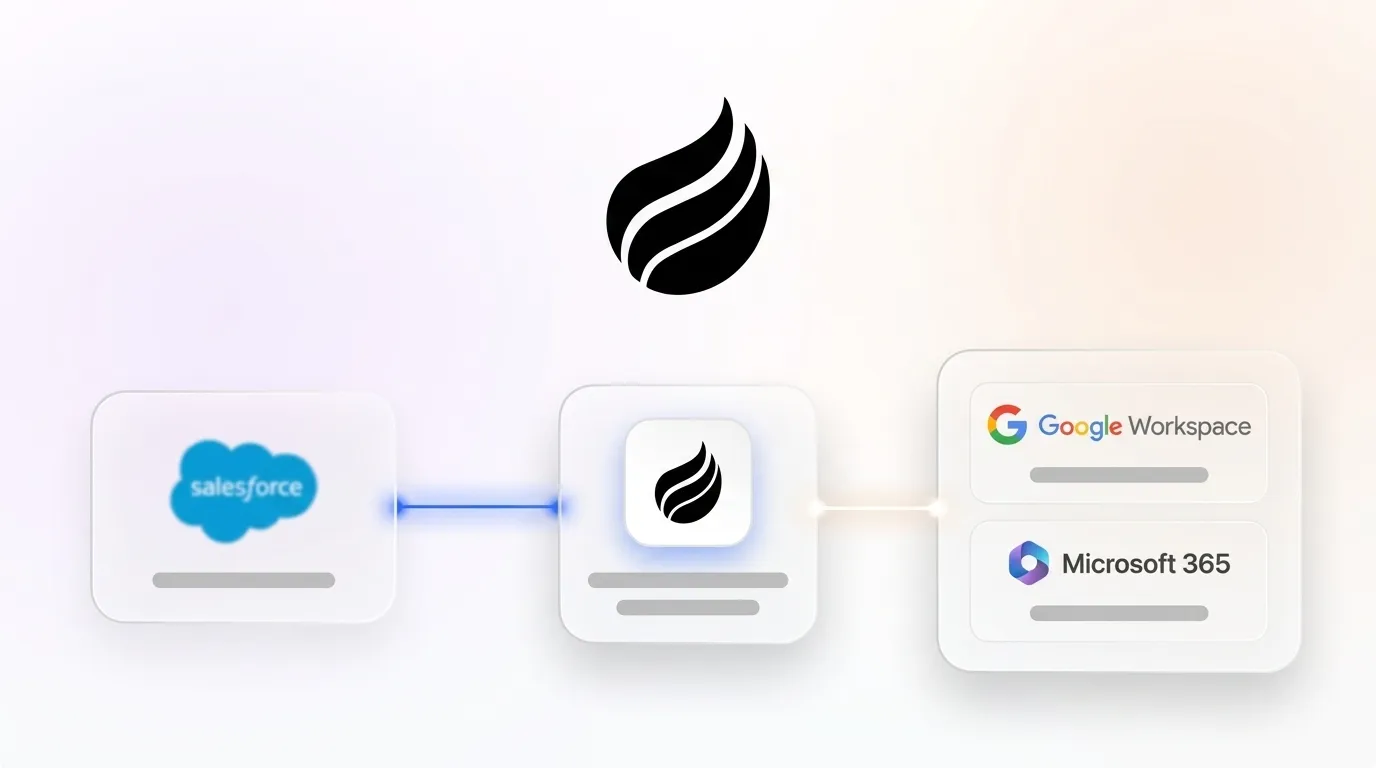
Coffee Companion operates as an agent layer that writes enriched, structured data back to Salesforce rather than continuously polling it. The agent uses an event-driven model and batches writes using Composite API patterns, which minimizes per-call API consumption. The agent handles the data-in process by capturing interactions from email, calendar, and call transcripts, then writing consolidated, high-quality records to Salesforce. This approach avoids the high-frequency, low-value API calls that come from manual data entry workflows and fragmented point solutions. As a result, Coffee Companion reduces the total API call volume associated with keeping Salesforce data current instead of adding to it.
Is Coffee Companion compliant with SOC 2 and GDPR requirements?
Yes. Coffee is SOC 2 Type 2 certified and GDPR compliant. Data processed by the Coffee Agent is not used to train public models. For enterprise integrations where data residency and deletion propagation are compliance requirements, Coffee's architecture supports the same data-handling rules that govern data stored directly in Salesforce. Organizations in regulated industries should review Coffee's security documentation and involve their compliance team during the pilot scoping phase to confirm alignment with their specific control requirements.
What happens to existing Salesforce customizations, required fields, and forecasting configurations when Coffee Companion is deployed?
Coffee Companion is additive, not destructive. It authenticates to an existing Salesforce org and operates as an agent layer on top of the existing schema, workflows, and validation rules. Required fields, forecasting hierarchies, opportunity stages, and custom objects all remain in place and are respected by the agent. Coffee has deep knowledge of Salesforce integration constraints, including quotas, required fields, and forecasting configurations, which distinguishes it from newer CRM alternatives that lack this depth. The agent writes data back to Salesforce in compliance with the org's existing validation logic, so data quality improves without schema changes or workflow modifications.
Next Steps: Pilot Scoping and Stakeholder Alignment
The governance-first framework in this guide is designed for incremental rollout. The highest-leverage starting point for most organizations is the boundary-mapping exercise, a two-week discovery sprint that produces a published system-of-record map and surfaces data-ownership disputes that quietly degrade Salesforce data quality today. From that foundation, integration pattern selection, security hardening, and governor-limit mitigation follow a logical sequence that you can scope into a 12-month roadmap with clear milestones for executive review.
Coffee Companion fits into this roadmap as the agent-led automation layer that handles the data-in process. It eliminates manual entry, unifies structured and unstructured data, and writes high-quality records back to Salesforce so the governance framework operates on clean data from day one.