Written by: Doug Camplejohn, CEO & Co-Founder, Coffee
Key Takeaways for Cleaner CRM Data
- Sales reps spend 70% of time on non-selling work like manual CRM entry, leaving only 30% for selling. Automation can reclaim 8–12 hours per week per rep.
- Standardize CRM fields with picklists, consistent naming, and mandatory validation to prevent duplicates and keep reporting trustworthy.
- Use real-time activity logging, AI transcript processing, and auto-enrichment to capture complete, accurate data without manual effort.
- Run regular audits, use mobile-first entry, and train on minimal viable input to maintain data hygiene and improve quota attainment.
- Deploy Coffee’s AI Agent as a standalone CRM or companion app for Salesforce or HubSpot to fully automate data entry and pipeline management, and get started with Coffee today.
12 CRM Data Entry Best Practices for Sales Teams
1. Standardize CRM Fields for Reliable Sales Data
Consistent field naming and formatting create the base for reliable CRM data. Consistent naming conventions like “ZoomInfo” instead of “Zoom Info” or “ZOOMINFO,” along with required fields like email, company, and job title prevent duplicate records and unreliable reporting.
Implement these standardization steps in order of impact:
- Create picklists for industry, company size, and lead source to remove free-text variations.
- Establish format rules for phone numbers such as (555) 123-4567 so reports can group by region or area code.
- Lock critical fields to prevent variations once your team has adopted the standards above.
The pitfall: Inconsistent fields like one team using “Demo Requested” and another “Demo Booked” create field sprawl that fragments reporting. Once your fields are standardized, the next challenge is keeping those fields populated consistently, which makes real-time activity logging the logical next step.
2. Implement Real-Time Activity Logging for Complete Histories
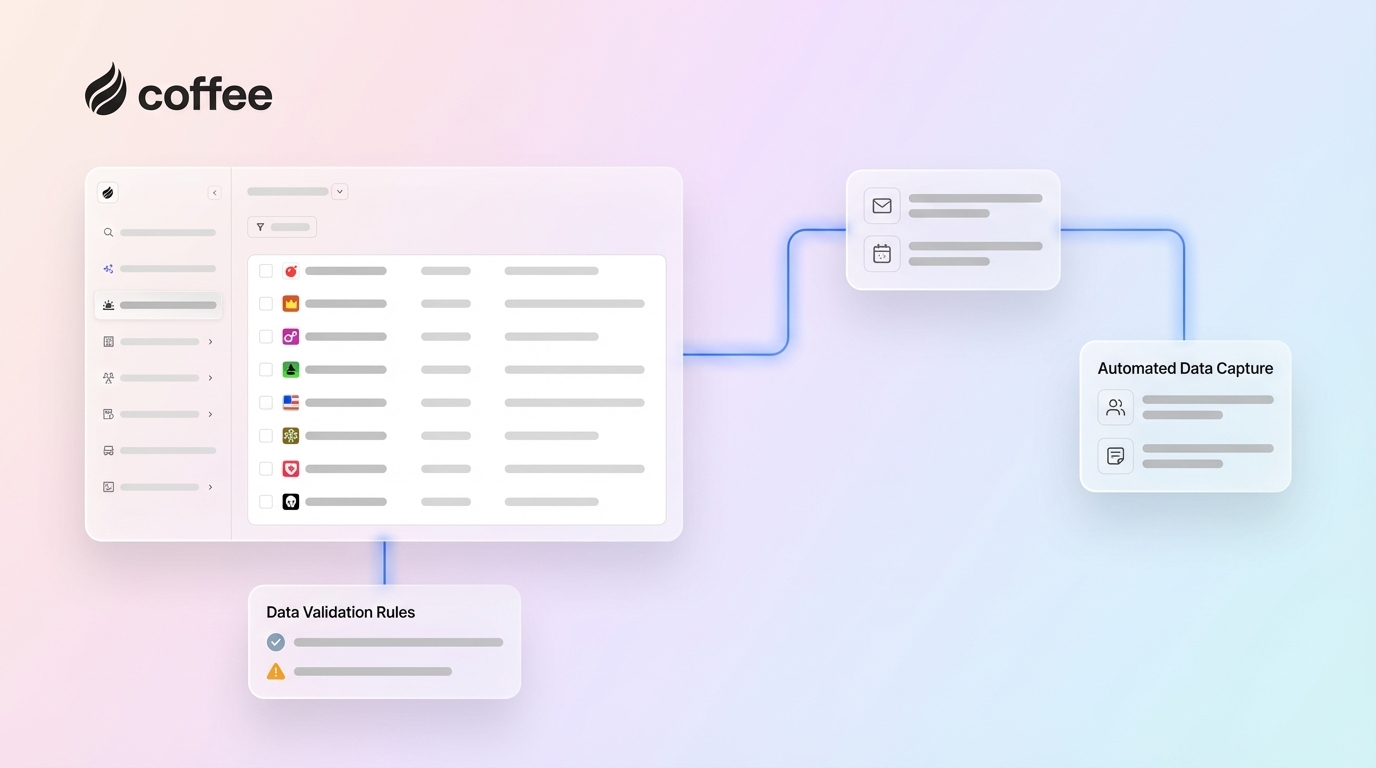
Manual activity logging creates gaps that hide deal risk and progress. Real-time activity logging through workflow automation automatically captures emails and meetings via calendar integration and extracts next steps from communications. This removes the 5–10 minutes of post-call CRM work that reps usually skip.
Deploy automated logging through a few core channels:
- Email and calendar sync integrations that capture messages and meetings without extra clicks.
- Meeting transcript capture and parsing that turns conversations into structured notes.
- Automatic next-step extraction that updates tasks and follow-ups directly in the CRM.
3. Enforce Mandatory Fields Without Slowing Reps Down
No validation at the point of entry enables incomplete or invalid data, which makes the CRM unreliable for scoring models and routing. Smart mandatory field enforcement uses conditional logic based on record type and stage. This approach keeps forms usable while still ensuring completeness.
Balance requirements with usability so reps keep entering data:
- Progressive field requirements based on deal stage, so early records stay lightweight.
- Auto-complete to reduce typing friction and keep formats consistent.
- Smart defaults from previous interactions that prefill known information.
Even with mandatory fields in place, data quality degrades over time through duplicates, outdated information, and incomplete records. Regular audits keep that drift under control.
4. Conduct Regular Data Audits and Deduping for Accuracy
76% of organizations report less than half of their CRM entries are complete and accurate. Regular audits surface duplicates, incomplete records, and outdated information before they distort pipeline insights. Monthly spot-checks and quarterly deep audits measure completeness, accuracy, duplicates, and data recency.
Audit systematically by running three complementary checks:
- Automated duplicate detection using email and domain matching to consolidate fragmented records.
- Completeness scoring for required fields to highlight gaps that block automation.
- Stale record identification, such as 6+ months without updates, to flag contacts who may have changed roles.
5. Use Mobile-First Entry to Capture Data on the Go
65% of salespeople who adopt mobile CRM meet their sales quotas, compared to only 22% who do not use mobile CRM. Mobile-optimized entry captures data at the moment of interaction. This prevents information loss and reduces administrative backlog at the end of the day.
Design your CRM for fast mobile capture:
- Voice-to-text note taking for quick updates between meetings.
- Quick-action buttons for common updates like stage changes or next steps.
- Offline sync capabilities so reps can log activity even without a connection.
6. Train Teams on Minimal Viable Input for Consistency
Manual data entry under pressure leads sales reps to prioritize quotas over accurate formatting, resulting in rushed, skipped, or placeholder entries. Training teams on a minimum viable data set prevents over-collection while still protecting quality. Focus on fields that directly affect pipeline visibility and forecasting accuracy.
Here is the core data framework every rep should capture. Any additional fields should require a clear reason:
- Contact: Name, email, company, role.
- Opportunity: Amount, close date, stage.
- Activity: Date, type, outcome, next steps.
7. Automate Integrations for Email and Calendar Sync
Real-time data synchronization provides instant bi-directional updates across integrated systems like marketing automation, email, and calendars. Automated integrations remove manual data transfer and keep information consistent across tools.
Connect the systems that shape your sales process:
- Email platforms for communication tracking and engagement history.
- Calendar systems for accurate meeting logging and attendance.
- Marketing automation for smooth lead handoffs and lifecycle updates.
8. Use AI for Call and Email Transcript Entry
Manual call note-taking interrupts conversations and produces incomplete records. AI platforms extract structured data such as deal stage, next steps, budget, and timeline from sales calls and write directly to CRM fields automatically. Coffee’s AI call companion joins calls on Zoom, Teams, and Meet to capture complete interaction data without human intervention.

Implement AI transcript processing with a clear workflow:
- Automatic meeting recording and transcription for every sales call.
- Structured data extraction using frameworks like BANT, MEDDIC, or SPICED.
- Follow-up email draft generation that reflects the actual conversation.
Try Coffee’s AI call capture to automate call capture and CRM updates seamlessly.
9. Auto-Enrich Contacts and Companies to Fight Data Decay
Continuous enrichment with verified contact details, firmographics, technographics, and organizational changes combats data decay. Coffee’s automation enriches records through integrated data partners, which removes the need for separate enrichment tools like Apollo or ZoomInfo.

Enrich systematically so every record stays current:
- Job titles and contact information verification to keep outreach accurate.
- Company size, revenue, and industry data for better segmentation.
- Technology stack and organizational changes to refine targeting.
10. Deploy AI Agents for Hands-Off CRM Entry
AI agents bring all previous practices together into one autonomous system. Coffee represents a high level of CRM data entry automation. The Coffee Agent operates as both a standalone CRM for SMBs and a companion app for existing Salesforce or HubSpot instances. Coffee’s Intelligence layer allows users to define deep context on business model, product specifics, ICP, and competitors for tailored AI suggestions. One company generating tens of millions in revenue replaced spreadsheets entirely and used Coffee’s automated contact creation and Pipeline Compare feature to transform their sales operations.

These capabilities work together as a complete automation stack:
- Automatic contact and company creation from Google Workspace so new relationships never stay off the record.
- Meeting briefings and post-call summaries that keep everyone aligned on deal status.
- Pipeline change tracking and visualization that reveal trends without manual reporting.
11. Measure Data Quality ROI with Pipeline Metrics
Clean, accurate CRM data drives 30% higher sales revenue by enabling faster deal closure and strategic upsell opportunities. The Pipeline Compare feature mentioned earlier automatically tracks deal progression, removes manual CSV exports, and shows clear ROI from data quality improvements.
Track quality impact with a small set of metrics:
- Deal velocity improvements that show faster movement through stages.
- Forecast accuracy increases that build executive trust in the CRM.
- Time savings per rep per week that you can reinvest in selling.
Once you can measure the impact, you can confidently scale workflow orchestration across systems.
12. Orchestrate Workflows with Intelligent Automation
Coffee’s Stripe integration automatically imports customers and companies, enriches them, and adds paid invoices to deals as Closed Won. This workflow orchestration goes beyond basic automation and supports intelligent decision-making, where the AI system handles complex multi-step processes without human oversight.
Advanced orchestration includes connected steps across finance and sales:
- Automated invoice and payment status sync that keeps revenue data aligned.
- Intelligent deal stage progression based on real billing and product usage signals.
- Cross-system data unification so every team works from the same source of truth.
CRM Data Entry Implementation Roadmap with Coffee
Teams using legacy CRMs can roll out these practices in a simple sequence. First, connect Coffee’s automation to your Google Workspace and existing Salesforce or HubSpot instance. Second, configure your sales methodology, such as BANT, MEDDIC, or SPICED, for consistent data capture. Third, review auto-generated insights and pipeline changes through Coffee’s Compare feature. This approach removes the manual flaws that affect traditional implementations while delivering fast ROI.
Quick-Start Summary: Core CRM Data Entry Moves
- Standardize fields with picklists and naming conventions.
- Automate activity logging through integrations.
- Enforce smart mandatory fields without friction.
- Conduct regular automated audits and deduping.
- Deploy mobile-first entry capabilities.
- Train teams on minimal viable input.
- Integrate email and calendar systems.
- Use AI for call transcript processing.
- Auto-enrich contacts and companies.
- Deploy Coffee’s automation for complete coverage.
Implement these practices with Coffee to roll out all ten quickly and consistently.
Frequently Asked Questions
How does AI CRM data entry work?
AI CRM data entry uses autonomous agents that capture, process, and structure data from multiple sources without human intervention. Coffee’s automation connects to your Google Workspace or Microsoft 365 to scan emails and calendars, create contacts and companies, and log all interactions. The system joins sales calls to record and transcribe conversations, then extracts structured data like deal stages, next steps, and qualification criteria directly into your CRM. This removes the 8–12 hours per week that reps usually spend on manual data entry while delivering higher accuracy than human input.
What are Salesforce data entry best practices?
Salesforce data entry best practices focus on automation and standardization that reduce manual work. Coffee’s companion app integrates directly with Salesforce instances to handle data entry automatically. The automation captures meeting notes, enriches contact records, and updates opportunity stages based on real sales interactions rather than manual updates. Key practices include using Coffee to maintain context about your business model and competitors, using automated workflow triggers for stage progression, and relying on the Pipeline Compare feature mentioned earlier to track changes without manual CSV exports.
What are the benefits of automating call notes?
Automating call notes saves significant time per sales rep, as outlined in the key takeaways, while dramatically improving data quality and compliance. Coffee’s automation joins calls to record and transcribe conversations, then generates structured summaries with action items, next steps, and qualification data. This ensures complete capture of every customer interaction without disrupting conversation flow. The automation is SOC 2 Type 2 compliant and GDPR compliant, which provides enterprise-grade security. Reps can focus on building relationships and closing deals instead of taking frantic notes or updating CRM records after calls.
How do you keep CRM data clean?
Keeping CRM data clean requires continuous automated hygiene processes instead of occasional manual cleanups. Coffee’s automation maintains data quality through real-time validation, automatic deduplication, and continuous enrichment from verified sources. The system blocks bad data at entry through intelligent field validation and standardization, while automated audits flag issues like stale records or incomplete information. Coffee’s data warehouse architecture preserves historical context that traditional CRMs lose, which supports better data governance and quality tracking over time.
What are HubSpot CRM hygiene tips?
HubSpot CRM hygiene improves significantly with Coffee’s companion integration. The automation populates HubSpot records with enriched contact and company data, maintains consistent activity logging, and prevents duplicate creation through intelligent matching. Coffee’s automated workflows handle tedious hygiene tasks that often require manual effort in HubSpot, such as lead scoring updates, lifecycle stage progression, and contact property standardization. The integration turns your HubSpot instance into a reliable source of truth without forcing your team to act as data entry clerks.
Conclusion
These 12 practices create a complete framework for modern CRM data entry, and Coffee’s automation executes them all as either a standalone CRM or companion app for Salesforce and HubSpot. The system turns sales reps from data entry clerks into strategic closers by handling administrative busywork automatically. Explore Coffee to automate CRM data entry and reclaim your team’s selling time while keeping data quality consistently high.