Written by: Doug Camplejohn, CEO & Co-Founder, Coffee
Key Takeaways
- Manual contact data entry consumes 8-12 hours per rep weekly and costs teams hundreds of thousands in lost selling capacity annually.
- Traditional tools like form connectors, OCR scanners, and email integrations each solve only fragments of the data entry problem and cannot process unstructured content.
- Agent-native automation unifies structured and unstructured data capture, performs real-time deduplication, and enriches records without human input.
- Revenue teams gain trustworthy pipeline data, improved forecast accuracy, and hours reclaimed for selling when automation handles every source from email to website visitors.
- Eliminate manual data entry from your team’s workflow today with Coffee.
Four Approaches to Data Entry Automation in 2026
Four distinct approaches dominate the 2026 market for contact data entry automation, and they are not equivalent.
Form-to-CRM connectors such as Zapier and native HubSpot forms map structured input fields directly into CRM objects. They work reliably for inbound web leads but cannot process email threads, call transcripts, or business cards.
Business card and OCR capture tools such as Wave Connect and iCapture use computer vision combined with character recognition to distinguish handwritten from printed text before CRM insertion. They still require a human to initiate each scan and produce no ongoing enrichment.
Email and calendar capture tools such as Salesflare automate CRM entry by creating contacts from email conversations, signatures, and meeting interactions without manual input. This improves basic capture but still operates on structured metadata and cannot extract insight from unstructured conversation content.
Unified agent automation, the approach Coffee takes, combines all of the above and adds real-time deduplication, unstructured data processing across email body text and call transcripts, visitor identification, and pipeline intelligence. Coffee operates as a Standalone CRM for teams of 1-20 or as a Companion App on top of existing Salesforce or HubSpot instances, so it meets teams where they are regardless of their current stack.
Core Technologies Behind Data Entry Automation
Each legacy workflow carries a specific ceiling that limits its usefulness for modern revenue teams.
Form-to-CRM pipelines deliver data in structured format, allowing mapping to CRM fields with minimal transformation. They capture only the moment a prospect fills out a form. Every subsequent interaction such as emails, calls, and meetings falls outside their scope.
Card-to-CRM tools rely on OCR technology that recognizes printed or computer-generated characters from business cards and scanned documents. They remain event-dependent and produce static records with no enrichment or deduplication logic.
Email-to-CRM integrations handle structured metadata well but struggle with the body of a message. Traditional RPA excels at repeated, structured tasks with predictable inputs like basic form data entry, but agentic automation can make contextual judgments under ambiguity and process unstructured inputs such as emails or scanned business cards for contact enrichment.
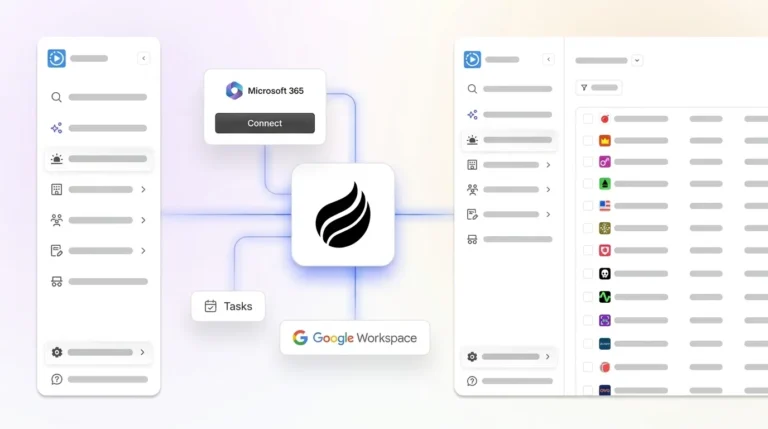
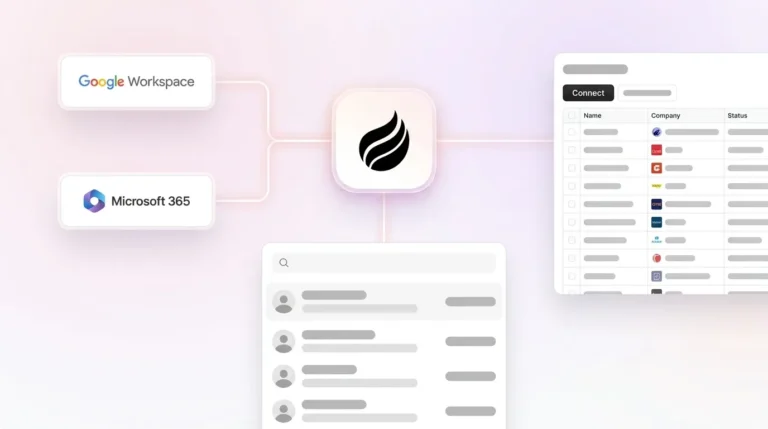
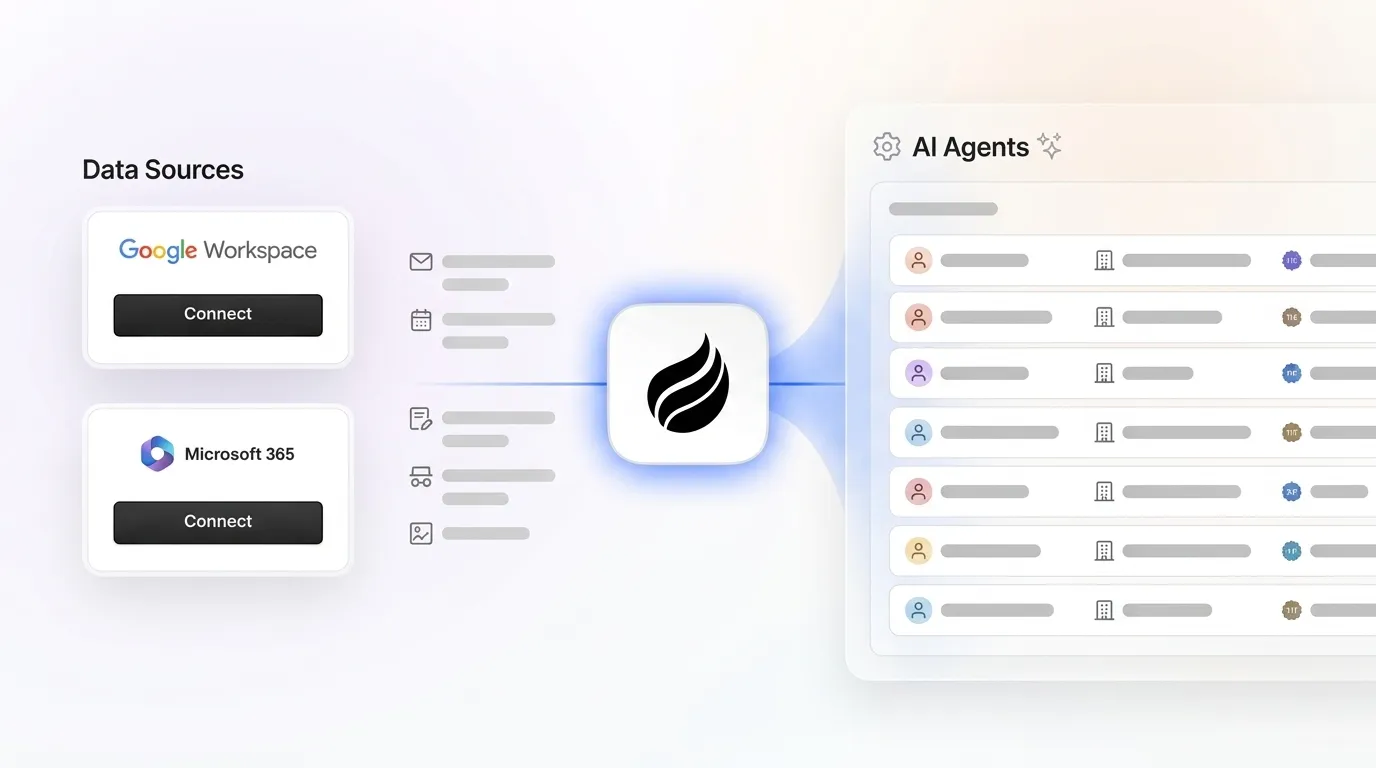
This gap is where agent unification changes the equation and addresses all three limitations simultaneously. Upon connecting to Google Workspace or Microsoft 365, Coffee’s agent scans emails and calendars to auto-create contacts and companies, logs last and next activity autonomously, enriches records with job titles, funding data, and LinkedIn profiles via licensed data partners, and identifies anonymous website visitors. A single tracking pixel converts those visitors into named, qualified prospects. Every contact created through this process is deduplicated in real time before it enters the system of record.

How Agent-Native Automation Improves Pipeline Quality
AI tools can automatically detect and resolve data quality issues such as duplicate records, missing values, and inconsistent formats before data reaches dashboards or reports. This capability forms the foundation for trustworthy pipeline intelligence. Coffee’s agent applies this logic continuously, not in scheduled batch runs.
Real-time deduplication from email and calendar data keeps records clean without manual merges. When a rep books a second meeting with a contact already in the system, no duplicate record appears and no cleanup is required. Visitor identification extends this further. When an anonymous visitor hits the company website, Coffee’s pixel infers name, title, email, and LinkedIn profile, then surfaces the two or three individuals inside that visiting company who best match the buyer persona. Competing tools such as RB2B and Warmly do not offer this person-level precision.

Pipeline accuracy depends directly on input quality. AI-powered predictive forecasting produces the highest accuracy when the underlying CRM data is clean and the organization has sufficient historical data. Coffee’s Pipeline Compare feature visualizes week-over-week changes, including progressed deals, stalled opportunities, and new additions, without spreadsheets or manual CSV exports. The agent maintains a complete, deduplicated history from day one, so leaders can trust what they see.
This transformation from manual spreadsheet management to automated pipeline intelligence reflects what one customer experienced. One company generating tens of millions in revenue and building custom AI solutions managed sales in spreadsheets and rejected Salesforce and HubSpot because they required too much manual work. After deploying Coffee, automatic contact creation from Google Workspace kept the CRM clean without human effort. The Pipeline Compare feature replaced their weekly manual review process entirely. One AI-powered enterprise management platform automated core processes including data collection and report generation, cutting over 9,600 manual hours monthly through dynamic web scraping, AI-based deduplication, and GenAI data enrichment. Coffee delivers the same class of savings at the team level.
Start transforming your pipeline accuracy with Coffee’s agent-native automation.
Legacy RPA Compared to Agent-Native Automation
The table below compares the four primary automation approaches across three capability dimensions relevant to contact data entry. All capability assessments are drawn from cited sources.
| Approach | Structured Data Only | Real-Time Deduplication | Unstructured Data Support |
|---|---|---|---|
| Zapier / Form-to-CRM RPA | Yes, RPA follows hard-coded rules suited to predictable structured inputs | No, legacy rule-based automation breaks down as data formats diversify | No, RPA follows rigid scripts that limit its ability to handle exceptions or ambiguity |
| OCR / Card Scanners | Partial, OCR recognizes printed characters but requires human initiation per scan | No, static record creation with no matching logic | Limited, IDR adds NLP for mixed-layout documents but does not process conversational text |
| Email/Calendar Connectors | Yes, structured metadata such as sender, date, and subject mapped to CRM fields | Partial, some tools merge on email address match only | No, email body and transcript content remain unprocessed |
| Coffee Agent (Unified) | Yes, forms, cards, and structured metadata all captured automatically | Yes, ML models flag duplicate records and inconsistent formats in real time | Yes, agentic automation reads and acts on unstructured inputs such as emails and transcripts |
How to Evaluate Data Entry Automation Software in 2026
Revenue operations leaders evaluating contact data entry automation in 2026 should apply the following criteria before committing to a platform.
Integration depth. Many RevOps leaders think their go-to-market processes are overly manual and lack essential marketing and sales automation capabilities because their tools do not connect. This integration gap is why Coffee prioritizes native connections. Coffee integrates with Google Workspace, Microsoft 365, Salesforce, and HubSpot out of the box, with additional connections available via Zapier and a deeper integration roadmap in progress.
Security and compliance. Any agent that reads email and calendar data must meet enterprise security standards. Coffee is SOC 2 Type 2 and GDPR compliant, and customer data is never used to train public models. These safeguards are a non-negotiable requirement for teams handling prospect and customer communications.
Data quality parity. Enrichment built into the agent should be comparable to standalone tools. Coffee’s licensed data partners provide job titles, funding data, and LinkedIn profiles at a quality level sufficient for most B2B use cases. This coverage eliminates the need for a separate ZoomInfo or Apollo subscription for many teams.
Company-size fit. 87% of sales organizations now use some form of AI, and widespread adoption has revealed a gap. Enterprise-grade platforms carry enterprise-grade complexity that smaller teams cannot absorb. Coffee is purpose-built for 5-50 person teams, with seat-based pricing and no metering on agent usage, no complex setup, and a dual-model deployment as a Standalone CRM or Companion App that fits teams at any stage of their CRM journey.
Unstructured data handling. Generative AI processes unstructured data and interprets natural language inputs without pre-programmed rules for every scenario. This capability enables automation to manage the messy, unstructured work that rule-based RPA cannot address. Any platform that cannot process email body text, call transcripts, or meeting notes will leave the majority of sales interaction data outside the CRM.
See how Coffee meets every evaluation criterion and start your trial today.
Conclusion
Sales reps spend about 70% of their time on non-selling tasks, including manually entering customer data into the CRM. Form connectors, OCR scanners, and email integrations each solve a fragment of this problem. None of them unify structured and unstructured data, deduplicate records in real time, or produce the pipeline intelligence that revenue leaders need to forecast with confidence.
Coffee’s agent follows a single principle: good data in produces good data out. By automating contact capture from every source, including email, calendar, web forms, business cards, website visitors, and call transcripts, and writing clean, enriched, deduplicated records back to the system of record, Coffee converts the CRM from a productivity drain into a strategic asset. Legacy RPA or point-solution integrations cannot deliver that outcome. An agent-native approach is required.
Frequently Asked Questions
What is contact data entry automation and how does it differ from traditional CRM data entry?
Contact data entry automation uses software to capture, enrich, and deduplicate contact records in a CRM without human input. Traditional CRM data entry requires sales reps to manually log names, email addresses, job titles, meeting notes, and activity history after every interaction. Automated systems replace this process by connecting directly to email, calendar, web forms, and other data sources to create and update records in real time. The key distinction in 2026 is between rule-based automation, which handles only structured, predictable inputs like form submissions, and agent-native automation, which also processes unstructured data such as email body text and call transcripts. Coffee’s agent represents the latter category and captures data from every source while writing clean records to the CRM continuously.
How does Coffee work as a Companion App for teams already using Salesforce or HubSpot?
Coffee’s Companion App deploys the Coffee Agent as an intelligent layer on top of an existing Salesforce or HubSpot installation. After a simple authentication, the agent connects to the team’s Google Workspace or Microsoft 365 account and begins scanning emails and calendars to auto-create contacts, log activities, and enrich records with job titles, funding data, and LinkedIn profiles. All of this data is written back to the existing Salesforce or HubSpot instance, so the system of record stays accurate without any manual effort from reps. The Companion App serves RevOps leads and Heads of Sales at teams that are committed to their current CRM but are experiencing low adoption, poor data quality, or missing data from calls and emails.
What makes Coffee different from Zapier-based automation or tools like RB2B for contact capture?
Zapier-based automation and RPA tools follow rigid, rule-based scripts that work only with structured, predictable inputs. They cannot process email body text, call transcripts, or meeting notes, which means the majority of sales interaction data never enters the CRM. RB2B and similar visitor identification tools surface company-level data or undifferentiated people lists from website traffic but do not identify specific individuals or match them to a buyer persona. Coffee addresses both gaps. Its agent processes structured and unstructured data simultaneously, deduplicates records in real time, and, through its Visitor Identification feature, identifies named individuals visiting the website and recommends the two or three people inside that company who best match the buyer persona, with LinkedIn profiles surfaced for immediate outreach.
Is Coffee secure enough to connect to company email and calendar data?
Coffee is SOC 2 Type 2 and GDPR compliant. Customer data is not used to train public AI models. The agent reads email and calendar data solely to create and enrich CRM records, log activities, and generate meeting briefings and summaries. For teams in lightly regulated industries, the primary audience for Coffee’s 5-50 person ICP, these certifications satisfy standard security review requirements. Coffee is not currently designed for heavily regulated industries such as healthcare or finance that require multi-year security reviews or custom compliance frameworks.
How quickly can a team see results after deploying Coffee?
Teams see value from Coffee almost immediately after deployment. Upon connecting Google Workspace or Microsoft 365, Coffee’s agent begins scanning emails and calendars and starts populating the CRM with contacts, companies, and activity logs without any configuration required from the team. Visitor Identification activates as soon as the tracking pixel is added to the website’s head tag, which Coffee verifies automatically. Teams typically see clean, enriched contact records and real-time pipeline visibility within the first session. The Pipeline Compare feature becomes more powerful over time as the agent builds a historical record of deal progression and turns weekly pipeline reviews from manual spreadsheet exercises into structured strategic discussions.