
Written by: Doug Camplejohn, CEO & Co-Founder, Coffee | Last updated: June 25, 2026
Key Takeaways for Sales Automation Buyers
- Sales workflow automation captures, routes, and enriches customer data without manual rep input, freeing a large share of time previously lost to data entry.
- Legacy CRMs and point solutions require heavy configuration or multiple logins, while agent-first platforms deliver proactive automation across the full sales cycle.
- Key evaluation criteria include data quality, AI depth, integration breadth, implementation effort, user adoption, reporting accuracy, scalability, and total cost of ownership.
- Coffee leads across most categories by consolidating enrichment, meeting intelligence, pipeline tracking, and visitor identification into a single agent that writes structured data back to existing CRMs.
- Teams ready to reduce stack complexity and reclaim selling time can get started with Coffee today.
Evaluation Criteria for Sales Workflow Automation Tools 2026
Each platform in this comparison is scored against the following eight criteria.
- Data quality and enrichment, which covers automatic population and augmentation of contact, company, and activity records.
- AI-driven automation depth, which measures whether the system acts on data proactively or waits for human instruction.
- Integration breadth, including native connectors to Salesforce, HubSpot, Google Workspace, Microsoft 365, and financial systems.
- Implementation effort, including time-to-value and change-management burden.
- User adoption, which reflects whether reps use the tool willingly or treat it as an administrative obligation.
- Reporting and pipeline visibility, including forecast accuracy and timeliness without manual CSV exports.
- Scalability, or fit across team sizes from 1 to 250 employees.
- Total cost of ownership, including seat pricing, add-on costs, and stack consolidation savings.
See how Coffee scores across all eight criteria.
Feature Comparison Across Legacy, Point Solutions, and Coffee
The table below highlights how Coffee consolidates capabilities that legacy CRMs and point solutions spread across multiple tools, while also adding proactive automation across every evaluation criterion.
| Criterion | Legacy CRMs (Salesforce, HubSpot) | Point Solutions (Apollo, Zapier, RB2B, Warmly) | Coffee (Agent-First) |
|---|---|---|---|
| Data quality & enrichment | Manual entry required, enrichment via paid add-ons (ZoomInfo) | Partial, each tool enriches one data type only | Auto-creates contacts, companies, and activities from email and calendar, enriches with job titles, funding, and LinkedIn profiles via licensed data partners |
| AI automation depth | Rule-based workflows, no autonomous agent layer | Trigger-based automation, no cross-tool intelligence | Proactive agent handles data entry, meeting briefings, summaries, follow-ups, and natural-language pipeline queries |
| Integration breadth | Deep native ecosystem, high configuration cost | Narrow, each tool integrates with one or two surfaces | Google Workspace, Microsoft 365, Salesforce, HubSpot, QuickBooks, Stripe, Zapier, writes enriched data back to existing CRM |
| Implementation effort | High, weeks to months, requires admin or consultant | Low per tool, high in aggregate across stack | Low, single authentication, agent begins working immediately |
| User adoption | Low, reps serve the software | Mixed, each tool adds another login | High, agent handles busywork, reps interact with a co-pilot |
| Reporting & pipeline visibility | Accurate only when data entry is current, often stale | Siloed metrics, no unified pipeline view | Pipeline Compare tracks week-over-week changes automatically, AI search answers natural-language queries like “Which deals are stuck in negotiation?” |
| Scalability | Enterprise-grade but over-engineered for SMBs | Scales poorly, each point solution must be re-evaluated | Standalone for 1–20 employees, Companion for Salesforce or HubSpot teams up to midmarket |
| Total cost of ownership | High, base license plus enrichment, recording, and forecasting add-ons | Moderate per tool, high in aggregate | Simple seat-based pricing, agent labor included, consolidates enrichment, recording, and forecasting costs |
Note: Modern alternatives Clarify and Day.ai occupy a middle ground. Day.ai focuses on unstructured productivity data but lacks deep Salesforce and HubSpot integration. Clarify offers a modern UI but has not demonstrated the integration depth required for teams with established CRM configurations including quotas, forecasting, and required fields.
Lead Routing and Scoring Tools Comparison
Category winner: Coffee (for SMB to midmarket); Salesforce (for enterprise with dedicated RevOps).
Legacy CRMs support lead routing through rule-based assignment queues, but accurate scoring depends entirely on clean data, which still requires human entry. Point solutions such as Apollo provide list-based scoring against static firmographic filters that rarely update as deals progress. Neither approach updates scores as deal context evolves across channels.
Coffee ingests emails, calendar events, and call transcripts continuously to keep contact and deal records current, so lead scores reflect actual engagement rather than last-logged activity. The List Builder feature accepts natural-language commands, such as “Find VPs of Sales in North America at companies with $10M+ funding using Salesforce,” and then executes the outbound workflow automatically.

AI Deal Desk and Analytics Comparison
Category winner: Coffee.
Legacy CRMs produce pipeline reports that are only as accurate as the last manual update, which often lags reality by days or weeks. Gong and similar conversation-intelligence tools analyze calls in isolation but do not write structured insights back to the deal record without configuration work. Coffee.ai’s AI search on deals, released in January 2026, answers natural-language questions such as “What is closing this month?” without requiring a report to be built or a spreadsheet to be exported.
The Intelligence layer, introduced in February 2026, stores deep context on business model, ICP, and competitors so the agent surfaces tailored suggestions rather than generic prompts. This capability creates a functional AI deal desk that knows the business and acts on that knowledge continuously.
That same intelligence extends beyond pipeline analysis into the meeting workflow, where most deal context is actually captured.
Meeting Orchestration and Follow-Up Automation Comparison
Category winner: Coffee.
Tools such as Fathom and Otter record and transcribe calls but stop there, leaving a transcript that a rep must read, summarize, and act on manually. HubSpot’s meeting tools schedule calls but do not prepare reps or draft follow-ups, which keeps preparation and follow-up as manual tasks. These gaps slow deals and introduce inconsistency across reps.

Coffee prepares a “Today” page briefing before each meeting, joins the call via Zoom, Teams, or Google Meet to record and transcribe, then generates summaries and follow-up emails post-call, structured according to BANT, MEDDIC, or SPICED as configured. Custom Meeting Briefings and Summaries, launched in February 2026, let teams define exact formats from high-level executive summaries to granular technical breakdowns. The follow-up draft lands in Gmail for one-click review and send, so reps move from meeting to next step without copy-paste work.

Visitor Identification and List Building Comparison
Category winner: Coffee.
RB2B and Warmly identify website visitors at the company level or surface undifferentiated people lists, which still forces the rep to choose a contact manually. Reps then spend time researching which individual within a visiting company is worth contacting before any outreach begins.
Coffee’s Visitor Identification feature uses a single tracking pixel to infer visitor identity, including name, title, email, and LinkedIn profile, alongside behavioral data such as pages visited and time on site. The differentiating capability is Suggested Leads, where the agent cross-references the visiting company against the team’s defined buyer persona and surfaces the two or three specific individuals most likely to be the right contact, with LinkedIn profiles ready for immediate outreach or auto-enrollment into a drip campaign.

Stack Consolidation and Implementation Effort Comparison
Category winner: Coffee (for teams seeking consolidation); Salesforce (for enterprises requiring custom workflows).
A typical SMB sales stack that includes HubSpot, ZoomInfo, SalesLoft, Fathom, and a forecasting tool carries both direct licensing costs and the hidden cost of a human who stitches data between systems. Coffee consolidates enrichment, meeting recording, pipeline tracking, and visitor identification into one agent, which reduces the number of vendor relationships and login contexts a rep must manage.
The Stripe integration, launched in January 2026, automatically imports customers and companies, enriches them, and marks paid invoices as Closed Won, removing a manual reconciliation step that most finance-sales handoffs require. QuickBooks integration, also launched in February 2026, syncs invoices and payment statuses in real time.
Buyer-Size and Stack-Fit Guidance
- 1–20 employees (early-stage): Coffee Standalone fits teams that have outgrown spreadsheets but find legacy CRMs expensive and maintenance-heavy, creating a gap that an agent-first system can fill without adding overhead. The agent manages the system of record from day one with minimal setup, which removes both cost and complexity that make traditional CRMs impractical at this scale.
- 20–250 employees committed to Salesforce or HubSpot: Coffee Companion fits teams that want better data without a migration. A single authentication deploys the agent as an enrichment and automation layer on top of the existing CRM, improving data quality while preserving current workflows.
- 250+ employees or heavily regulated industries: Legacy CRMs with point solutions remain the practical choice for organizations that require multi-year security reviews or highly customized enterprise workflow engines. Coffee does not target these environments today.
Risks and Limitations of Sales Workflow Automation Tools
Legacy CRMs carry 25 years of architectural debt that now shows up as maintenance overhead. Salesforce customization that made sense in 2010 often requires ongoing admin work that compounds annually. HubSpot began as a marketing tool with a CRM added later, so it was not designed as a unified intelligence system and can lose historical context when fields are updated.
Point solutions solve narrow problems but introduce integration debt across the stack. Each tool requires its own authentication, data mapping, and maintenance cycle, which multiplies the administrative surface area with every new addition. The aggregate cost in licensing and in human hours spent stitching outputs together frequently exceeds the cost of a consolidated platform because the integration work scales with the number of tools.
Newer AI-native alternatives including Clarify and Day.ai address the user-experience problem but have not demonstrated the integration depth required for teams with established Salesforce or HubSpot configurations. Teams evaluating these tools should test against their actual quota structures, required fields, and forecasting configurations before committing, so they can confirm that existing processes still function as expected.
That testing matters because no software platform fixes a broken sales process. Automation amplifies existing workflows, whether good or bad, so teams without defined qualification criteria, handoff rules, or follow-up cadences will not extract full value from any tool on this list.
Decision Framework Summary Matrix
Use this matrix to match your current team size and stack commitment to a practical option, with an emphasis on minimizing implementation effort and stack complexity rather than chasing every possible feature.
| Your Situation | Recommended Option |
|---|---|
| 1–20 employees, no CRM or using spreadsheets | Coffee Standalone |
| 20–250 employees, committed to Salesforce or HubSpot, poor data quality | Coffee Companion |
| Need enrichment only, no CRM change | Apollo or ZoomInfo (point solution) |
| Need meeting intelligence only | Fathom or Gong (point solution) |
| 250+ employees, complex custom workflows | Salesforce with dedicated RevOps |
| Want to consolidate enrichment, recording, pipeline, and visitor ID | Coffee (Standalone or Companion) |
Find the right Coffee plan for your team size and stack.
Frequently Asked Questions
How long does it take to implement Coffee?
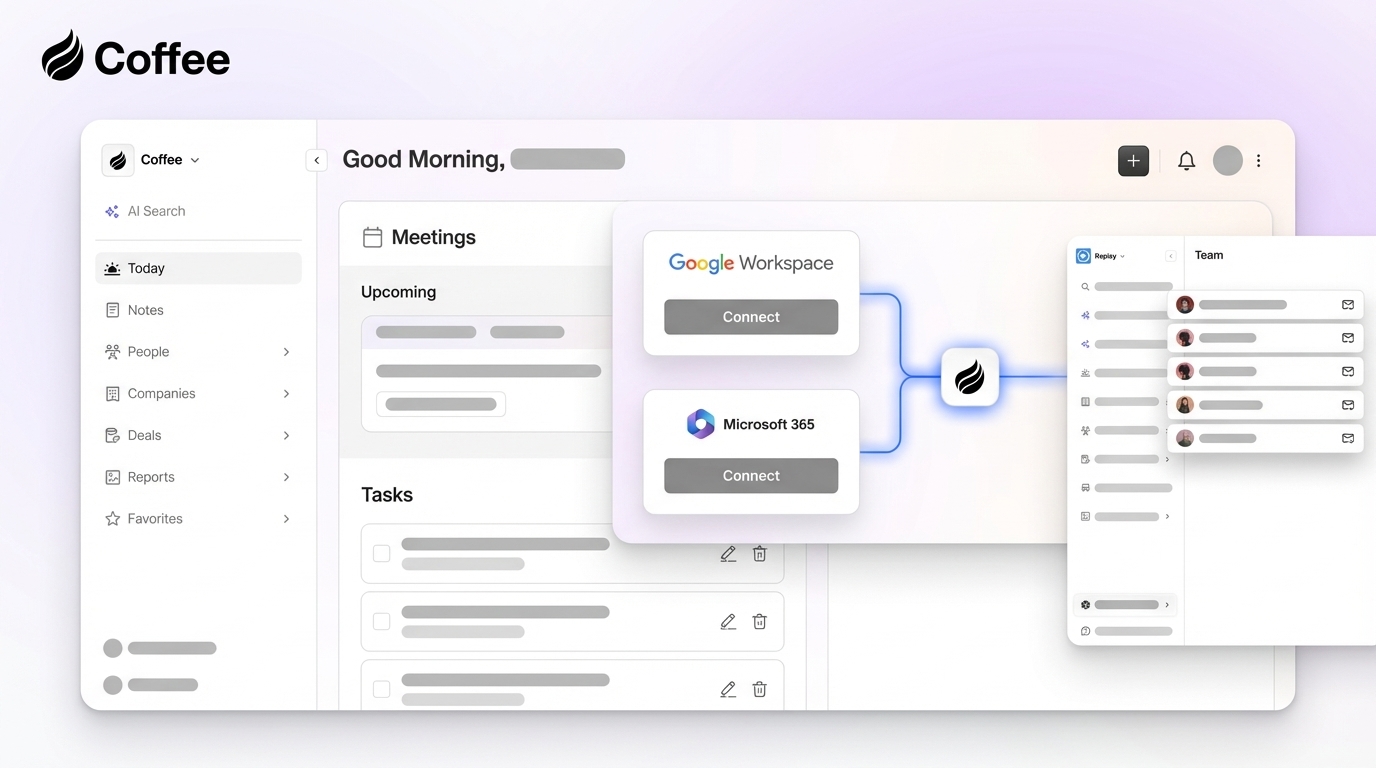
Implementation uses a single authentication to Google Workspace or Microsoft 365, which connects the agent to email and calendar data. The agent then begins scanning emails and calendars and populating records immediately after connection. For the Companion model, connecting to an existing Salesforce or HubSpot instance follows the same single-authentication process. Most teams reach active use within the same day, with no consultant or admin required for standard configurations.
Is Coffee SOC 2 Type 2 and GDPR compliant?
Yes. Coffee is SOC 2 Type 2 certified and GDPR compliant, and customer data is not used to train public AI models. Teams in regulated industries should note that Coffee is not currently designed for organizations requiring multi-year security review cycles or highly customized data residency configurations.
Does Coffee integrate with tools outside of Salesforce and HubSpot?
Coffee connects natively to HubSpot. Broader integrations with other tools in the sales stack are currently available via Zapier, with deeper native connectors on the product roadmap. Teams with complex integration requirements should evaluate the current connector list against their stack before committing.
How does Coffee’s data enrichment compare to dedicated tools like ZoomInfo?
Coffee’s enrichment, which covers job titles, funding data, and LinkedIn profiles, is sourced from licensed data partners and is sufficient for the majority of SMB and midmarket use cases. Teams with highly specialized data requirements, such as direct-dial phone numbers at scale or niche industry databases, may find that a dedicated enrichment tool provides incremental coverage. For most teams, Coffee’s built-in enrichment removes the need for a separate enrichment subscription.
Can Coffee replace an existing CRM, or does it only work alongside one?
Coffee operates in two distinct modes that map to different buyer situations. The Standalone CRM replaces an existing system of record entirely and functions as the primary database powered by the Coffee agent. The Companion model deploys the agent as an automation and enrichment layer on top of an existing Salesforce or HubSpot instance, improving data quality without requiring migration. Teams can choose either model based on their current stack commitment and migration appetite.
Compare Standalone and Companion pricing for your situation.


