Written by: Doug Camplejohn, CEO & Co-Founder, Coffee | Last updated: June 28, 2026
Key Takeaways for SMB Sales Leaders
- Cloud sales workflow automation cuts manual CRM data entry for 5-to-50-rep SMB teams by capturing, routing, and acting on sales data autonomously.
- Coffee is the only platform in this group with true zero-manual-entry automation in both an AI-first CRM and a companion-agent mode on Salesforce or HubSpot.
- Legacy CRMs like HubSpot, Pipedrive, Zoho, Close, and Salesforce Starter still depend on human data entry or extra integration tools.
- Coffee folds enrichment, call intelligence, and forecasting into one seat-based price while handling unstructured data from emails, calls, and meetings natively.
- Teams ready to cut manual entry and improve pipeline accuracy can get started with Coffee today.
How We Evaluated Sales Automation Tools for 2026
Each tool below is assessed against seven criteria relevant to 5-to-50-rep teams making a decision in 2026:
- Depth of data-entry elimination: Does the tool remove manual logging entirely, or does it only reduce it?
- Handling of unstructured data: Can the platform ingest and structure emails, call transcripts, and meeting notes?
- Standalone vs. layered deployment: Does the tool work as a system of record, a companion agent, or both?
- Calendar and Zapier integration effort: How much configuration is required to connect existing tools?
- Time-to-value for 5-to-50-rep teams: How quickly does the team see measurable output improvement?
- Pricing transparency: Is pricing seat-based, usage-metered, or opaque?
- 2026 AI and agent capabilities: Does the platform ship active agent features, or does it apply AI as a surface-level layer?
The table below turns these criteria into side-by-side columns so you can see automation depth, pricing predictability, and SMB fit at a glance.
Head-to-Head Comparison Table
| Tool | Automation Depth & Zero-Manual-Entry Score | Pricing Model | SMB Fit & Companion-App Availability |
|---|---|---|---|
| Coffee | Highest, agent auto-creates contacts, logs activity, writes summaries back to Salesforce or HubSpot, and identifies anonymous website visitors | Seat-based, agent labor unlimited and included | Standalone CRM or companion agent on Salesforce/HubSpot, built for 1–50 reps |
| HubSpot Sales Hub | Moderate, sequences and deal-stage triggers automate outreach, manual field updates still required for data quality | Per-seat tiers, advanced automation locked to higher plans | Strong SMB fit as standalone, no companion-agent mode for Salesforce |
| Pipedrive | Low-to-moderate, workflow automations trigger on stage changes, no native AI data capture from calls or email threads | Per-seat tiers starting at entry level | Standalone only, no companion deployment |
| Zoho CRM | Moderate, Zia AI surfaces suggestions and automation rules handle routing, unstructured data handling limited | Per-seat tiers, broad feature set at mid-range price | Standalone, integrates with Zoho suite, no companion mode for Salesforce/HubSpot |
| Close | Low-to-moderate, built-in calling and email sequences reduce tool switching, manual CRM updates still required | Per-seat flat tiers | Standalone, optimized for inside sales teams under 30 reps, no companion mode |
| Salesforce Starter | Low, Einstein features available at higher tiers, base product is a passive database that requires manual entry | Per-seat, AI features metered separately | System of record for mid-market, no standalone SMB-first agent, companion tools available via AppExchange |
Category-by-Category Analysis
Data Capture That Actually Runs Itself
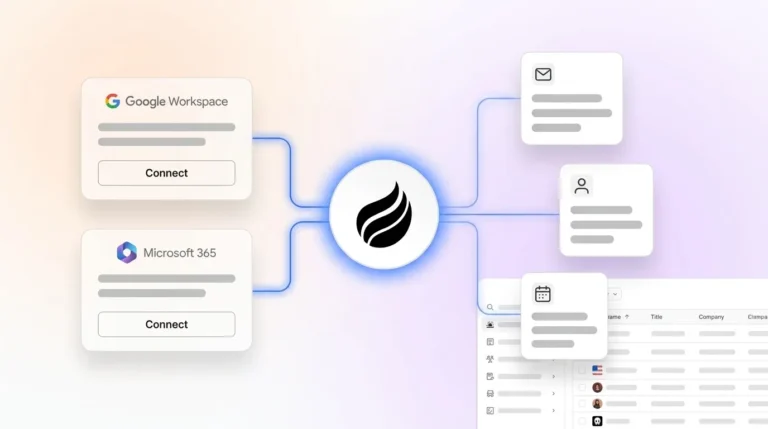
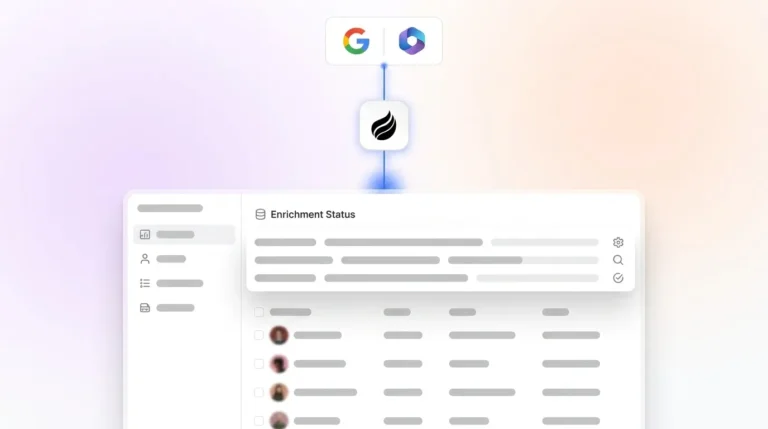
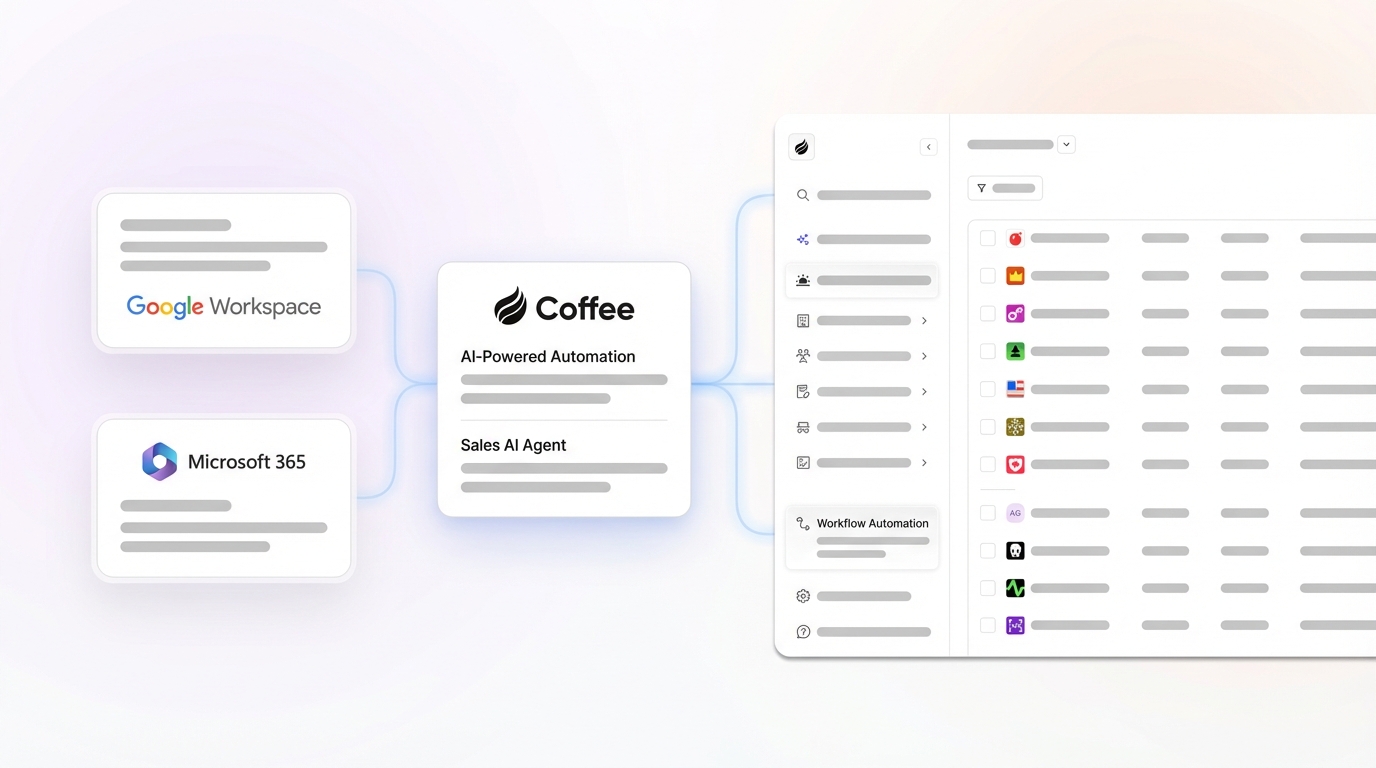
Legacy CRMs treat data capture as a human responsibility. Coffee’s agent connects to Google Workspace or Microsoft 365 and immediately auto-creates contacts, companies, and activity logs from emails and calendar events, so reps do not type anything into the CRM for basic logging. By contrast, HubSpot and Pipedrive offer email logging via BCC or browser extension, but both require reps to initiate the sync, so the automation is partial, not autonomous.
Zoho’s Zia can suggest record updates but does not autonomously populate fields from unstructured sources. Close centralizes calling and email in one interface, which reduces tool-switching but still leaves humans responsible for updates. Salesforce Starter captures structured data reliably but has no native mechanism at the SMB tier for ingesting call transcripts or email threads into deal records.
Meeting Orchestration and Follow-Up
Coffee provides AI-powered meeting summaries that follow formats your team defines, from executive-level overviews to granular technical breakdowns, and writes results back to Coffee, HubSpot, or Salesforce automatically. This builds on the same autonomous capture described above, so meetings, emails, and calendar events all land in the right records without extra clicks.

HubSpot offers meeting scheduling and basic note templates, yet reps still type or paste summaries. Pipedrive, Zoho, and Close have no native AI meeting bot or automated post-call summary pipeline. Salesforce relies on third-party tools such as Gong or Chorus for comparable functionality, which adds cost and integration work.

Pipeline Intelligence for Weekly Reviews
Coffee’s AI search on deals answers natural-language questions such as “Which deals are stuck in negotiation?” or “What is closing this month?” without manual report configuration. The Pipeline Compare feature then visualizes week-over-week changes automatically so managers focus on movement instead of spreadsheet cleanup.
HubSpot’s deal forecasting is reliable but depends on clean manual input. Pipedrive’s visual pipeline is intuitive, although forecast accuracy rests entirely on rep discipline. Zoho’s Zia forecasting works at mid-tier plans. Close provides activity-based reporting. Salesforce’s Einstein forecasting is powerful but priced and configured for enterprise rather than SMB teams.
Visitor Identification and Lead Prioritization
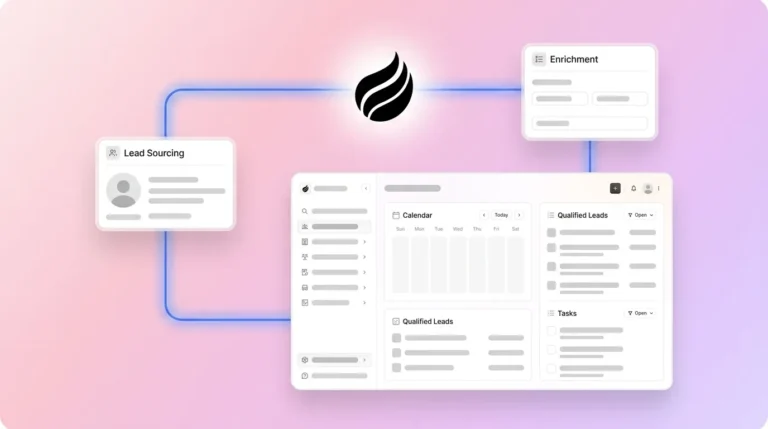
Coffee includes anonymous visitor identification natively. A single tracking pixel identifies visiting companies, infers individual names, titles, emails, and LinkedIn profiles, then surfaces the two or three best-fit contacts based on the team’s buyer persona.

Standalone tools like RB2B and Warmly surface company-level data or long, undifferentiated people lists. None of the other CRMs in this comparison include native visitor identification, so teams rely on third-party integrations to mirror this workflow.
Stack Consolidation for SMB Budgets
A 5-to-50-rep team running HubSpot often layers on ZoomInfo or Apollo for enrichment, Gong for call intelligence, and a separate forecasting tool. Coffee replaces all three categories within a single seat-based price, which simplifies both billing and vendor management.
Coffee also imports customers and companies, enriches them, and updates deal statuses, so common reconciliation tasks move off the team’s plate and into the agent’s queue.
Recommendations by Company Stage
Early-stage startups (1–9 reps): Teams that have outgrown spreadsheets but find HubSpot or Pipedrive to be expensive maintenance burdens fit Coffee’s standalone CRM especially well. Setup uses a simple Google Workspace or Microsoft 365 connection, and the agent begins populating records immediately without a configuration sprint.
Growing teams (10–25 reps): At this stage, pipeline visibility and forecast accuracy become critical because leadership must predict revenue and allocate resources with confidence. Coffee’s standalone CRM delivers both through automated data capture and Pipeline Compare, so teams gain accurate forecasts without the manual data hygiene work that usually undermines them. For inside-sales-heavy teams that care more about call volume than deep intelligence, Close remains a reasonable alternative.
Established SMBs committed to Salesforce or HubSpot (25–50 reps): Coffee’s companion-agent model offers the highest ROI for teams that keep their existing system of record. A simple authentication allows the Coffee agent to sync, enrich, and write insights back to Salesforce or HubSpot while improved summary templates keep records current without rep involvement.
Explore Coffee’s cloud sales workflow automation plans and find the right fit for your team size.
Highest-ROI Workflow Examples
1. Automatic lead routing from website visitors: Coffee’s visitor identification pixel fires on an anonymous visit, infers the individual’s identity and company, matches them against the team’s ICP, and routes a real-time Slack notification to the assigned rep with enrichment pre-filled. The rep clicks once to add the prospect and start outreach. Without this workflow, teams juggle a separate visitor ID tool, manual enrichment lookup, and manual CRM entry, which often takes 20–30 minutes per qualified visitor.

2. Post-meeting follow-up automation: After a discovery call, Coffee’s agent generates a structured summary aligned to BANT, MEDDIC, or SPICED, drafts a follow-up email in Gmail, and logs the interaction to the deal record. This shifts the rep’s role from authoring to reviewing, so they edit and send rather than write from scratch, which cuts per-meeting admin time from 20–30 minutes to under 5. Across a team averaging four meetings per day, that compression recovers a material portion of the 8–12 hours per week reps currently spend on manual data entry and follow-up drafting.
3. Pipeline Compare for weekly reviews: Sales managers running weekly pipeline reviews without Coffee typically export CSVs, build comparison spreadsheets, and spend the first 15 minutes of every meeting reconstructing what changed. Coffee’s Pipeline Compare surfaces progressed deals, stalled opportunities, and new additions automatically, which turns interrogation sessions into strategic discussions.
4. Anonymous visitor to outbound campaign: A returning visitor hits a pricing page, Coffee identifies the individual, confirms they match the buyer persona, and auto-enrolls them in an outbound drip sequence without rep involvement. Because Coffee has already enriched the record and tracked prior engagement, the outbound message arrives personalized and contextually accurate on the first send.
How to Layer Automation on Existing CRMs
The companion-agent model solves the common objection from teams committed to Salesforce or HubSpot that they cannot justify replacing a system of record that took years to configure. Coffee does not require replacement. A single authentication connects the Coffee agent to the existing instance, and from that point the agent handles data capture from emails, calendars, and call transcripts.
The agent then writes structured outputs such as summaries, enriched contact fields, and deal stage updates back to Salesforce or HubSpot. The system of record remains the source of truth for reporting and compliance, while Coffee handles the work of keeping it accurate. Integration with other tools in the stack currently runs through Zapier, with deeper native integrations on the roadmap.
Coffee also allows teams to define business model context, ICP parameters, and competitor information so that AI suggestions written back to the CRM match the specific sales motion rather than generic patterns.
Risks and Limitations Across Tools
Coffee: Zapier-dependent integrations create a reliance on a third-party automation layer until native connectors ship. Teams in heavily regulated industries such as healthcare or financial services that require multi-year security reviews are not the target profile, although Coffee is SOC 2 Type 2 and GDPR compliant. Very large enterprises with custom Salesforce objects and complex approval workflows may encounter edge cases that the companion agent does not yet cover.
HubSpot and Salesforce: Both platforms carry significant hidden admin overhead. Advanced automation features sit behind higher-tier plans, so SMBs often overbuy to access needed capabilities. Neither platform removes manual data entry at the base tier.
Pipedrive and Close: Both work well for teams that prioritize simplicity over depth of intelligence. The tradeoff is limited unstructured data handling and no companion-agent deployment option, which means teams that grow into Salesforce must migrate instead of layering automation on top.
Zoho: Zoho offers broad feature coverage at competitive pricing, but the platform’s breadth can introduce configuration complexity that consumes the admin time it aims to save.
Decision Framework Checklist for SMB Teams
- Team size 1–9, no existing CRM: Coffee standalone CRM for the fastest time to value and no configuration sprint.
- Team size 10–25, no existing CRM: Coffee standalone CRM for full agent coverage, Close as an alternative if inside-sales call volume is the primary metric.
- Team size 10–50, committed to HubSpot: Coffee companion agent to preserve the HubSpot investment while adding automated write-back of enriched data.
- Team size 25–50, committed to Salesforce: Coffee companion agent with deep Salesforce field and forecasting support that newer alternatives often lack.
- Budget-constrained team needing basic automation: Pipedrive or Zoho for workflow triggers, with the understanding that manual data entry will persist and forecast accuracy will depend on rep discipline.
- Unstructured data (calls, emails) is a priority: Coffee is the only option in this comparison with native ingestion and structuring of unstructured data at the SMB tier.
- Stack consolidation is a goal: Coffee replaces enrichment tools, call recording, and forecasting add-ons within a single seat price.
Frequently Asked Questions
How long does it take to implement Coffee and see results?
For the standalone CRM, implementation requires connecting a Google Workspace or Microsoft 365 account. The agent begins auto-creating contacts and logging activity immediately after authentication, and most teams see a populated CRM within the first 24 hours without manual data entry.
For the companion agent on Salesforce or HubSpot, setup involves a single authentication step that grants Coffee write-back access to the existing instance. Teams typically see enriched records and automated summaries appearing in their CRM within the first week, without a lengthy onboarding sprint, custom object mapping session, or professional services engagement for standard deployments.
How does Coffee handle data security and compliance?
Coffee is SOC 2 Type 2 certified and GDPR compliant. Data ingested by the agent, including emails, calendar events, and call transcripts, is not used to train public AI models. For SMB teams in standard technology, SaaS, or professional services verticals, Coffee’s compliance posture covers the requirements of most procurement reviews.
Teams in heavily regulated industries such as healthcare or financial services that require multi-year security audits or custom data residency agreements sit outside Coffee’s current target profile.
How does Coffee’s built-in data enrichment compare to dedicated tools like ZoomInfo or Apollo?
Coffee’s enrichment agent augments contact and company records with job titles, funding data, and LinkedIn profiles via licensed data partners. For the majority of SMB use cases such as prospecting, ICP qualification, and outbound personalization, the quality is comparable to standalone enrichment tools.
The practical difference is consolidation, because teams running Coffee do not need a separate enrichment subscription, which reduces cost and removes the manual workflow of exporting and re-importing enriched lists. Teams with highly specialized data requirements, such as direct-dial phone numbers at scale or intent data from specific publisher networks, may still benefit from a dedicated enrichment tool layered on top.
What does migration look like if a team is moving from HubSpot or Pipedrive to Coffee’s standalone CRM?
Coffee’s agent can ingest existing contact and company records from a prior CRM via standard CSV import or direct integration. Because Coffee auto-enriches records on import, teams often end up with cleaner data in Coffee than they had in the system they left.
Historical deal data and activity logs can be imported to preserve pipeline context. The more significant shift is behavioral, since reps accustomed to manual CRM entry need to understand that Coffee now handles logging automatically, so the main adjustment is trusting the agent rather than learning a new data entry workflow. Most teams complete migration and reach full operational use within two weeks.
Conclusion: Why Agent-Powered CRM Wins in 2026
In 2026, the gap between passive CRM databases and active agent-powered platforms defines SMB sales productivity. HubSpot, Pipedrive, Zoho, Close, and Salesforce all require human data entry to function accurately, and the degree varies, but the dependency remains.
Coffee stands out in this comparison because it removes that manual work, handles both structured and unstructured data natively, and deploys as either a standalone AI-first CRM or a companion agent on Salesforce or HubSpot. For a 5-to-50-rep team spending 8–12 hours per week per rep on data entry, the ROI story is straightforward: hire the agent, recover the hours, and gain pipeline intelligence from a system that finally reflects reality.
Get started with Coffee, a cloud sales workflow automation tool built for SMB teams in 2026.