Written by: Doug Camplejohn, CEO & Co-Founder, Coffee | Last updated: August 6, 2026
Key Takeaways for Your Next Contact Management Platform
- Contact management software now splits between passive databases that rely on manual entry and agent-led platforms that capture and enrich data autonomously.
- Data quality is the decisive factor. Platforms that cannot guarantee clean, complete records without rep discipline weaken every downstream insight.
- Modern agent-led systems parse unstructured sources such as email, calls, and calendar events, then write structured records automatically. This shift removes the manual-entry burden.
- Seat-based pricing that includes unlimited agent labor usually beats metered models that charge per API call, workflow, or AI credit.
- Coffee delivers the agent-led advantage with transparent seat-based pricing. See how seat-based pricing works.
Market Context: Why Agent-Led Automation Now Matters
Legacy CRM architecture was designed before large language models existed. Salesforce carries 25 years of legacy baggage, and HubSpot bolted a CRM onto a marketing tool rather than building a unified intelligence system. Both rely on humans to enter structured data into discrete fields, and when a field is overwritten, historical context disappears permanently.
The 2024–2026 period created a clear break from that model. Capable AI agents now ingest unstructured data such as email threads, call transcripts, and calendar events. They write structured, enriched records back to a system of record without human intervention. The U.S. Chamber of Commerce notes that CRM adoption remains a persistent challenge for small businesses. Agent-led automation addresses this by removing the manual entry burden that suppresses adoption.

Two compliance requirements now appear in nearly every enterprise RFP: SOC 2 Type 2 certification and GDPR alignment. Verify both before shortlisting any vendor. Pricing architecture carries equal weight. Seat-based models that include unlimited agent labor usually cost less over time than metered models that charge per API call, workflow run, or AI credit.
How Modern Contact Management Platforms Handle Your Data
Modern contact management platforms handle two distinct data types.
- Structured data, such as job title, company size, deal stage, and revenue. Legacy CRMs handle this well when humans fill in the fields.
- Unstructured data, such as email bodies, call transcripts, meeting notes, and LinkedIn activity. Agent-led platforms parse this content and convert it into structured records automatically.
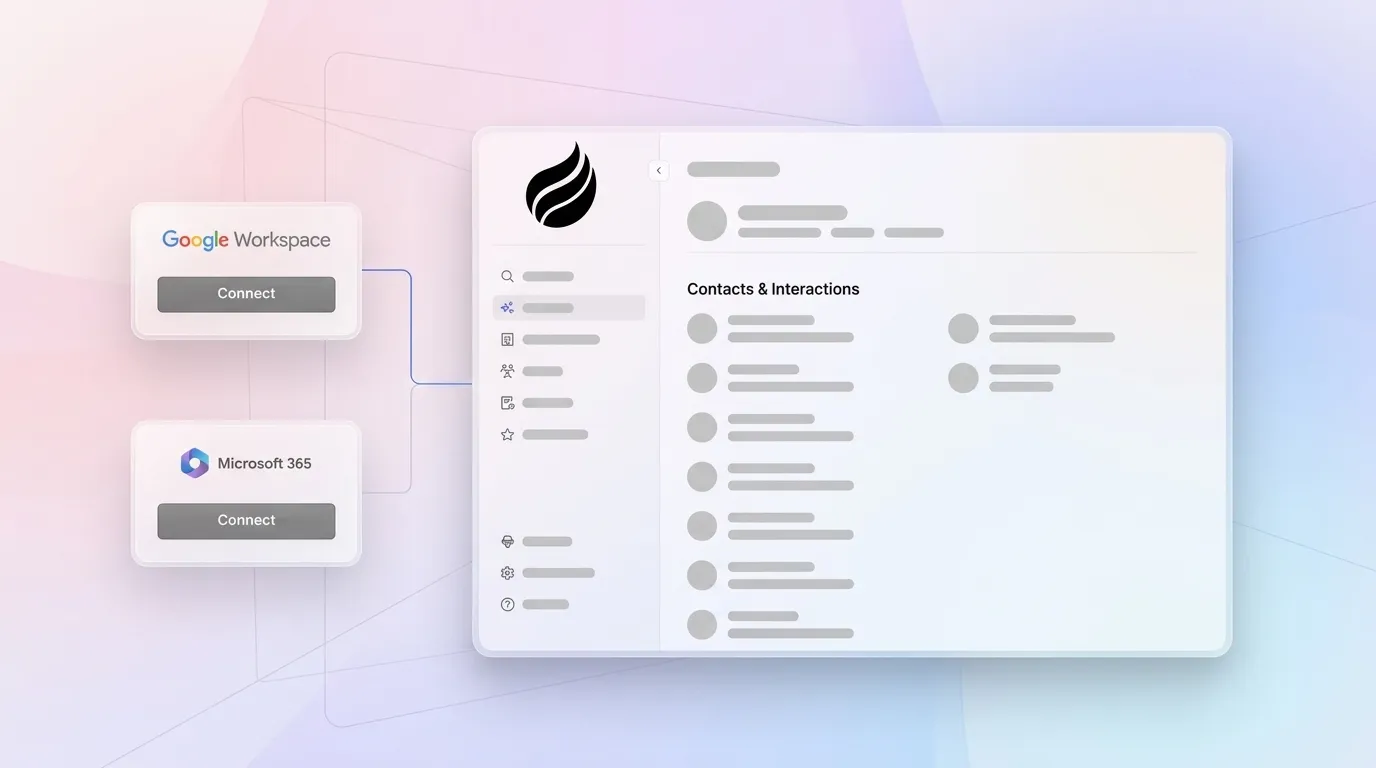
Integration depth determines how much of this work happens without manual effort. A platform connected to Google Workspace or Microsoft 365 can auto-create contacts from calendar invites, log email activity, and surface next-step reminders, all without a rep touching the CRM. Zapier’s analysis of CRM integrations confirms that automation depth, not feature count, is the primary driver of long-term adoption.

Reporting quality depends directly on data quality. Platforms built on a data warehouse preserve historical snapshots and enable week-over-week pipeline comparisons. Platforms built on standard relational databases overwrite records, which makes trend analysis impossible without manual CSV exports.

Strategic Cost and Risk Factors to Weigh
Understanding how platforms handle data is only the first step. The real cost of a CRM extends far beyond the monthly seat fee. Four factors determine total cost of ownership beyond the sticker price, and each reveals a different way that hidden costs accumulate.
- Integration reality. Check whether the platform connects natively to your email, calendar, and video conferencing tools, or whether it requires a middleware layer like Zapier for every sync. Middleware adds subscription costs and ongoing maintenance work.
- Migration and training costs. Data cleansing, field mapping, and rep onboarding can significantly increase first-year costs in legacy CRM deployments. Agent-led platforms that auto-populate records reduce this burden and usually deliver faster time-to-value.
- Scalability. Seat-based pricing scales linearly with headcount, which keeps budgeting straightforward. Metered AI pricing scales unpredictably as usage grows and can create budget risk as your team becomes more active in the platform.
- Compliance. Verify the vendor meets the SOC 2 and GDPR requirements discussed earlier. Confirm that the vendor does not use your data to train public models, because that creates both privacy and competitive risk.
7-Step Evaluation Framework for Contact Management Software
- Define your data-quality baseline. Audit your current system and measure what percentage of contact records have complete job titles, emails, and last-activity dates. Treat this number as your benchmark. Any new platform must clearly improve it.
- Map your unstructured data sources. List every place customer information lives outside your CRM, including email threads, call recordings, Slack messages, and meeting notes. Prioritize platforms that ingest these sources natively.
- Score automation readiness. Rate your team’s current process maturity on a 10-point scale across five dimensions: data entry consistency, meeting follow-up discipline, pipeline update frequency, enrichment coverage, and outreach sequencing. Low scores signal that agent-led automation will deliver the highest return.
- Verify integration depth. Request a live demo of the email and calendar sync. Confirm that contacts are created automatically, activities are logged without rep action, and enrichment data is written back to the record instead of stored in a separate tool.
- Calculate true total cost of ownership. Add seat fees, integration middleware costs, enrichment database subscriptions, sales engagement tool subscriptions, and estimated migration hours. Agent-led platforms that consolidate enrichment, sequencing, and pipeline intelligence into one seat price often undercut the combined cost of point solutions.
- Validate compliance posture. Request the vendor’s SOC 2 Type 2 report and confirm that GDPR data-processing agreements are available. Ask explicitly whether customer data is used to train shared AI models.
- Run a structured pilot. Deploy the platform with three to five reps for 30 days. Measure contact creation rate, activity logging completeness, and rep-reported time savings. Use these outputs to validate or reject the vendor before full rollout.
Passive vs. Agent-Led Contact Management: Side-by-Side Comparison
| Dimension | Passive Database (Legacy CRM) | Agent-Led Platform | Buyer Impact |
|---|---|---|---|
| Data entry | Manual, rep-dependent | Automated from email, calendar, transcripts | Agent-led saves 8–12 hours per rep per week |
| Unstructured data | Not captured, lost after calls | Parsed and structured automatically | Full interaction history preserved |
| Enrichment | Requires separate ZoomInfo/Apollo subscription | Built into the agent, no add-on needed | Eliminates a separate line-item cost |
| Pipeline history | Overwrites on update, no snapshots | Data warehouse preserves week-over-week changes | Trend analysis without CSV exports |
Team-Size Decision Matrix for Agent-Led vs Legacy CRM
| Team Size | Recommended Model | Primary Rationale |
|---|---|---|
| 1–5 reps | Standalone agent-led CRM | No IT overhead, agent handles all data operations from day one |
| 6–20 reps | Standalone agent-led CRM | Team has outgrown spreadsheets and needs pipeline intelligence without Salesforce complexity |
| 21–100 reps | Agent companion on existing CRM | Salesforce or HubSpot already in place, agent improves data quality without migration |
| 101–500 reps | Agent companion on existing CRM | Complex quotas and forecasting require the existing CRM, agent fills data gaps |
| 500+ reps | Evaluate enterprise CRM with agent layer | Custom workflows and compliance requirements may exceed current agent-led platforms |
100-Point Scoring Rubric for Vendor Comparison
- AI automation depth (30 points). Auto-contact creation, unstructured data ingestion, enrichment, meeting summaries, and outreach sequencing.
- Integration breadth (20 points). Native email, calendar, video conferencing, and CRM connectors without middleware.
- Data compliance (15 points). SOC 2 Type 2, GDPR, and no public model training on customer data.
- Total cost of ownership (15 points). Seat-based pricing inclusive of agent labor, with no hidden enrichment or sequencing fees.
- Reporting and pipeline intelligence (10 points). Historical snapshots, week-over-week comparison, and forecast accuracy.
- User adoption indicators (10 points). Rep-facing UX, mobile access, and onboarding time to first value.
Common Pitfalls When Rolling Out a New CRM
Three failure modes account for most failed CRM deployments.

- Shadow CRMs. When reps find the official system too burdensome, they maintain parallel records in spreadsheets or Notion. The official CRM becomes a compliance checkbox instead of a source of truth. Agent-led automation removes the burden that drives this shadow behavior.
- Poor adoption from day one. Deploying a passive CRM without a data-entry enforcement mechanism almost guarantees low adoption. The data-entry burden mentioned earlier, which consumes roughly 65% of rep time, drives this pattern. A platform that removes entry requirements also removes the adoption barrier.
- Data-quality debt. Migrating dirty data from a legacy system into a new platform transfers the problem instead of solving it. Establish a data-quality baseline before migration and use the pilot period to confirm that the new platform improves it.
Implementation Guidance for a Low-Risk Rollout
A four-phase rollout minimizes disruption and validates ROI before full commitment.
- Discovery (weeks 1–2). Audit existing contact records, map integration requirements, and identify the three to five reps who will participate in the pilot.
- Pilot (weeks 3–6). Deploy the platform for the pilot group. Measure contact creation rate, activity logging completeness, and time-to-first-follow-up against the pre-pilot baseline.
- Validation (week 7). Review pilot metrics against the 100-point rubric. Confirm that compliance documentation is in place. Collect rep feedback on UX and time savings.
- Rollout (weeks 8–12). Expand to the full team in cohorts. Use pilot participants as internal champions. Establish a data-quality review cadence to catch regression early.
Frequently Asked Questions
What are the 3 C’s of CRM?
The 3 C’s of CRM are Customers, Channels, and Collaboration. Customers represent the central focus of any CRM system, which means understanding who your buyers are and what they need. Channels refer to the touchpoints through which those customers interact with your business, including email, phone, social media, and in-person meetings. Collaboration describes the ability of sales, marketing, and customer success teams to share a unified view of the customer instead of operating from siloed data. In agent-led platforms, all three C’s are supported automatically. The agent identifies and enriches customer records, logs activity across every channel, and surfaces a shared, accurate view for every team member.
Is Excel a CRM?
Excel is not a CRM. It is a spreadsheet tool that can store contact information in rows and columns, but it lacks the core capabilities that define contact management software. Those capabilities include automated activity logging, pipeline stage tracking, integration with email and calendar systems, enrichment, and reporting. Excel also has no access controls for shared sales data, no audit trail of record changes, and no ability to ingest unstructured data like call transcripts. Teams that use Excel as a CRM typically do so because legacy CRMs feel too burdensome. Agent-led platforms solve that problem by removing the manual entry requirement entirely.
Does Microsoft have a contact management tool?
Microsoft offers Dynamics 365 Sales as its primary CRM and contact management platform. It integrates natively with Microsoft 365, Outlook, and Teams, which reduces some manual logging friction for organizations already in the Microsoft ecosystem. Dynamics 365 is an enterprise-grade platform with corresponding implementation complexity and cost. For small to mid-sized teams, the configuration overhead and licensing structure often make it a poor fit. Microsoft also offers basic contact management within Outlook itself, but this option is limited to individual contact records without pipeline, enrichment, or automation capabilities.
What are the best free contact management software options?
Several platforms offer free tiers with meaningful contact management functionality. HubSpot CRM’s free plan includes up to 1,000 contacts, basic deal tracking, and email integration, though automation and reporting features sit behind paid tiers. Zoho CRM’s free plan supports up to three users with lead and contact management. Notion and Airtable can be configured as lightweight contact databases at no cost but require significant manual setup and offer no native CRM automation. The critical limitation of free tiers across all vendors is that they rely entirely on manual data entry. There is no agent to capture, enrich, or act on data automatically. For teams where data quality and rep time are the primary constraints, the cost of manual entry in lost selling time usually exceeds the cost of a paid agent-led platform.
Conclusion: Turn Your Contact Database into a Revenue Asset
Choosing contact management software in 2026 is a decision about operating model, not feature lists. The 7-step framework above, which covers baseline audit, unstructured data mapping, automation scoring, integration verification, TCO calculation, compliance validation, and a structured pilot, gives you a repeatable process that surfaces the right platform for any team size or stack. The 100-point rubric weights AI automation at 30% because that single dimension determines whether the platform serves the rep or the rep serves the platform.
Teams that apply this framework consistently avoid the shadow CRM trap, eliminate data-quality debt, and convert their contact database from a maintenance burden into a revenue asset. Coffee is built specifically for this outcome, either as a standalone agent-led CRM for teams of 1–20 or as a companion agent that cleans and enriches existing Salesforce and HubSpot instances for larger teams. See Coffee pricing and turn your contact database into a revenue asset.