Written by: Doug Camplejohn, CEO & Co-Founder, Coffee
Key Takeaways for Automating Call Notes to CRM
Manual call-note entry into CRMs consumes 8–12 hours per rep each week and leaves gaps that slow deals and confuse forecasts.
ChatGPT prompts and Zapier/Make automations still demand manual review, field mapping, and constant upkeep that often breaks when prompts change.
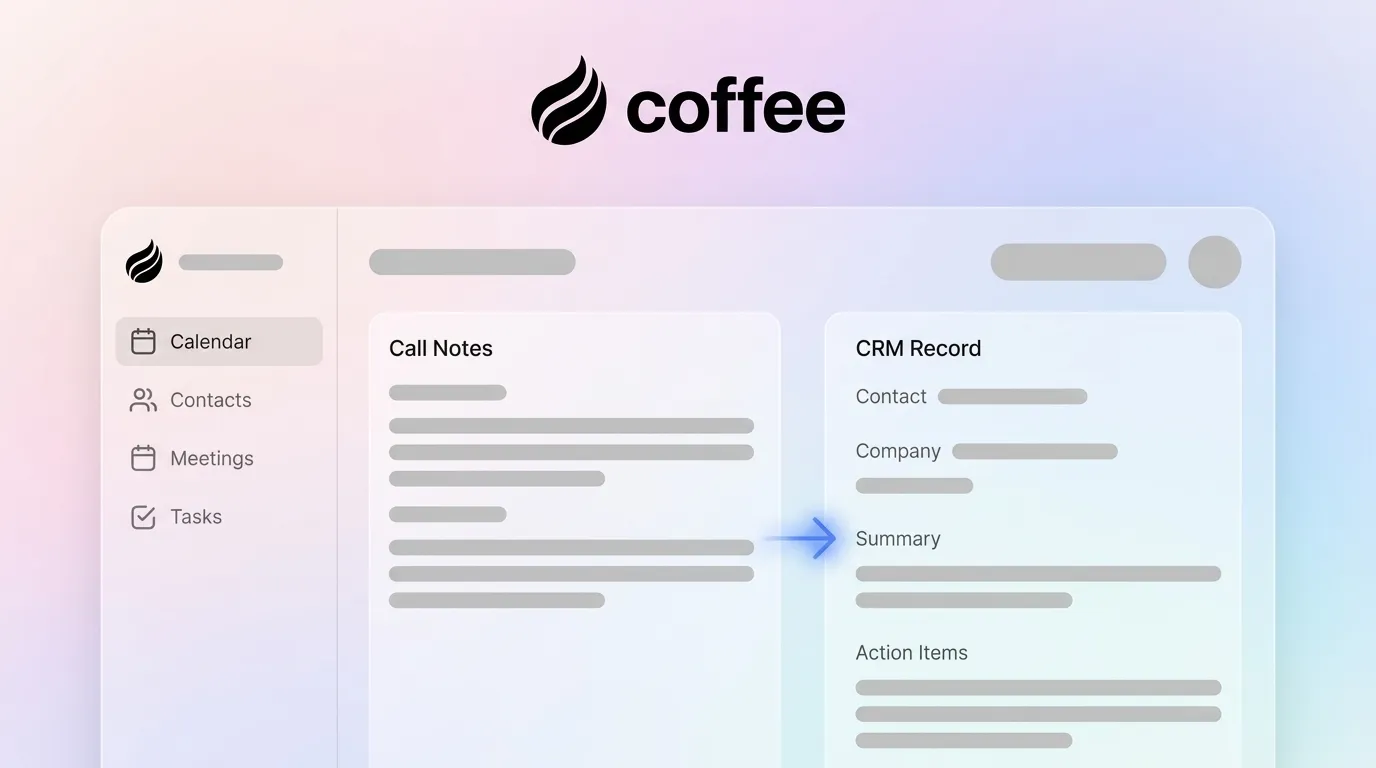
Coffee’s autonomous agent removes every manual step by transcribing calls, structuring notes, and writing directly to Salesforce, HubSpot, or its Standalone CRM.
Teams using Coffee see zero manual edits per call, week-over-week pipeline accuracy within 5%, and 8–12 hours reclaimed per rep.
Sales reps spend 65% of their time on non-selling tasks, including manually entering customer notes, hunting for pitch decks, and chasing internal approvals. CRM and data entry account for roughly 25% of the average rep’s week, which equals about 10 hours in a standard 40-hour schedule.
That time pressure creates a predictable failure mode: reps skip fields, abbreviate notes, or delay entry until details fade. The downstream damage from that incomplete data is measurable. Incomplete CRM data produces three compounding costs: missed follow-ups that stall deals, wasted rep time reconstructing deal history, and unreliable forecasts that impair resource allocation. Improving forecast accuracy through automated data pipelines can reduce planning errors and support better resource allocation. Manual entry keeps that level of improvement out of reach.
Readiness and Preconditions for Any Approach
Before you compare methods or set up Coffee, confirm a few basics. You need workspace access through Google Workspace or Microsoft 365 so the system can connect to calendar and email. You also need CRM credentials, either admin or standard user, for Salesforce, HubSpot, or Coffee Standalone so records can be written safely.
If you plan to test the prompt-based method, you need a ChatGPT account with GPT-4o access on the Plus or Team tier. You also need to review call consent requirements for your jurisdiction, which the compliance sections below explain in more detail. Finally, define the CRM fields you want filled, such as BANT, MEDDIC, or SPICED qualification criteria, because each method relies on that target schema.
The most common starting point uses a raw transcript or handwritten notes pasted into ChatGPT with a structured prompt. A typical template looks like this:
“You are a CRM data entry assistant. From the call notes below, extract: Contact Name, Company, Deal Stage, Budget, Decision Timeline, Next Steps, and any identified pain points. Format the output as JSON matching Salesforce field names. Notes: [paste notes here]”
ChatGPT returns a structured block that looks clean. The problem appears as soon as the output reaches the CRM and collides with real field rules.
Troubleshooting callout, field-mapping errors: ChatGPT has no live connection to your CRM schema. Field names drift between versions of the prompt, custom fields disappear, and picklist values rarely match what Salesforce or HubSpot expects. Every output needs a manual review pass before anyone can trust it.
Manual Copy-Paste into Your CRM
After generating structured output from ChatGPT, the rep opens the CRM, finds the correct deal or contact record, and pastes each field value individually. Sales conversations frequently occur outside the CRM with no automatic capture, so details are lost when reps move immediately to the next activity.
The ceiling here is not just time. Legacy CRM architectures overwrite field values without preserving history. When a deal stage updates, the previous stage and the context behind the change disappear permanently. This compounds the forecast reliability problem mentioned earlier, because pipeline reports show only the current snapshot instead of the progression that led to it.
Troubleshooting callout, duplicate entries: Without a deduplication layer, pasting contact data from ChatGPT output creates duplicate records. Salesforce and HubSpot both require manual merge workflows to resolve them, which adds even more admin work.
Zapier or Make Bridges from Notes to CRM
No-code bridges like Zapier or Make can automate the transfer step by triggering a CRM record update whenever a new ChatGPT output lands in a Google Doc, Notion page, or email. The setup usually involves a multi-step Zap that triggers on a new document, parses text, maps fields, and then creates or updates the CRM record.
This removes the copy-paste step but introduces a new failure mode. The Zap remains only as reliable as the prompt output it receives.
Troubleshooting callout, prompt drift: When the ChatGPT prompt output format changes because the model updates, the prompt changes, or the notes arrive in a different structure, the Zap’s field parser breaks silently. Records end up with blank fields or wrong values, and no alert fires. The rep discovers the problem days later during a pipeline review.
Each of these methods reduces some friction but keeps one core risk in place. The rep still carries responsibility for getting accurate data into the CRM on every call.
The Fully Automated Workflow: Coffee Agent
Step 1: Connect Coffee Agent to Google Workspace or Microsoft 365
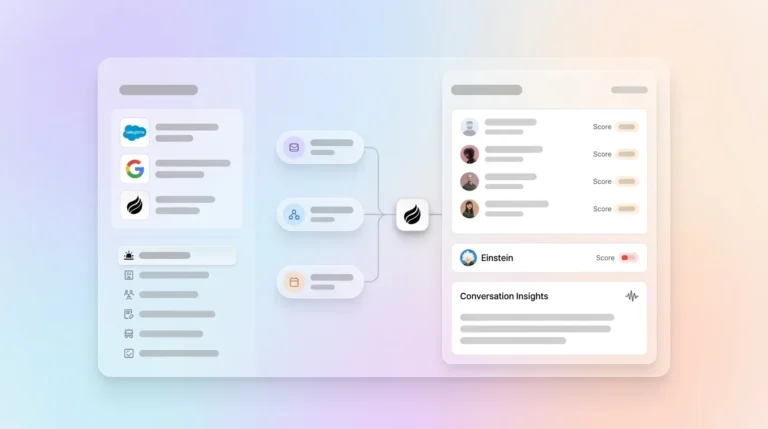
Coffee’s setup replaces all three partial approaches with a single OAuth authentication. You navigate to Coffee’s settings, select Google Workspace or Microsoft 365, and authorize access. The agent immediately begins scanning emails and calendar events to populate contact and company records.
No prompt engineering. No Zap configuration. No field mapping spreadsheet.
Troubleshooting callout, mismatched contacts: If a contact exists in the CRM under a nickname or alias, Coffee’s agent cross-references email domain and calendar metadata to match the correct record before writing to it. Duplicate creation is prevented at the agent layer, not left to the user.
Step 2: Let the AI Meeting Bot Transcribe and Structure Notes
The agent applies the sales methodology configured for the team, such as BANT, MEDDIC, or SPICED, so qualification fields stay consistent across every rep and every call. The Coffee workflow removes both the time cost and the accuracy risk that plague manual and semi-automated approaches. The ChatGPT method produces accuracy that varies with prompt quality. Zapier automations inherit that variability and add a new failure mode when prompts change and field parsers break silently. Coffee’s agent maintains consistent accuracy because it writes directly to CRM schemas and aligns output to the configured sales methodology without depending on prompt stability.
Step 3: Autonomous Record Creation or Update in Standalone CRM or Salesforce/HubSpot
Immediately after the call ends, Coffee’s agent writes the structured output directly to the correct record. For Companion App users, Salesforce or HubSpot fields update without the rep touching the CRM. For Standalone CRM users, the record is created or enriched within the Coffee platform.
Here is how common fields map in practice. Deal Stage maps to the closest matching picklist value in the connected CRM. Next Steps populate the activity queue with a dated task. Budget and Timeline write to custom opportunity fields. Contact roles identified during the call link to the deal record automatically.
Troubleshooting callout, missing next-step fields: If a call ends without a defined next step, Coffee flags the record as incomplete and surfaces it in the pipeline view instead of leaving it silently stale. The rep receives a prompt to add a next step, which means one quick field update instead of a full data entry session.
Step 4: Real-Time Pipeline Compare Updates
Coffee’s Pipeline Compare feature visualizes week-over-week changes across every deal, including progressed opportunities, stalled records, new additions, and deals that went dark. Because the agent writes every update at the moment it occurs, the pipeline view reflects ground truth, not last Friday’s manual export.
A fully operational Coffee workflow produces three measurable outcomes that build on each other. First, you reach zero manual edits per call, because the agent writes every field and the rep reviews instead of re-entering data. That completeness drives the second outcome, which is week-over-week pipeline accuracy within 5%, as automated data pipelines keep CRM-fed reports aligned with real activity instead of stale exports.
For teams of 1–5 reps that have outgrown spreadsheets but find Salesforce or HubSpot to be expensive overhead, Coffee’s Standalone CRM offers the right entry point. The agent manages the full system of record with no legacy architecture to maintain.
For teams of 20–100 reps already committed to Salesforce or HubSpot, the Companion App deploys the Coffee agent as an intelligent layer on top of the existing instance. CRM adoption problems ease because reps no longer have to enter data, since the agent handles that work.
Build people lists automatically with Coffee AI CRM Agent
At either scale, Coffee’s List Builder and Visitor Identification features extend the agent’s reach beyond call logging. List Builder generates targeted prospect lists from natural language commands. Visitor Identification turns anonymous website traffic into named leads with enriched profiles, surfacing suggested outreach targets that match the configured buyer persona.
Building a company list with Coffee AI
U.S. Call-Recording and Transcription Rules
In the United States, federal law (the Electronic Communications Privacy Act) permits one-party consent recording, which means a participant in the call may record without notifying the other party. However, 11 U.S. states, including California, Florida, and Illinois, require all-party consent, which makes disclosure at the start of the call a legal requirement for any rep operating in or calling into those states.
Best practice for U.S. sales teams uses a simple pattern. Open every recorded call with a brief disclosure statement such as “This call may be recorded for quality and training purposes” and document that disclosure in the call record.
Coffee is SOC 2 Type 2 certified and GDPR compliant. Call transcripts and CRM data processed by the Coffee agent do not train public AI models. Data residency controls are available, and access is scoped to the authenticated workspace, with no broad internal sharing by default. For teams in regulated industries or with enterprise security review requirements, Coffee’s compliance documentation is available on request.
Frequently Asked Questions
How long does Coffee take to set up?
Setup takes less than 15 minutes. The process uses a single OAuth connection to Google Workspace or Microsoft 365, a CRM authentication for Salesforce or HubSpot, or no extra step for Standalone CRM users. You then complete a brief configuration of the preferred sales methodology, such as BANT, MEDDIC, or SPICED. The agent begins capturing and logging data from the first call after setup, with no prompt engineering, Zap configuration, or field mapping spreadsheet required.
How is Coffee priced?
Coffee uses seat-based pricing. You pay for the human seats on your team, and the agent’s labor, including transcription, data entry, enrichment, pipeline updates, and follow-up drafting, is included without additional metering on AI usage or processes. There are no per-call fees, no LLM usage charges, and no separate add-on costs for core features like Pipeline Compare or Visitor Identification.
How deep is Coffee’s Salesforce and HubSpot integration?
Coffee’s Companion App is built with an understanding of Salesforce and HubSpot’s full complexity, including required fields, picklist validation, quota structures, forecasting categories, and custom object schemas. The agent maps structured call output to the correct fields in the connected CRM, respects required field rules to prevent record save failures, and writes activity history without overwriting existing data. This depth distinguishes Coffee from newer CRM alternatives that lack the integration maturity to handle established enterprise configurations.
Where is my data stored, and is it used to train AI models?
Coffee processes and stores data in a built-in data warehouse that preserves full interaction history, unlike legacy CRM architectures that overwrite field values without retaining context. Data does not train public AI models. Coffee is SOC 2 Type 2 certified and GDPR compliant, with access controls scoped to the authenticated workspace. Retention and access policies can be configured to match organizational requirements.
When should a team move from the Standalone CRM to the Companion App?
The Standalone CRM fits teams of 1–20 people that have outgrown spreadsheets or Notion but want to avoid the administrative overhead of Salesforce or HubSpot. The Companion App fits teams already committed to Salesforce or HubSpot, typically at 20–100 seats, that need the Coffee agent to solve CRM adoption and data quality problems without migrating away from the existing system of record. The decision depends on existing infrastructure rather than company size alone.
Conclusion: Moving to Zero-Touch Call-to-CRM
The ChatGPT prompt method produces structured output but stops at the CRM door. Zapier bridges close the transfer gap but break on prompt drift and require ongoing maintenance. Both approaches keep manual work in the loop and simply move it around.
Coffee’s autonomous agent writes clean, methodology-aligned CRM records from call transcripts without a single manual step. It connects to the tools teams already use, writes to the CRMs they already own, and reclaims the 8–12 hours per week that reps currently lose to CRM administration. That time returns to selling and to maintaining accurate, real-time pipeline data.