
Written by: Doug Camplejohn, CEO & Co-Founder, Coffee | Last updated: June 20, 2026
Key Takeaways for a 2026 Sales Cadence
- A high-performing sales cadence combines email, phone, and LinkedIn touches over 14 days with clear entry and exit criteria plus automated logging.
- Define a narrow ICP using closed-won data, trigger signals, and a weekly pipeline goal tied to meetings, deal size, and win rate.
- Use an 8-touch, 14-day sequence that front-loads early touches and adds a 60-second personalized video to lift reply rates 2–3×.
- Automate CRM logging, follow-up drafting, and pipeline tracking so reps spend time selling instead of doing data entry.
- Track reply rate, meetings booked, pipeline created, and data completeness weekly, then get started with Coffee to run the entire cadence automatically.
Step 1: Define Narrow ICP and Weekly Pipeline Goal
Inputs required: Closed-won data from the last 12 months, average contract value, current win rate, and rep capacity. Ownership: Head of Sales or RevOps. Decision checkpoint: The ICP segment must have at least 200 addressable accounts to sustain weekly enrollment without list exhaustion. Expected output: A one-page ICP card with firmographic filters that define who to target, three to five trigger signals (funding round, new hire, tech stack change) that indicate when to reach out, and a weekly pipeline target calculated as (meetings goal × average deal size) ÷ close rate that clarifies how much pipeline each rep must generate.

Teams that want multiple discovery calls per rep per week need each rep to generate substantial new pipeline per month to hit quota. That requirement makes ICP precision non-negotiable.
Signal-based outbound teams generate more pipeline per rep than volume-based teams, and the first seller to reach out after a trigger event is 5× more likely to win the deal. Trigger signals belong inside the ICP definition, not as an afterthought.
Failure mode — Undefined exit criteria: Without documented exit criteria (for example, “prospect replies, books a call, or reaches touch 8 with no engagement”), reps either abandon prospects too early or spam them indefinitely. Define exit criteria before enrolling a single contact.
Step 2: Map a 14-Day Multi-Channel Sequence
For SMB and mid-market prospects, cadences of 14–21 days with 5–9 touches (varying by tier) are the commonly cited standard, while the optimal cold outreach cadence includes 6–8 touchpoints across email, phone, and social spread over two to three weeks. The sequence below front-loads touches in the first week to maximize early engagement, then spaces later touches to avoid fatigue, with a personalized video at day 8 acting as the pivot between high-frequency outreach and lighter follow-up.
| Day | Channel | Touch Goal | Personalization Hook |
|---|---|---|---|
| 1 | Email (cold intro) | Open + reply | Trigger signal (funding, hire, post) |
| 2 | LinkedIn connection request | Accept | Shared group or mutual connection |
| 3 | Phone call | Live conversation or voicemail | Reference email sent yesterday |
| 5 | Email (value email) | Click or reply | Relevant case study or stat |
| 7 | LinkedIn message | Reply | Comment on their recent post |
| 8 | Personalized video (60 sec) | Reply or meeting booked | Screen-record their website or LinkedIn |
| 11 | Phone call + email | Live conversation | Reference video sent, ask one question |
| 14 | Email (break-up) | Reply or exit | Low-friction opt-out or future date offer |
Inserting a personalized 60-second video message increases reply rates by 2–3× compared to a text email. Waiting about three days between messages raised reply rates by 31%, which explains why days 1–8 are front-loaded while later touches are spaced out.
Failure mode — Robotic messaging: Many sales and marketing decision-makers believe most sales outreach feels impersonal and irrelevant. Every touch must reference a specific, timely signal. Generic copy does not just underperform, it actively damages sender reputation.
Let Coffee’s Agent handle enrollment and logging automatically, and start your first cadence today.
Step 3: Build Hyper-Personalization at Scale
Hyper-personalization at scale relies on two inputs: real-time trigger signals and AI-assisted copy generation. Hyper-personalization is achieved by referencing timely, specific signals in each email, such as a recent funding round, job posting, published blog post, or LinkedIn comment, so the opener reads as if a human spent ten minutes on research.
Trigger signals to monitor include a new executive hire, a Series A or B announcement, job postings for roles your product supports, a LinkedIn post by the prospect, or a technology change detected via intent data. Each of these signals marks a moment of organizational change when the prospect is more likely to evaluate new solutions, which is why organizations using signal-qualified leads report better conversion rates and larger deal sizes compared to static targeting alone.

On the copy side, 65% of B2B sales teams are using AI for scalable personalization in cold outreach as of 2026, and studies report AI-generated subject lines boosting open rates by 22–32% on average. Feed your AI tool the trigger signal, the prospect’s role, one relevant case study, and your value proposition, then review and send.
Advanced personalization significantly increases cold email response rates compared to generic emails. As noted earlier, signal-based outreach lifts replies by roughly 7–12× compared to generic templates.
Failure mode — Missing activity logging: Personalization only compounds if reps know what was already sent. When activity logging is manual, reps duplicate touches, miss follow-ups, and send contradictory messages. Every touch must be logged automatically at send time, not retroactively.
Step 4: Automate Logging, Follow-Ups, and Pipeline Updates
Manual CRM logging is the single largest source of pipeline inaccuracy at 10–50 person tech companies. Validity’s State of CRM Data Management in 2025 report finds that 76% of organizations say less than half their CRM data is accurate and complete, and the root cause is that reps are expected to act as data entry clerks after every call, email, and LinkedIn touch.
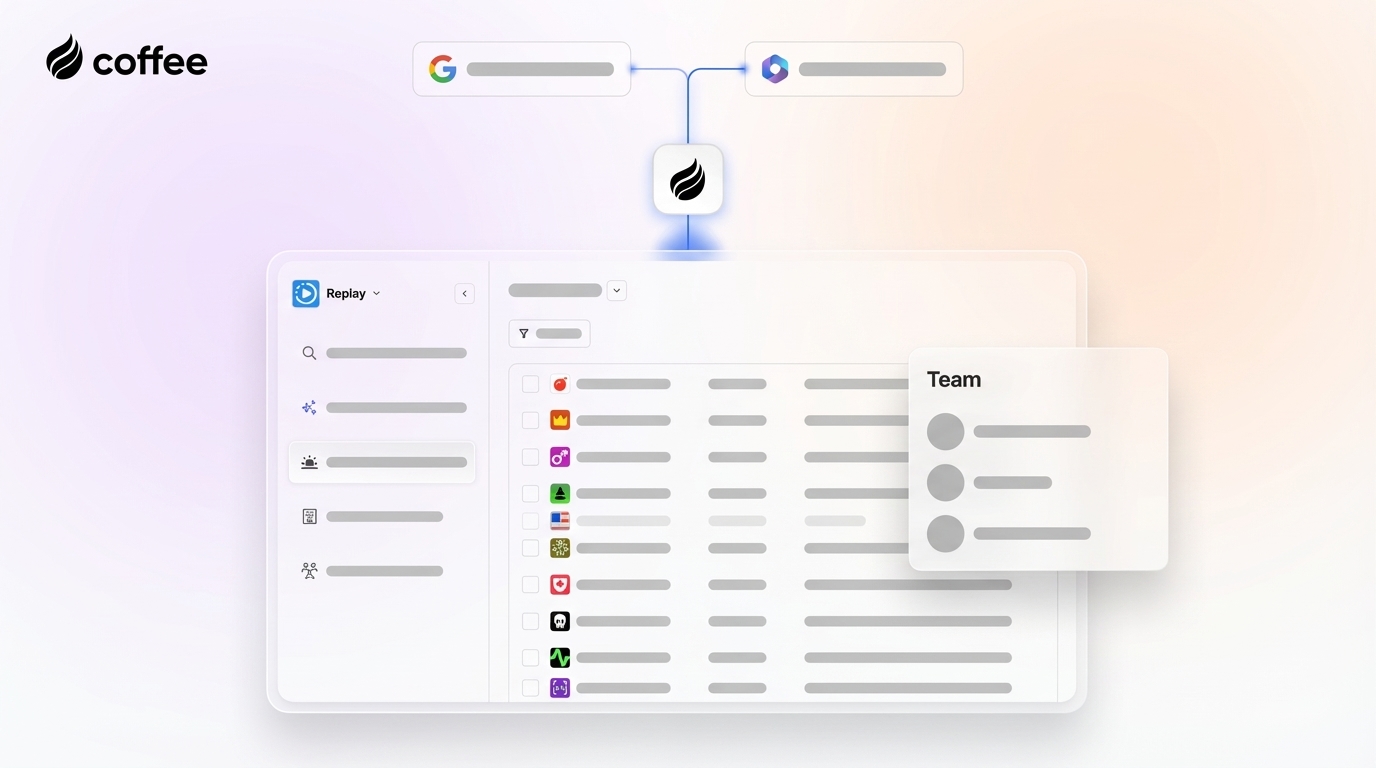
Coffee’s Agent removes that burden. After connecting to Google Workspace or Microsoft 365, the Coffee Agent scans emails and calendars to auto-create contacts, log last and next activity, and associate every interaction with the correct deal record, without a rep touching the CRM. Post-call, the Agent joins the meeting via Zoom, Teams, or Meet, transcribes the conversation, generates a BANT- or MEDDIC-structured summary, and drafts the follow-up email for one-click review and send.

For pipeline updates, Coffee’s Pipeline Compare feature visualizes week-over-week changes, including progressed deals, stalled opportunities, and new additions, which replaces manual CSV exports. Because the Agent captures every interaction in a built-in data warehouse, historical context never disappears when a field is updated, a structural flaw in legacy CRMs like Salesforce and HubSpot. This automatic capture makes weekly velocity tracking operationally realistic for a lean team.

The result: Teams that track pipeline velocity weekly can achieve higher forecast accuracy, and they can maintain that rhythm because the underlying data updates automatically.
See how Coffee eliminates manual CRM work, and try the Agent free for 14 days.

Step 5: Build a Metrics Dashboard and Nurture Stream
A cadence without a metrics dashboard is a guess. The four KPIs below form a diagnostic chain: reply rate and meetings booked show whether targeting and messaging resonate, pipeline created confirms that those meetings convert into real opportunities, and data completeness proves that the dashboard rests on reliable records.
| Metric | Formula | Target | Source Benchmark |
|---|---|---|---|
| Reply rate | Replies ÷ delivered emails | ≥15% | Multi-signal stacked outreach: 25–40% |
| Meetings booked per rep/week | Discovery calls scheduled ÷ active reps | ≥5 | Signal-based teams: 18–22/month |
| Pipeline created per cadence | Opportunities created × avg. deal size | ≥$50K | Pipeline coverage target: 3–5× quota |
| Data completeness | Complete Stage 2+ records ÷ total Stage 2+ records | ≥90% | Contact/account completeness minimum: 90% |
Prospects who complete the 14-day sequence without booking a call should move to a long-term nurture stream with one value-add email every few weeks. Regular check-ins improve conversion rates on longer-cycle deals. Nurture enrollment and send scheduling must be automated, because manual nurture rarely survives beyond 60 days at a scaling SMB.
Failure mode — No exit criteria into nurture: Without a defined handoff rule (for example, “no reply after touch 8 = auto-enroll in 30-day nurture”), prospects fall into a gap between active cadence and long-term nurture. Many responses arrive after multiple touches, so pipeline growth depends on consistent follow-up, not the first email.
Scaling the Cadence for Team Size and CRM Maturity
Teams of one to three reps with no CRM should deploy Coffee’s Standalone AI-First CRM. The Agent handles contact creation, activity logging, and pipeline tracking from day one, which removes the setup burden that often causes legacy CRM abandonment. Many sales professionals spend less than half of their day actually selling, and eliminating manual logging immediately returns that time.
Teams of five to twenty reps already on Salesforce or HubSpot should deploy Coffee as a Companion App. The Agent writes enriched data back to the existing system of record, which solves the dirty-data problem without a CRM migration. CRM hygiene debt produces missing contacts, wrong stages, and stale dates because data standards are unclear and lack in-flow prompts or manager inspection, and the Agent enforces those standards automatically.
For enterprise accounts with larger deal sizes, cadences of 30+ days (roughly 4–6 weeks) with 8–14 touches, or up to 20+ interactions for complex sales are recommended. Extend the 14-day template by adding a second video touch at day 18, a direct mail piece at day 21, and a LinkedIn voice note at day 25.
Frequently Asked Questions
How long should a B2B sales cadence be for a 10–50 person tech company?
As outlined in Step 2, a 14–21 day cadence with 5–9 touches is standard for SMB and mid-market prospects. This duration is long enough to reach prospects across multiple channels and time zones without exhausting the list or triggering spam filters. Enterprise prospects require the longer cadences mentioned earlier, often 30+ days with up to 20 touches for complex sales. Any prospect who does not respond within the active cadence window should move automatically to a long-term nurture stream with monthly touches rather than being abandoned entirely.
What is the right channel mix for a multi-channel sales cadence in 2026?
The highest-performing mix for B2B tech outreach combines cold email, LinkedIn (connection request plus direct message), phone calls, and at least one personalized video touch. Email anchors the sequence because it is asynchronous and scalable. LinkedIn doubles response rates relative to email alone for decision-makers. Phone calls add a human layer that email cannot replicate, and a 60-second personalized video at touch 6–8 consistently lifts reply rates by 2–3× at that step. Single-channel email-only sequences underperform multi-channel sequences by a significant margin across all 2025–2026 benchmarks.
When should a prospect move from active cadence to long-term nurture?
A prospect should exit the active cadence and enter long-term nurture when they meet one of three criteria: they reply and explicitly defer (for example, “reach out in Q3”), they complete all cadence touches with no engagement, or they open emails repeatedly but never reply after touch 6. Long-term nurture should deliver one value-add email every 21–30 days and re-enroll the prospect in an active cadence when a new trigger signal fires, such as a job change, funding announcement, or return website visit detected via a visitor identification pixel.
How do you measure whether a sales cadence is actually growing pipeline?
Four metrics provide a complete picture: reply rate (target ≥15%), meetings booked per rep per week (target ≥5), pipeline created per cadence cycle (target ≥$50K), and data completeness for Stage 2+ deals (target ≥90%). Reply rate and meetings booked measure top-of-funnel cadence effectiveness. Pipeline created connects outreach activity to revenue impact. Data completeness validates that the CRM is trustworthy enough to forecast from. All four metrics must be tracked weekly to maintain the forecast accuracy gains described in Step 4. A metrics dashboard that pulls these figures automatically, rather than from manual CSV exports, is a prerequisite for reliable cadence validation.
Conclusion
A reliable pipeline growth engine in 2026 depends on more than sending extra emails. It relies on a five-step system: a narrow ICP with trigger signals, a 14-day multi-channel sequence with defined exit criteria, hyper-personalized copy driven by real-time signals, automated logging and follow-up drafting that keeps CRM data clean, and a metrics dashboard that proves pipeline impact week over week.
Every step in this framework depends on accurate data flowing into and out of the CRM without manual effort. Coffee’s Agent handles that automatically by capturing contacts, logging activities, drafting follow-ups, and tracking pipeline changes, so reps spend their time selling, not administering.


