Written by: Doug Camplejohn, CEO & Co-Founder, Coffee
Key Takeaways for Salesforce AI Integrations
- Fragmented AI add-ons and manual data entry create unreliable Salesforce CRM data that undermines forecasting and automation.
- Native Salesforce AI tools, traditional iPaaS platforms, and modern agent-layer solutions each solve different parts of the integration problem.
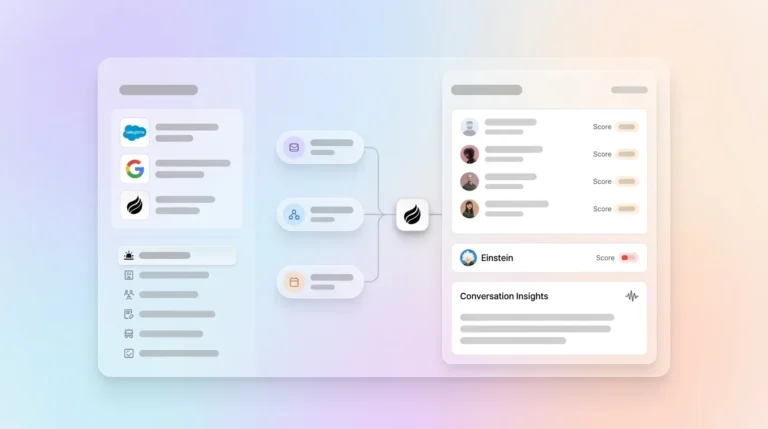
- Coffee Companion Agent ingests both structured and unstructured data, then writes enriched records back to existing Salesforce instances automatically.
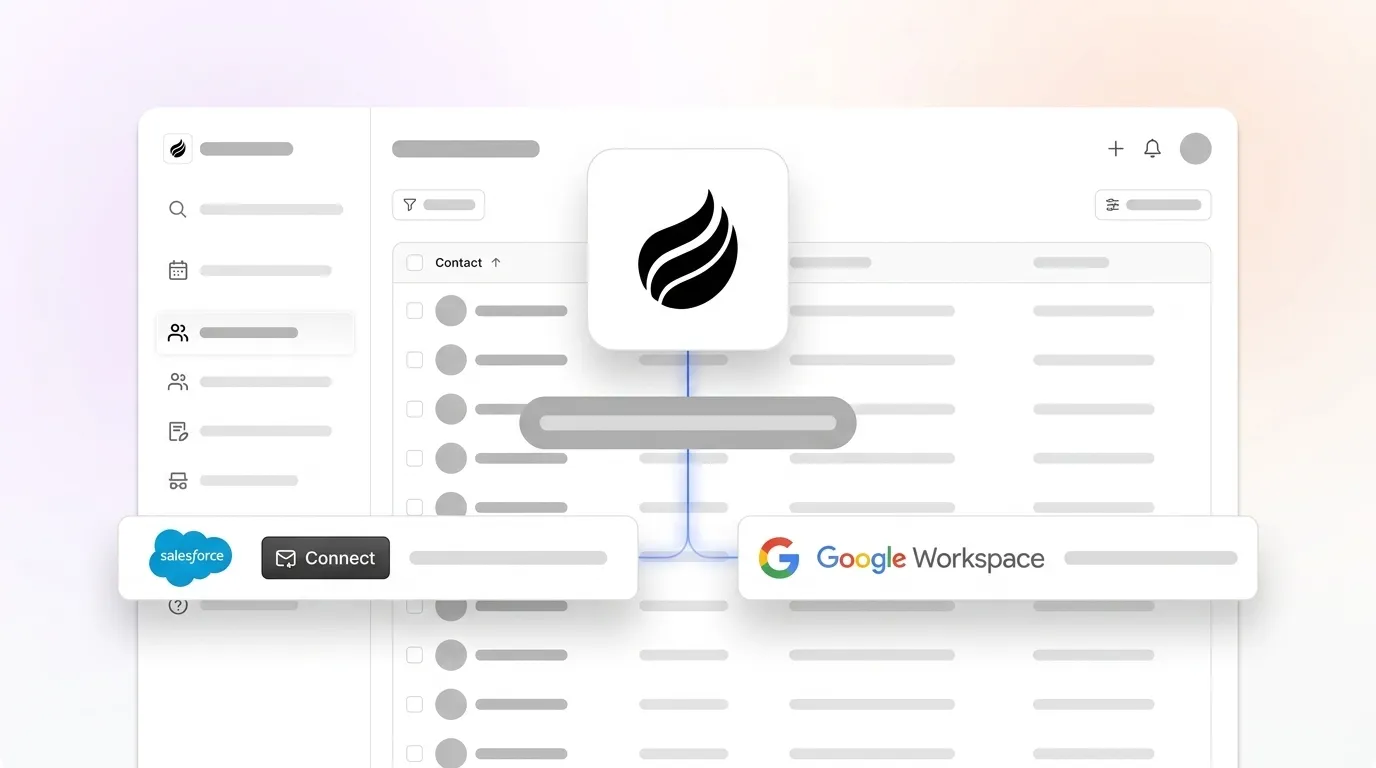
- Implementation is minimal, with OAuth connection to Google Workspace or Microsoft 365 enabling immediate syncing with no data migration or dedicated admin.
- Teams ready to eliminate manual entry and stabilize Salesforce data quality can review Coffee’s seat-based plans and deployment details.
Comparison Table: AI CRM and Salesforce Integration Options
The table below maps each platform against seven evaluation criteria. Every data point is cited inline. Metrics that cannot share a common unit appear in the narrative that follows.
| Criteria | Native Salesforce AI (Einstein / Agentforce) | Traditional iPaaS (MuleSoft / Workato / Zapier / Tray.io) | Coffee Companion Agent |
|---|---|---|---|
| Salesforce Integration Depth | Native; full object access but production debugging can take two weeks | Legacy embedded iPaaS platforms lack native data syncs, incremental change detection, and support for custom objects | Deep bi-directional sync, writes enriched records back to existing Salesforce instance with full custom-object awareness |
| Structured + Unstructured Data | Chunking errors on nested tables produce garbled context for the LLM | Traditional iPaaS remains centered on structured application data and API connectivity, not content understanding | Ingests emails, calendars, and call transcripts alongside structured CRM fields, then unifies both data types into one coherent record |
| Data-Quality Automation | Einstein Lead Scoring requires at least 1,000 leads created over the last six months (with at least 120 converted total and at least 20 conversions per month) before producing reliable scores. | Moves and maps data between endpoints, but does not autonomously enrich or validate CRM records | Automatically creates contacts, enriches records with job titles and funding data, and logs activity without human input |
| Implementation Effort | Mid-market implementations typically cost $75,000–$150,000 | Mid-market integration platforms run $500–$2,500/month, technical background required, creating adoption delays | Simple OAuth authentication, agent begins syncing immediately after connecting Google Workspace or Microsoft 365 |
| Pricing Transparency (10–100 seats) | Enterprise edition at $175/user/month; Unlimited at $330–$350/user/month; hidden costs include AppExchange subscriptions and AI feature enablement | $500–$2,500/month for mid-market tiers, plus Salesforce license fees, with metered usage common | Seat-based pricing, agent labor is unlimited and unmetered, with no LLM usage fees |
| Scalability for AI Workloads | The Agentforce platform had processed more than 3.2 trillion tokens through its LLM gateway by December 2025, but 67% of Einstein enterprise deployments face significant adoption challenges in the first 6 months | Traditional iPaaS creates bottlenecks when agents request data from multiple sources simultaneously | Built on a data warehouse architecture, pipeline intelligence scales as interaction volume grows without additional configuration |
| Ongoing Administrative Burden | Predictive models require quarterly reviews, and score degradation occurs as market conditions shift | 89% of companies report struggles with data and system integration, with engineering teams required for maintenance | Eliminates 8–12 hours of weekly manual entry per rep, with no dedicated admin required to maintain data quality |
People.ai sits between these categories. It focuses on revenue intelligence from structured activity data, but it does not write enriched unstructured data back to Salesforce records or remove the manual entry burden for individual reps.
Why Salesforce Struggles with AI-Ready Data Quality
Data capture and maintenance. Native Einstein and Agentforce tools depend entirely on the quality of data already inside Salesforce. Because of this dependency, teams that treat AI feature enablement as a configuration task rather than a data transformation program consistently underscope and underfund the project. This scoping gap shows up in the numbers, as nearly 80% of organizations admit their AI and data initiatives are constrained by limited data access.
AI workflow readiness. Eighty-six percent of IT leaders are concerned that AI agents will introduce more complexity without proper integration. Traditional iPaaS platforms move structured data between endpoints, yet they create bottlenecks when agents request data from multiple sources or execute complex workflows spanning different business systems. As we will see later, most IT leaders now view seamless data integration as the deciding factor in AI agent success.
Salesforce-specific failure modes. Some sessions appearing successful in system logs were actually phantom successes that failed the user, leading to abandonment and reversion to manual workflows. When this happens, users lose trust in the AI layer. If prompt templates lack grounding context, Einstein Copilot outputs can become plausible but factually incorrect, which further erodes adoption.
Total cost of ownership. Consulting and development account for a significant portion of total Salesforce implementation cost, and integration middleware for mid-market projects can add substantial expense. Hidden costs such as storage overages, AppExchange subscriptions, and AI enablement fees compound annually. AI-enriched lead profiles can achieve higher data accuracy than manual entry. That accuracy confirms a measurable ROI gap between automated and human-dependent data pipelines, which creates a strong case for automation-first approaches.
Coffee Companion Agent: AI Layer for Existing Salesforce Orgs
Coffee’s Companion Agent acts as an intelligent layer on top of an existing Salesforce instance. After a simple OAuth connection to Google Workspace or Microsoft 365, the agent begins ingesting emails, calendar events, and call transcripts. It auto-creates contacts and companies, enriches records with job titles, funding data, and LinkedIn profiles via licensed data partners, and logs last-activity and next-activity fields without manual work.

Post-call, the agent generates summaries, identifies next steps, and drafts follow-up emails structured to BANT, MEDDIC, or SPICED qualification frameworks, then writes all outputs back to the correct Salesforce records without human intervention. By automating this entire post-call workflow, the agent removes 8–12 hours of weekly manual entry per rep and keeps Salesforce aligned with ground-truth interaction data instead of partial notes.

Coffee runs on a data warehouse architecture that preserves historical context Salesforce relational fields overwrite during updates. Pipeline Compare visualizes week-over-week deal changes automatically and replaces manual CSV exports. Ninety-six percent of IT leaders agree AI agent success depends on seamless data integration across all systems, and Coffee’s Companion Agent is purpose-built to meet that requirement on the Salesforce instances mid-market teams already own. Explore the full Coffee Salesforce integration documentation and pricing details to confirm fit for your environment.
AI CRM Recommendations by Sales Team Size
Early-stage teams (1–20 seats). Teams that have outgrown spreadsheets but view Salesforce implementation costs as prohibitive gain more value from Coffee’s Standalone AI-First CRM. In that setup, the agent manages the entire system of record from day one and avoids a heavy initial rollout.
Growing sales organizations (20–60 seats) already on Salesforce. These teams feel the data-quality gap most acutely. Top-performing sales teams are 1.7x more likely to use AI agents than underperforming teams. Coffee’s Companion Agent adds the agent layer on top of the current Salesforce investment, which creates the lowest-disruption path to AI-ready data.

Established mid-market companies (60–100 seats) committed to Salesforce. These organizations rely on custom objects, quota structures, and forecasting hierarchies that newer CRM alternatives cannot easily replicate. Coffee’s deep Salesforce integration, including custom-object awareness and bi-directional sync, preserves that configuration while removing the manual data entry that undermines forecast accuracy. Once you select the right integration category for your team size and data needs, the next priority becomes durability, so the integration keeps pace with AI and process changes.
Future-Proofing Salesforce AI Integrations
Change management. While many companies expect to customize AI agents for their businesses, only 21% have a mature governance model for the agents they deploy. Platforms that require engineering resources for every workflow change, such as traditional iPaaS and native Agentforce customizations, create change-management bottlenecks as processes evolve. Agent-layer solutions that operate above the Salesforce data model reduce this dependency and keep iteration cycles shorter.
Compliance. Coffee is SOC 2 Type 2 and GDPR compliant, and data is not used to train public models. For mid-market teams in regulated-adjacent industries, this removes the multi-quarter security review that enterprise iPaaS contracts often trigger and shortens procurement cycles.
External LLM compatibility. According to the 2026 Connectivity Benchmark Report, 94% of IT leaders identify a need for more API-driven architectures. Coffee exposes API access so teams can script custom prompts against Coffee’s enriched data warehouse. This approach keeps the integration relevant as LLM capabilities evolve and avoids a forced platform migration.
Decision Framework: Matching Salesforce Integrations to Your Org
| Company Profile | Data-Quality Pain Level | Desired AI Outcome | Recommended Category |
|---|---|---|---|
| 10–30 seats, early Salesforce adoption | Moderate, reps log inconsistently | Basic pipeline visibility | Native Einstein (starter tier) |
| 30–100 seats, multiple integrated systems | High, data silos across tools | Unified data flow between apps | Traditional iPaaS (Workato / Zapier) |
| 10–100 seats, Salesforce committed, poor CRM adoption | Critical, unstructured data never enters Salesforce | Accurate forecasting, automated data entry, AI-ready records | Coffee Companion Agent, the only solution that unifies structured and unstructured data on an existing Salesforce instance without replacing it |
Native tools and iPaaS platforms address parts of the integration problem, but neither category captures unstructured data such as emails, transcripts, and calendar context and writes it back to Salesforce records automatically. That gap is where AI forecasting and automation often fail, and Coffee’s Companion Agent is built specifically to close that gap.
Frequently Asked Questions
How long does implementation take for mid-market Salesforce integrations?
Traditional iPaaS platforms and native Salesforce AI configurations typically require weeks to months of IT involvement, data mapping, and testing before delivering value. Coffee’s Companion Agent connects via OAuth to Google Workspace or Microsoft 365 and begins syncing data immediately after authentication. There is no data migration, no field-mapping configuration, and no dedicated Salesforce admin required to launch. Most teams see enriched records and automated activity logging within the first business day.
What technical expertise is required to maintain AI-ready Salesforce data?
Native Einstein and Agentforce tools require quarterly model reviews to detect score degradation as market conditions shift, plus ongoing Salesforce admin work to maintain data governance. Traditional iPaaS platforms require engineering resources to update connectors and manage integration backlogs. Coffee’s Companion Agent operates autonomously, continuously ingesting new interactions, enriching records, and logging activities without manual intervention or technical oversight from the RevOps team. This autonomous behavior underpins the 8–12 hours of weekly time savings per rep described earlier.
How much migration effort is involved when adding an agent layer?
Adding Coffee as a Companion Agent involves zero migration. The existing Salesforce instance remains the system of record. Coffee authenticates against it, reads and writes to existing objects and custom fields, and augments the data already there. No historical data needs to move, no new CRM needs to be deployed, and no existing workflows need to be rebuilt. The agent layer sits above Salesforce and improves it without replacing it.
What impact does automated data hygiene have on AI forecasting accuracy?
AI forecasting models are only as accurate as the data they consume. When reps manually log interactions inconsistently, Einstein’s predictive models produce unreliable scores, and forecasts reflect what was entered rather than what actually happened in the sales cycle. Automated data capture that ingests emails, call transcripts, and calendar events directly ensures every interaction is recorded with full context. This creates the complete, consistent historical dataset that AI forecasting requires for reliable pipeline predictions and opportunity scores.
Which platforms hold SOC 2 and GDPR certifications?
Coffee is SOC 2 Type 2 certified and GDPR compliant, and customer data is not used to train public AI models. MuleSoft and Workato also maintain enterprise-grade compliance certifications, though their contract and procurement processes are typically scoped for enterprise organizations and involve longer security review cycles. For mid-market teams needing compliance assurance without a multi-quarter procurement process, Coffee’s certifications are available and verifiable without a custom enterprise agreement.
Conclusion: Closing the Salesforce AI Data-Quality Gap
Native Salesforce AI tools require clean data that most mid-market organizations do not yet have. Traditional iPaaS platforms move structured data between systems but cannot capture or process the unstructured interactions such as emails, calls, and meetings where most deal context lives. Both categories leave the data-quality gap open, and that gap breaks AI forecasting, automation, and pipeline accuracy.
Coffee’s Companion Agent is the only solution in this comparison that closes that gap directly. It ingests structured and unstructured data, enriches Salesforce records automatically, eliminates 8–12 hours of weekly manual entry per rep, and preserves the existing Salesforce system of record without migration or replacement. For RevOps leaders and Heads of Sales at 10–100 seat teams already committed to Salesforce, Coffee provides a clear path from bad data to accurate AI. See Coffee’s Salesforce integration in action, connect your instance, and start syncing enriched data within one business day.