Written by: Doug Camplejohn, CEO & Co-Founder, Coffee | Last updated: June 25, 2026
Key Takeaways
- Manual data entry still consumes 25% of sales reps’ time in HubSpot because CRM updates depend heavily on human effort.
- Native HubSpot tools like Breeze Intelligence, Smart Properties, and Data Quality rules handle structured data but not unstructured sources such as call transcripts or emails.
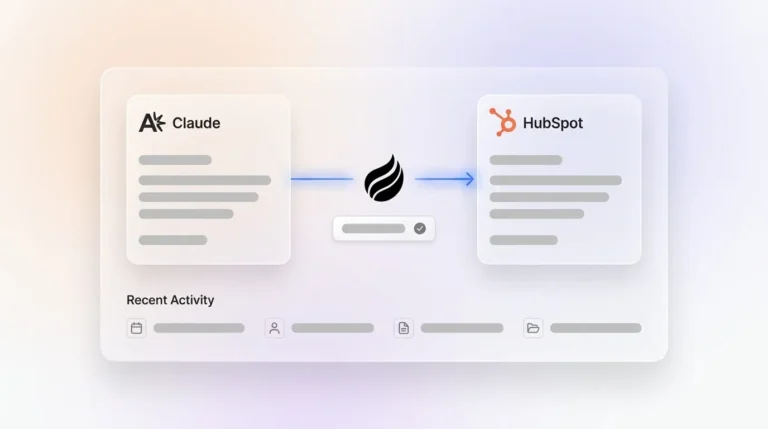
- AI meeting bots and the Coffee Companion App extract qualification data from calls and write structured notes, action items, and follow-ups directly into HubSpot records.
- Replacing CSV imports with automated workflows such as form triggers, OAuth sync, enrichment runs, and agent-based ingestion prevents duplicate and stale records at the source.
- Teams ready to eliminate manual entry can get started with Coffee and deploy an autonomous agent that keeps HubSpot data accurate without extra tools or rep effort.
How Native HubSpot Automation Handles Structured Data
HubSpot’s native toolset covers a meaningful share of structured-data automation. Breeze Intelligence enriches contact and company records with firmographic and technographic data directly inside HubSpot, which reduces manual lookups. Smart Properties use conditional logic to surface only relevant fields based on record context, so reps see fewer fields to complete. Calendar and email sync through Google Workspace or Microsoft 365 OAuth logs meetings and threads as activities automatically. Form submissions trigger workflows that create or update contacts, enroll records in sequences, and set lifecycle stages without human intervention.
HubSpot’s Data Quality tools provide an overview page that surfaces duplicate issues, formatting problems, enrichment gaps, and property insights. The Manage Duplicates tab allows merging or rejecting flagged records, and Data Hub Professional and Enterprise tiers include daily duplicate-limit alerts. Formatting automation rules on those same tiers correct recurring issues on future records automatically.
Together, these native features handle the structured layer well. They still do not parse call transcripts, auto-create contacts from email signatures, or unify data across the broader sales stack without additional configuration.
AI Meeting Notes and Visitor Data Written Directly to HubSpot
Unstructured meeting data is where most HubSpot instances lose the most value. An AI meeting bot joins calls on Zoom, Teams, or Google Meet, records and transcribes the conversation, then extracts structured fields such as next steps, MEDDIC qualification data, stakeholder details, and pain points. The bot writes those details directly to the associated HubSpot deal or contact record.

The Coffee Companion App extends this capability. After each call, the agent generates summaries, identifies action items, and drafts follow-up emails for rep review. It structures notes according to BANT, MEDDIC, or SPICED frameworks so qualification fields stay consistent across every deal. The Pipeline Compare feature then visualizes week-over-week changes such as progressed deals, stalled opportunities, and new additions, and it does this without manual CSV exports or spreadsheet work.

Beyond call data, the Coffee Companion App also automates lead creation from website traffic. Visitor identification adds another automated lead-creation path. A single tracking pixel identifies anonymous website visitors by name, title, email, and company, then surfaces Suggested Leads, which are the two or three specific contacts inside a visiting company who match your buyer persona, ready for outreach or CRM enrollment.

Replacing CSV Imports with Automated Workflows
CSV imports are the most common source of duplicate and stale records in mid-market HubSpot instances. The following seven methods replace CSV uploads with automated, governed workflows.
- Form-to-CRM triggers: Route all inbound lead capture through HubSpot forms with required fields enforced. Success metric: zero manual contact creation from web leads. Failure mode: forms without required fields allow incomplete records through.
- Email and calendar OAuth sync: Authenticate Google Workspace or Microsoft 365 to auto-log activities. Success metric: activity log completeness rate above 90%. Failure mode: reps using personal email accounts outside the connected domain.
- HubSpot Breeze Intelligence enrichment: Schedule automated enrichment runs on new and updated records. Success metric: property completeness rate improvement within 30 days. Failure mode: enrichment credits exhausted before full database coverage.
- Workflow-based record creation: Trigger contact and company creation from chatbot interactions, landing page submissions, and ad lead forms. Success metric: reduction in manual imports to zero for inbound channels. Failure mode: duplicate records when the same lead submits multiple forms.
- API integrations with outreach tools: Connect SalesLoft, Outreach, or Apollo via native HubSpot integrations to sync activity data bidirectionally. Success metric: no shadow activity logs outside HubSpot. Failure mode: field mapping mismatches that create blank or overwritten properties.
- Agent-based ingestion with Coffee Companion App: Authenticate once to Google Workspace or Microsoft 365. The agent then scans emails and calendars to auto-create contacts, companies, and activities. Success metric: reps report zero manual contact creation. Failure mode: none specific to this method because the agent handles deduplication natively.
- Automated deduplication on import: For any remaining bulk data loads, run the HubSpot Manage Duplicates tool immediately post-import using email as the unique identifier for contacts and domain for companies. Success metric: duplicate record rate below 2%. Failure mode: merges that delete conversation history rather than preserving it.
Data-Hygiene Governance for Scaled Automation
Roughly 76% of organizations report that less than half of their CRM data is accurate and complete, and many revenue leaders do not trust their own CRM data. IBM research found that the average financial impact of poor data quality on businesses is $9.7 million. Automation amplifies whatever data quality exists at ingestion, so governance must come first.
Four pillars structure a sustainable framework.
- Standardization (RevOps ownership): Replace free-text fields with dropdown menus for Industry, Lifecycle Stage, Lead Status, Country, and Lead Source to keep values consistent across all records. Once standardized fields exist, enforce data completeness by setting mandatory fields such as first name, last name, email, and company name for contacts and Deal Stage, Amount, Close Date, and Pipeline for deals before records advance through stages.
- Deduplication (RevOps ownership): Run daily automated duplicate detection on new records and monthly full deduplication passes. Use fuzzy matching, not exact-match only, to catch variants like “J. Smith” and “John Smith” at the same company.
- Cleansing (Sales rep ownership by territory): Run monthly email verification sweeps and semi-annual archiving of contacts with no activity in 12 or more months.
- Enrichment (Marketing and RevOps shared ownership): Schedule quarterly full enrichment passes to append firmographic, technographic, and contact details. Shift quality checks to the ingestion point so bad data never enters the pipeline.
Assign a RevOps data steward who owns weekly quality reports, import approvals, and a governance document that defines property ownership, allowed values, and duplicate management procedures.
Agent-Based Automation with the Coffee Companion App
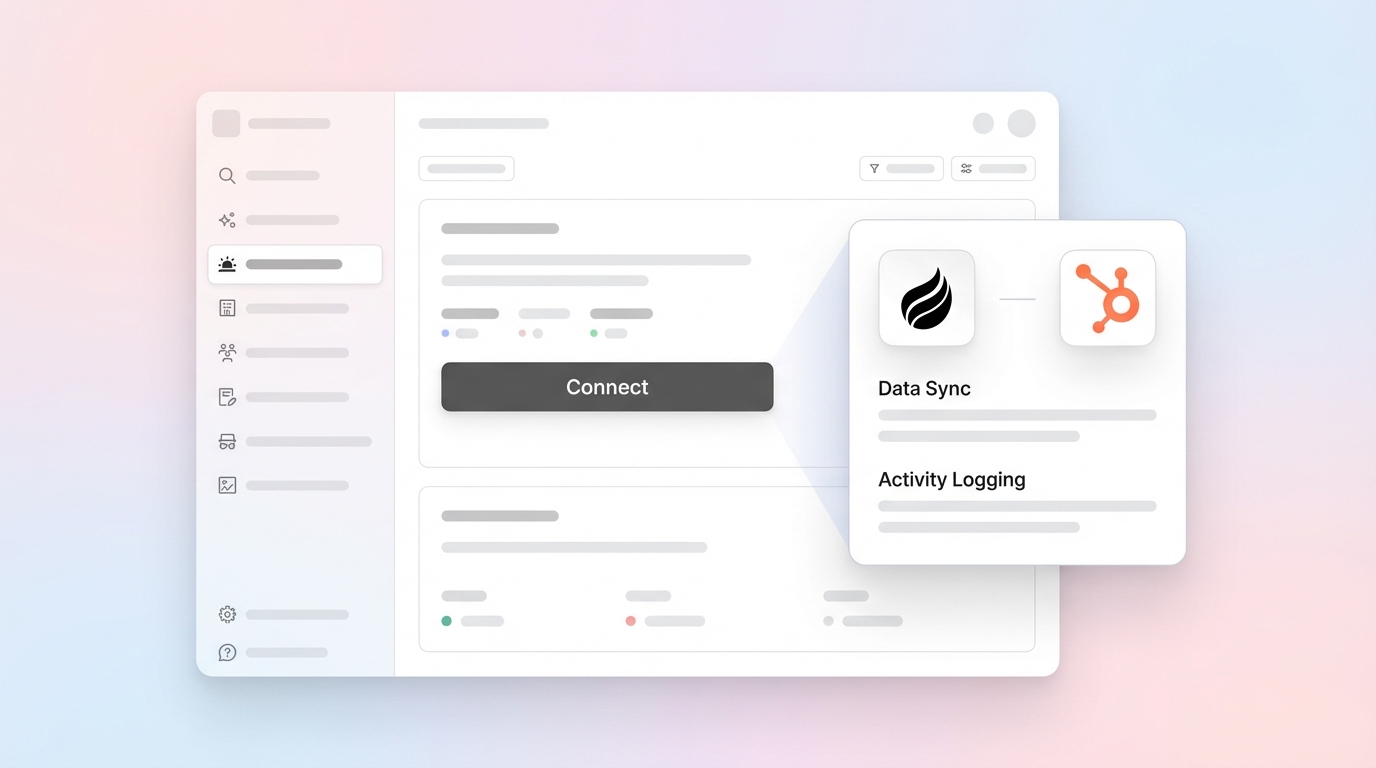
The Coffee Companion App deploys an autonomous agent as an intelligent layer on top of an existing HubSpot instance. A single authentication to Google Workspace or Microsoft 365 starts the process. From that point, the agent scans emails and calendars to auto-create contacts and companies, logs last and next activity, enriches records with job titles, funding data, and LinkedIn profiles through licensed data partners, and writes all outputs back to HubSpot without Zapier, custom code, or rep involvement.
The agent saves reps 8 to 12 hours per week by removing manual contact creation, activity logging, and post-meeting note entry. It handles structured data such as deal fields and lifecycle stages and unstructured data such as email threads and call transcripts in one workflow. Pipeline Compare delivers week-over-week deal movement visibility without spreadsheets. Visitor Identification turns anonymous website traffic into named, enriched prospects with Suggested Leads that match your buyer persona.

Coffee is SOC 2 Type 2 and GDPR compliant. Data is not used to train public models. Pricing is seat-based, and the agent’s labor is included with no metered LLM usage fees.
The following table compares four automation approaches across the dimensions that matter most when choosing a solution. It highlights initial setup effort, coverage of email and call data, duplicate handling, and long-term maintenance needs.
2026 Comparison of Automation Approaches
| Approach | Setup Effort | Email/Call Coverage | Duplicate Handling | Ongoing Maintenance |
|---|---|---|---|---|
| HubSpot Workflows + Breeze | Medium, requires workflow build and field mapping by RevOps | Email sync via OAuth, no native call transcript parsing | Uses the native Manage Duplicates tool covered in the Native HubSpot Automation section | Medium, workflows require ongoing audits as process changes |
| Zapier / Make | Low to medium, no-code but multi-step zap or scenario build per use case | Partial, depends on connected app triggers and has no transcript parsing | No native support, requires a separate deduplication tool or custom logic | High, each integration point becomes a potential failure node that needs monitoring |
| Custom Code / API | High, requires developer resources and ongoing engineering support | Full potential coverage with sufficient engineering investment | Custom logic required, which can be comprehensive but costly to maintain | High, every HubSpot API update or schema change requires code revision |
| Coffee Companion App | Low, single OAuth authentication to Google Workspace or Microsoft 365 | Full, emails, calendars, and call transcripts ingested and written to HubSpot automatically | Agent handles deduplication natively on record creation | Low, the agent self-manages with no Zapier sprawl or custom code dependencies |
Company-Size Matrix: Matching Automation to Team Scale
Under 50 employees: HubSpot Workflows and Breeze cover most structured-data needs at low cost. Coffee Companion App adds immediate value for teams where every rep hour matters and no dedicated RevOps resource exists to maintain Zapier flows.
50–200 employees (mid-market): This band experiences Zapier sprawl and CSV import debt fastest. Bad CRM data drains roughly 12% of annual revenue, so a $10M ARR company loses approximately $1.2M yearly through wasted sales effort and failed campaigns on invalid contacts. Coffee Companion App combined with native HubSpot governance delivers the highest ROI at this stage by replacing fragmented point solutions for enrichment, recording, and forecasting.
200+ employees: Custom API integrations become viable once engineering resources are available. HubSpot Data Hub Enterprise unlocks advanced automation rules and enrichment at scale. Coffee Companion App still helps teams where RevOps bandwidth is constrained and agent-driven data capture is preferable to engineering-maintained pipelines.
Common Failure Modes in HubSpot Data Automation
Duplicate proliferation: Exact-match deduplication misses the majority of duplicates, because “John Smith” and “J. Smith” at the same company require fuzzy matching with confidence scoring to merge correctly.
Stale fields: Automation that writes data once but never refreshes it creates a false sense of hygiene. As noted in the company-size analysis above, this revenue leakage explains why mid-market teams see the highest ROI from agent-driven automation.
Shadow spreadsheets: When reps distrust HubSpot data, they revert to Notion, Google Sheets, or personal trackers. An imbalance between governance policies and execution resources causes daily pipeline failures and manual firefighting, which is the exact condition that produces shadow CRMs. The fix is removing the manual entry burden entirely, not adding more governance rules for reps to follow.
Frequently Asked Questions
Does the Coffee Companion App integrate with tools already in our HubSpot stack?
Coffee connects to HubSpot via a direct integration and authenticates with Google Workspace or Microsoft 365 through a single OAuth flow. For other tools in the stack, Coffee currently supports connections via Zapier, with deeper native integrations on the product roadmap. The agent writes enriched contacts, companies, activities, and meeting summaries directly back to HubSpot, so existing HubSpot workflows, sequences, and reports continue to function without reconfiguration.
Is Coffee SOC 2 compliant, and where does our data reside?
Coffee is SOC 2 Type 2 and GDPR compliant. Customer data is not used to train public AI models. For mid-market teams with data residency requirements, Coffee’s compliance posture covers the standard security review criteria for U.S.-based companies. Teams in heavily regulated industries such as healthcare or finance with multi-year security review cycles fall outside Coffee’s current ideal customer profile.
How is Coffee priced, and what is included in a seat?
Coffee uses seat-based pricing. Each human seat includes the full Coffee Agent, which covers automatic data entry, enrichment, meeting recording and transcription, Pipeline Compare, Visitor Identification, and Suggested Leads. There is no metered pricing on LLM usage, API calls, or automated processes. The agent’s labor is unlimited within the seat. Full pricing details are available at coffee.ai/pricing.
What AI capabilities does Coffee bring to HubSpot in 2026 that native tools do not cover?
HubSpot’s native AI, Breeze Intelligence, handles structured enrichment and basic formatting automation. Coffee adds four capabilities HubSpot does not provide natively. It creates contacts and companies autonomously from email and calendar data without rep input. It parses call transcripts and writes structured qualification fields such as BANT, MEDDIC, and SPICED directly to deal records. It provides Visitor Identification with Suggested Leads that match anonymous website visitors to specific buyer-persona contacts. It also delivers Pipeline Compare, which tracks week-over-week deal movement from a built-in data warehouse without CSV exports or manual pipeline reviews.
Next Steps: Audit and Upgrade Your HubSpot Data Stack
Manual HubSpot data entry is not a rep behavior problem; it is an architecture problem. Gartner predicts that by 2027, sellers’ research workflows will begin with AI and shift from manual data gathering to agentic systems. Mid-market RevOps and sales leaders who build agent-driven data pipelines now will enter that transition with clean, trusted HubSpot data instead of a backlog of duplicates and stale fields to fix.
The practical path forward is straightforward. Audit which of the seven workflow methods above your team has implemented. Identify the highest-volume manual entry task that still requires rep effort. Then decide whether a native HubSpot solution or an agent-based approach closes that gap faster.
Start your Coffee trial and eliminate manual HubSpot data entry.