Written by: Doug Camplejohn, CEO & Co-Founder, Coffee
Key Takeaways
- AI lead management CRMs here are ranked by automation depth, meaning how much of the lead lifecycle runs without rep input.
- Coffee leads the 2026 rankings as the only agent-first platform that auto-creates, enriches, and manages records across emails, meetings, and deals.
- Most tools still require manual data entry or lack deep Salesforce and HubSpot integration, so reps spend up to 60% of their day on non-selling tasks.
- Coffee offers both Standalone CRM and Companion App deployment, so teams can add intelligent automation to existing systems without migration.
- Teams ready to eliminate manual CRM work can get started with Coffee and reclaim hours each week.
Side-by-Side Comparison of AI CRM Automation Depth
The table below highlights how each platform handles automation depth, data types, and deployment models, so you can see which tools fit your current CRM stack.
| Tool | Automation Depth | Structured + Unstructured Data | Deployment Model |
|---|---|---|---|
| Coffee | Full lifecycle agent (capture, enrich, meetings, pipeline, visitor ID) | Both, built on a data warehouse | Standalone CRM or Companion on Salesforce/HubSpot |
| Day.ai | Unstructured data focus, productivity-oriented | Primarily unstructured | Standalone |
| Clarify | Ambient capture and waterfall enrichment, limited enterprise integration | Both, with integration depth gaps | Standalone |
| monday CRM | Auto-captures emails and calendar events, AI extracts data from files | Structured plus some unstructured | Standalone or integrated via native connectors |
| Attio | Real-time enrichment, passive record logic | Primarily structured | Standalone |
| Close | Built-in calling and email, limited AI automation depth | Primarily structured | Standalone |
| Pipedrive | AI suggestions, rep-driven pipeline updates | Primarily structured | Standalone |
| HubSpot (Breeze) | Breeze Intelligence enriches records and identifies buying signals automatically | Structured plus limited unstructured | Standalone or ecosystem hub |
How These AI CRMs Were Evaluated
Eight criteria determine the rankings. Automation depth covers how much data capture and enrichment requires zero rep action. Hours saved measures documented time reclaimed per rep each week. Layering or replacement capability assesses whether the tool works alongside Salesforce or HubSpot without a rip and replace.
Meeting automation covers pre-meeting briefings, in-call recording, and post-call follow-up generation. Pipeline intelligence evaluates whether the system surfaces deal risk and stage changes without manual CSV exports. Visitor identification measures the ability to convert anonymous web traffic into named, enriched leads.
Integration reality distinguishes shallow OAuth connections from deep field-level sync with Salesforce and HubSpot. Pricing simplicity and long-term data quality round out the framework. The rankings below apply these criteria to each platform and order them by automation depth, which most strongly predicts time saved per rep.
2026 Rankings by Automation Depth
1. Coffee: Agent-First Benchmark for Lead Management
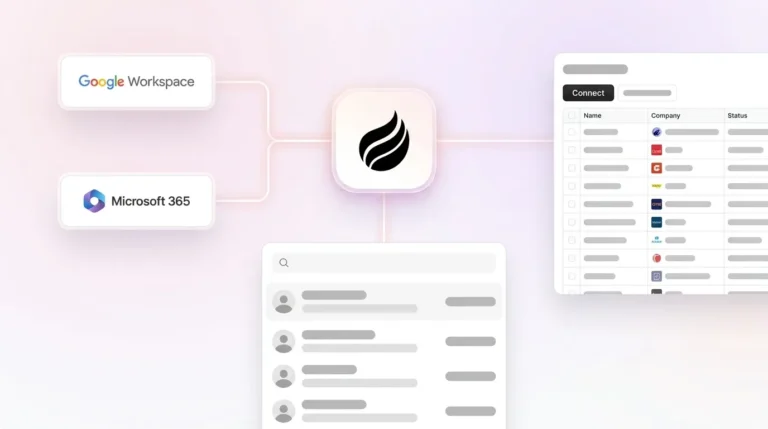
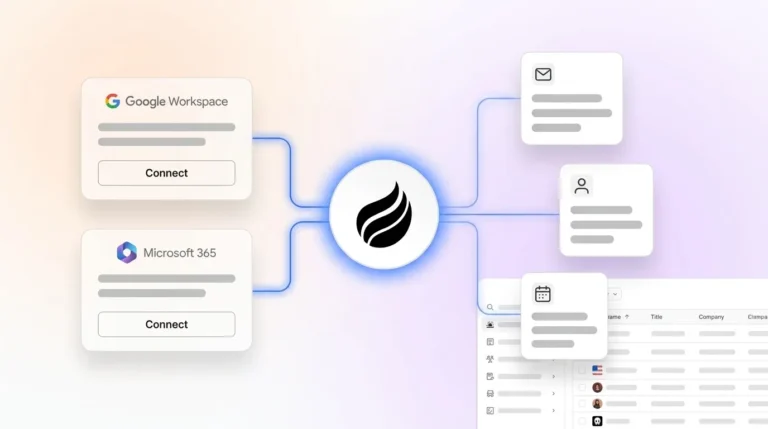
Coffee operates as an autonomous agent rather than a passive database. After connecting Google Workspace or Microsoft 365, the agent scans emails and calendars to auto-create contacts, companies, and activity logs with no rep input. It enriches records with job titles, funding data, and LinkedIn profiles via licensed data partners, so teams often remove separate tools like Apollo or ZoomInfo.

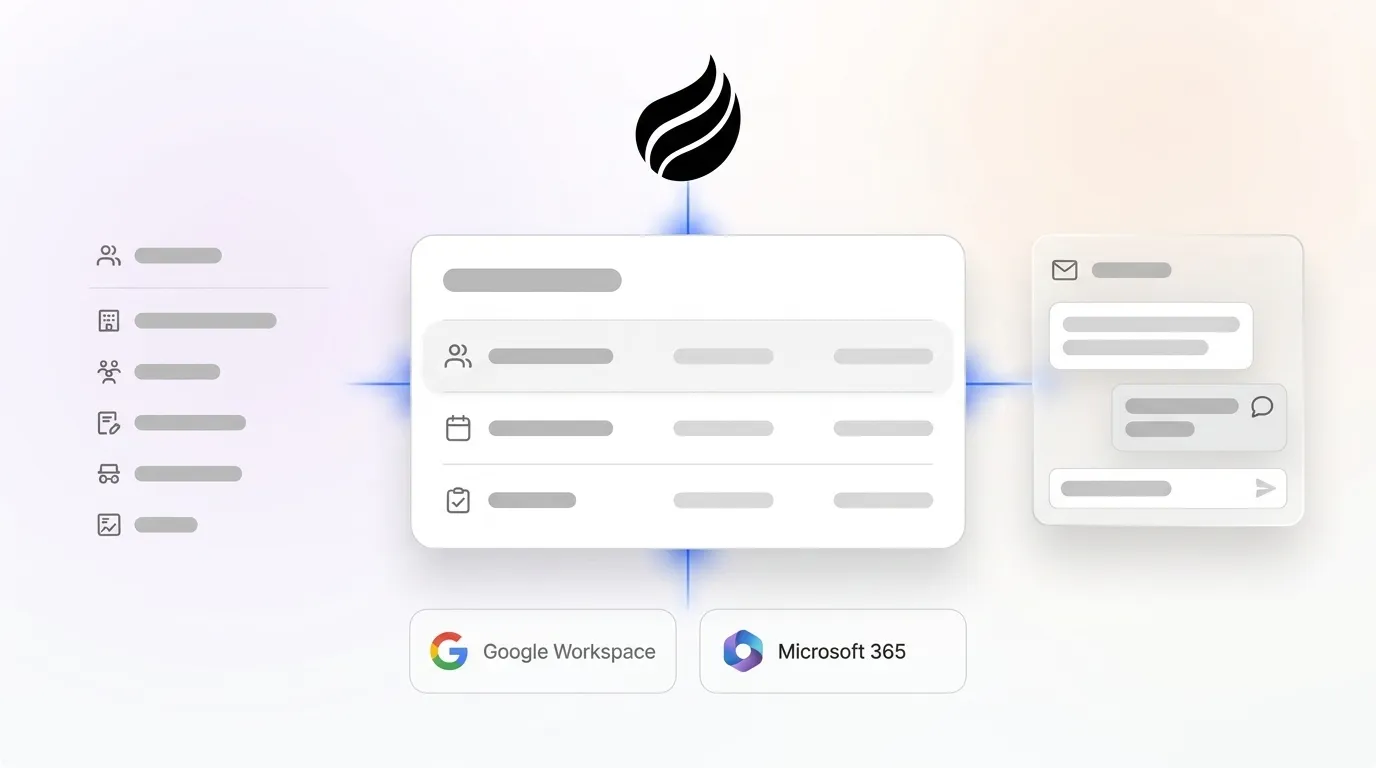
Coffee’s dual deployment model is its key structural differentiator. Teams already on Salesforce or HubSpot deploy Coffee as a Companion App, where a simple authentication lets the agent sync data, enrich records, and write summaries back to the primary CRM. Teams without an existing system use Coffee as a full Standalone CRM. Improved summary templates released in November 2025 are customizable and writable back to Coffee, HubSpot, or Salesforce, which confirms both paths are production-ready.
Meeting automation runs end to end. The agent prepares briefings before calls, joins Zoom, Teams, or Meet to record and transcribe, then generates summaries, next steps, and draft follow-up emails after the call. Custom Meeting Briefings and Summaries launched in February 2026 let teams define exact formats, from executive summaries to granular technical breakdowns, so post-call administrative work disappears.

Pipeline intelligence relies on a built-in data warehouse that retains full history. The Pipeline Compare feature visualizes week-over-week deal movement, including progressed, stalled, and new deals, without spreadsheets. AI search on deals, released in January 2026, answers natural-language questions such as “Which deals are stuck in negotiation?” or “What is closing this month?” Visitor identification converts anonymous web traffic into named prospects with suggested outreach targets matched to the buyer persona, which competitors like RB2B and Warmly do not match at the individual level.
2. Day.ai
Day.ai focuses on unstructured data capture such as emails, meetings, and notes, then surfaces relationship context automatically. Its automation depth improves individual productivity but narrows at the pipeline intelligence and Salesforce or HubSpot integration layer. Teams with established CRM instances that require field-level sync, quota tracking, and required-field enforcement will see integration gaps that Day.ai’s architecture does not currently solve.
3. Clarify
Clarify’s Ambient Intelligence architecture autonomously captures meeting data, transcribes conversations, extracts goals and objections, and updates pipeline stages without human prompting. Waterfall contact enrichment cycles through multiple data sources to fill job titles, LinkedIn URLs, and funding history automatically. The main limitation is integration depth, because Clarify cannot fully support complex Salesforce configurations with forecasting hierarchies, required fields, and custom objects.
4. monday CRM
monday CRM automatically captures activities from emails and calendar events and associates them with the correct contacts and deals without rep intervention. Its Extract Information feature pulls key data from invoices, contracts, and PDFs using natural language processing. monday CRM works as a standalone CRM or integrates into an existing tech stack through native integrations and open architecture. Automation depth is strong for structured workflows but does not match Coffee’s full-lifecycle agent model for unstructured data unification.
5. Attio
Attio provides automatic data enrichment that keeps contact and company profiles current in real time without manual effort. Its UI feels modern, yet the underlying record logic stays passive, so Attio does not autonomously drive pipeline progression or generate meeting summaries. It fits teams that want a clean data layer but are not ready for a full agent architecture.
6. Close
Close targets high-velocity inside sales with native calling, SMS, and email sequencing. Its automation depth covers outreach cadences effectively, while reps still must update deal stages and log outcomes. 32% of salespeople spend over an hour daily on manual CRM data entry, and Close does not structurally remove that burden.
7. Pipedrive
Pipedrive offers AI-powered sales assistant suggestions and activity reminders. Pipeline management remains rep-driven because stages advance only when humans move them. Teams that want visual pipeline management with light AI nudges find Pipedrive workable. Teams trying to solve the shadow-CRM problem, where reps default to spreadsheets because the CRM feels too heavy, usually find Pipedrive’s automation depth too shallow.
8. HubSpot with Breeze Intelligence
HubSpot’s Breeze Intelligence automatically enriches CRM records with external data and identifies buying signals. As a marketing-first platform with a CRM added later, HubSpot’s unstructured data handling and autonomous pipeline intelligence remain limited compared with agent-first architectures. Coffee’s Companion App deploys directly on top of HubSpot instances and adds the agent layer that Breeze does not provide natively.
Category-by-Category Analysis of AI CRM Capabilities
Data entry automation. On average, sales reps lose about 546 hours each year searching for or correcting incomplete contact information. Coffee and Clarify lead on fully automated capture. monday CRM and HubSpot Breeze automate structured data effectively. Close and Pipedrive still rely on rep-initiated logging for most activities.
Meeting management. As detailed in the Coffee evaluation, its full meeting lifecycle automation, from briefing through follow-up draft, sets the benchmark. Day.ai and Clarify handle transcription and extraction but stop short of pre-call briefings and post-call draft generation. monday CRM, Attio, Close, and Pipedrive depend on third-party integrations for meeting intelligence.

Pipeline intelligence. Coffee’s Pipeline Compare and natural-language deal search deliver insight without manual exports. AI-powered pipeline management that flags risks and updates deal stages can reduce sales cycle times and free up time for reps. Most other tools here still require manual stage updates or separate forecasting tools.
Visitor identification. Coffee’s pixel-based visitor ID identifies named individuals, not just companies, and recommends two or three specific contacts that match the buyer persona for immediate outreach. RB2B and Warmly surface company-level or undifferentiated people data. No other CRM in this list bundles individual-level visitor identification natively.
Salesforce and HubSpot integration reality. Coffee’s Companion App is built for the complexity of enterprise CRM instances, including quota structures, required fields, forecasting hierarchies, and custom objects. Day.ai and Clarify lack this depth. monday CRM and HubSpot operate as ecosystem hubs with native connectors.
Pricing simplicity. Coffee uses seat-based pricing with unlimited agent labor included. Most competitors meter AI features separately or lock deeper automation behind higher tiers.
Best-Fit Use Cases and Operational Considerations
Companies with 1–20 employees that have outgrown spreadsheets but find HubSpot or Pipedrive too heavy are a natural fit for Coffee’s Standalone CRM. The agent handles setup automatically after email and calendar connection, which removes the onboarding overhead that often kills adoption in legacy systems.
Companies with 20–50 employees already committed to Salesforce or HubSpot typically deploy Coffee as a Companion App. The agent writes enriched data, meeting summaries, and pipeline changes back to the existing system of record, so the shadow-CRM problem disappears without a platform migration. A new AI platform that does not integrate natively with a team’s existing CRM is often considered dead on arrival because forcing a full system switch can create months of operational disruption, and Coffee’s dual model avoids that risk.
Teams scaling beyond 50 employees should confirm that Coffee’s current integration depth covers their custom Salesforce object model before committing. Large enterprises with complex multi-region configurations or heavily regulated data environments sit outside Coffee’s current ideal customer profile.
Risks and Limitations Across These Tools
Day.ai and Clarify carry integration risk for any team with a mature Salesforce or HubSpot instance, because their architectures were not designed for the field-level complexity those platforms require. monday CRM’s open architecture is flexible but shifts workflow-building responsibility onto the RevOps team. Attio’s enrichment is real time, while its pipeline logic remains passive.
Close and Pipedrive function as strong execution tools yet do not solve the data-quality problem at its source. HubSpot Breeze improves enrichment but does not add an autonomous agent layer to the core CRM architecture. Coffee’s current third-party integrations beyond Salesforce and HubSpot run through Zapier, with deeper native integrations on the roadmap.
Teams with complex multi-tool stacks should confirm coverage before deployment. Coffee is SOC 2 Type 2 and GDPR compliant, and data is not used to train public models.
Decision Framework for Choosing an AI Lead Management CRM
Start by assessing your current CRM situation and growth stage, then map that context to the options below.
If you are already on Salesforce or HubSpot and struggle with low CRM adoption and poor data quality, deploy Coffee as a Companion App so the agent writes accurate data into your existing system without migration. If you have no CRM or have outgrown spreadsheets and have 1–20 employees, use Coffee Standalone, where the agent manages the system of record from day one.
For teams not choosing Coffee, the decision depends on your primary workflow. Need flexible workflow automation with moderate AI depth and 10–50 employees: monday CRM is a viable alternative with native integrations. High-velocity inside sales with an outreach-first motion: Close handles sequencing well but requires a separate data-quality solution.
Want enrichment and clean records without full agent automation: Attio or HubSpot Breeze cover this use case at lower automation depth. Evaluating visitor identification as a standalone need: Coffee bundles individual-level visitor ID with persona-matched suggested leads inside the same agent, so no separate tool is required.
Get started with Coffee and explore plans built for 10–50 person sales teams.
Frequently Asked Questions
How long does it take to implement Coffee and see results?
Coffee connects to Google Workspace or Microsoft 365 through a simple authentication. Once connected, the agent scans emails and calendars immediately to auto-create contacts, companies, and activity logs. Most teams have a populated, enriched CRM within the first 24–48 hours without manual data migration.
For the Companion App on Salesforce or HubSpot, the same authentication lets Coffee start writing enriched data and meeting summaries back to the existing system of record. Teams in the 10–50 employee range avoid lengthy implementation cycles and professional services engagements.
How much manual effort is required to migrate existing CRM data to Coffee?
For teams adopting Coffee as a Standalone CRM, the agent’s automatic contact and company creation from email and calendar history means the CRM populates itself from live data instead of relying on a manual CSV import of legacy records. For teams using Coffee as a Companion App on Salesforce or HubSpot, there is no migration, because the existing system of record stays in place and Coffee layers on top as an agent that handles data entry and enrichment going forward.
Teams that want to import historical records can still do so, although that step is optional for the agent to begin delivering value.
Is Coffee’s data secure, and how is it handled?
Coffee is SOC 2 Type 2 certified and GDPR compliant. Data processed by the Coffee Agent is not used to train public AI models, so customer data, email content, call transcripts, and CRM records remain private to the organization.
Teams in regulated industries such as healthcare or finance that require multi-year security reviews or custom data processing agreements should plan a direct conversation with the Coffee team before committing, because those environments sit outside the standard deployment model.
How do I evaluate automation depth when comparing AI CRM tools?
Automation depth measures how much of the lead lifecycle the platform handles without rep intervention. A practical checklist covers six areas. First, confirm whether the tool auto-creates contacts and companies from email and calendar without manual input. Second, check if it enriches records with firmographic and contact data automatically.
Third, review whether it records, transcribes, and summarizes meetings without a separate tool. Fourth, see if it updates deal stages and logs activities autonomously. Fifth, confirm that it surfaces pipeline risk and deal movement without manual exports. Sixth, check whether it identifies website visitors at the individual level and routes them to outreach.
Tools that require rep action at any of these steps create hidden labor costs that compound across the team. Coffee covers all six areas natively, while most alternatives in this list cover only two to four.
Can Coffee replace Salesforce or HubSpot, or does it only work alongside them?
Coffee operates in both modes by design. As a Standalone CRM, Coffee’s agent becomes the system of record and manages all contacts, companies, deals, activities, and pipeline intelligence without Salesforce or HubSpot. This model suits companies that have outgrown spreadsheets but find legacy CRMs too burdensome.
As a Companion App, Coffee deploys on top of an existing Salesforce or HubSpot instance and handles data entry, enrichment, and meeting documentation while writing results back to the primary CRM. Teams that have invested in Salesforce configurations, including custom objects, forecasting hierarchies, and required fields, preserve that investment while removing the manual data entry that undermines it.
Conclusion
The time drain on non-selling tasks mentioned earlier is not a training problem or a motivation problem, but an architecture problem. Legacy CRMs were built as passive databases that require humans to act as data entry clerks. The result is low adoption, shadow CRMs, and pipeline data that leadership cannot fully trust.
Coffee addresses this at the architectural level. The agent captures, enriches, and structures data from emails, calendars, and call transcripts automatically. It prepares meeting briefings, records calls, and drafts follow-ups without rep involvement. It surfaces pipeline movement and deal risk through natural-language queries and visual comparison tools.
Coffee delivers this whether the team needs a full Standalone CRM or a Companion App layered on an existing Salesforce or HubSpot instance. For B2B sales and RevOps leaders at 10–50 person companies, the 2026 benchmark for AI lead management CRM is an agent that delivers good data in and good data out without asking reps to do the work.
Get started with Coffee and see how the agent handles your lead lifecycle from day one.