Written by: Doug Camplejohn, CEO & Co-Founder, Coffee
Key Takeaways for 1–20 Person US Teams
- Legacy CRMs force manual data entry that steals 65% of a rep’s selling time, while AI agent CRMs capture contacts, activities, and enrichment automatically.
- AI agent CRMs in this guide are evaluated on seven criteria that reflect real constraints for small US startups, including automation depth, time savings, transparent pricing, and whether they can run as a standalone system or a companion layer.
- Coffee is the only tool here that combines a built-in data warehouse, structured and unstructured data processing, and dual deployment as both a standalone CRM and a companion app for Salesforce or HubSpot.
- For 1–20 person US startups, Coffee delivers 8–12 hours of weekly time savings per rep, SOC 2 Type 2 and GDPR compliance, and simple seat-based pricing with no separate AI add-on fees.
- Ready to stop acting as data clerks? See how Coffee’s agent works for your team.
How an AI Agent CRM Works Day to Day
An AI agent CRM is a platform where an autonomous agent independently analyzes data from multiple sources, makes decisions based on business objectives, and takes actions across business processes without continuous human intervention. It handles data entry, contact enrichment, meeting notes, and pipeline tracking automatically, instead of waiting for a rep to log in and type.
Evaluation Criteria for AI-Powered CRMs
Every tool in this guide is assessed against the same seven criteria, chosen for 1–20 person US startups that have limited admin capacity, tight budgets, and a need for immediate time savings. These dimensions separate true agent automation from rebranded workflow tools:
- Data entry automation depth, which covers whether an agent captures contacts, activities, and enrichment automatically.
- Time savings for 1–20 person teams, expressed as hours recovered per rep each week.
- Pricing transparency, meaning the all-in monthly cost for a five-person team with no hidden add-ons.
- Standalone vs. companion deployment, which determines whether the tool can replace your CRM, augment it, or do both.
- Pipeline intelligence quality, based on whether the system produces reliable forecasts from consistently clean data.
- Integration effort, including the time required to connect email, calendar, and the existing stack.
- Long-term scalability, which looks at performance and cost once you grow past 20 employees.
Side-by-Side Comparison Table
| Tool | Team Size Fit | Monthly Cost (5 Users, est.) | Data-Entry Automation Depth | Companion App Available |
|---|---|---|---|---|
| Coffee | 1–20 (scales to mid-market) | Seat-based; contact for pricing | Full agent: contacts, enrichment, activities, transcripts | Yes, Salesforce & HubSpot |
| Salesforce | Mid-market to enterprise | $150+/user/month with Agentforce add-ons | Rule-based automation; Agentforce agent add-on at extra cost | N/A (is the system of record) |
| HubSpot | 1–500+ | AI agents require premium plans starting at $1,300/month minimum | AI add-ons; not native agent architecture | No |
| Pipedrive | 1–100 | ~$70–$175 (5 users, Essential–Professional) | Rule-based automations; limited AI assist | No |
| Attio | 1–50 | ~$180/month (5 users at ~$36/user/month) | Auto-enrichment; passive database logic | No |
| Close | 1–100 | ~$275–$395 (5 users, Startup–Professional) | Built-in calling/email; limited AI automation | No |
| Clarify | 1–20 | Free tier; Starter at $20/month flat | AI-assisted; limited Salesforce/HubSpot integration depth | No |
| Day.ai | 1–20 | Contact for pricing | Unstructured data focus; limited structured CRM depth | No |
| monday.com CRM | 5–200 | ~$85–$140/month (5 users, Standard–Pro) | Workflow automation; AI email/summary features; not agent-led | No |
| folk CRM | 1–20 | ~$100–$200 (5 users, Standard–Premium) | AI enrichment; lightweight automation; no autonomous agent | No |
Now move from this high-level comparison into tool-by-tool details, starting with the platforms that deliver the deepest agent automation.
1. Coffee: Proactive CRM Agent for Small US Teams
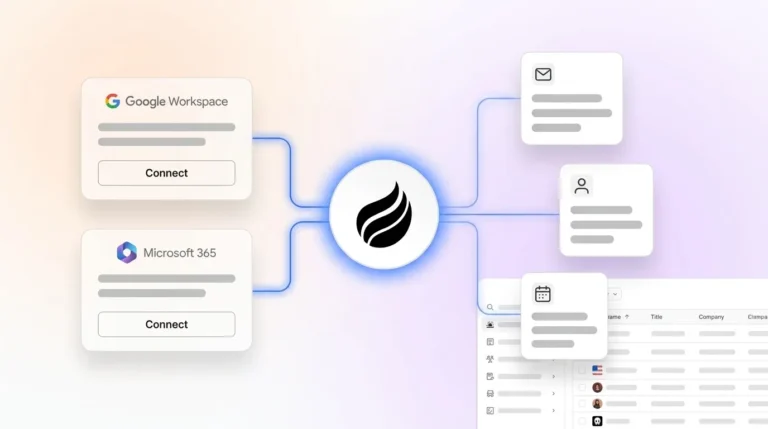
Setup effort: You connect Google Workspace or Microsoft 365 via OAuth. The Coffee Agent then scans emails and calendars immediately, with no manual import and no field mapping session.
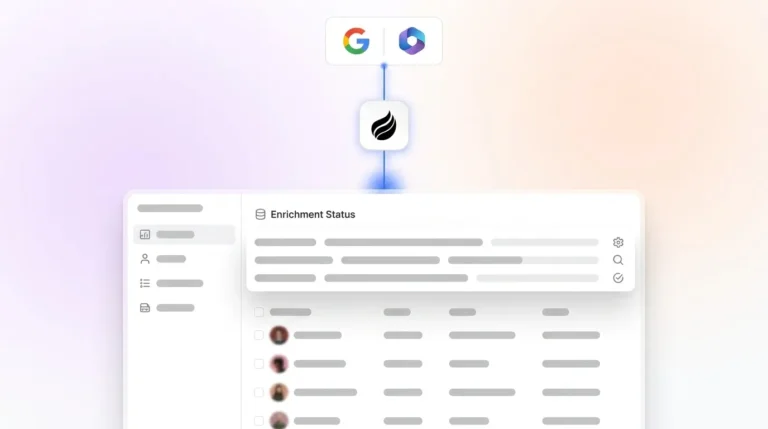
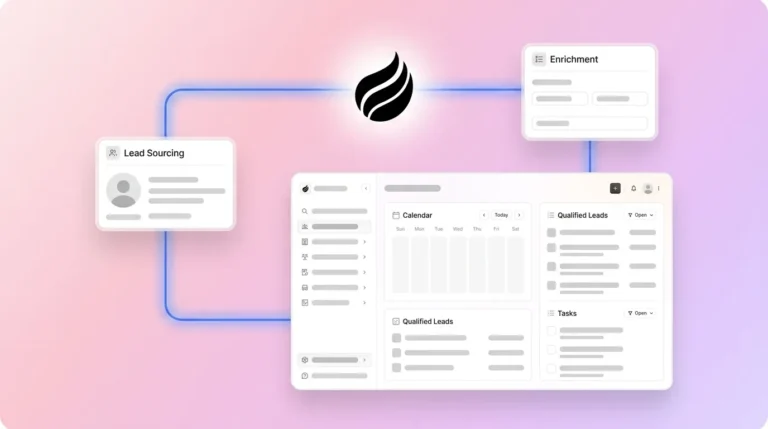
Data capture & enrichment: The agent auto-creates contacts and companies, then logs every activity and enriches records with job titles, funding data, and LinkedIn profiles via licensed data partners. Beyond structured fields, it also processes unstructured data such as email text and call transcripts into structured CRM records. This breadth is possible because Coffee uses a built-in data warehouse that retains historical context, while legacy relational databases overwrite history when fields are updated.

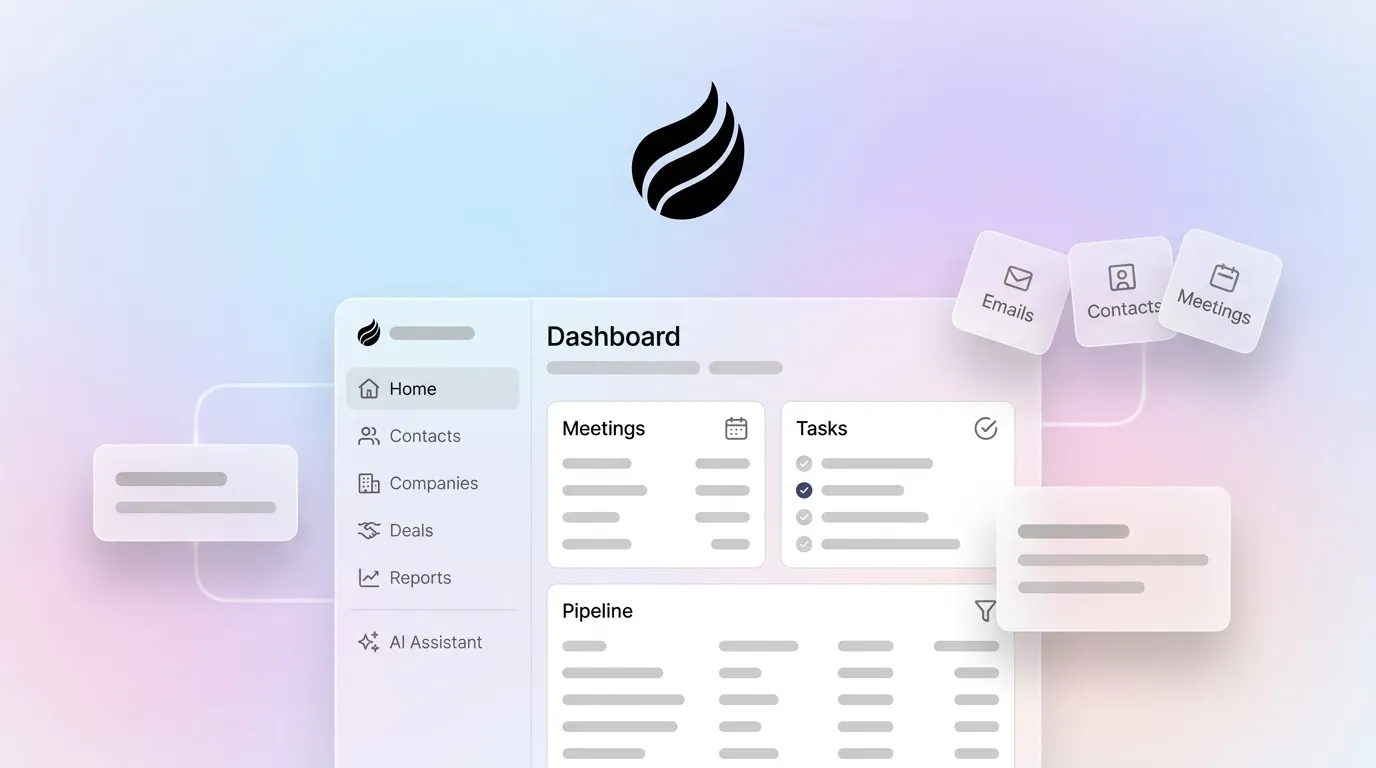
Usability for reps: Reps receive a “Today” page briefing before each meeting. The agent joins calls via Zoom, Teams, or Meet, transcribes them, generates summaries aligned to BANT, MEDDIC, or SPICED, and drafts follow-up emails in Gmail for one-click review. Reps work with a co-pilot instead of wrestling with a data entry form.

Manager visibility via Pipeline Compare: The agent captures every deal change in the data warehouse, so Pipeline Compare visualizes week-over-week movement, including progressed deals, stalled opportunities, and new additions, without a single CSV export.

Integration: Coffee offers native Google Workspace and Microsoft 365 sync, with broader integrations currently handled through Zapier and deeper roadmap connections planned. Coffee is SOC 2 Type 2 and GDPR compliant, and customer data is not used to train public models.
Ongoing admin burden: Admin work stays near zero. The agent handles data entry, enrichment, meeting notes, and pipeline tracking autonomously.
2026 US pricing: Coffee uses simple seat-based pricing. You pay for human seats, while the agent’s labor is unlimited and included. There are no separate AI add-on fees and no credit metering on LLM usage.
Quantified savings: Reps recover the time previously lost to manual data entry and admin, which matches the 8–12 hours per week cited earlier.
Companion App: Coffee is the only tool in this list that deploys as either a standalone CRM or as an agent layer on top of existing Salesforce or HubSpot instances. It handles the “data in” problem without forcing a rip-and-replace migration.
2. Salesforce
Setup effort: Setup effort is high because Salesforce implementations typically require an admin or consultant. Data capture: Salesforce launched Agentforce in 2024, but it functions as an add-on rather than the core architecture, so base data entry remains manual. Usability: The UI is complex and the learning curve is steep for small teams. Pipeline intelligence: Forecasting is strong when data is clean, but data quality depends on rep discipline. Integration: Integrations are extensive yet expensive to configure. Admin burden: Admin burden is high and a dedicated admin is often required. Pricing: Salesforce Einstein stacks can exceed $150/seat/month when combining base licenses with Agentforce ($125/user/month) and other AI add-ons. Companion: Salesforce acts as the system of record. Best fit: companies already committed to the platform with RevOps resources to maintain it.
3. HubSpot
Setup effort: Setup effort is moderate and supported by strong onboarding resources. Data capture: HubSpot charges an additional $50/month for AI features such as agents and content generation, with the premium-tier agent capabilities mentioned in the table above representing a significant cost jump for small teams. Core data entry still relies on manual work. Usability: The UI is polished and widely adopted. Pipeline intelligence: Reporting is solid, although accuracy depends on rep input. Integration: HubSpot offers a large app marketplace. Admin burden: Admin work is moderate and grows with team size. Pricing: A free tier is available with unlimited users and basic CRM, while AI features sit on paid plans. Companion: HubSpot does not provide a companion layer, but Coffee’s Companion App can sit on top of HubSpot to solve its data quality problem. Best fit: teams already invested in HubSpot’s marketing suite that need the CRM to stay connected to it.
4. Pipedrive
Setup effort: Setup effort ranges from low to moderate. Data capture: The platform offers rule-based automations and limited AI assist, with no autonomous agent. Usability: A visual pipeline UI makes it popular with SDR teams. Pipeline intelligence: Intelligence is basic and relies on manual stage updates. Integration: A good third-party marketplace is available. Admin burden: Admin work is moderate. Pricing: Pricing runs at approximately $14–$35/user/month depending on tier, with AI features limited to higher tiers. Companion: No companion option exists. Best fit: teams that want a simple visual pipeline and feel comfortable with manual data entry.
5. Attio
Setup effort: Setup effort is low and supported by a modern UI. Data capture: A free tier covers up to 3 seats with real-time contact syncing and automatic data enrichment, while the Plus plan sits at approximately $36/user/month. Enrichment remains passive, since it populates fields but does not act as an agent. Usability: The experience works well for technical founders. Pipeline intelligence: Intelligence is limited and there is no built-in data warehouse for historical tracking. Integration: Attio offers a good API and a growing ecosystem. Admin burden: Admin work stays low for small teams. Companion: No companion mode is available. Best fit: technical early-stage teams that want a clean UI and can tolerate manual data entry.
6. Close
Setup effort: Setup effort is low to moderate. Data capture: Close includes built-in calling and email sequences, with limited AI automation of CRM records. Usability: The product works well for outbound-heavy teams. Pipeline intelligence: Reporting is decent and built in. Integration: Integration depth is moderate. Admin burden: Admin work is moderate. Pricing: Pricing sits at approximately $49–$99/user/month. Companion: No companion option exists. Best fit: outbound-first teams where calling volume drives the primary workflow.
7. Clarify
Setup effort: Setup effort is very low. Data capture: Data capture is AI-assisted, and a free plan offers unlimited seats, while Starter sits at $20/month flat. Integration depth with Salesforce and HubSpot remains limited, so Clarify lacks the understanding of quotas, forecasting, and required fields that established teams need. Usability: The interface is clean and modern. Pipeline intelligence: Pipeline intelligence is early-stage. Admin burden: Admin work is low. Companion: No companion mode is available. Best fit: pre-revenue or very early-stage founders who need a lightweight starting point.
8. Day.ai
Setup effort: Setup effort is low. Data capture: The product focuses on unstructured data and productivity workflows, with limited structured CRM depth for pipeline management. Usability: The interface is simple. Pipeline intelligence: Intelligence is minimal. Integration: Integrations are limited. Admin burden: Admin work is low. Companion: No companion option exists. Best fit: very small teams that prioritize meeting notes over pipeline tracking.
9. monday.com CRM
Setup effort: Setup effort is moderate. Data capture: The platform offers workflow automation and AI email or summary features, but it does not run as an agent. monday CRM meters additional AI usage at approximately $0.01 per credit beyond base plan limits. Usability: The UI feels familiar to teams already using project-management boards. Pipeline intelligence: Dashboards are customizable, while data quality depends on manual input. Integration: Integration strength is high. Admin burden: Admin work is moderate. Companion: No companion mode is available. Best fit: teams already using monday.com for project management that want CRM in the same workspace.
10. folk CRM
Setup effort: Setup effort is low. Data capture: The product offers AI enrichment and lightweight automation, without an autonomous agent. Usability: The UI focuses on relationships. Pipeline intelligence: Intelligence is basic. Integration: Integrations work well for LinkedIn outreach workflows. Admin burden: Admin work is low. Companion: No companion option exists. Best fit: founder-led teams managing investor or partnership relationships rather than high-volume sales pipelines.
Best-Fit Use Cases by Startup Stage
Pre-seed or fundraising-stage startups (1–5 people): Clarify or folk CRM provide zero-cost entry. Coffee Standalone suits teams that want automation from day one and want to avoid building manual habits that will need to be unlearned later.
Post-seed teams replacing Notion or spreadsheets (5–15 people): Coffee Standalone is the direct fit. The agent removes the manual-entry habits that made Notion feel easier than a CRM, while Pipeline Compare delivers the first real pipeline visibility the team has had.
Growth-stage teams already committed to Salesforce or HubSpot (15–50 people): Coffee Companion App fits these teams. The Coffee Agent layers on top, solves the data quality problem, and writes enriched insights back without disrupting existing workflows, quotas, or forecasting configurations.
Once you have identified which tool fits your stage, three operational factors will determine whether the implementation succeeds.
Operational Considerations for 1–20 Person US Teams
Change management: Agent-led CRMs reduce training burden because reps review what the agent captured instead of entering data from scratch. Adoption rates improve when the software serves the rep rather than the reverse.
Compliance: As of early 2026, 20 US states have enacted comprehensive data privacy laws, creating a complex compliance landscape with no federal privacy law in place. Coffee is SOC 2 Type 2 and GDPR compliant, and customer data is not used to train public models. Any CRM you evaluate should confirm field-level encryption, configurable retention policies, and right-to-deletion workflows.
Scalability: Coffee’s seat-based pricing and agent architecture scale without adding admin headcount. Legacy tools often require dedicated RevOps resources once team size grows past 15–20 employees.
Risks and Limitations of AI-Powered CRMs in 2026
Gartner forecasts that over 40% of agentic AI projects will be canceled by the end of 2027 due to escalating costs, unclear business value, or inadequate risk controls, and data quality, system integration, regulatory and security concerns, and training remain common barriers to AI agent adoption.
Specific risks to evaluate include model hallucinations that can produce incorrect outputs when source data is incomplete, integration gaps between the agent and niche tools in your stack that may require Zapier workarounds, and documented “agent washing” in the market, where vendors re-label basic automation as agents. A practical test helps here: if the tool’s logic can be drawn as a static flowchart before it runs, it functions as automation rather than an agent.
Teams should also avoid overbuying enterprise features. Hidden operational costs for AI CRM tools can add significantly to platform subscriptions when small teams select enterprise-tier tools too early.
Decision Framework: Matching an AI CRM to Your Team
Use these three questions to narrow your choice:
- Do you already have Salesforce or HubSpot? If yes, Coffee Companion App solves your data quality problem without migration risk. If no, move to question two.
- Is your team 1–20 people with no dedicated CRM admin? If yes, Coffee Standalone or Clarify (for budget-constrained teams) will fit. Coffee is the only option that removes manual data entry entirely through an autonomous agent.
- Is outbound calling volume your primary workflow? If yes, Close is worth evaluating alongside Coffee. For everything else, including pipeline intelligence, enrichment, meeting management, and visitor identification, Coffee’s agent architecture covers more ground in a single seat-based price.
The unique architectural advantage Coffee holds comes from the combination of a built-in data warehouse that preserves historical context, structured and unstructured data processing, and the dual deployment model. In 2026, AI agents are shifting CRM from a passive record store to an active workflow layer that owns end-to-end processes, and Coffee is the only CRM in this list built on that architecture from the ground up for teams of any size.
View transparent seat-based pricing with no hidden AI add-ons.
Frequently Asked Questions
How long does it take to implement Coffee?
Setup requires connecting Google Workspace or Microsoft 365 via OAuth authentication. The Coffee Agent begins scanning emails and calendars immediately after authorization, with no manual data import, field mapping session, or consultant engagement required. Teams often see their CRM populated with enriched contacts and logged activities shortly after connection.
How difficult is it to migrate existing CRM data to Coffee?
For teams replacing spreadsheets or Notion, migration stays straightforward because the agent auto-populates records from your email and calendar history. For teams moving from HubSpot or Pipedrive, Coffee supports data import. Teams that want to keep Salesforce or HubSpot as their system of record do not need to migrate at all, since the Coffee Companion App layers on top of the existing CRM, enriches records, and writes insights back without disrupting the current setup.
How does Coffee’s data enrichment quality compare to dedicated tools like ZoomInfo or Apollo?
Coffee’s enrichment, which includes job titles, funding data, and LinkedIn profiles, is sourced via licensed data partners and is roughly on par with ZoomInfo and Apollo for most use cases a 1–20 person startup encounters. The key difference is that enrichment is included in the seat-based price rather than billed as a separate subscription. Teams with highly specialized enrichment requirements, such as niche verticals with sparse data coverage, may still want to evaluate dedicated enrichment tools, but most early-stage sales teams find Coffee’s built-in enrichment sufficient to remove the Apollo or ZoomInfo line item entirely.
What are the realities of free tiers for AI CRMs?
Free tiers from HubSpot, Attio, and Clarify provide basic CRM functionality but gate AI agent features behind paid plans. HubSpot’s full AI agent capabilities require premium plans starting at $1,300/month. Attio’s free tier caps at 3 seats. Clarify’s free plan offers unlimited seats but limited integration depth with Salesforce and HubSpot. Coffee does not offer a free tier and operates as a paid, seat-based product because the agent’s continuous labor, including data capture, enrichment, meeting management, and pipeline tracking, requires infrastructure that free tiers cannot support at production quality.
Is Coffee secure and compliant for US startups handling sensitive pipeline data?
Yes. Coffee is SOC 2 Type 2 certified and GDPR compliant. Customer data is not used to train public AI models. The platform supports the key privacy controls relevant to US startups, including field-level data handling, access controls, and audit trails. For startups in heavily regulated industries such as healthcare or finance that require multi-year security reviews or HIPAA Business Associate Agreements, Coffee recommends evaluating whether its current compliance posture meets those specific requirements before committing.
Conclusion: Put an Agent to Work While You Sell
Legacy CRMs made a bad trade by giving sales teams a place to store data and charging them the manual labor burden outlined at the start to keep it accurate. In 2026, that trade no longer makes sense. Autonomous AI agents handle data entry, enrichment, meeting notes, and pipeline tracking so reps can sell and managers receive reliable forecasts.
Among every tool evaluated here, Coffee uniquely delivers on the architectural advantages outlined throughout this guide. It combines agent automation, data warehouse intelligence, and dual deployment flexibility that 1–20 person teams need. For US startups that are done acting as data clerks, that combination provides a clear path forward.