Written by: Doug Camplejohn, CEO & Co-Founder, Coffee
Key Takeaways for Automating Granola-to-CRM Data Entry
- Sales teams often lose more than 10 hours each week to manual CRM updates from Granola notes into Salesforce, HubSpot, and similar tools.
- Two main paths exist: a Granola native plus Zapier review-first workflow, and Coffee’s autonomous agent with zero-touch logging.
- Granola automation requires a Business plan at $14/user/month plus Zapier or native CRM connections for HubSpot, Attio, and Affinity.
- Coffee’s agent ingests meetings, emails, and calendar data, enriches records, and logs activity without any per-meeting manual step.
- Eliminate post-meeting busywork and reclaim 8–12 hours per rep weekly by exploring Coffee’s pricing and plans.
How Automated Data Entry Moves Granola Notes into Your CRM
Automated data entry from Granola into a CRM routes AI-enhanced call summaries, action items, and attendee data directly into CRM records. The workflow updates contacts, companies, deals, or opportunities without a human copying and pasting each field.
The business impact is direct. Incorrect CRM data causes missed sales, and manual data entry errors can cost companies substantial revenue. Incomplete post-meeting logging drives both problems. When notes stay in Granola instead of the CRM, pipeline reviews rely on stale data, forecasts drift, and rep adoption drops.
Automated data entry typically reduces CRM data entry time by 35-55%. For a 10-person sales team, that reclaimed time compounds into meaningful pipeline coverage gains.
To capture these gains, you can set up one of two automation workflows. Before you choose a path, confirm that your environment meets a few basic requirements.
Readiness Requirements for Granola and Coffee Workflows
Both workflows below rely on the same core setup.
- Google Workspace or Microsoft 365 account connected to Granola for calendar sync.
- An active Granola Business plan ($14/user/month), which is the minimum tier that unlocks native CRM integrations with HubSpot, Attio, and Affinity, plus Zapier automation for tools such as Salesforce.
- Admin rights in your target CRM (Salesforce, HubSpot, or Pipedrive) to authorize OAuth connections or configure Zap triggers.
Workflow 1: Granola Native and Zapier Review-First Setup
HubSpot with Granola’s Native Integration
- In Granola, open Settings > Integrations > HubSpot. Complete OAuth in the browser window that opens. The integration uses your connected Google Workspace or Microsoft 365 account.
- Run your meeting. Granola records and transcribes in the background.
- After the call, click Enhance notes, review the AI-enhanced output for accuracy, then manually trigger the sync to HubSpot.
- In the share menu, select the target HubSpot Contact, Company, or Deal record. Granola pushes the enhanced note to that record.
- Troubleshooting: If Granola suggests the wrong contact, search by email address instead of name. The native integration is one-way. Notes push from Granola to HubSpot, and HubSpot does not write data back into Granola. Custom fields in HubSpot stay empty; only standard note and activity fields receive data.
Attio with Granola’s Native Integration
- Open Settings > Integrations > Attio and authenticate via OAuth. Once one user in the workspace connects Attio, the connection is shared across the team.
- After a meeting, click Share, select the target Person, Company, or Deal record in Attio, and confirm the push.
Salesforce or Pipedrive via Zapier
- In Zapier, create a new Zap. Set the trigger to Note Added to Granola Folder or Note Shared to Zapier. Granola has no native Salesforce connector as of early 2026. All Salesforce support runs through Zapier, routing enhanced notes into Salesforce objects such as Opportunities, Contacts, and Tasks.
- Map Granola output fields to the target Salesforce or Pipedrive fields. The Zap configuration controls which fields receive data, since there is no native field-level sync.
- Run a test meeting, click Enhance notes, review the output, then trigger the Zap manually or configure it to fire automatically when the note enters a specific folder.
- Troubleshooting: API rate limits can trigger integration failures. Set explicit call limits, such as 100 calls per hour, to prevent runaway loops from locking out users. For Pipedrive, the lack of an official MCP server increases setup complexity compared with HubSpot. Duplicate records appear frequently in Zapier workflows. Add idempotency handling early so the same action does not trigger multiple times.
The Granola and Zapier approach keeps a human checkpoint after every call. Teams that want to remove that checkpoint entirely can shift to Coffee’s autonomous agent.

Workflow 2: Coffee’s Autonomous Agent for Zero-Touch Logging
- One-time connection: Authenticate Coffee with Google Workspace or Microsoft 365. Meeting capture works immediately without extra integration configuration.
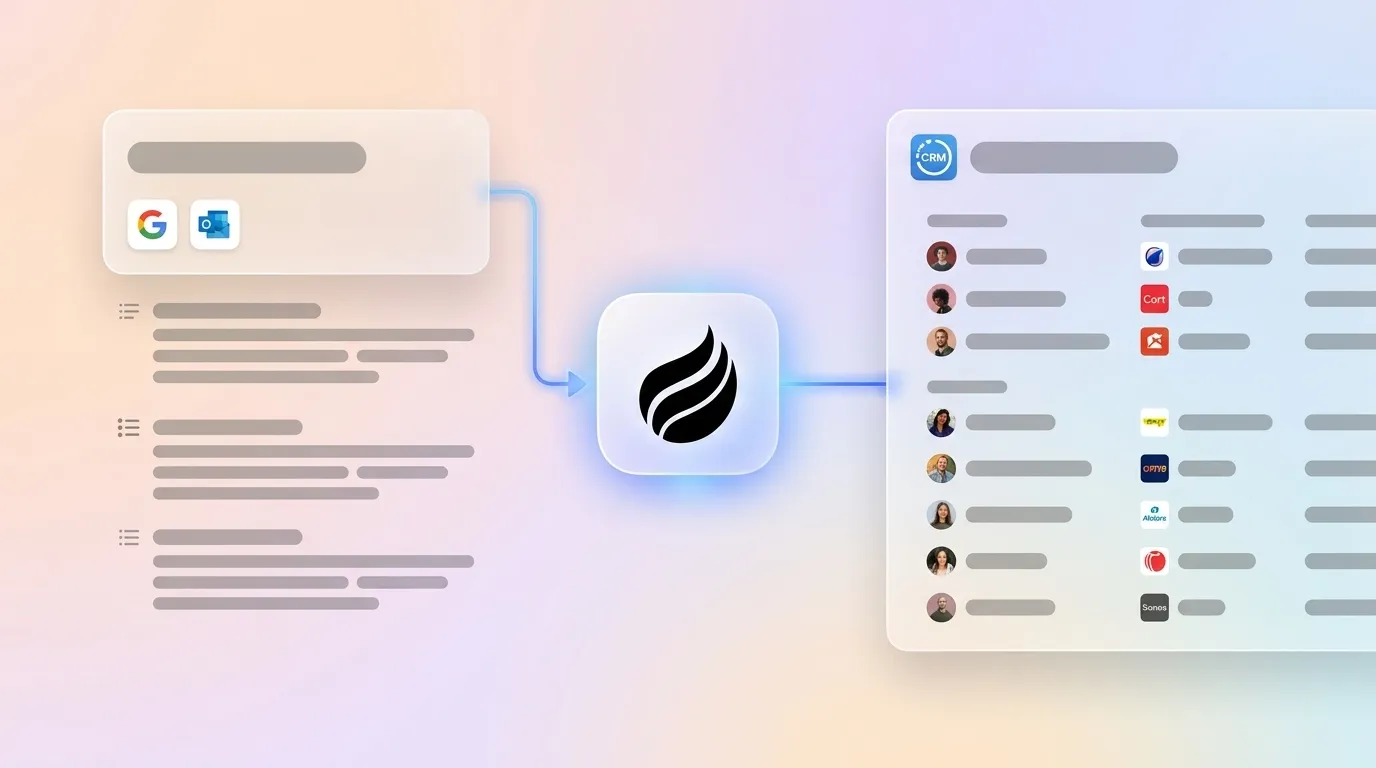
- Automatic ingestion: Coffee’s agent scans emails, calendar events, and call transcripts as they appear. It auto-creates Contact and Company records, logs activity, and enriches records with job titles, funding data, and LinkedIn profiles, all without a manual trigger.
- Post-meeting output: After each call, Coffee generates a structured summary, identifies next steps, and drafts a follow-up email in Gmail for the rep to review and send. Notes follow BANT, MEDDIC, or SPICED if configured, so qualification data enters the system in a consistent format.
- Pipeline sync: Coffee’s Pipeline Compare feature tracks week-over-week deal changes automatically. It surfaces progressed deals, stalled opportunities, and new additions without CSV exports.
- Salesforce and HubSpot teams: Coffee operates as a Companion App. It authenticates once, then writes enriched data and call insights back to the existing system of record on an ongoing basis.
- Troubleshooting: Coffee is SOC 2 Type 2 and GDPR compliant. Data never trains public models. For mismatched contact associations, Coffee’s agent resolves conflicts using email-domain matching across the connected workspace.
Teams that want this fully autonomous behavior can review Coffee’s plans and start a trial.

Side-by-Side Comparison: Granola and Zapier vs Coffee
| Dimension | Granola Native (HubSpot/Attio) | Granola + Zapier (Salesforce/Pipedrive) | Coffee Autonomous Agent |
|---|---|---|---|
| Coverage scope | Meeting notes only, with a one-way push to HubSpot, Attio, or Affinity | Meeting notes routed into Salesforce objects or Pipedrive through Zap field mappings | Meetings, emails, calendar, enrichment, and pipeline, all handled by one agent |
| Required integrations | Business plan ($14/user/mo) plus OAuth per CRM | Business plan ($14/user/mo) plus a Zapier subscription; traditional middleware stacks often cost tens of thousands of dollars per year, with examples such as median F5 contracts at $45,945/year and MuleSoft first-year TCO of $350,000–$600,000+. | One-time Google Workspace or Microsoft 365 authentication, with no middleware required |
| Data entry model | Review-first: the rep clicks Enhance, reviews, then manually triggers sync after every meeting | Review-first: the rep clicks Enhance, reviews output, then triggers the Zap | Autonomous: the agent captures, enriches, and logs continuously with no per-meeting manual step |
| 2026 pricing | $14/user/mo (Business) and $35+/user/mo (Enterprise) | Granola Business at $14/user/mo plus additional Zapier costs | Seat-based pricing with agent labor included, and detailed plan and trial options listed on Coffee’s pricing page |
Validation Benchmarks and Realistic Time Savings
After 30 days on either workflow, measure success against three benchmarks that together show whether automation has replaced manual work. First, aim for zero manual CRM updates after meetings. Every call should produce a logged activity without rep intervention, which confirms the workflow runs end to end.
Second, confirm accurate week-over-week pipeline changes in Coffee’s Compare view. This visibility replaces the manual pipeline review spreadsheet that teams often maintain when CRM data is incomplete. Third, track measurable time reclaimed per rep. Coffee’s agent targets 8–12 hours saved per week, aligning with the 35-55% reduction benchmark mentioned earlier.
Teams on the Granola and Zapier path still carry a per-meeting review step. That checkpoint improves data accuracy, but it does not remove the human-in-the-loop burden. Only about 28-30% of a sales rep’s time is currently spent on actual selling activity. Any workflow that requires a manual trigger after every call leaves meaningful time unused.
See how Coffee’s autonomous agent eliminates manual data entry, view pricing, and start a trial.
Scaling from 10 to 50 Seats and Moving Off Spreadsheets
The Granola and Zapier path scales linearly with headcount. Each new rep needs a Granola Business seat, an individual OAuth connection, and training on the review-first workflow. Zapier Zaps may hit task quotas as meeting volume grows, which can force plan upgrades.
API access appears on Granola’s Business plan at $14/user/month and on the Enterprise plan at $35+/user/month for teams that want to extend the workflow programmatically. These costs stack with Zapier usage and internal support time as the team grows.
Coffee’s seat-based model includes the agent’s labor at every seat count. Teams migrating from spreadsheets see immediate benefits. Coffee auto-creates contacts and companies from Google Workspace or Microsoft 365 on first connection, which removes the manual import step.

Teams already on Salesforce or HubSpot connect Coffee’s Companion App once. The agent then writes enriched data back to the existing system of record without disrupting current workflows or forcing a CRM migration.
Frequently Asked Questions
Can Granola integrate with Salesforce?
Granola does not offer a native Salesforce integration. As of 2026, Salesforce connectivity requires a Zapier workflow in which a trigger, such as a note being added to a Granola folder, routes the enhanced meeting note into Salesforce objects like Opportunities, Contacts, or Tasks.
The field mappings live in Zapier instead of Granola, and the workflow remains review-first. The rep must click Enhance notes and review the AI output before the Zap fires. Teams that need fully automatic Salesforce logging without a per-meeting manual step can evaluate Coffee’s Companion App for Salesforce, which writes enriched call data back to Salesforce continuously after a one-time authentication.
How does Granola AI work with Outlook?
Granola connects to Microsoft 365 during initial setup and gains access to the Outlook calendar. It receives microphone and system audio permissions so it can capture meetings scheduled through Outlook.
The calendar connection surfaces upcoming meetings in Granola’s interface and associates transcripts with the correct meeting record. CRM sync behavior stays the same whether the user connects through Google Workspace or Microsoft 365. The native HubSpot, Attio, and Affinity integrations and the Zapier path for Salesforce and Pipedrive all function identically.
The Outlook connection does not provide automatic email logging into a CRM. That capability requires a separate integration or a tool like Coffee that ingests both calendar and email data as part of its core agent workflow.
What does the Granola Business tier cost?
Granola’s Business tier costs $14 per user per month. It includes unlimited meeting notes and history, team shared folders, native CRM integrations with HubSpot, Attio, and Affinity, Zapier automation support, Granola Recipes for post-call actions, and Granola MCP for connecting meetings to external AI apps.
API access does not appear at the Business tier. That feature is restricted to the Enterprise plan at $35 or more per user per month. Granola’s pricing page does not clearly state whether the listed rates are month-to-month or reflect an annual billing average.
Does Granola work with Pipedrive?
Granola has no native Pipedrive integration. Pipedrive connectivity requires a Zapier workflow that follows the same review-first pattern used for Salesforce. The team runs the meeting, clicks Enhance notes, reviews the output, then triggers the Zap to push data into Pipedrive.
Pipedrive’s REST API supports creating or updating persons, organizations, deals, and activities, so field mapping remains flexible once the Zap is configured. However, Pipedrive lacks an official MCP server, which increases setup complexity relative to HubSpot.
Teams that want automatic Pipedrive logging without middleware can evaluate Coffee’s standalone CRM or Companion App. Coffee handles the same data capture without requiring Zapier configuration.
Conclusion: Choosing Coffee to Remove Post-Meeting Busywork
Two workflows exist for getting Granola meeting notes into a CRM. The Granola-native plus Zapier path connects to HubSpot, Attio, Affinity, Salesforce, and Pipedrive, yet it remains review-first and manual per meeting. Every call still requires a rep to click Enhance, review the output, and trigger the sync.
This pattern improves on raw copy-paste but does not deliver zero-touch automation. Coffee’s autonomous agent path removes the per-meeting manual step entirely. One authentication to Google Workspace or Microsoft 365 gives the agent access to meetings, emails, and calendar data.
The agent then auto-creates records, enriches contacts, logs activity, generates summaries, and tracks pipeline changes continuously without a human trigger. For RevOps teams focused on CRM data quality and rep adoption, that difference compounds across every call, every week, at every seat.
Ready to eliminate post-meeting data entry? Compare Coffee’s plans and start your free trial.