Written by: Doug Camplejohn, CEO & Co-Founder, Coffee
Key Takeaways
- Anonymous website visitor identification in 2026 uses tracking pixels and identity graphs to match U.S. B2B traffic to specific individuals, not just company names.
- Person-level identification returns actionable details like name, title, email, and LinkedIn while staying compliant with current U.S. privacy rules.
- Realistic person-level match rates sit in the 5–20% range, which is lower than company-level but far more useful for direct outreach.
- A single 5-step implementation flow covers pixel installation, persona definition, Suggested Leads activation, CRM or Slack routing, and 48-hour validation.
- You can start routing identified visitors into your CRM today with Coffee.
Company vs. Person Identification for B2B Teams
Company-level identification uses reverse IP lookup against corporate IP databases to return the organization name, industry, size, and pages viewed, but not the individual. Realistic company-level match rates for B2B traffic in 2026 sit at 30–65%.

Person-level identification goes further and resolves a specific name, email, and LinkedIn profile. Independent reviews place real-world person-level accuracy at 5–20%, which is lower than company-level but far more actionable for direct outbound. In the EU, company-level data generally does not constitute personal data under GDPR and can be processed under legitimate interest, while person-level identification almost always requires explicit consent. For U.S.-focused teams, person-level identification is usually the practical choice.
To reach person-level identification reliably, you need a basic grasp of the tracking mechanisms behind these tools and how they have changed since 2020.
How Tracking Pixels and Device Fingerprints Work in 2026
The three primary visitor-tracking mechanisms are cookie-based tracking, browser fingerprinting, and login-based identity. First-party cookies remain the standard for session continuity but do not persist across devices and are limited by Safari’s Intelligent Tracking Prevention and Firefox’s Enhanced Tracking Protection, sometimes to as few as seven days.
Browser fingerprinting, which combines screen resolution, fonts, browser version, OS, timezone, and language into a unique identifier, is increasingly blocked by privacy-focused browsers and classified by GDPR regulators as requiring consent. Modern B2B tools now layer reverse IP lookup with first-party pixel signals, third-party intent data, and identity graph matching to compensate, creating a hybrid resolution workflow that outperforms any single method.
Real-World Match Rates and Common Limitations
Realistic person-level identification reaches the lower end of the 5–20% benchmark for most B2B traffic, and any vendor claim above 40% person-level match rates likely conflates company-level and person-level statistics. Vendors frequently blend company- and person-level rates into inflated claims of 70–80%+, while realistic rates are 30–65% at the company level and within the benchmark range at the person level.
Common failure modes to plan for:
- VPNs and residential IPs: Remote work has reduced IP-based match rates by single-digit percentages compared to pre-2020 levels.
- Mobile traffic: IP-based identification accuracy is reduced for people using mobile connections, which limits precise visitor recognition.
- Ad blockers on paid channels: Direct and organic traffic produce higher match rates than paid traffic because of ad blockers and VPN usage on paid channels.
- Small companies: Smaller companies can be harder to identify due to network configuration, which remains a known constraint for that segment.
Common mistake: Teams often expect mobile visitors to match at the same rate as desktop visitors. Mobile identification rates are materially lower, so prioritize desktop-sourced alerts for initial outreach sequences.
Top Website Visitor Identification Tools Comparison
When you compare visitor identification tools, most vendors can return a company name. Coffee’s Suggested Leads feature stands out because it cross-references the visiting company against your buyer persona and recommends specific people to contact. The comparison below highlights how this persona-matching capability differs from alternatives.
| Tool | Company-Level Match Rate (U.S. B2B) | Person-Level Match Rate (U.S. B2B) | Suggested Leads / Persona Matching |
|---|---|---|---|
| RB2B | Not the primary focus | 5–20% | No, surfaces raw people lists, U.S. only |
| Warmly | 30–65% (or 65%+ via its data waterfall) | 5–20% overall (~15%; 10–15% for U.S. B2B) | No, multi-provider waterfall with no persona filter |
| Leadfeeder | ~15% | Company-level only by default | No, requires a separate enrichment step |
| Visitor Queue | Varies by tool | Company-level primary | No |
| Coffee | 30–65% (industry benchmark) | 5–20% (industry benchmark) | Yes, Suggested Leads matches 2–3 specific individuals to your buyer persona |
The last column matters most. Every tool in this table can return a company name. Only Coffee’s Suggested Leads cross-references the visiting company against your defined buyer persona and recommends specific individuals worth contacting, which removes the manual step of opening LinkedIn Sales Navigator to find the right person inside the account.
5-Step Implementation Checklist for Coffee
This single checklist gives you one clear implementation path, from pixel install through routing and validation.
- Install the tracking pixel. Drop a single script into the
<head>tag of your site so it loads on every page. Coffee auto-verifies installation in the dashboard and begins resolving visitors as traffic arrives. - Define your buyer persona. Set job titles, company size, and industry filters so the system scores visitors against your ICP instead of returning unfiltered lists.
- Enable Suggested Leads. Turn on Coffee’s Suggested Leads layer so it cross-references each visiting company against your persona and surfaces two or three specific individuals with LinkedIn profiles instead of a generic account card.
- Configure Slack and CRM routing. Map high-fit visitor alerts to a dedicated Slack channel, then set rules to push enriched records into Salesforce or HubSpot, or directly into Coffee’s Standalone CRM.
- Validate within 48 hours. Review match counts, confirm enrichment fields are populated, and check that opt-out signals are honored before you scale outreach.
Install your pixel and define your persona in under an hour with Coffee.
GDPR & CCPA Compliance Checklist for U.S.-Focused Teams
As of May 2026, 22 U.S. states have enacted comprehensive consumer privacy laws. For a 10–50 person tech company running visitor identification, use this minimum compliance checklist.
- Update your privacy notice. California’s 2026 CCPA updates require companies to explain what data is collected, why, whether it may be sold or shared, and how automated decision-making is used.
- Honor Global Privacy Control (GPC) signals. Of the 20 U.S. state comprehensive privacy laws, 12 mandate honoring universal opt-out signals such as Global Privacy Control. A late-2025 California enforcement action against Tractor Supply resulted in a $1.35 million CCPA fine.
- Conduct a privacy risk assessment if required. California requires privacy risk assessments before processing that presents a significant risk to consumer privacy, including profiling and use of automated decision-making technologies.
- Restrict person-level identification to U.S. traffic. Person-level identification is reliable only for U.S. traffic due to consent requirements in other regions.
- Build a deletion workflow. Companies need processes to respond to deletion and opt-out requests across every system where visitor-identification data is stored or activated.
Common mistake: Teams often forget to update the privacy policy after installing a visitor identification pixel. Regulators now enforce notice requirements, not just consent banners.
Turning Identified Visitors into Pipeline with Suggested Leads
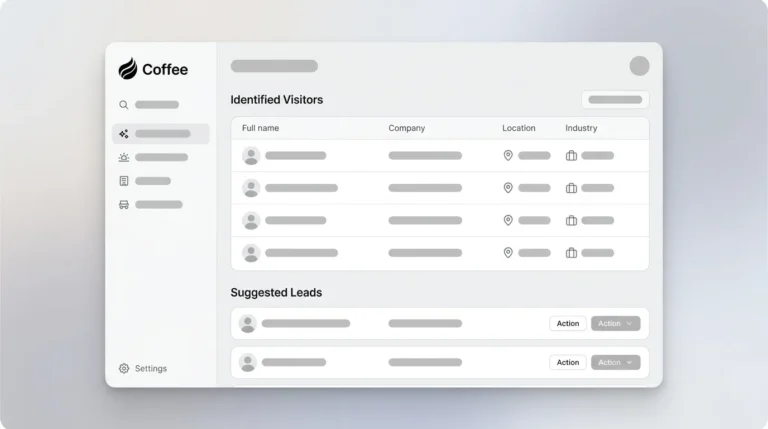
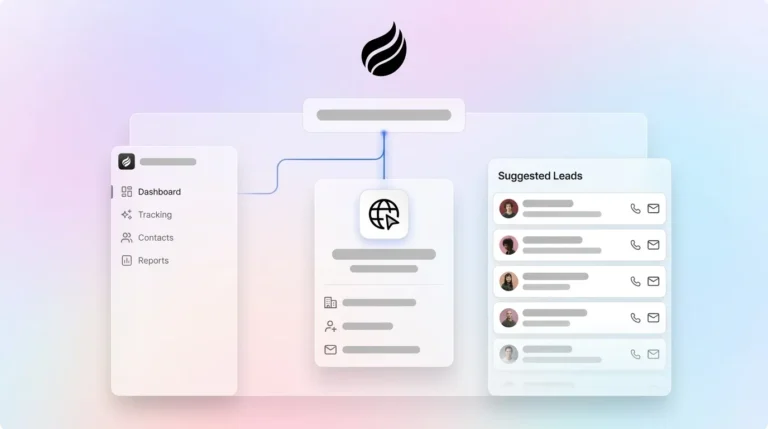
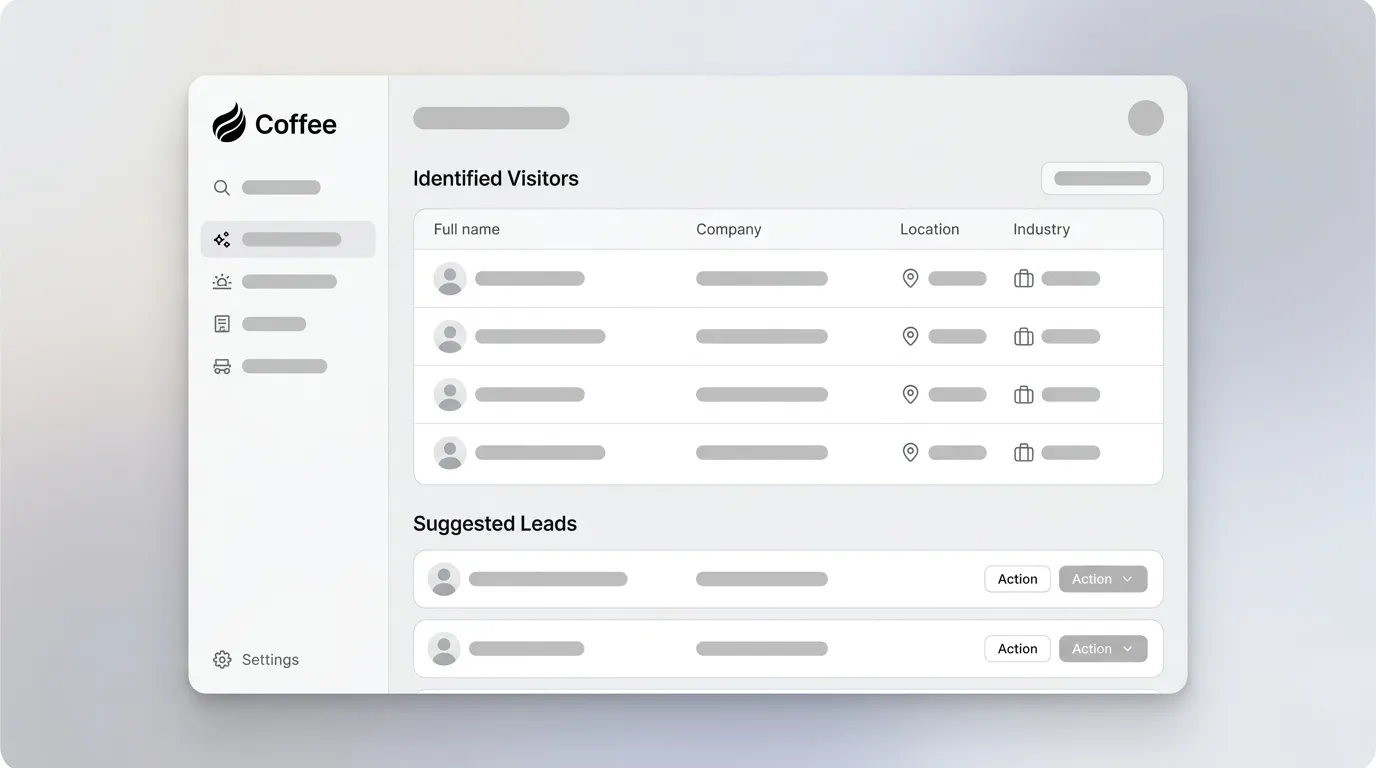
Identified visitor data still needs a clear next step, and Coffee’s Suggested Leads feature supplies that step. When a company visits your site, Coffee’s agent cross-references the account against your buyer persona definition and surfaces two or three specific individuals with pre-filled enrichment such as name, title, email, and LinkedIn profile.

One click adds the prospect to your CRM with all fields populated, ready for a LinkedIn connection request, an outbound email, or auto-enrollment in a drip sequence. This workflow closes the loop that standalone tools like RB2B and Warmly leave open. Those tools hand you a list, while Coffee hands you a shortlist with a recommended action.
Activate Suggested Leads in your existing CRM with Coffee.
Validation and Success Criteria for the First 30 Days
Your first month should confirm that the system works technically and that it moves pipeline in a measurable way. Start by validating that the pixel and identity graph function correctly, then measure how identified visitors convert compared with cold outbound.
Track these four benchmarks during the first 30 days:
- Time-to-first-lead: Target under 48 hours from pixel install to the first actionable Slack alert.
- Person-level match rate: Expect your match rate to fall within the benchmark range established earlier, and flag any vendor claiming materially higher results without methodology disclosure.
- Enrichment completeness: Track what percentage of identified records include email, title, and LinkedIn. Large gaps suggest identity graph coverage issues.
- Pipeline attribution: Tag CRM opportunities sourced from visitor identification and compare conversion rate against cold outbound to quantify ROI.
Deployment Models and Scaling with Coffee
Coffee supports two deployment models so teams can match the product to their current stack. For teams already on Salesforce or HubSpot, Coffee operates as a Companion App that writes enriched visitor records back to your existing system of record without disrupting current workflows. Custom fields, required fields, and forecast categories stay intact.
If you are a smaller team, typically under 20 people, and you have outgrown spreadsheets but have not yet committed to an enterprise CRM, Coffee’s Standalone CRM offers a faster path. Visitor identification, enrichment, pipeline tracking, and meeting intelligence live in one agent from day one, with no integration overhead.
As headcount grows past 50, the same pixel and persona configuration scales without re-instrumentation. The Suggested Leads logic updates dynamically as you refine your ICP definition inside Coffee.
Choose your deployment model and start routing visitors today with Coffee.
Frequently Asked Questions
How long does it take to set up Coffee’s visitor identification and see the first lead?
Pixel installation usually takes under five minutes. Copy the script, paste it into your site’s <head> tag, and Coffee verifies it automatically. Most teams receive their first Slack alert with a named visitor within 24–48 hours, depending on traffic volume. Persona filters and CRM routing can be configured in the same session, so the full closed-loop workflow typically goes live the same day.
How does Coffee handle data retention and deletion requests?
Coffee is SOC 2 Type 2 compliant and does not use customer data to train public models. Visitor identification records are stored within Coffee’s data warehouse and can be deleted on request. For teams operating under CCPA or multi-state privacy obligations, Coffee supports opt-out and deletion workflows so that visitor data can be purged from the system of record when a consumer exercises their rights. Teams should also ensure their own privacy notices reflect the use of visitor identification technology, because regulators now enforce notice requirements independently of consent banners.
What pricing model does Coffee use, and what is included in the visitor identification feature?
Coffee uses seat-based pricing. You pay per human seat, and the agent’s labor, including visitor identification, Suggested Leads, enrichment, meeting intelligence, and pipeline tracking, is included without separate metering or add-on fees. There are no per-identification charges or LLM usage fees. Visitor identification is part of the core product whether you use Coffee as a Standalone CRM or as a Companion App on top of Salesforce or HubSpot.
What happens to match rates if my company grows past 50 employees?
Match rates depend on traffic volume, traffic source mix, and identity graph coverage, not your internal headcount. As your team grows, the main levers for improving match rates are increasing organic and direct traffic, refining persona filters to focus Suggested Leads on higher-probability accounts, and keeping your privacy notice and opt-out mechanisms current as you enter new state jurisdictions. Coffee’s pixel and persona configuration scales without re-instrumentation as your ICP evolves.
Can Coffee’s visitor identification work alongside an existing Salesforce or HubSpot instance without disrupting current data?
Yes. Coffee’s Companion App model authenticates against your existing Salesforce or HubSpot instance and writes enriched visitor records back to it as new contacts or leads, while respecting required fields, custom field mappings, and existing workflow rules. It does not overwrite or replace existing records. Pipeline data, forecast categories, and quota structures remain intact. The Coffee agent adds visitor identification and enrichment on top of your current system of record rather than replacing it.